

Page 5 – Gestures for Launchpad and Mission Control
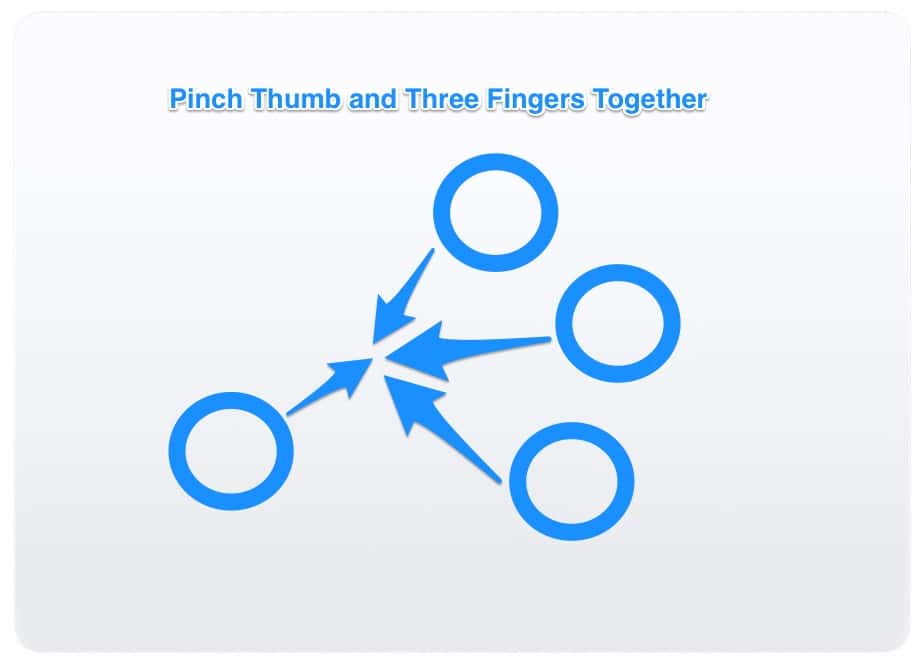
To fire up the Launchpad, pinch your thumb and three fingers together. Spread them apart again, and you’ll go back to your normal desktop and windows.
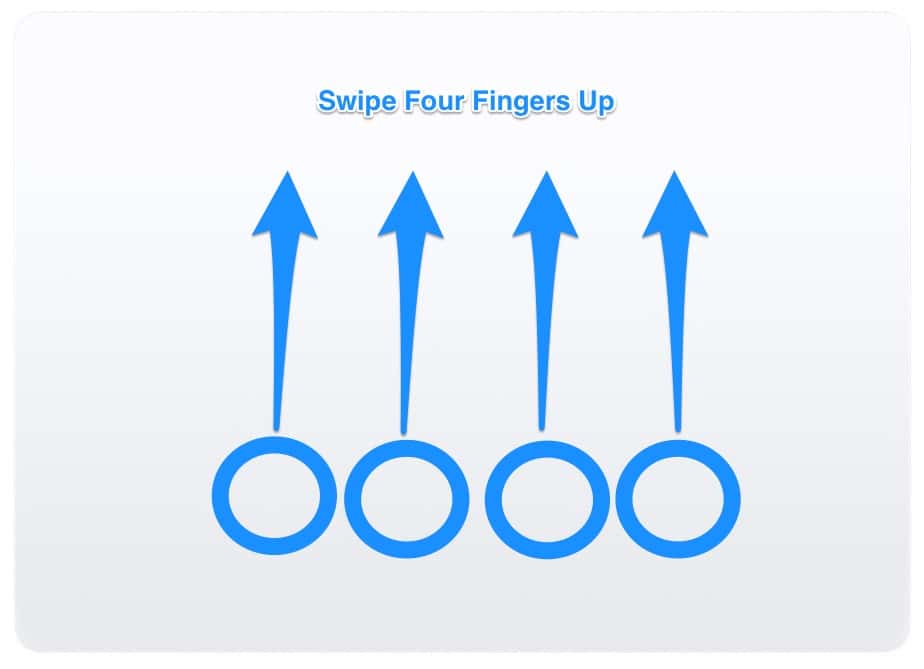
How about some Mission Control love? You guessed it, there’s a Mac trackpad gesture for that. If you swipe all the way up on your trackpad with four fingers, and Mission Control will open. Swipe back down again with four fingers, and you’ll be back to normal.
Fun With Mac Trackpad Gestures
There you have it, the Mac trackpad gestures available on your Magic Trackpad 2 or MacBook with a Force Touch Trackpad. If you learn these and use them, you’ll become a Mac pro in no time, speeding along through your work or pleasure with ease. Want another one? Check out Mac Geek Gab’s tip on closing a Safari tab with a swipe.
Don’t miss the best of The Mac Observer
Set us as a preferred source and our Apple reporting ranks higher in your Google Search results and Discover feed — one tap, no account changes.




Yes, that’s true. Hence this statement:
The Force Click feature requires a Force Touch Trackpad. It is not available to earlier Trackpad versions.