
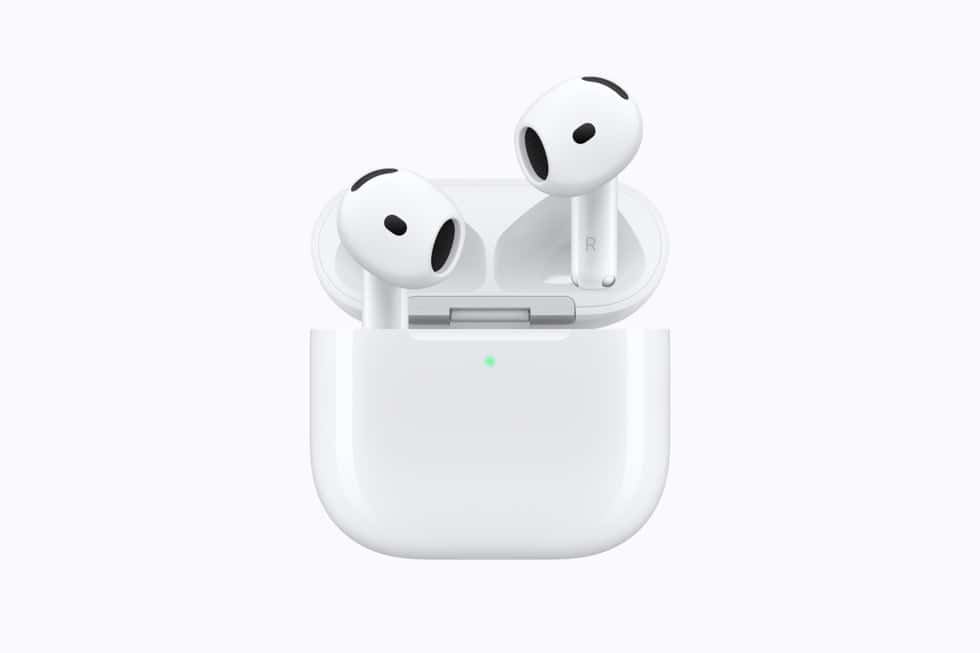
If the stem on a new pair of AirPods 5 skips a track when you meant to pause, or ignores a press entirely, the fix is not in the AirPods settings page. Apple keeps the timing controls at Settings > Accessibility > AirPods, where almost nobody thinks to look.
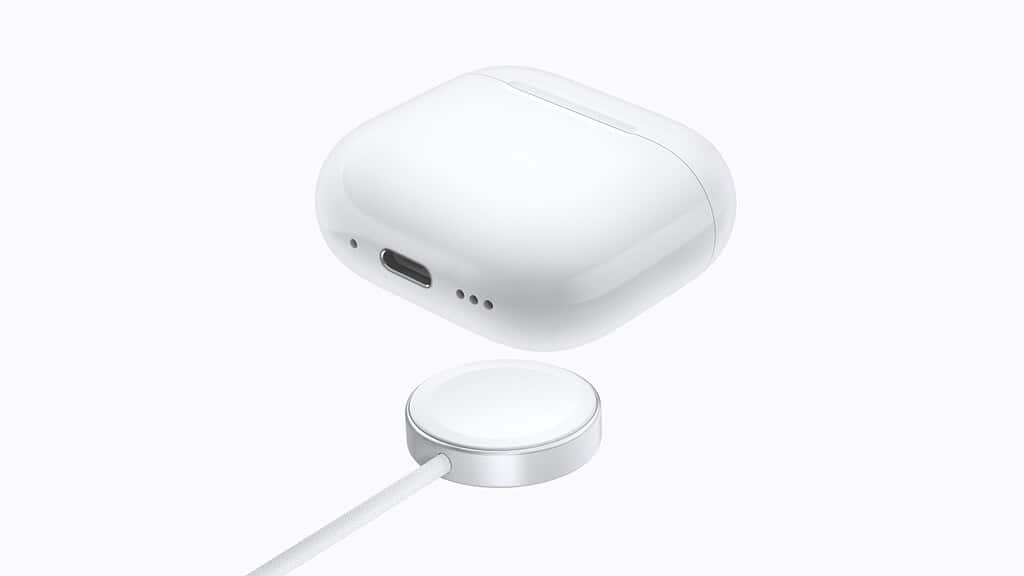
There are two settings that matter for a mis-firing stem, Press Speed and Press and Hold Duration, plus a Volume Control section that only applies to one AirPods 5 model. Apple’s page covers “AirPods 3, AirPods 4, AirPods 5, AirPods Pro, or AirPods Max”.
What the stem is supposed to do
Know the baseline before you change anything, because a press that feels broken is usually the right gesture counted wrong. From Apple’s controls and gestures page:
Don’t miss the best of The Mac Observer
Set us as a preferred source and our Apple reporting ranks higher in your Google Search results and Discover feed — one tap, no account changes.
- Press the stem to play or pause audio, and press again to resume.
- Double-press the stem to play the next track.
- Triple-press the stem to play the previous track.
- Press the stem to answer an incoming call.
- On AirPods 5 with Wireless Charging Case, lightly swipe up or down on the stem to adjust volume.
So a single press that skips forward means two presses were registered. A press that does nothing usually means the two halves of a double-press landed too far apart to count, or a press and hold ended too early.

The two settings that fix it
Open Settings, tap Accessibility, then tap AirPods. Your AirPods need to be connected for the entry to be useful.
- Press Speed changes how quickly you have to press for a double or triple press to count. Slow it down if double-presses are being read as two separate single presses.
- Press and Hold Duration changes how long you have to hold before the hold gesture fires. Lengthen it if a normal press is being read as a hold.
Apple publishes no numbers behind either control, no milliseconds and no thresholds, only the options themselves. Neither setting changes what a press does. They change timing and sensitivity, and nothing else.
Volume Swipe is one model only
The same Accessibility screen carries a Volume Control section with a Volume Swipe toggle and an adjustable swipe length. Apple scopes it precisely: “Volume Control for AirPods 5 with Wireless Charging Case, AirPods Pro 2, and AirPods Pro 3”.
That matters if you are buying this week. The base AirPods 5 has no volume swipe, so there is nothing to turn off and nothing to knock by accident when you adjust a bud. On the Wireless Charging Case model, the swipe is live, and if you keep nudging the volume while seating an earbud, the toggle on this screen is the switch that stops it.
The same settings on a Mac, a Watch and an Apple TV
Apple documents the other routes on the same page, which is useful if the phone is not to hand.
| Device | Path |
|---|---|
| iPhone or iPad | Settings > Accessibility > AirPods |
| Mac | System Settings > Accessibility > Audio |
| Apple Watch | Settings > Accessibility > AirPods |
| Apple TV | Settings > Accessibility > AirPods |
The Mac version uses lower-case labels, “Press speed” and “Press and hold duration”, alongside the same Volume Control section. The Apple Watch and Apple TV screens carry Press Speed and Press and Hold Duration only.
One caveat about where this lives. Apple files it as an accessibility article rather than a general AirPods settings page, so it is written for people who need the controls made easier, not for people fine-tuning them. The settings behave the same either way.
Try it during setup
AirPods 5 reaches buyers on September 18, and the first few days are when the stem feels least natural. Give the default a day, then adjust one setting at a time rather than both, or you will not know which one helped. Our AirPods 5 launch coverage covers the two models and what separates them, and the iPhone 18 Pro overview covers the phone most of these will pair with.



