
A new hands-on video demonstrates left-handed use of iPhone Duo, including the reach across its outer display to the right-side vertical controls.
Accessibility

AirPods 5 press speed and hold time live in Accessibility settings
If the stem on a new pair of AirPods 5 skips a track when you meant to pause, or ignores a press entirely, the fix is not in the AirPods settings page. Apple keeps the timing controls at Settings > Accessibility > AirPods, where almost nobody thinks to look. The AirPods 5 Wireless Charging Case…
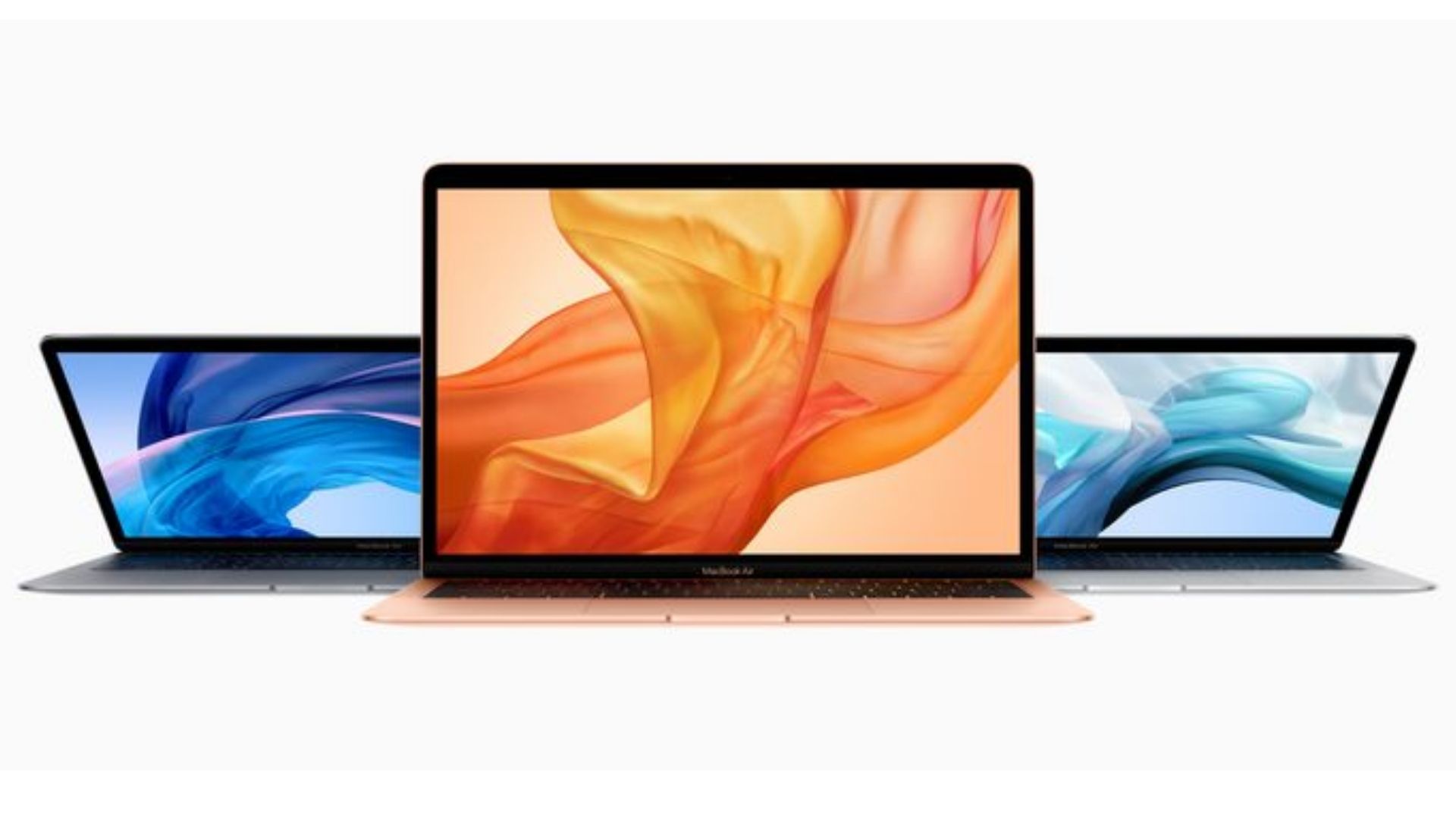
macOS 27 generates subtitles for video that has none, on M1 Macs and up
macOS 27 can build synced subtitles for a video that shipped without any, and it can put subtitles on screen in a language other than the one being spoken. Apple attaches two hard limits to the first half of that: the Mac needs an M1 chip or later, and generated subtitles are English only, for…

iOS 27 moved Text Size, Bold Text, and Liquid Glass to a new Appearance menu
In iOS 27, Text Size, Bold Text, Display Zoom and the Liquid Glass control have left Display & Brightness. Open the Settings app and tap Appearance, which is where Apple’s iOS 27 iPhone User Guide now sends you for all four. Two iPhone 18 Pro models, which come with iOS 27 and its reorganized Settings…

Does AirPods 5 Have Hearing Test or Hearing Protection? What Apple Lists Instead
Apple’s own AirPods comparison page marks Hearing Test, Hearing Aid and Hearing Protection as No for both AirPods 5 and AirPods 5 with Wireless Charging Case. Those three rows stay marked Yes only for AirPods Pro 3. What AirPods 5 does list on the same page is a different, smaller set: Live Listen, Headphone Levels…

iOS 27 Voice Control Adds Natural Language in Four Countries: US, Canada, UK and Australia
Apple’s iOS 27 page says Voice Control will let you describe an onscreen control rather than remember its label, and Apple’s own regional footnote limits that change to English in four countries: the United States, Canada, the United Kingdom and Australia. iOS 27 arrives as a free update on Monday, September 14. Image: Apple Voice…

Accessibility Reader in iOS 27: Summaries and Translation for Dense Text, and the Five Details Apple Left Out
Apple’s iOS 27 page lists Accessibility Reader as one of five accessibility features arriving on Monday, September 14, and describes it in a single line: summaries and translation on complex material. That line is the whole of what Apple has published about it. iOS 27 ships on the iPhone 18 Pro and on every iPhone…

Apple Watch Series 12 Sound Recognition and Live Rewind: The Two Features That Need the New Watch
Apple Watch Series 12 and Apple Watch Ultra 4 add Audio Intelligence, and two parts of it matter if you are deaf or hard of hearing: Sound Recognition alerts for sirens, alarms, doorbells and baby cries, and Live Rewind, which shows the previous 15 seconds of a conversation as text when you double-press the Digital…
iOS 27 Auto-Generated Subtitles: Captions for Any Video, and the Six Things Apple Has Not Published
iOS 27 can generate subtitles for video by itself. Apple’s wording is that the system automatically generates synced subtitles for any video you watch, and that it can translate existing captions into other languages. It arrives with the free update on Monday, September 14. iOS 27 runs on iPhone 11 and later, up to the…

VoiceOver in iOS 27: Richer Image Descriptions, Live Recognition and Action Button Integration
iOS 27 lists three changes to VoiceOver, Apple’s built-in screen reader: richer descriptions of images, Live Recognition, and Action button integration. The update is free on Monday, September 14, and installs on iPhone 11 and later plus iPhone SE (2nd generation and later). iOS 27 arrives as a free update on Monday, September 14. Image:…

iOS 27 Accessibility: VoiceOver Image Descriptions, Auto Subtitles With Translation and Magnifier Tools
iOS 27 adds three accessibility features that Apple calls out by name on its iOS 27 page: richer VoiceOver image descriptions, auto-generated video subtitles with translation, and new Magnifier tools. All three arrive with the free update on Monday, September 14, on iPhone 11 and later. iOS 27's accessibility features run on iPhone 11 and…

Accessing Accessibility with Shelly Brisbin - TMO Show 2024-06-14
Shelly Brisbin knows a lot about a lot, including accessibility and tech. She’s a producer and reporter at Texas Standard, a contributor to Six Colors, and host of the podcast “Parallel.” Recorded pre-WWDC2024, Shelly joins us to talk about what everyone needs to know about accessibility in tech, her time with Apple Vision Pro, her thoughts on AI and Apple and AI, and the tech she wants more than any other.

How to Turn on Voice to Text on iPhone
Need to know how to enable voice to text on your iPhone? This handy guide can show you what you need to know.

How to Use Dictation in macOS: A Comprehensive Resource
Like Siri, Dictation adapts to you. The more you use it, the better it gets at understanding your voice and accent.

iPhone Background Sounds: How To Use Apple's Accessibility Feature
Explore how to harness the power of the iPhone’s Background Sounds feature to achieve better focus and rest.

How To Turn On and Use Live Listen With Your AirPods or Beats
Explore Apple’s Live Listen feature. Learn how to turn on Live Listen and use it with your AirPods or Beats.

How To Remove Blue Microphone Icon at the Top of Your iPhone
Is your iPhone displaying a microphone icon in the status bar? Read along to learn how to remove the blue microphone icon from iPhone.

New Accessibility Features Coming in 2023 to iPhone, iPad, Mac
Apple has announced upcoming new accessibility features. Let’s learn about the upcoming Assistive Access, Live Speech and other new features.

Hear More Clearly Using Live Listen With AirPods or Beats Headphones
When you need to hear a bit more clearly, Live Listen helps you use your iPhone as a microphone to your AirPods or Beats headphones.

New 'The Greatest' Video Highlights Accessibility Features in Apple Products
A new video from Apple, simply titled “The Greatest” highlights the accessibility features found across the companies’ devices.

Synchron Clinical Trial Explores Controlling iPhone With Your Brain
An FDA-approved clinical trial is allowing people to control their iPhone or iPad devices using just brain waves.

How to Turn Your Mac Into a White Noise Generator
New to macOS Ventura, your Mac now has a built-in white noise generator just like in iOS. Here’s how to find and use it.

Apple Partners Up to Improve Voice Recognition Systems for Disabled Users
Apple has joined a University of Illinois Urbana-Champaign project to improve voice recognition systems for disabled users.

Your iPhone 14 Can Make a Mac-Like Startup Chime
A new Accessibility option appears to allow you to have a startup chime when you power off or on your iPhone, but only on the iPhone 14.