
The best Apple Music playlists for focus reduce distractions and keep your mind engaged without pulling attention away from work. Apple curates several editorial playlists designed for deep concentration, creative tasks, and sustained productivity.
Table of Contents
Best Apple Music Productivity and Focus playlists
1. Concentration
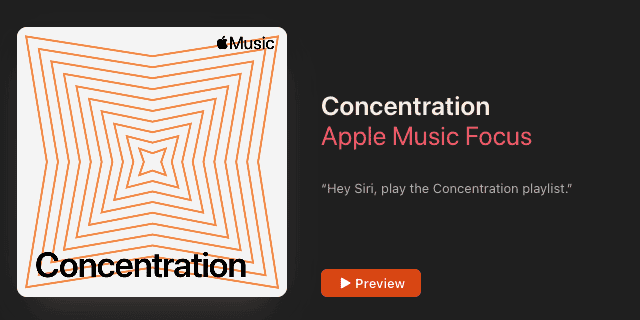
Concentration is one of the most consistent Apple Music focus playlists for deep, uninterrupted work. It relies heavily on ambient, modern classical, and minimalist electronic tracks with little rhythmic variation.
Time needed: 3 minutes
- Use headphones to minimize environmental distractions.
- Keep volume at a steady, low level to avoid drawing attention to the music.
- You can combine instrumental playlists with other sounds, like raining effects or white noise, for a stacked effect.
2. Productivity
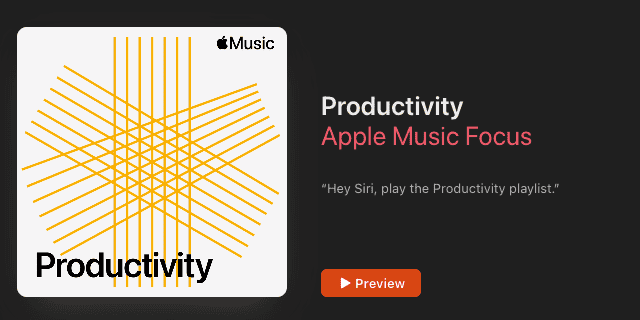
The Productivity playlist offers a slightly more energetic approach while remaining non-distracting. It blends soft electronic textures, light beats, and instrumental tracks suitable for long work sessions.
Don’t miss the best of The Mac Observer
Set us as a preferred source and our Apple reporting ranks higher in your Google Search results and Discover feed — one tap, no account changes.
- Start playback when transitioning into focused tasks.
- Let the playlist run without skipping tracks.
- Pair it with routine tasks or structured work blocks.
3. Creative Focus
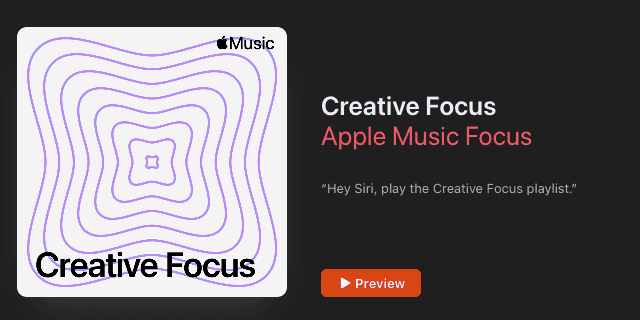
Creative Focus is an Apple Music playlist that helps with brainstorming, writing, and design work. The playlist includes a wider sonic range, helping prevent mental fatigue during open-ended creative sessions.
- Play the playlist during ideation or drafting phases.
- Allow moderate volume changes for creative stimulation.
- Avoid multitasking while listening.
4. Binaural Frequencies
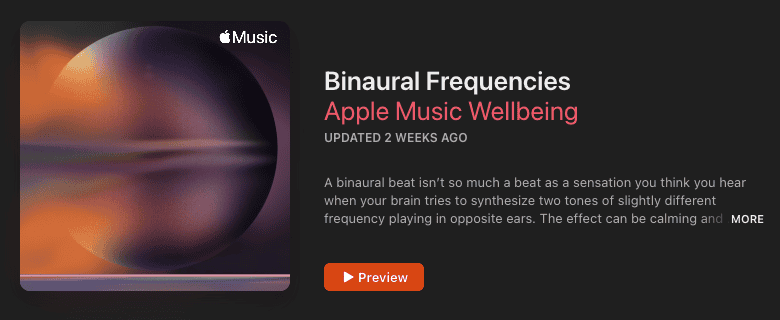
Binaural Frequencies uses spatial audio effects and steady sound patterns designed for headphone listening. It emphasizes immersive soundscapes rather than traditional song structures.
- Use wired or high-quality wireless headphones.
- Sit in a quiet environment for best results.
- Limit session length if you are new to binaural audio.
5. Lofi Focus
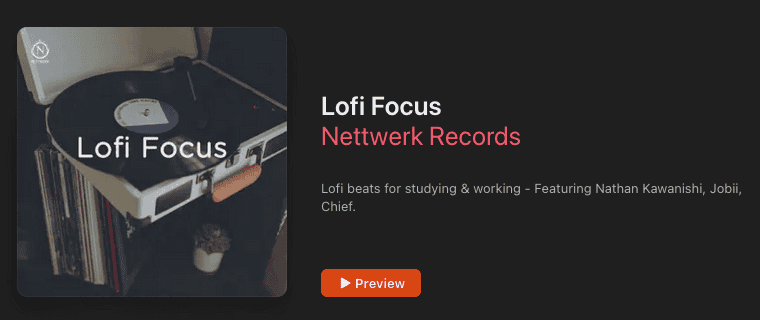
Lofi Focus combines soft beats with warm, analog-style production. It works best for light concentration, casual work, or study sessions that benefit from gentle rhythm.
- Play at low volume to prevent beat distraction.
- Use during reading, studying, or routine computer work.
- Pause playback during tasks requiring intense reasoning.
Bonus: Ambient Music in Control Center
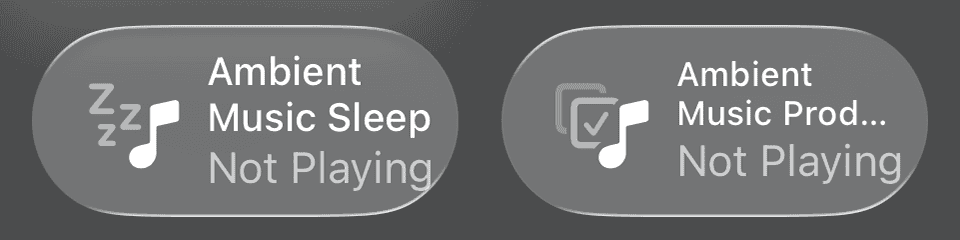
Apple also offers Ambient Music through Control Center on iOS and iPadOS. This feature provides instant background sound options without opening the Music app.
- Open Control Center on your device.
- Tap the Ambient Music control.
- Select a sound category suited for focus or relaxation.
Tips
- Instrumental tracks work best for sustained concentration.
- Headphones improve consistency across environments.
- Avoid switching playlists during focused sessions.
- Lower volume reduces cognitive load.
Apple Music Focus Playlists: FAQ
Concentration and Binaural Frequencies are best for deep, uninterrupted tasks.
Yes. Lofi Focus and Productivity work well for studying and routine learning.
Yes. Apple regularly refreshes editorial playlists with new tracks. Third-party playlist creators may or may not update their playlists.
Summary
- Apple Music offers several curated playlists designed for focus.
- Each playlist suits different work styles and intensity levels.
- Ambient Music provides a fast alternative through Control Center.
- Instrumental audio supports better concentration for most users.
Choosing the best Apple Music focus playlist depends on the type of work you do and how much stimulation you prefer. Testing a few options helps identify what boosts your productivity the most.




Discussion