

For many years, video creation on Macs has been closely associated with professional editing software and relatively steep learning curves. Recently, however, AI-based video generation has started to shift this assumption by introducing workflows that focus more on intent than manual editing.
Instead of assembling clips frame by frame, users can now generate short videos by describing an idea in text or by providing a small set of images. This approach does not replace traditional editing tools, but it offers an alternative path for quickly visualizing ideas or producing lightweight video content.
A Typical AI Video Generation Workflow
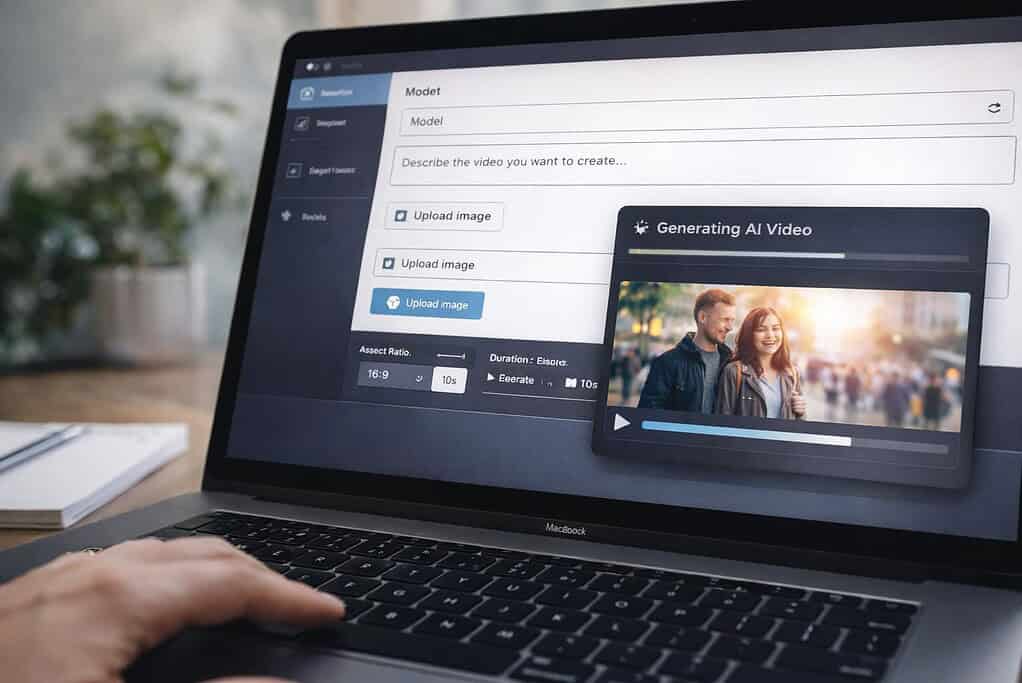
Most AI video generators follow a similar, relatively straightforward process. Users begin by selecting an AI model suited to their task, then provide input in the form of text prompts or uploaded images. After that, basic parameters such as video aspect ratio and duration are configured. Once the generation process starts, the system processes the request and produces a video after a short wait.
Don’t miss the best of The Mac Observer
Set us as a preferred source and our Apple reporting ranks higher in your Google Search results and Discover feed — one tap, no account changes.
Tools like AI Ease exemplify this approach, showing how AI video generators can make content creation accessible even for those who primarily work on Mac devices, without requiring deep expertise in editing software.
Why This Matters in the Apple Ecosystem
Mac users often rely on their devices for a wide range of creative tasks, from writing and photo editing to music production and software development. In this context, AI video generator can integrate naturally with Apple ecosystem workflows. For instance, images and videos created or stored in Photos or Final Cut Pro can be easily imported as inputs, and generated clips can be exported directly to iMovie or shared via AirDrop and iCloud, maintaining seamless cross-device continuity.
For example, a writer might want to turn a short script into a visual draft, or a developer could generate a quick concept video to explain an app idea. In these cases, speed and simplicity are more valuable than frame-level control. AI-generated video fits naturally into this gap by allowing ideas to be explored visually without disrupting established workflows.
Exploring Different Visual Styles
Another notable characteristic of modern AI video generation is the ability to produce outputs in different visual styles. Depending on the model and settings, the same input can result in realistic scenes, cinematic compositions, or stylized animated visuals. This versatility allows Mac users to experiment creatively while staying within the familiar Apple ecosystem.
This flexibility is particularly useful during early creative stages, where experimentation matters more than polish. By quickly generating multiple stylistic variations, users can evaluate tone and direction before committing time to more detailed production.
A Gradual Shift, Not a Replacement

It is important to view AI video generation as an incremental change rather than a disruptive replacement for traditional tools. Generated videos may lack fine control, and results can vary based on prompt quality and model behavior. Still, for many Mac users, the ability to move from an idea to a visual representation in minutes can be a meaningful addition to their creative toolkit.
As these tools continue to evolve, their role is likely to remain pragmatic – supporting ideation, prototyping, and lightweight content creation, rather than competing directly with established professional workflows.
Looking Ahead
As AI video generators become more integrated into everyday workflows on Macs, they are likely to serve as complementary tools that enhance productivity and creativity. By combining the intuitive Apple ecosystem with generative AI capabilities, users can experiment, iterate, and visualize ideas quickly, opening new possibilities for personal projects, education, and professional workflows.




Discussion