
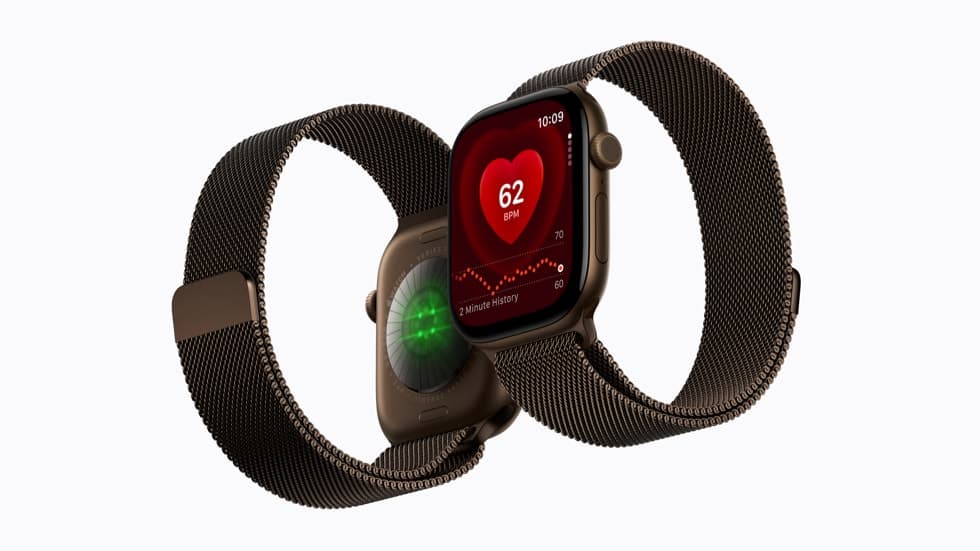
Apple Watch Series 12 and Apple Watch Ultra 4 can identify a song playing around you and show its title and artist in the Smart Stack without a tap. It only happens once Music Detection is on: open the Settings app on the watch, tap Smart Stack, then turn on Music Detection.
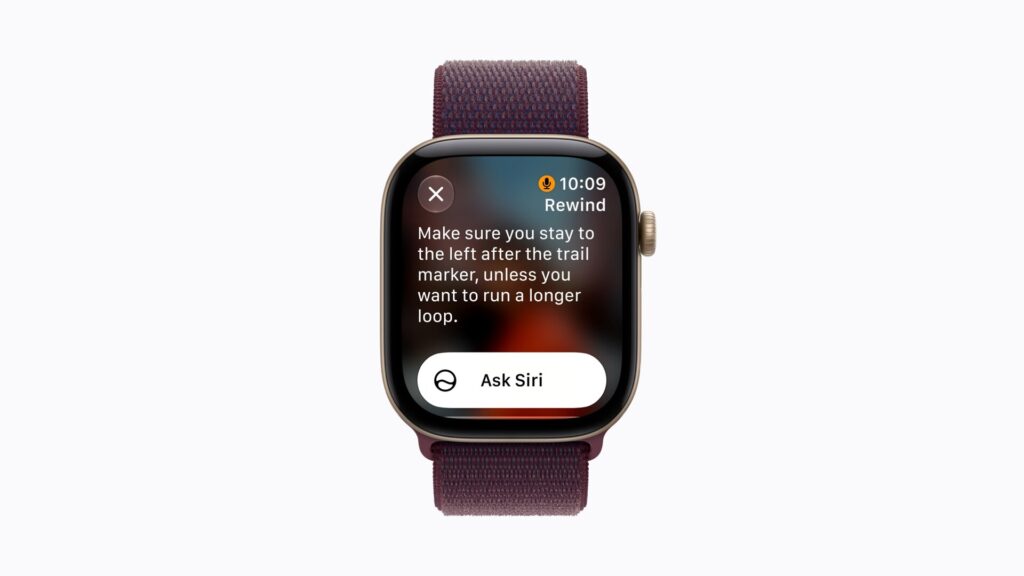
Other watches use the same Music Recognition widget, but you tap Shazam each time. On the two new models, Apple’s watchOS 27 user guide says the widget “recognizes music automatically and shows the title and artist even faster, without having to tap.” Flip the switch when you set the watch up and you won’t have to think about it again.
Turn on Music Detection
- Open the Settings app on your Apple Watch.
- Tap Smart Stack.
- Turn on Music Detection.
If an Enable Music Detection prompt appears in the Smart Stack, tapping it does the same job.
Don’t miss the best of The Mac Observer
Set us as a preferred source and our Apple reporting ranks higher in your Google Search results and Discover feed — one tap, no account changes.
To see it work, turn the Digital Crown upward from the watch face, or swipe up from the bottom of the screen. When the watch detects music, the Music Recognition widget appears in the Smart Stack. On Series 12 and Ultra 4 the title and artist fill in on their own. On other models, tap Shazam.
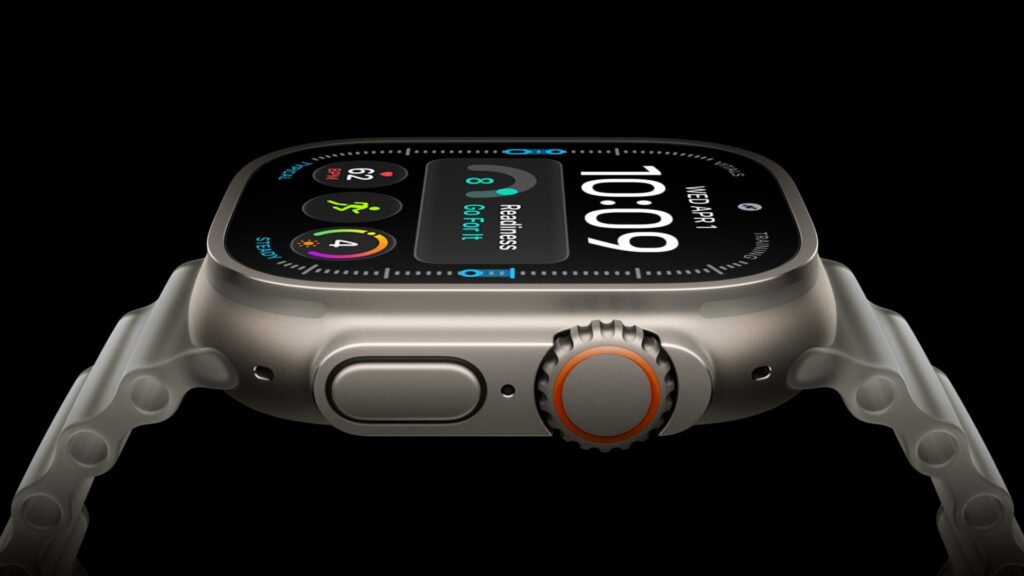
Why only Series 12 and Ultra 4
It comes down to hardware. Apple says automatic recognition requires the Always On processor.
Apple’s What’s new in watchOS 27 page adds that Shazam on these models “leverages Apple’s on-device audio intelligence to quickly help identify music in the Smart Stack.” Music isn’t the only thing they listen for: the same page says Sound Recognition on Series 12 and Ultra 4 can continuously listen for sounds such as a doorbell, siren or crying baby, and notify you when it hears one.
Our launch coverage of Apple Watch Series 12 and Apple Watch Ultra 4 covers the rest of what changed inside both watches.
Save a song and find it later
When a result appears, tap the Add button to save the song to your Shazam history. Earlier matches live in the Music Recognition app: open it and scroll down.
The app is also the manual route on any watch. Open Music Recognition and tap the Shazam button. If the song is identified, you can:
- Open it in Apple Music: tap Apple Music.
- Keep it: tap More, then tap Add to Apple Music Library or Add to Playlist.
- Check the details: scroll down for the album, release date and genre.
Ultra owners who prefer a physical control can also set the Action button to Recognize Music in Settings > Action Button > Action.



