
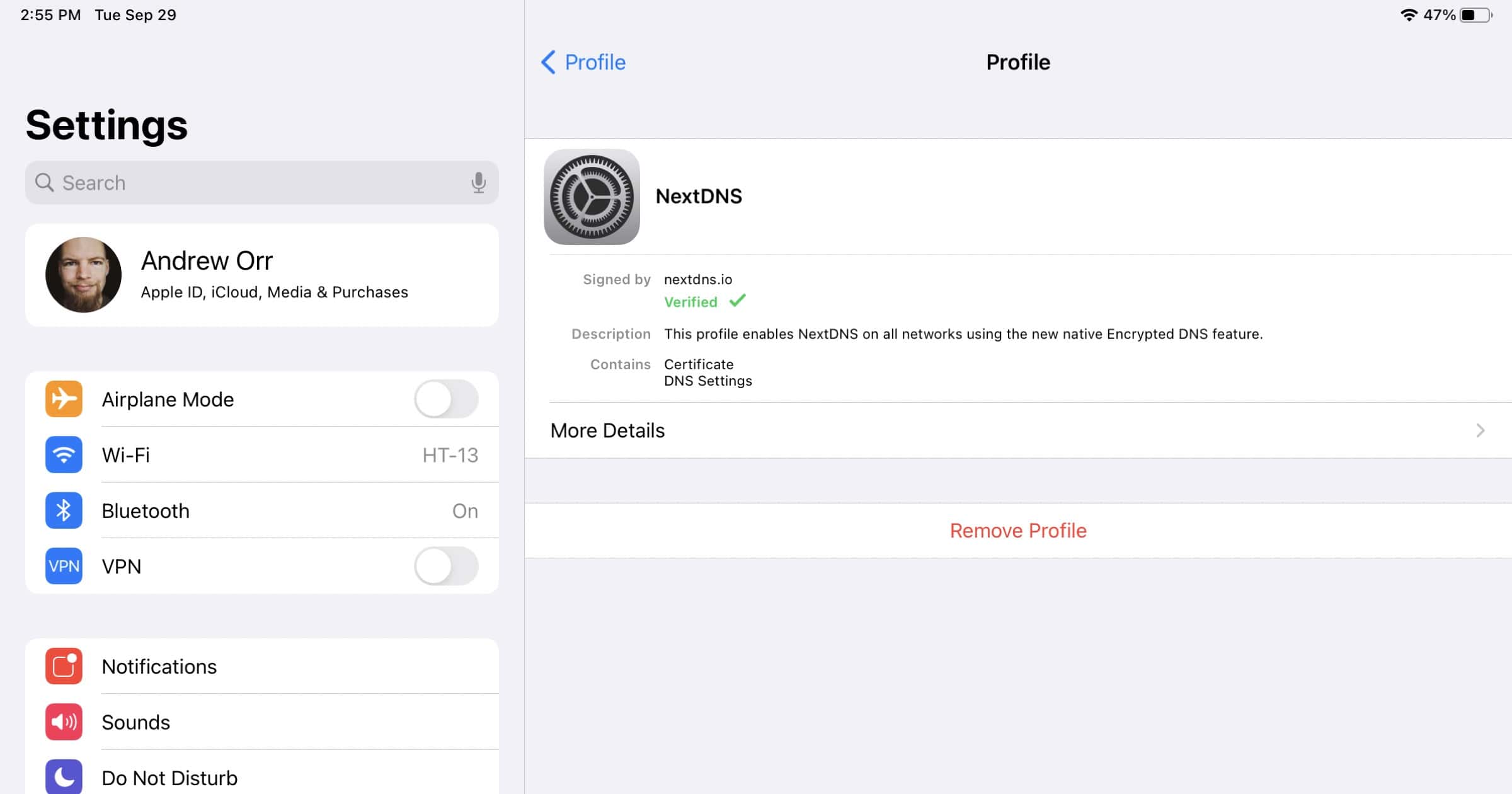
NextDNS released a new tool on Tuesday that lets you generate a custom Apple configuration profile (.mobileconfig). If you’re a NextDNS customer you can use this profile to take advantage of iOS 14 encrypted DNS without needing to download the NextDNS app.
NextDNS Configuration Profiles
Here’s how to get started if you’re a customer. NextDNS is a service that I’ve recommended to readers before.
- First, go to my.nextdns.io and log into your account.
- Look in the Setup section and find the configuration ID for your DNS profile.
- Next, head to apple.nextdns.io.
- Paste the ID into the relevant box.
- Type in your device name and specify your device model under the Advanced section if you have analytics and logs enabled, otherwise skip this step.
- Also in Advanced, you can exclude Wi-Fi networks and domains, make sure the configuration profile is signed, and add the NextDNS root certificate. This will make a warning page appear when you try to visit a domain and your DNS settings have blocked. Without the certificate you’d just see a blank page.
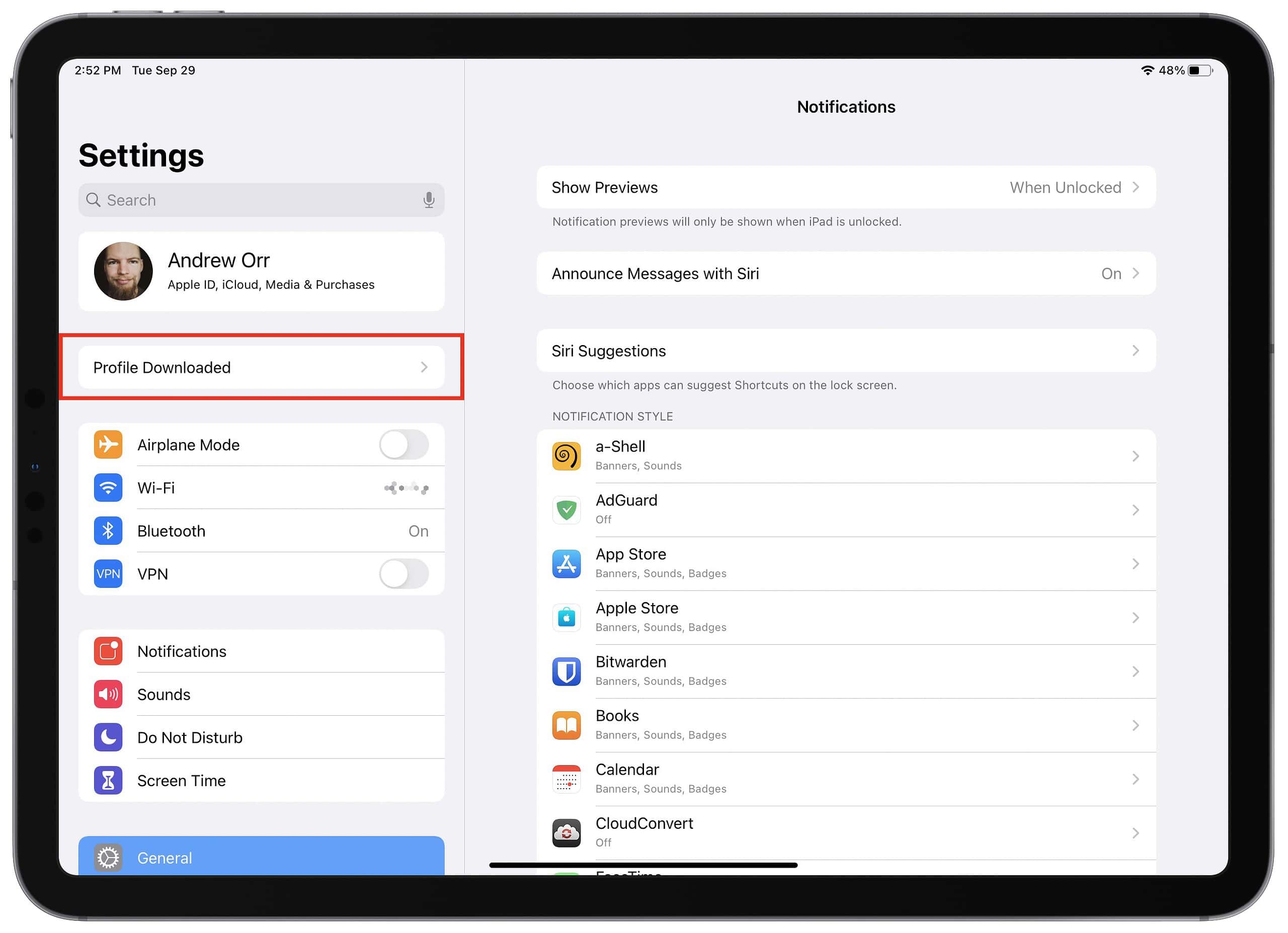
- Finally, tap Download. You’ll then go to Settings where you’ll find an option near the top to install the profile.
Don’t miss the best of The Mac Observer
Set us as a preferred source and our Apple reporting ranks higher in your Google Search results and Discover feed — one tap, no account changes.




Discussion