
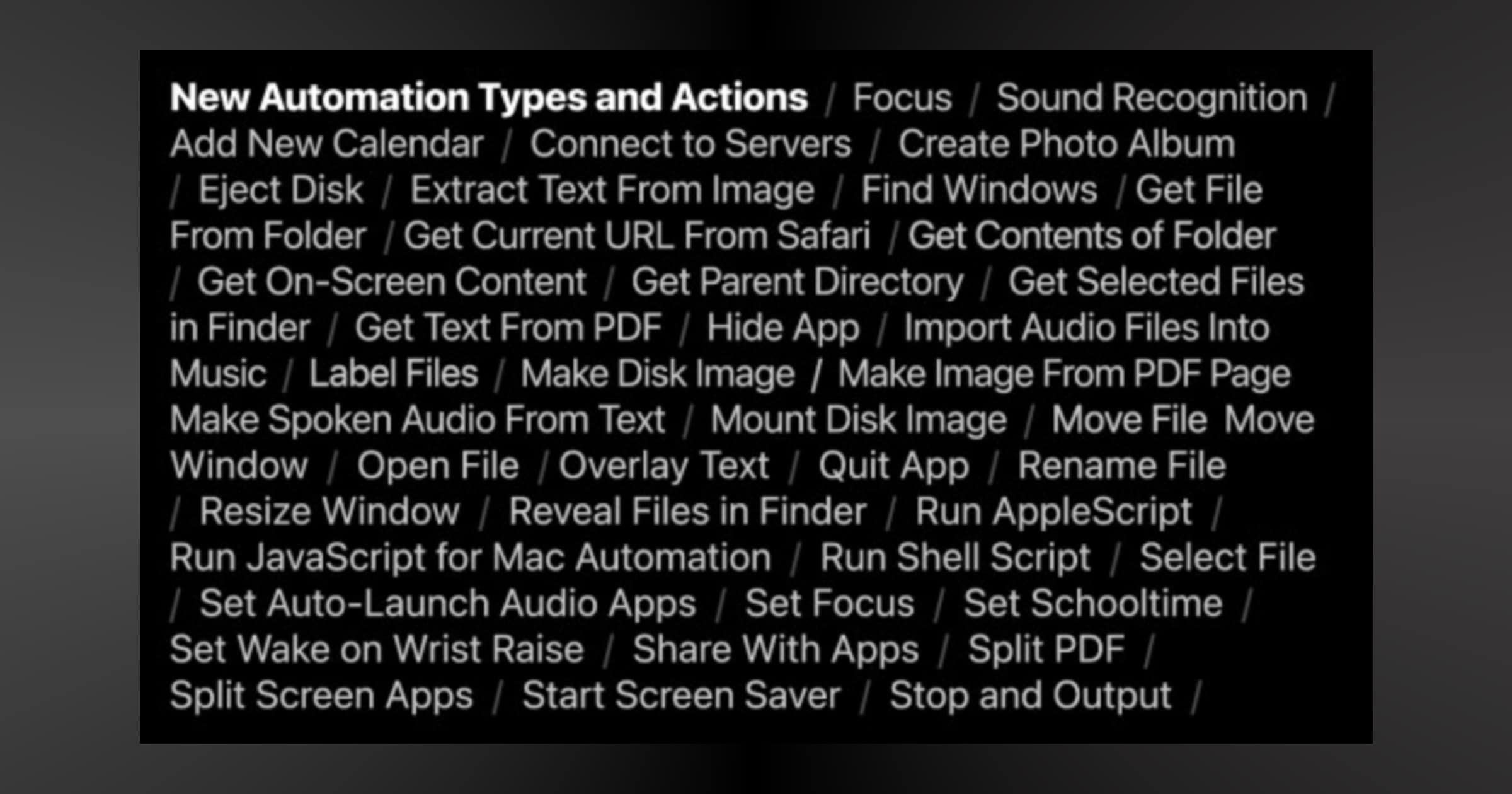
Shortcuts is getting some new features with iOS 15 as well as appearing on macOS Monterey this fall. Here are some of the new changes.
Note: This is a beta so the location of these features within Settings may change.
iOS 15 Shortcuts
First, I noticed a new tab within settings. If you go to Settings > Shortcuts you’ll see a couple of new changes.
First, there is a new toggle called Private Sharing. The text says: “Allow receiving shortcuts directly from people in your contacts. Apple cannot verify the authenticity of shortcuts shared privately.”
I’m not fully sure what this means, but my assumption is that you can send shortcuts to your contacts and they won’t need to scroll through the shortcut actions with the iOS 14 | 14 toggle “Allow Untrusted Shortcuts.” There is also an advanced section with four toggles:
- Allow Running Scripts
- Allow Sharing Large Amounts of Data
- Allow Deleting Without Confirmation
- Allow Deleting Large Amounts of Data
I’ve already run shortcuts on iOS 15 and I have seen prompts for certain shortcuts asking me if I should allow, always allow, or only once allow that shortcut to delete files, etc. These are just extra security measures for people because Apple hasn’t yet allowed users to upload their shortcuts to the built-in gallery, where presumably you wouldn’t see such warnings.
We are also getting new actions and you can see them in the image above.
Don’t miss the best of The Mac Observer
Set us as a preferred source and our Apple reporting ranks higher in your Google Search results and Discover feed — one tap, no account changes.




Hey! Thanks for this post. I’m having an issue, though. I cannot run “untrusted” shortcuts. I have “Private Sharing” turned on, but I get the error “Water Eject” Can’t Be Opened. Shortcuts failed to verify this shortcut. I put together a screencast showing what I’m seeing/doing/happening here: https://www.dropbox.com/s/9f0zucmjir7f3uo/shortcut_settings.mp4?dl=0. Do you have any suggestions?
Hmm. I haven’t seen this, but I searched for that error message and it looks like others have reported the same thing with this particular shortcut. Does this one work? It’s a water eject shortcut, and it may be the same one, but I’ve had it for a couple years. https://www.icloud.com/shortcuts/8632a30b2b814c4c914983351bb8a856