
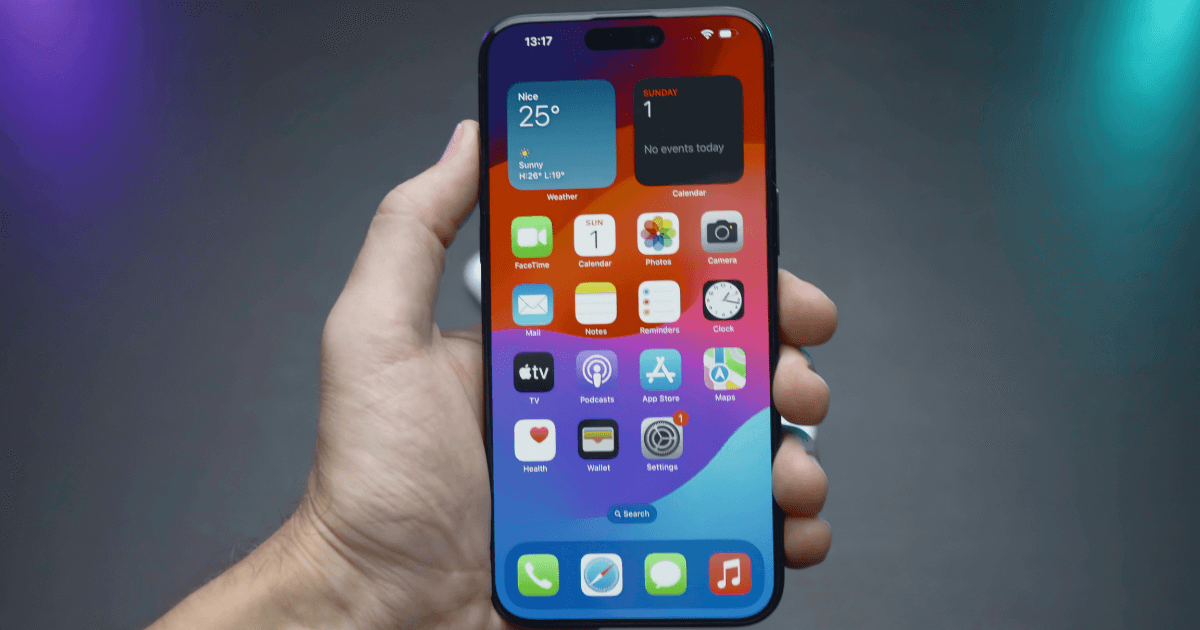
Does your iPhone Home Screen look all messed up and chaotic? Whether you have over-customized it or filled it with excessive apps, you need to reset it quickly. You can follow some quick steps mentioned in this guide and reset the iPhone Home Screen layout to default.
Let’s look at everything you need to know.
How to Reset iPhone Home Screen Layout to Default
Before you proceed with resetting your Home Screen layout on your iPhone, it is important to know that the reset will not affect your data.
Don’t miss the best of The Mac Observer
Set us as a preferred source and our Apple reporting ranks higher in your Google Search results and Discover feed — one tap, no account changes.
Instead it will remove any folders you might have created with different categories, along with other widgets added to your Home Screen.
Here are the steps you can follow:
- Open Settings on your home and tap on General.
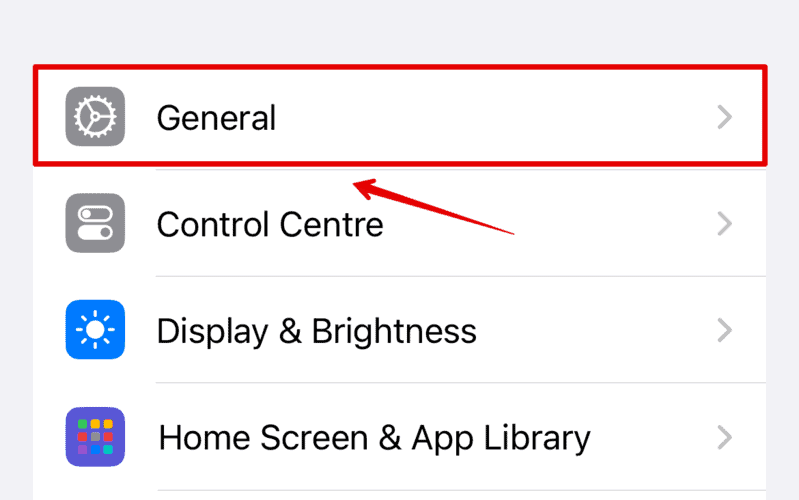
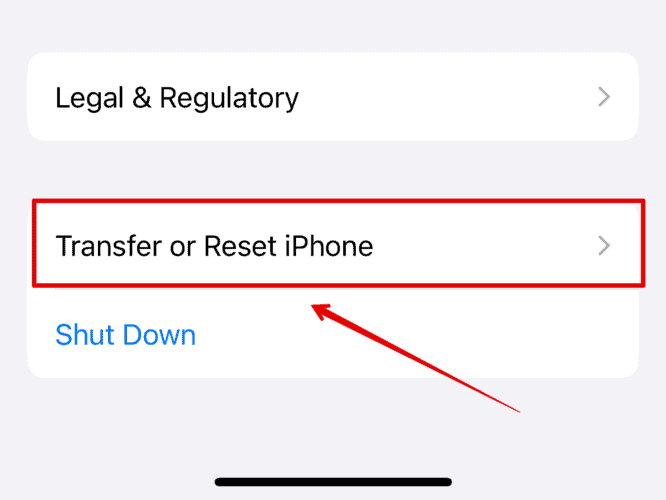
- Now, scroll down and select Transfer or Reset iPhone.
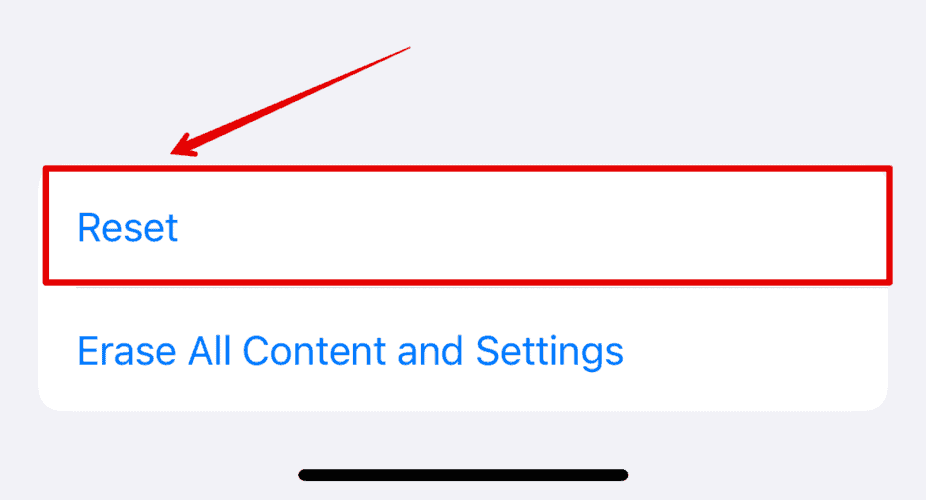
- Tap on Reset below.
- Then, choose Reset Home Screen Layout from the list.

- Again, tap on Reset Home Screen to confirm.
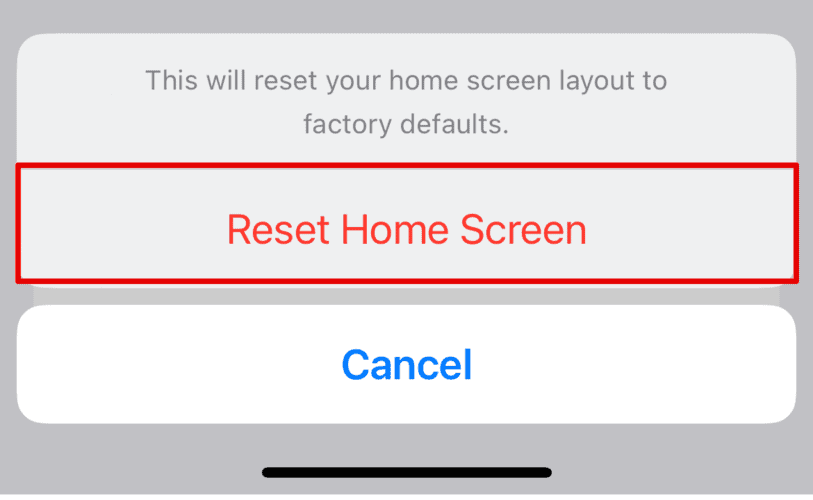
Your iPhone Home Screen will be set to default; that is the setting that came along with when you first got your hand on your iPhone. Once you have made the changes above, you cannot restore the previous custom settings.
Create Your Custom iPhone Home Screen
Now that you have reset your iPhone Home Screen, you can customize it the way you want. Add folders with categories such as Finance, Travel, Social, Shopping, etc. Moreover, you can add widgets as well for different apps on your iPhone to access them quickly and keep yourself updated.




Discussion