
Along with iOS 11.3, Apple released the first HomePod software update on Thursday. The update, HomePod 11.3, includes what Apple calls “general improvements for stability and quality.”
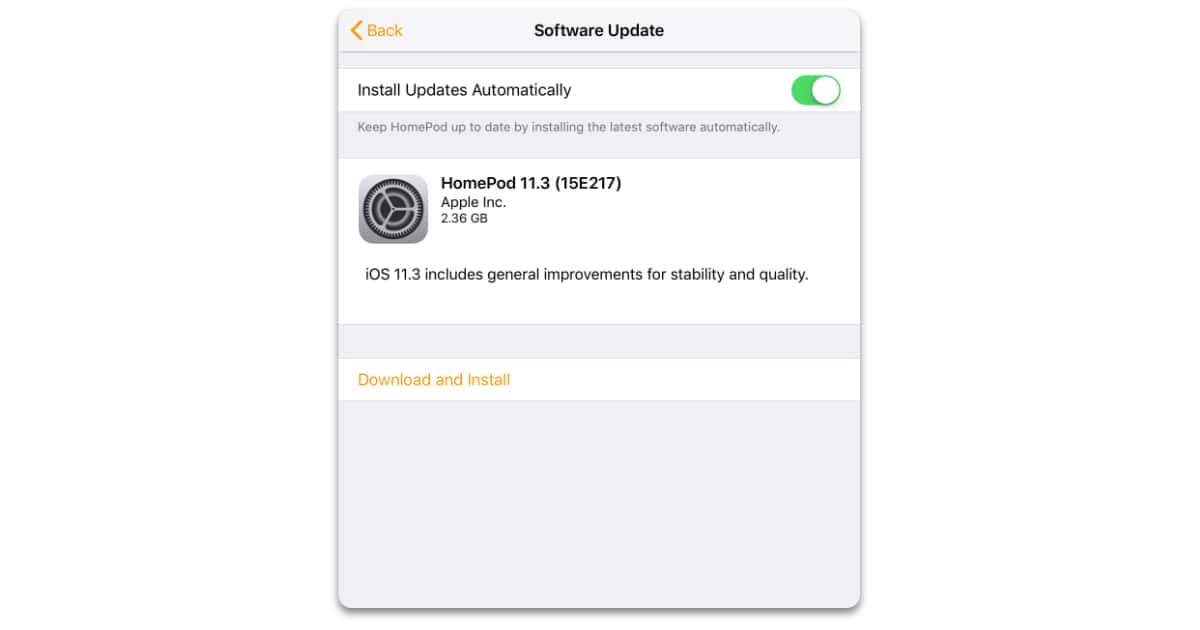
HomePod software updates install automatically by default, but it can take a few dates before that happens. If you want to install the update now you’ll need to first update your iPhone, iPad, or iPod touch to iOS 11.3. Next, launch Apple’s Home app, tap the location icon and choose Home Settings. You can also follow along with our HomePod Software Update how-to.
From there you can select your HomeKit network where you’ll see the an update alert badge in the Speakers section.
The HomePod 11.3 software update is free for all HomePod owners.
Don’t miss the best of The Mac Observer
Set us as a preferred source and our Apple reporting ranks higher in your Google Search results and Discover feed — one tap, no account changes.




Discussion