
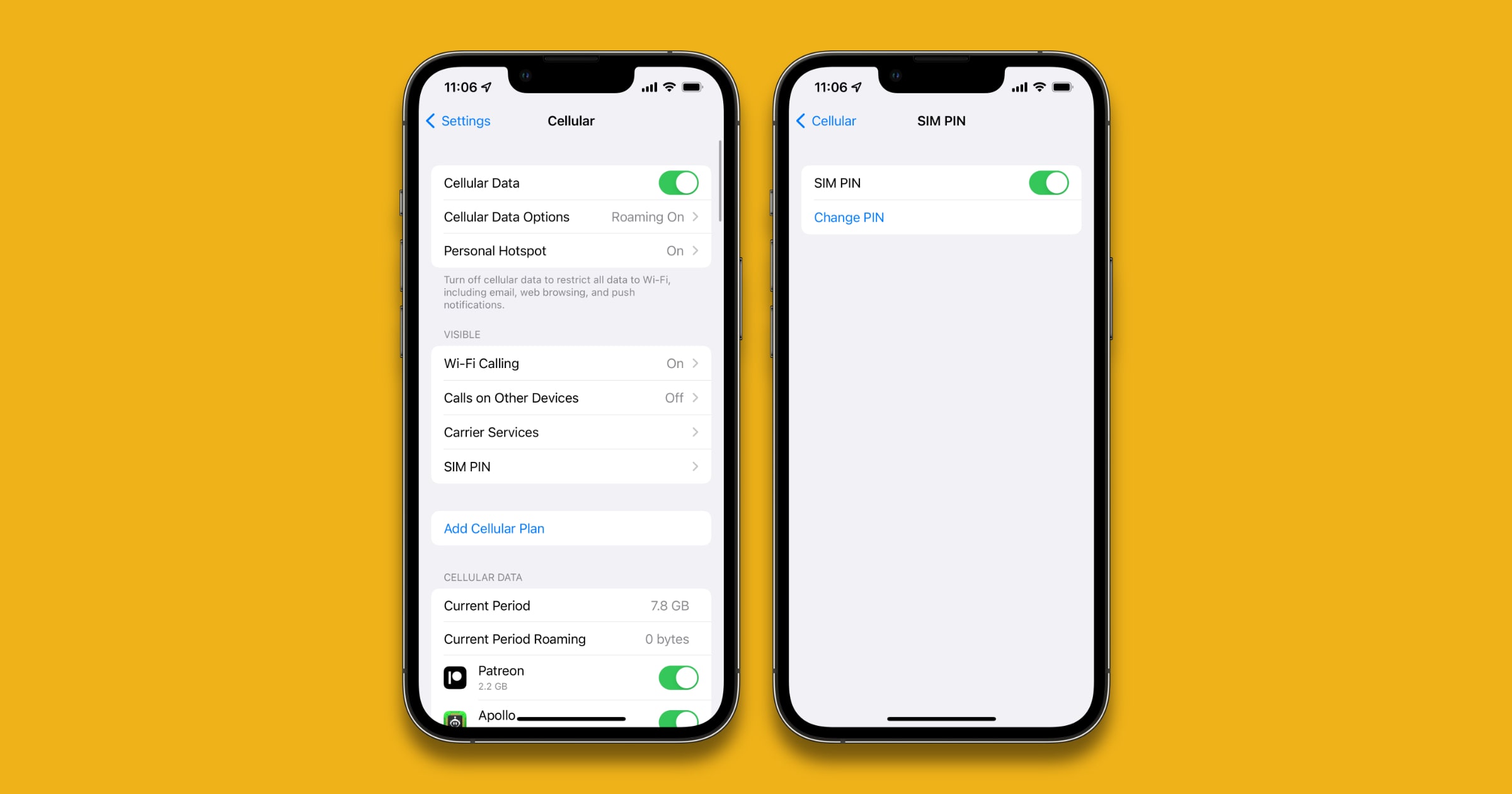
Creating an iPhone SIM PIN is a good way to safeguard your device. It prevents someone from stealing your SIM card for use in their own phone. It’s a good preventative measure that can be included as part of our stolen iPhone guide.
iPhone SIM PIN
In order to set your own SIM PIN, you’ll first have to type in your carrier’s default PIN. The default PIN is usually 1111 or 0000 for most carriers. If that doesn’t work then you’ll have to contact your carrier.
- Go to Settings > Phone > SIM PIN.
- Type in the default PIN, after which you can create your own PIN.
- Keep your PIN number in a safe place.
Every time your iPhone reboots, you’ll have to enter your SIM PIN to use its cellular connectivity. Warning: You’ll have to be careful because the iPhone only allows a certain amount of false PIN entry attempts. After that your PIN will be permanently locked, although your carrier might be able to give you a Personal Unlocking Key (PUK).
Don’t miss the best of The Mac Observer
Set us as a preferred source and our Apple reporting ranks higher in your Google Search results and Discover feed — one tap, no account changes.


Discussion