
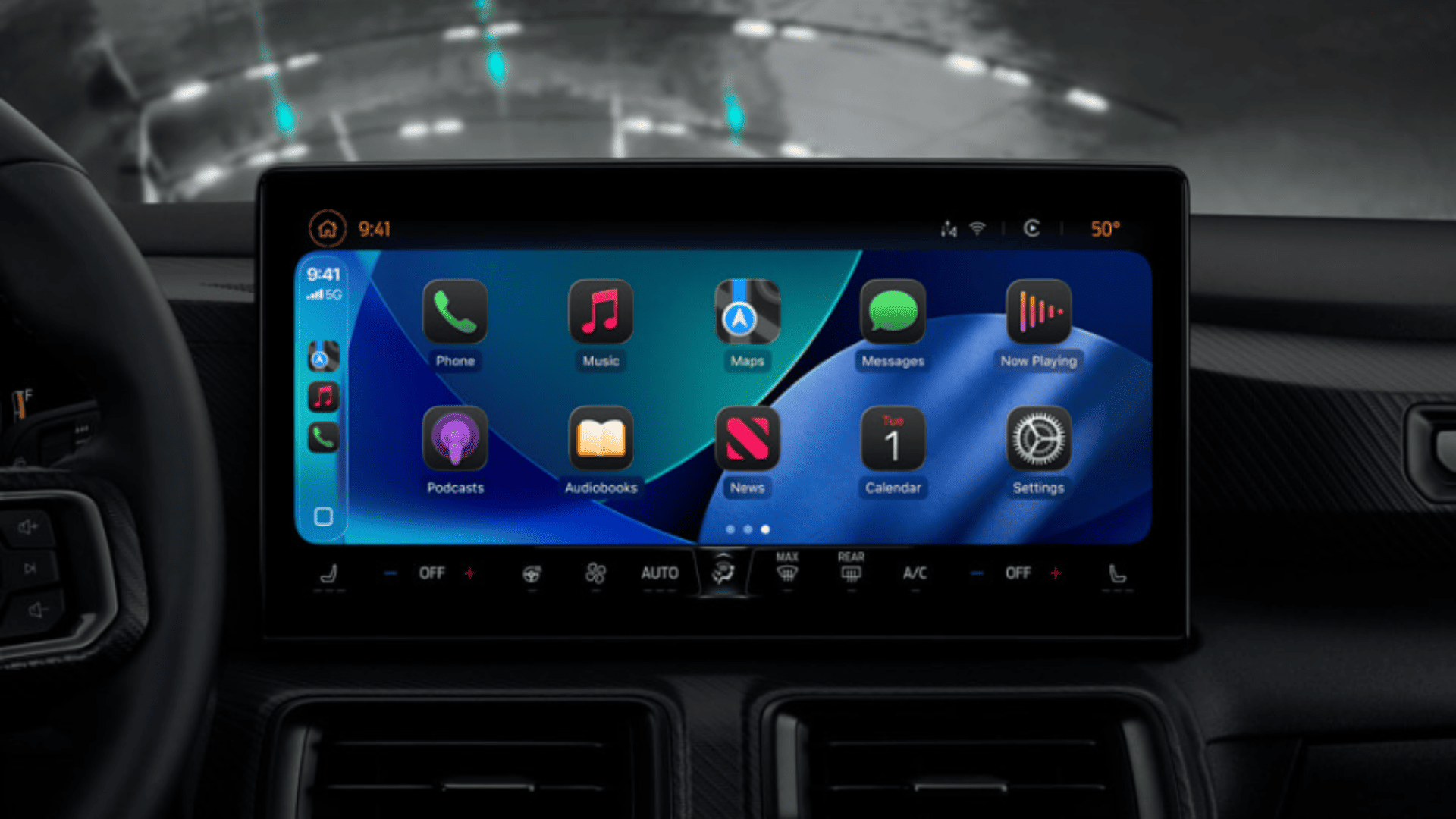
Apple has finally loosened its grip on CarPlay. With iOS 26, you can stream video to your CarPlay display, but only when the car is parked. After nearly a decade of blocking video playback, this is a major shift. Whether you’re waiting to pick someone up or charging at a station, you’ll soon be able to watch video in the car, provided your automaker supports it.
Table of contents
How CarPlay video streaming works in iOS 26
The feature, officially called “AirPlay video in the car,” lets you send video from your iPhone to your CarPlay screen. Think of it like AirPlay on your Apple TV, but in your dashboard.
Don’t miss the best of The Mac Observer
Set us as a preferred source and our Apple reporting ranks higher in your Google Search results and Discover feed — one tap, no account changes.
Here’s how it’s designed to work:
- Park your car — playback only works when the vehicle is not in motion.
- Connect your iPhone via wired or wireless CarPlay.
- Open a supported video app on iPhone (Apple hasn’t listed which apps yet, but expect Apple TV, YouTube, or other approved apps).
- Tap the AirPlay icon and choose your CarPlay display as the output.
- The video appears on your CarPlay screen until you shift into drive.
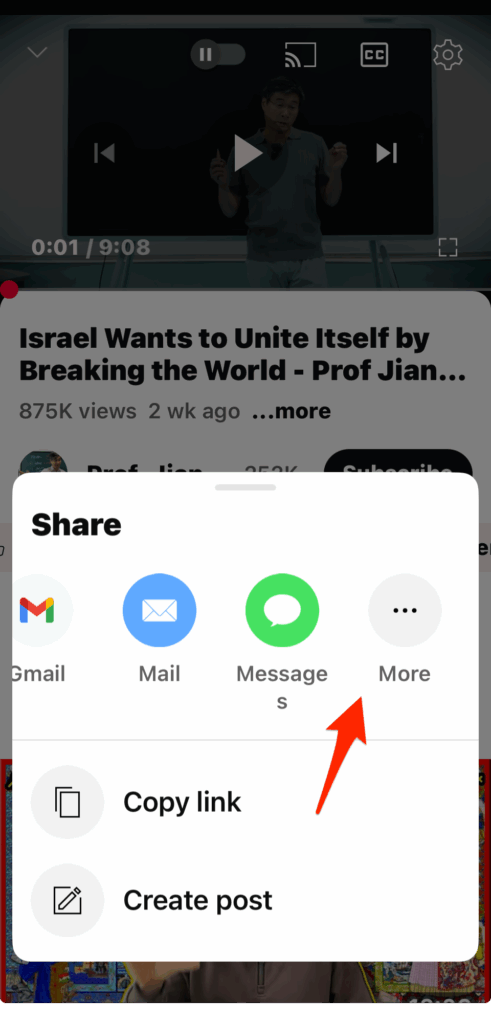
At launch, this is entirely dependent on automaker support. Apple has added the APIs, but car brands must enable them before it works.
The limitations you need to know
- Park-only playback: You won’t be watching Netflix while driving — playback stops as soon as you move.
- Automaker control: Even with iOS 26 installed, your car might not allow video streaming until the manufacturer enables it.
- App support: Developers must adopt Apple’s new CarPlay video API. Third-party apps may take time to update.
Why Apple changed course
It’s no secret that rivals like Android Auto already allowed certain video experiences while parked. Apple, cautious about driver distraction, resisted for years. But with electric vehicles and longer charging stops, the demand for in-car entertainment is stronger than ever.
Just don’t expect instant adoption. As with new iOS 26 features like Call Screening or Hold Assist, rollout depends heavily on both software and manufacturer readiness.
How to prepare for video in CarPlay
If you want to be ready when automakers flip the switch:
- Update to iOS 26 — if you don’t see it, here’s how to fix iOS 26 update not showing up.
- Check your storage — CarPlay updates ride along with iOS; see the iOS 26 download size.
- Watch automaker announcements — support may vary between brands and models.
- Expect updates post-release — Apple often ships features that require later adoption; we’ve seen this pattern with Spatial Scenes and other system features.
Related iOS 26 guides
- All reported iOS 26 bugs and fixes
- Why is iOS 26 so laggy? Causes and fixes
- Fix cellular data not working in iOS 26
- 10 iOS 26 hidden features you may not know about
With iOS 26, Apple is finally allowing video playback in CarPlay, but only while parked, and only if your car maker supports it. It’s a small but meaningful shift that makes CarPlay more competitive with Android Auto and more useful during downtime. Until automakers roll out support, though, you may be waiting a bit longer to watch videos in your dashboard.



Discussion