
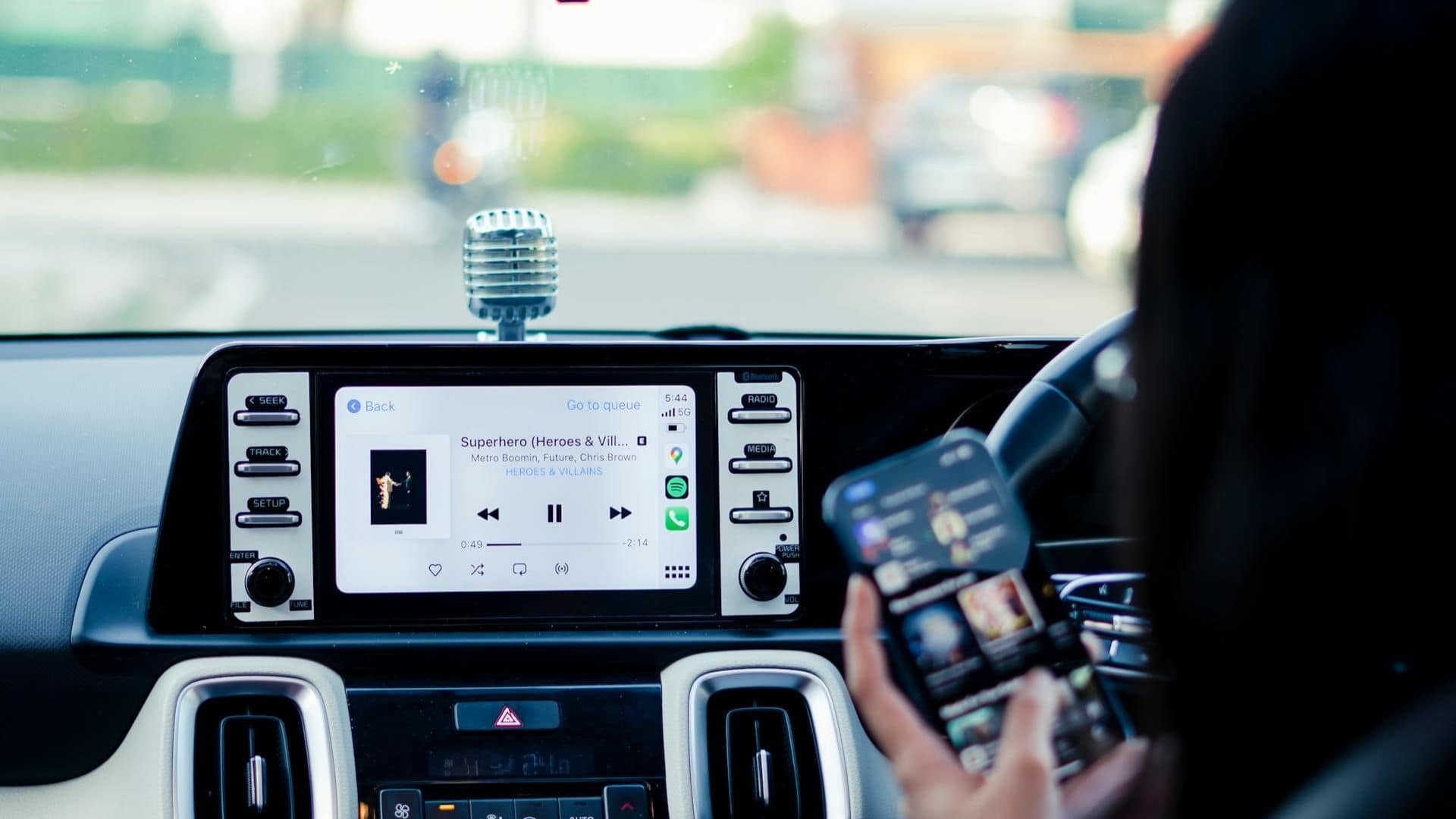
Apple’s AirPlay and CarPlay have transformed how we interact with media and apps across devices, offering seamless connectivity for iPhone users. Whether you’re streaming music to a smart TV or navigating with your car’s infotainment system, these technologies prioritize convenience and integration.
This article explores the features, differences, and practical applications of AirPlay and CarPlay, helping you understand which tool best suits your needs.
Table of contents
AirPlay vs. CarPlay: Key Differences
While both technologies enhance connectivity, their purposes differ significantly. AirPlay focuses on media streaming and screen mirroring in stationary settings, like homes or offices. CarPlay, conversely, is tailored for in-car use, prioritizing driver safety and app integration. Here’s a detailed comparison:
Don’t miss the best of The Mac Observer
Set us as a preferred source and our Apple reporting ranks higher in your Google Search results and Discover feed — one tap, no account changes.
| Feature | AirPlay | CarPlay |
| Primary Use | Streaming audio, video, or screen mirroring to TVs, speakers, or other devices | In-car infotainment for navigation, calls, music, and app integration |
| Connection Type | Wireless (Wi-Fi) or wired (via adapters) | Wireless or wired (USB/Lightning cable) |
| Supported Devices | Apple TV, smart TVs, HomePod, compatible speakers | Car infotainment systems (800+ models) |
| Key Features | Screen mirroring, multi-room audio, 4K video streaming | Hands-free controls, Siri integration, app-based navigation |
| Environment | Home, office, or travel (e.g., hotel TVs) | Vehicle-specific, driver-focused |
| Content Focus | Media playback, presentations | Driving-related apps, communication, and entertainment |
What Is AirPlay?
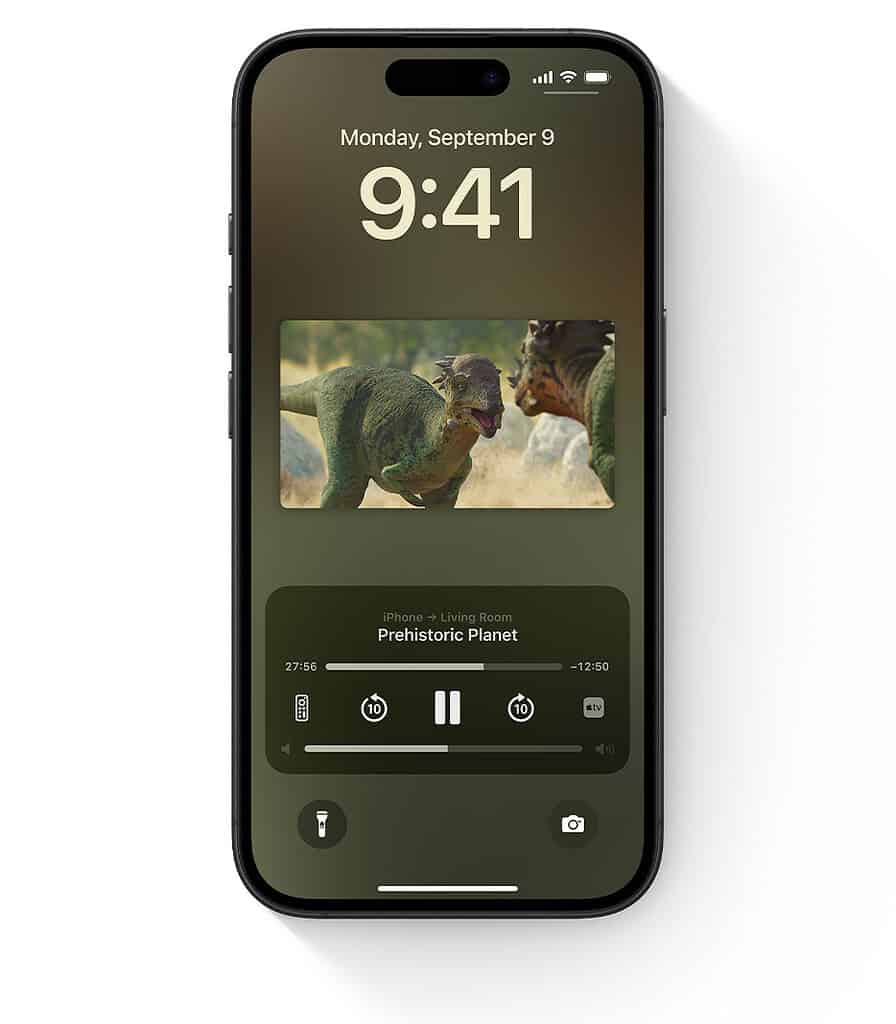
AirPlay is Apple’s wireless streaming protocol, allowing users to share audio, video, and screen content from an iPhone, iPad, or Mac to compatible devices like smart TVs, speakers, or Apple TV. It’s designed for effortless media sharing, whether you’re playing a podcast in your living room or mirroring your screen for a presentation. With recent updates, features like AirPlay to Samsung hotel TVs have expanded its versatility, enabling travelers to stream content on compatible displays without extra hardware.
What Is CarPlay?
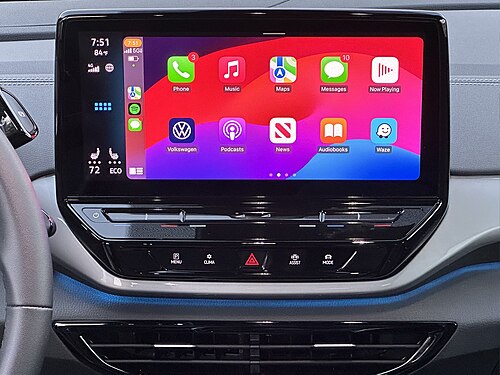
CarPlay brings the iPhone experience to your car’s dashboard, integrating apps for navigation, music, messaging, and more into the vehicle’s infotainment system. Available in over 800 car models, it supports both wired and wireless connections, offering a safer, hands-free way to stay connected on the road. Recent additions, such as CarPlay widgets, enhance functionality by displaying real-time information like weather or calendar events directly on the dashboard.
When to Use AirPlay
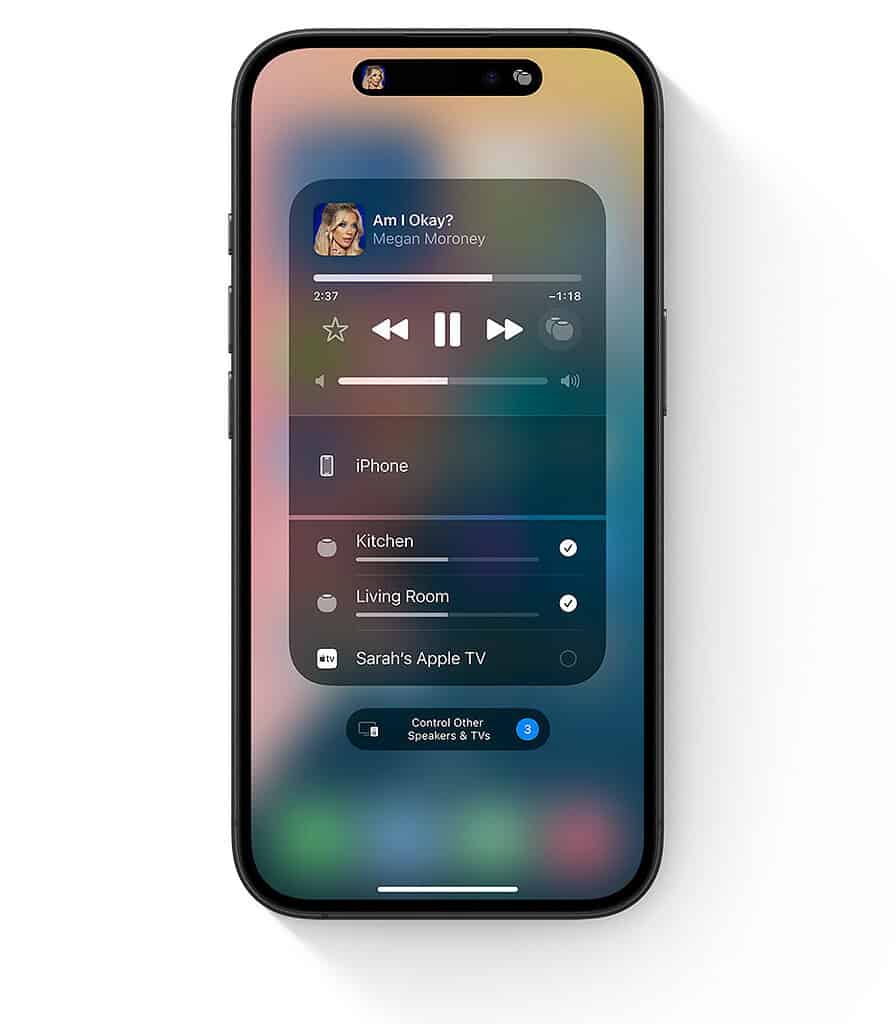
AirPlay shines in scenarios where you want to share or stream content. For example, you can stream a movie from your iPhone to a smart TV, play music through a HomePod, or mirror your iPad’s screen for a gaming session. However, connectivity issues can arise, especially with older devices or weak Wi-Fi signals. If AirPlay keeps stopping, troubleshooting steps like checking network stability or updating device software can resolve most problems.
When to Use CarPlay
CarPlay is ideal for drivers who want a safer, more integrated way to use their iPhone on the road. It supports apps like Apple Maps, Spotify, and Messages, all accessible via Siri or the car’s touchscreen. For those interested in entertainment, CarPlay video streaming allows passengers to enjoy videos on compatible systems, though availability depends on the car’s hardware. CarPlay’s intuitive interface minimizes distractions, making it a go-to for daily commutes or long road trips.
Setting Up AirPlay and CarPlay
AirPlay Setup
- Ensure your iPhone and target device (e.g., Apple TV or smart TV) are on the same Wi-Fi network.
- Open the Control Center on your iPhone and tap the AirPlay icon.
- Select the target device and choose to stream audio, video, or mirror your screen.
- Enter a passcode if prompted (common for hotel TVs or public devices).
CarPlay Setup
- Connect your iPhone to your car via USB or enable wireless CarPlay if supported.
- Follow the car’s infotainment prompts to pair your device.
- Customize app layouts via the Settings app on your iPhone.
- Use Siri or the car’s controls to access apps safely while driving.
Troubleshooting Common Issues
Both AirPlay and CarPlay can face connectivity hiccups. For AirPlay, ensure devices are updated and within Wi-Fi range. Restarting your router or device often helps. For CarPlay, check cable integrity for wired connections or confirm Bluetooth/Wi-Fi stability for wireless setups. If issues persist, consult Apple’s support pages or device-specific guides.
FAQ
No, they serve different purposes and cannot be used at the same time on the same device. You can, however, stream AirPlay from one device (e.g., an iPad) while using CarPlay on another (e.g., an iPhone).
Yes, both require an iPhone, iPad, or Mac as the primary device, though receiving devices (like TVs or car systems) don’t need to be Apple-branded.
CarPlay is supported in over 800 models, but compatibility depends on the car’s infotainment system. Check with your manufacturer for details.
Yes, AirPlay supports 4K streaming on compatible devices like Apple TV 4K or select smart TVs.
Final Thoughts on Connectivity
AirPlay and CarPlay showcase Apple’s commitment to seamless, user-friendly experiences, whether you’re at home or on the move. AirPlay excels for media sharing and screen mirroring, with features like Airplay to Samsung making it a versatile choice for travelers. CarPlay, meanwhile, transforms your car into a smart hub, prioritizing safety and convenience. By understanding their unique strengths, you can choose the right tool for your lifestyle, ensuring effortless connectivity wherever you are.




Discussion