
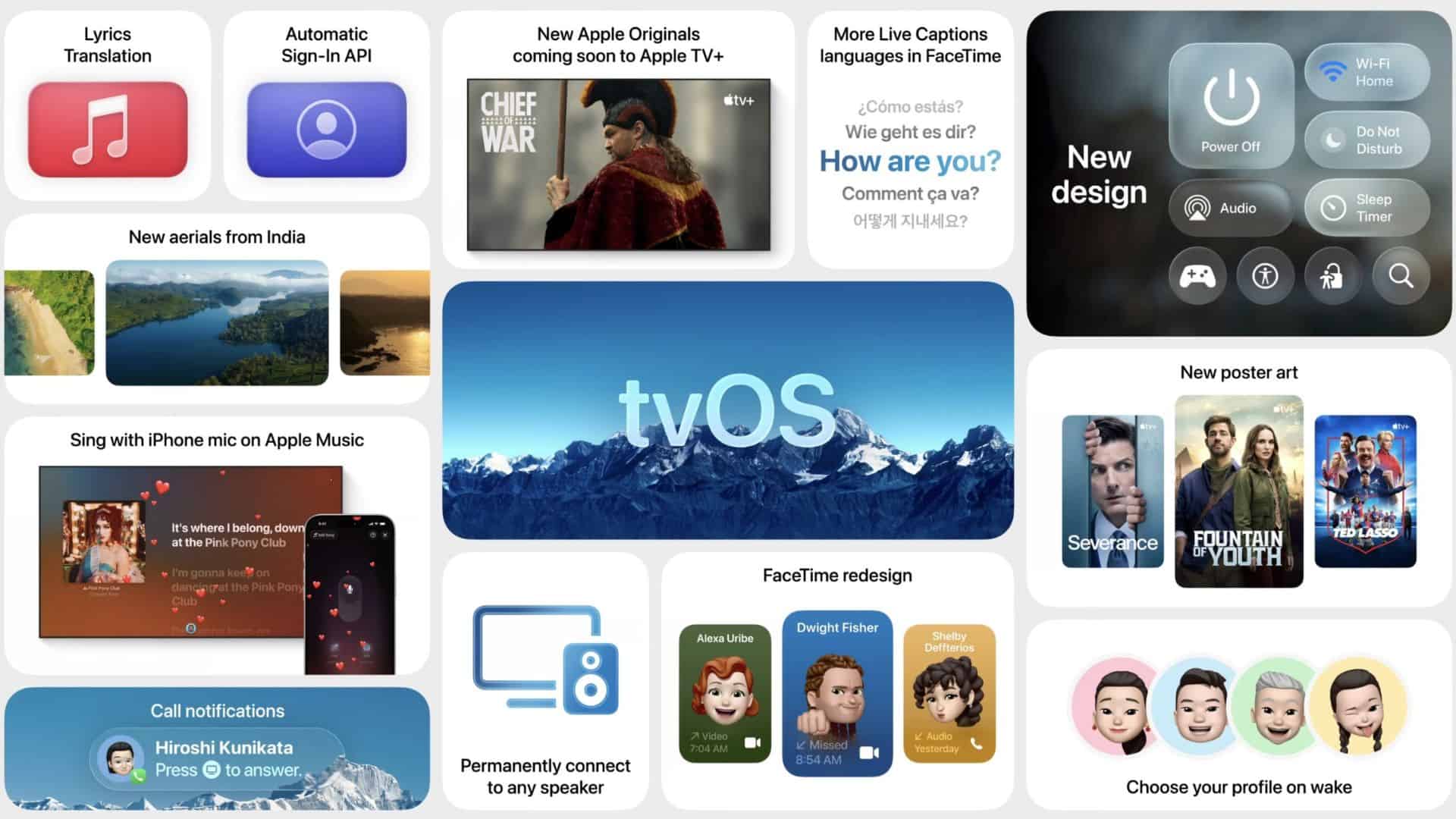
Apple has released tvOS 26.1 beta 2 for Apple TV 4K. You can download it today if you run developer betas. The build aims to tighten stability after the 26.0 launch and sets up minor feature polish before the wider October rollout.
What’s new and why it matters
You will not see headline features in every point release, but beta 2 often clears bugs that early adopters flagged in beta 1. Expect UI refinements to the Liquid Glass design and the usual performance and streaming reliability improvements. If you test apps on Apple TV or manage multiple Apple TVs, installing beta 2 helps you catch regressions before the public build lands.
Apple Support notes that the current public channel remains tvOS 26.0.1, which fixed audio sync problems for some streaming apps. That context explains why Apple is iterating quickly on 26.1.
Don’t miss the best of The Mac Observer
Set us as a preferred source and our Apple reporting ranks higher in your Google Search results and Discover feed — one tap, no account changes.
Apple Developer Releases lists tvOS 26.1 beta 2 as build 23J5558e, dated October 6, 2025. That confirms timing and availability for developers. The update is now live for Apple TV 4K users on the developer track.
Apple seeded second betas across iOS, iPadOS, macOS Tahoe, watchOS, and visionOS 26 on the same day, signaling a platform-wide cadence toward late-October releases.
How to install tvOS 26.1 beta 2
If you already use developer betas:
- On Apple TV, open Settings.
- Go to System.
- Open Software Updates.
- Select Get Beta Updates.
- Choose tvOS 26 Developer Beta.
- Tap Update Software to install.
If you prefer the public beta path:
- Enroll your Apple ID at the Apple Beta Software Program site.
- On Apple TV, open Settings > System > Software Updates > Get Beta Updates.
- Select tvOS 26 Public Beta and install.
Additional context: Apple publicly released tvOS 26 in September with the Liquid Glass interface and broader platform alignment. If you value stability over early access, stay on 26.0.1 until 26.1 ships to everyone.
You get the cleanest results by testing on a secondary Apple TV and keeping Automatic Updates off until you finish your checks.


Discussion