
Facebook Moments is shutting down on February 25, because people weren’t using it. If you did though, here’s how to save your photos (via TechCrunch).
[How to Post 3D Photos to Facebook on iPhone]
Facebook Moments
We’re ending support for the Moments app, which we originally launched as a place for people to save their photos. We know the photos people share are important to them so we will continue offering ways to save memories within the Facebook app.
Rushabh Doshi, dorector of product management at Facebook
- Visit the Moments website online.
- You’ll see two options: Create private albums on Facebook with your photos, or download to your device.
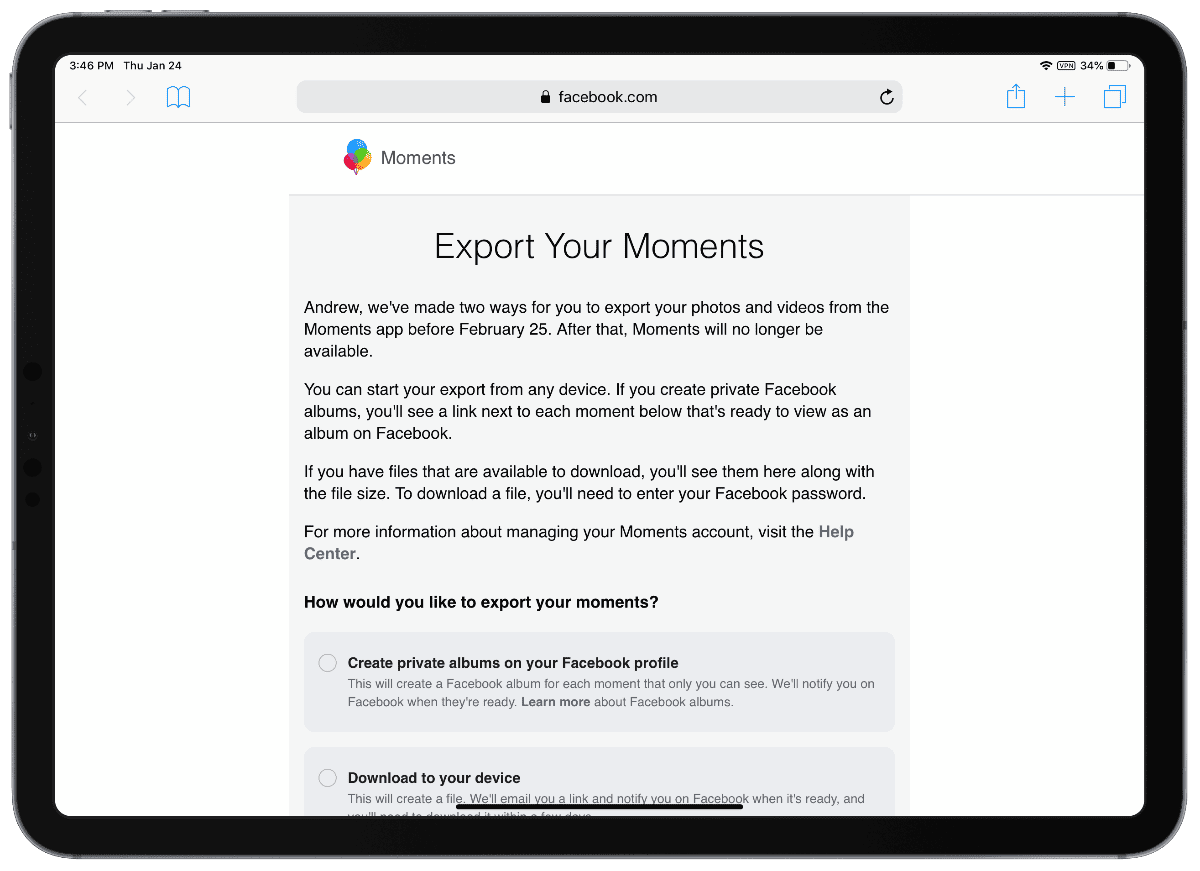
If you download the file, you’ll be asked to enter your Facebook password. A link to the download will be emailed to you when it’s ready. Users can export their data through May 2019.
Don’t miss the best of The Mac Observer
Set us as a preferred source and our Apple reporting ranks higher in your Google Search results and Discover feed — one tap, no account changes.




Discussion