

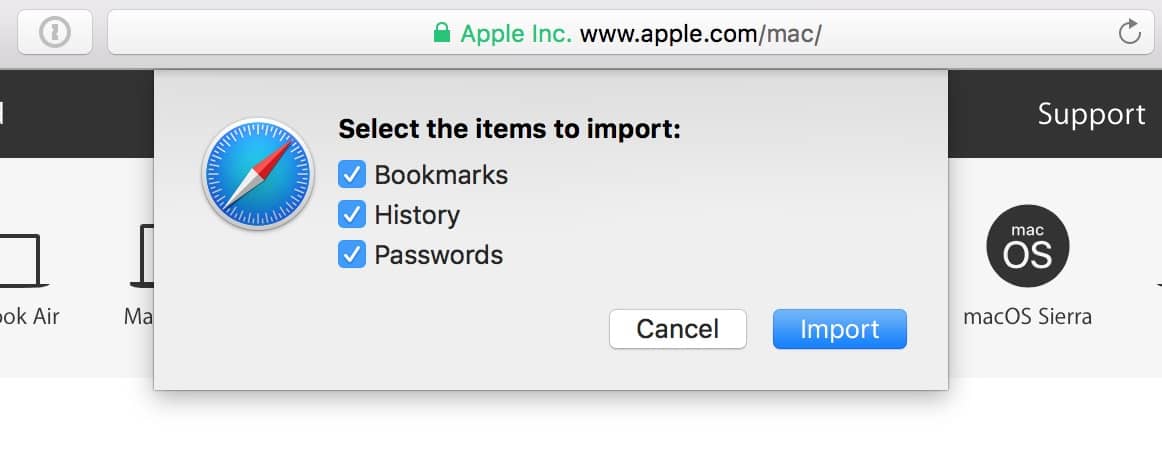
Way back in 2014, I wrote a tip about importing and exporting bookmarks between browsers on your Mac. There’s a relatively new and nifty way you can bring bookmarks from Firefox or Chrome into Safari, though, so you no longer have to walk through the complicated exporting process I outlined before. Here’s all you’ve gotta do: In Safari, click on the File menu and choose “Import From,” and then pick the browser that contains the info you’d like to transfer.

When you do so, Safari will give you the possible importing options.
Don’t miss the best of The Mac Observer
Set us as a preferred source and our Apple reporting ranks higher in your Google Search results and Discover feed — one tap, no account changes.


Discussion