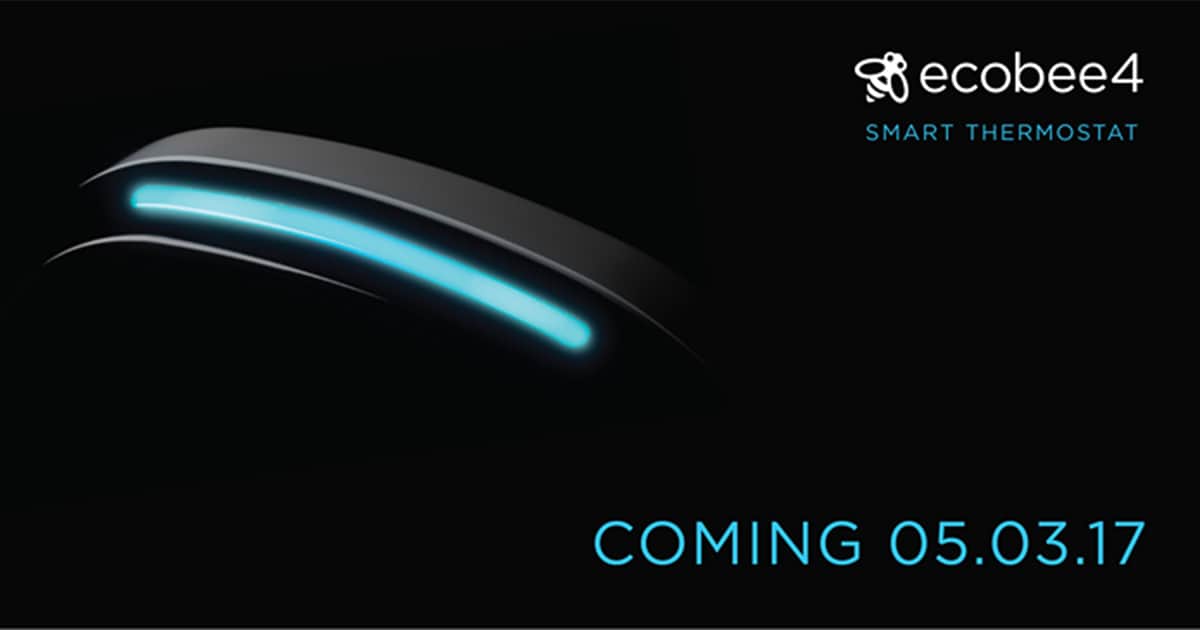
Smart thermostat maker ecobee is teasing its upcoming ecobee4, which is set to debut on May 3rd. The new model is rumored to include a built-in microphone and speaker with Amazon Alexa voice control built-in. ecobee4 will reportedly have a sleeker, yet familiar, design and the separate room sensors are said to be silver instead of white. The company also lowered the ecobee3 price ahead of next week’s announcement from US$249 to $199. That’s a pretty sweet deal for a full-features smart thermostat that’s also HomeKit compatible. If you want to follow along with ecobee’s announcements next Wednesday you’ll need to head over to the company’s Facebook page.
Siri Could Access Federal Information One Day
The General Services Administration is launching a pilot program aimed at opening up access to federal information to third-party virtual assistants. Agencies include the departments of Energy, Homeland Security and Housing and Urban development. The purpose is to make it easier for American citizens to find governmental information they need.

A Network Scanner Helps You Secure Your Wi-Fi Router
When you secure your Wi-Fi or wired router, a network scanner is an essential utility you should have on your Mac and iOS device. Jeff Butts has explored several options for letting you know what devices are connected to your network, and gives you an overview of what they can and cannot do.

Apple's Next Mac Pro Will Require a Change in Design Philosophy
Apple’s design philosophy for consumer Macs has been that of simplicity, indeed minimalism. Approachable and beautiful. But even the 2008-2012 Mac Pro, designed in the Steve Jobs era, understood the needs of technical and creative professionals. Now that Apple has had time to digest what went wrong with the 2013 Mac Pro, it’s time, according to Marco Arment, to change the design thinking from that of “no!” to that of “yes!” Versatility should rule. It’s all on page 2 of Friday’s Particle Debris.

TMO Background Mode Interview with The Verge Senior Editor Lauren Goode
Lauren Goode is both a Senior Editor at The Verge and the co-host of the podcast Too Embarrassed to Ask. Lauren didn’t start out as a technical person. In high school, she was into competitive basketball and volleyball. But the seeds were evident as she became an expert with a camcorder. Her interest in basketball and English led her to Clark University. There, she developed her passion for writing and soon after she was working in media via cable TV. That’s where her passion for video technology flourished. Later, at the WSJ and AllThingsD Walt Mossberg was her mentor. Today, Lauren writes for The Verge, and we discussed her specialties: wearables, smartphones and apps, and laptop technology. Recently, she’s become involved with an interesting new series about cars, “Screen Drive,” that you’ll very much enjoy.

Apple Hires Final Cut Virtual Reality Plugin Maker Tim Dashwood
Apple sure is making it easy for us to believe they’re working on augmented reality, especially when the company hires someone like Tim Dashwood. He’s the guy behind the Final Cut Pro and Adobe Premier 360VR Toolbox plugins for creating virtual reality video, and now he’s on Apple’s payroll.

iPhone 8 Delays, Apple's Satellite Pros - TMO Daily Observations 2017-04-24
Word on the street says the iPhone 8 won’t ship until October or November. Bryan Chaffin and John Martellaro join Jeff Gamet to share their thoughts on potential iPhone 8 production issues, plus they dive into Apple’s satellite expert hires from Google.

Steel-Housing Lightning Cable in Black, Gold, Rose Gold: $29.99
We have a deal on Fuse Chicken’s Titan Lightning cable. Titan is wrapped in two layers of steel, and Fuse Chicken pitches Titan as, “The toughest cables on Earth.” We have a deal on a 1.5-meter (just under 5-feet) Titan cable in Black, Gold, or Rose Gold, for $29.99.

OLED Display Issues Pushing iPhone 8 Release to Late 2017
Patience, it seems, will be a virtue this fall when the iPhone 8 is announced because reports keep saying it won’t ship at the same time as the iPhone 7s and iPhone 7s Plus. The latest report comes from KGI analyst Ming-Chi Kuo who says OLED production issues will keep the iPhone 8 from shipping until October or November.

iPhone 8 Dummy Model Backs Up Embedded Display Touch ID Sensor
iPhone 8 mockups are popping up nearly daily, and the latest shows a physical model that’s in line with the designs we’ve been seeing over the past couple weeks. The model sports a glass front and back, vertical rear-facing camera lenses, but no Touch ID sensor on the back.