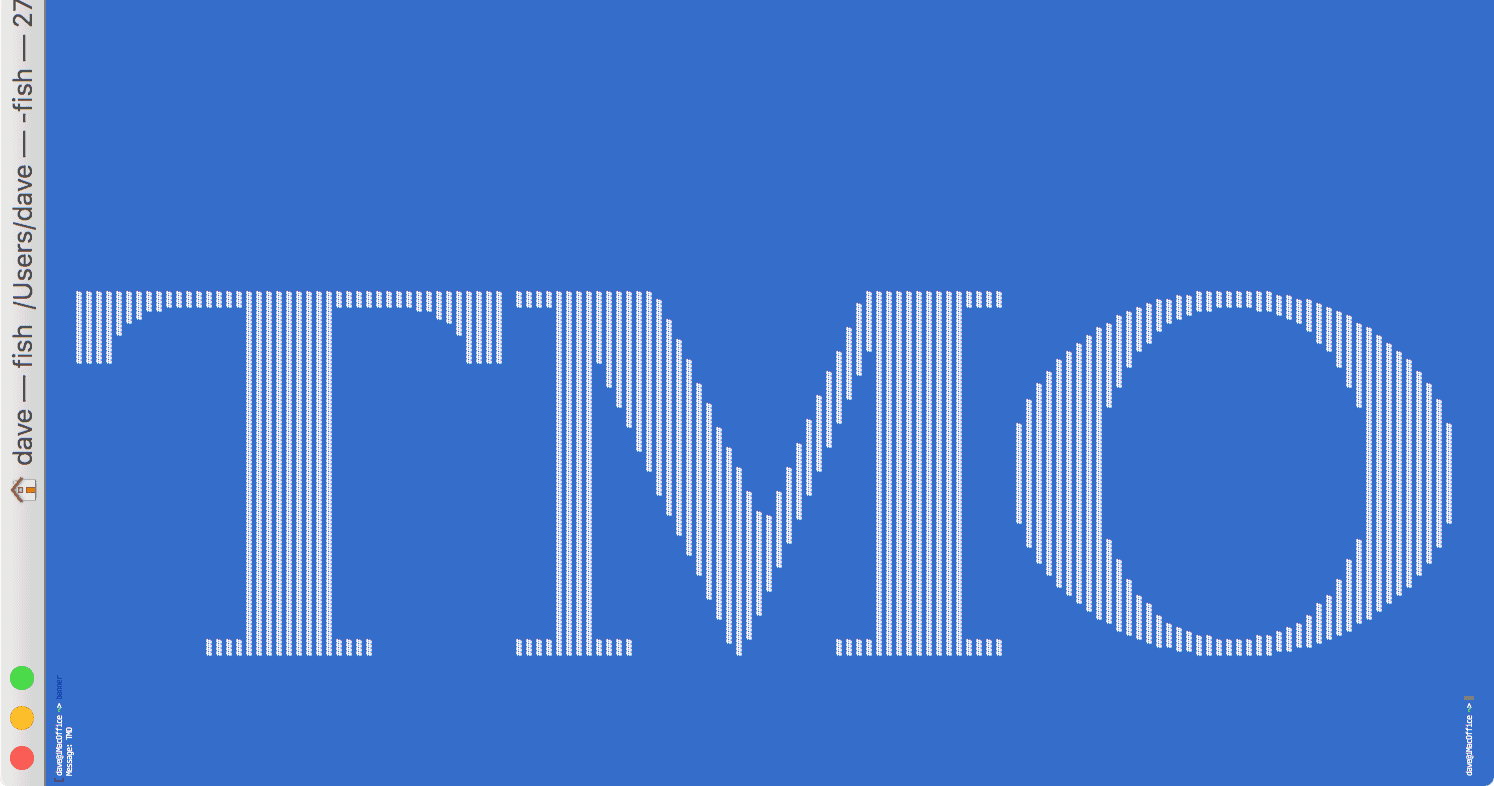
Mac Geek Gab listener Alex points us to a fun Mac Terminal command called “banner”, and its usage is simple. Launch Terminal, type ‘banner’, hit enter, type some text, hit enter again and voilà! You get a sideways banner of your chosen text fully suitable for printing on your favorite dot matrix printer.

Developers: WWDC 2017 Ticket Lottery Opens Today
If you’re a registered Apple Developer Program member and want to go to this year’s Worldwide Developer Conference in San Jose, today is the day to toss your name into the ticket lottery. Apple is opening the ticket lottery at 10 AM pacific time, and it’s the only way to get a conference ticket.

Live Home 3D Pro for Mac: $24.99
Check out Live Home 3D Pro for Mac, which helps you build from the ground up something as simple as a shed or living room or a complete sky scraper. You can design 2D floor plans, too—check out the deal listing for all the features. It’s $24.99 through our deal, 64% off retail.
Here's How to get a Black Display (PRODUCT)RED iPhone 7
Apple’s brand new (PRODUCT)RED iPhone 7 sports a cool looking red body with a white display bezel—no black bezel option is available, which we think is a crying shame. To drive that point home, JerryRigEverything tore apart a red iPhone 7 and gave it a black display. It looks great and it’s a DIY project JRE details in a video. In this case, DIY assumes you have a black iPhone 7 sitting around, all the right tools, and aren’t afraid to accidentally destroy two iPhones. Still, seeing a working black bezel red iPhone is pretty awesome.

Are You Secure with Your Security? – Mac Geek Gab 650
Security is on the brain this week! Learn how to secure your iCloud account and also learn how to secure your entire home network from your ISP’s prying eyes! Dave and John also help you determine what devices and processes are using your network, and what the difference is between WPA2 Personal and Enterprise. All of this and more in this week’s Mac Geek Gab. Press play and enjoy!

Steve Wozniak Accepts Award from Startup World Cup, Says 'This One's for Apple'
Steve Wozniak spoke at the Startup World Cup Finale Friday, where he talked about Apple’s early days, his own even earlier days, startup value, and some of the lessons he’s learned along the way. At the end of his keynote, he was presented with a miniature version of the Startup World Cup itself, which he accepted saying, “This one’s for Apple.”
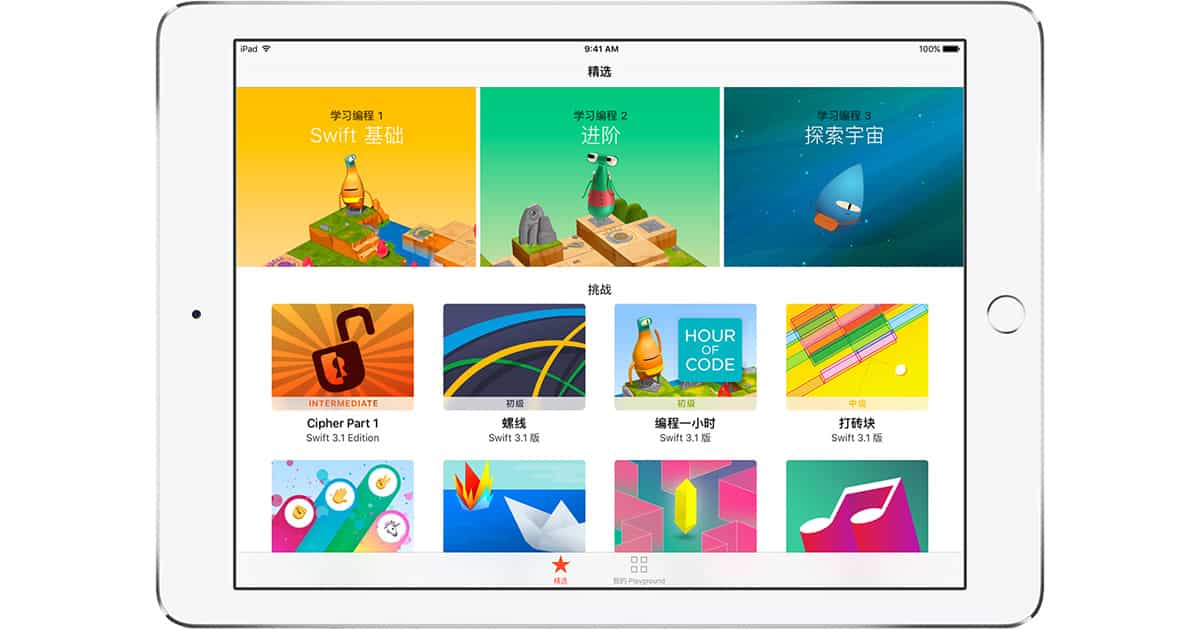
Apple Releases Swift Playgrounds 1.2 with Support for More Languages
Apple’s promised Swift Playgrounds 1.2 update is out with localized support for Simplified Chinese, French, German, Japanese, and Latin American Spanish. The iPad app teaches coding skills for Apple’s Swift language so you can design you own apps for personal use or sale on the App store. It includes lessons and examples, along with templates to get you started on your own projects—and now you can learn in five more languages. Swift Playgrounds 1.2 is free and requires an iPad running iOS 10.0 or newer.

A Robotics Competition You Should Totally Check Out
If you love robots, there are a bunch of robotics competitions happening across the United States right now. Jeff Butts has all of the details about this steamworks-themed event pitting high school students against the clock and their opponents.

Coming Soon To Your iPhone: Over 70 New Unicode 10 Emojis
Unicode 10 will be launched in June and it will include a bunch of new, awesome emojis. There are 69 new emojis in total, and some or all of them may eventually make their way into iOS 11. Someone made mockups on Emojipedia in Apple’s style, let’s check them out.

Customizing the Services Menu Helps You Optimize macOS
Hidden within macOS is an often-ignored item that can really speed things up. In this Quick Tip, Jeff Butts explores the Services menu and how it can help you really optimize macOS.