
Apple isn’t supporting gigabit cellular download speeds with this year’s iPhone refresh, so Bryan Chaffin and Jeff Butts join Jeff Gamet to explain why that’s not a big deal. They also look at the 20th anniversary of the first camera phone photo.
iPhone
iPhone-related tips and news for everyone interested in Apple’s iPhone or looking to make your iPhone experience even better.

iOS 11 Tries to Balance Privacy and Fraud-Prevention, Could Affect Used iPhones
A feature in iOS 11 called DeviceCheck lets developers fingerprint your iPhone persistently, even if you factory reset it.
WWDC and AltConf Interview: Ish
Jeff Gamet caught up with indy iOS app developer Ish at AltConf outside of Apple’s Worldwide Developer Conference in San Jose. They talked about his new Boomerang language translation app, teaching other developers, his appearance in the documentary App: The Human Story, and more. Ish has a blog and is on Twitter, too.

Video Walk-Through of iOS 11 Developer Beta 1 on the iPhone
From what we’ve seen so far, you’re sure to love the new version of Apple’s mobile operating system.
iOS 11 Hands On - TMO Daily Observations 2017-06-06
Now that the developer preview of iOS 11 is out following Monday’s Worldwide Developer Conference keynote, Jeff Butts and Bryan Chaffin join jeff Gamet to talk about hands-on experiences with some of the new features.

Here are the iPhones and iPads that Won't Run iOS 11
Not all of Apple’s iPhone and iPad lineup are going to make the transition into iOS 11.

Hands on with iOS 11: My First 30 Minutes
A revamped Control Center, a new app, and new Settings are just the tip of the iceberg.

Apple Will Reinvent Home Music with HomePod
It looks and sounds terrific, and should fill a marked void in Apple’s product offerings.
![iOS 11 Will Have Files App for Viewing and Using Files [Update]](https://www.macobserver.com/wp-content/uploads/2017/06/ios-11-files-app-wwdc.webp)
iOS 11 Will Have Files App for Viewing and Using Files [Update]
Users will be able to drag and drop files between apps, and it will support iCloud Drive as well as third party cloud storage services. [Updated with additional information about other devices.]

Apple Focuses on Discovery with App Store Redesign
Apple is revamping the iPhone and iPad App Store to improve discoverability, and we got our first look during the company’s Worldwide Developer Conference 2017 keynote on Monday.

Apple Files App for iOS 11 Hints at Mac-like Document Organizing for iPhone
File management may be coming to the iPhone and iPad thanks to the just leaked Files app for iOS 11.

Foxconn Source Spills Details on iPhone X, Says AR Glasses Likely to be Cancelled
Reddit has exploded with this information, which includes details about iPhone X, MacBooks, and Apple’s unannounced AR glasses.
Get Time Machine on Your iPhone With iMazing Mini
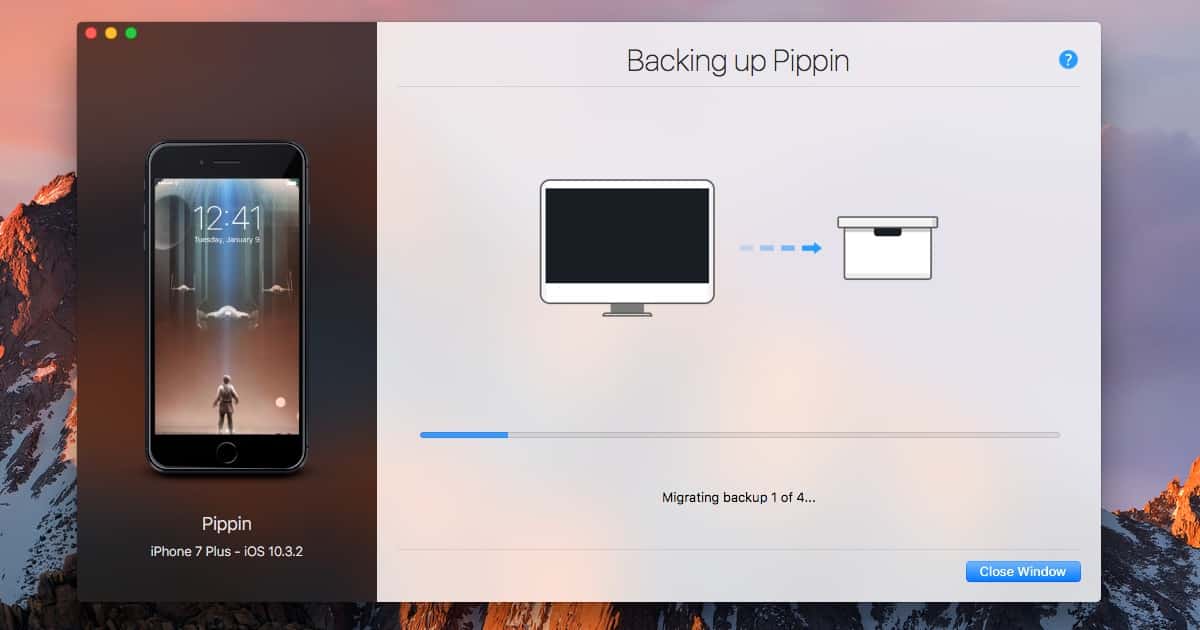
Time Machine on macOS is an amazingly elegant backup solution. When it comes to iPhone backups, there really hasn’t been anything like Time Machine. The team behind iMazing recognized this, and have recently released the public beta of software that brings Time Machine to iOS. iMazing Mini is available for download now, and it’s a free app. With iMazing Mini, you can take “snapshots” of your devices. These are incremental backups that you can roll back to at any time. DigiDNA optimized iMazing Mini to store dozens of backups without crowding your hard drive. You can view your data easily within the full-blown version of iMazing. Probably the best feature, though, is that you can go back in time and restore any specific version of your backup quickly and easily. Of course, it’s also nice that the software is free without any ads or paid cloud storage.

More Geeky Gifts for Dads and Grads
Dr. Mac has more great gadgets that make perfect gifts for the geeky grads and dads you love.

Plex Adds Live TV Viewing to iPhone, iPad
Plex’s latest up date lets you watch over the air HD TV shows live instead of having to record them first.

Apple's Developer Payouts Top $70 Billion
Apple shared the big payout numbers just days ahead of next week’s Worldwide Developer Conference.
Apple Brilliantly Personifies iPhone Security
There are three new “Why Switch” videos on YouTube. Contacts is clever and does a pretty good job of conveying that it’s easy to move your contacts to iPhone from “your phone.” Smooth makes a good case that video is smoother on iPhone. But Security, now that one is brilliant. It personifies iPhone’s inherent security advantage over (the unnamed) Android in a funny, concise, and elegant way. It’s easy to understand, and I think it’s entertaining. You can watch it below.
The Big Ringless Voicemail Rant - TMO Daily Observations 2017-05-25
Jeff Butts and Bryan Chaffin join Jeff Gamet to make it clear exactly how they feel about ringless voicemail. Spoiler: they don’t like it.

GOP, Businesses Want to Spam Your Voicemail Without Calling Your Phone
If businesses get their way your voicemail will be a new target for spam.

Warby Parker Brings Eye Checkup to Your iPhone
Warby Parker’s new app may save you a trip to the optometrist.

Apple and Nokia Reach Agreement in Patent Licensing Dispute
Apple and Nokia settled their patent licensing dispute on Monday and are besties again.

Apple's New Switcher Campaign — for iPhone
Apple launched a new advertising campaign called Switch to iPhone at apple.com/switch. The campaign trades the white of the company’s original I’m a PC campaign for dark pastels and simple, compelling imagery. The message is that it’s simple to switch to iPhone, which is faster, that your music will sound better, and that moving your photos is easy. Watch the four videos that make that argument in our full story.

RSA Sues Apple Claiming Apple Pay Patent Infringement
RSA filed a lawsuit against Apple and Visa over the weekend claiming the iPhone maker’s Apple Pay feature infringes on patents it owns. The company says it holds 13 patents covering Apple Pay technology, and hasn’t been able to get Apple or Visa to pay for licensing.
How to shoot with zoom on iPhone 7 Plus (Apple Video)
Apple published another new video in its “Shoot with iPhone” series. This one is called “How to shoot with zoom on iPhone 7 Plus.” It offers two methods I don’t know you could use. The first is to single-tap your display for a 2x optical zoom. The second method is to touch and hold your display to scroll through your zoom until you get it where you want it. There are now 20 videos in this series, and they’re great resources for making the most of your iPhone’s camera.