
You can use Apple Music on Fire TV even though there is no native app. The most reliable options include Alexa voice control, AirPlay from an Apple device, or using the web player through the Fire TV browser.
Table of Contents
3 Ways To Use Apple Music on Fire TV
1. Use Alexa Skills on Fire TV
The easiest way is to use Apple Music through Alexa. Amazon allows Apple Music playback using voice commands on supported devices.
Time needed: 5 minutes
- Open the Alexa app on your phone.
- Go to Settings > Music & Podcasts.
- Select Apple Music and sign in with your Apple ID.
- Set Apple Music as the default music service.
- Use the Fire TV remote and say a playback command.
- Additionally, you can add Apple Music as an Alexa skill in Amazon’s marketplace
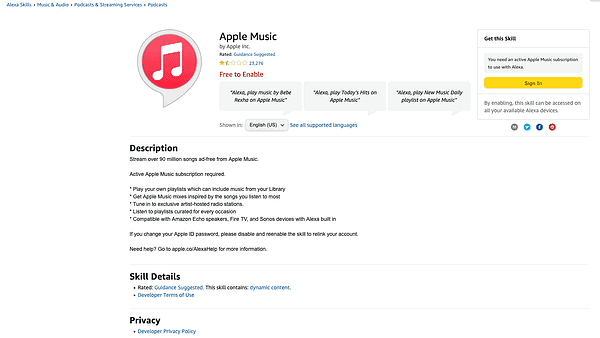
This method works best for background listening and playlists, but it does not show album artwork or lyrics on screen.
Don’t miss the best of The Mac Observer
Set us as a preferred source and our Apple reporting ranks higher in your Google Search results and Discover feed — one tap, no account changes.
2. Stream Apple Music to Fire TV Using AirPlay
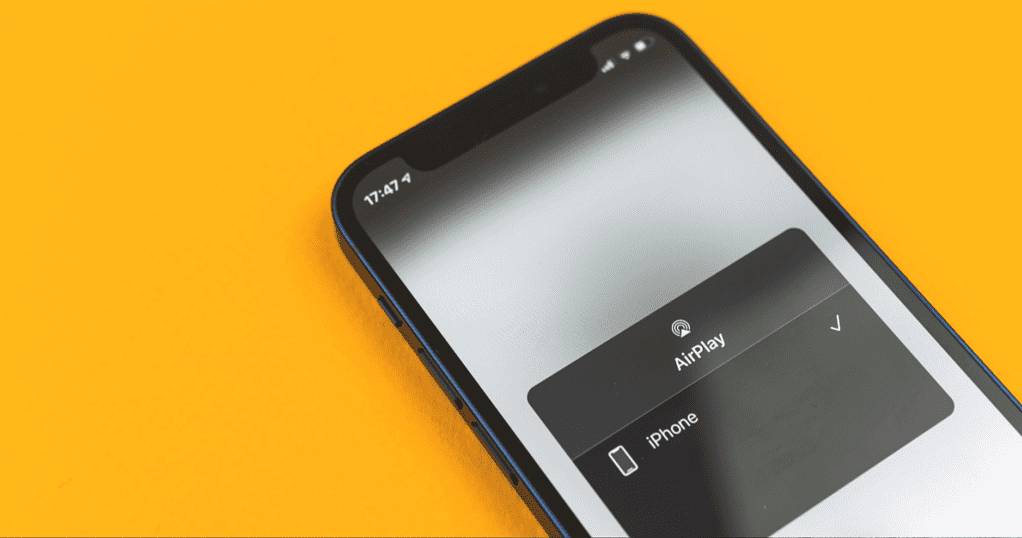
You can stream Apple Music by mirroring audio from an iPhone, iPad, or Mac. This approach requires Fire TV models with AirPlay support or compatible software.
- Open Settings on Fire TV.
- Enable AirPlay or Screen Mirroring, if available.
- Open the Music app on your Apple device.
- Start playback and select AirPlay output.
- Choose your Fire TV device from the list.
This option gives full access to Apple Music features, including albums, playlists, and recommendations.
3. Play Apple Music Through the Web Browser
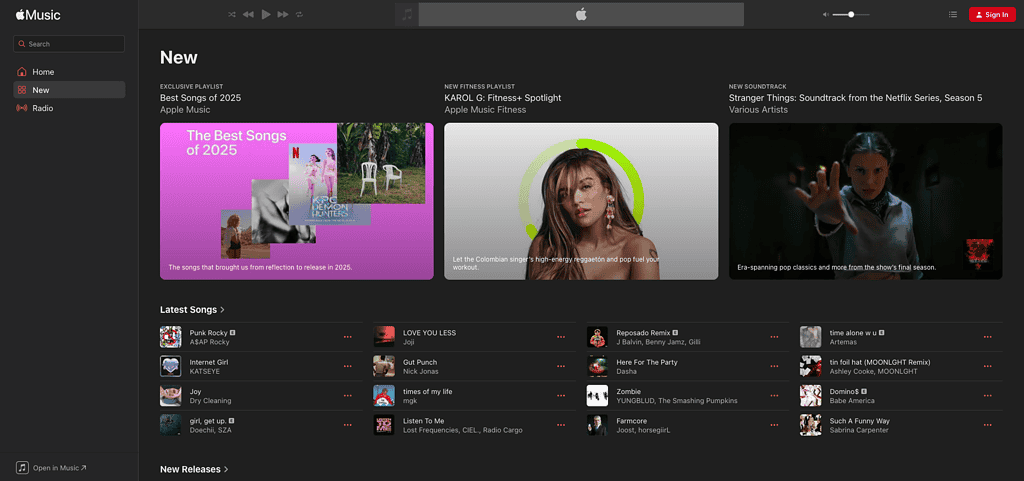
Fire TV includes a web browser, Silk. It can access the Apple Music web player. This option works without Alexa or AirPlay.
- Open the Silk browser on Fire TV.
- Go to music.apple.com.
- Sign in with your Apple ID.
- Browse and play music using the remote.
Navigation can feel slower, but playback quality remains consistent.
Tips
- Alexa playback works best for playlists and radio stations.
- AirPlay offers the most complete Apple Music experience.
- The web player works without additional setup.
- Keep Fire TV and Alexa software up to date.
Apple Music in Fire TV: FAQ
No. Apple has not released a native app for Fire TV devices.
Alexa playback works on most models, but AirPlay support varies by device. The web player is available for all models.
All methods stream at similar quality, but AirPlay offers better control.
Summary
- Use Alexa for simple voice-controlled playback.
- Stream from an Apple device using AirPlay when available.
- Access Apple Music directly through the Silk browser.
- Choose the method that matches how you listen.
Apple Music Fire TV support depends on workarounds rather than a native app. Alexa, AirPlay, and the web player cover most listening needs with minimal setup.




Discussion