

The AirPods Pro 3 bring better audio, new health features, and even live translation. But one thing hasn’t changed: you’ll only get the best sound and comfort if the ear tips fit properly. Apple now ships five sizes—XXS, XS, S, M, and L—in the box, making it easier to dial in a perfect seal. Here’s how to remove and attach the tips without damaging them.
Table of contents
Removing the ear tips
- Hold the AirPod firmly in one hand.
- Pinch the ear tip at its base where it connects to the AirPod, not at the soft end.
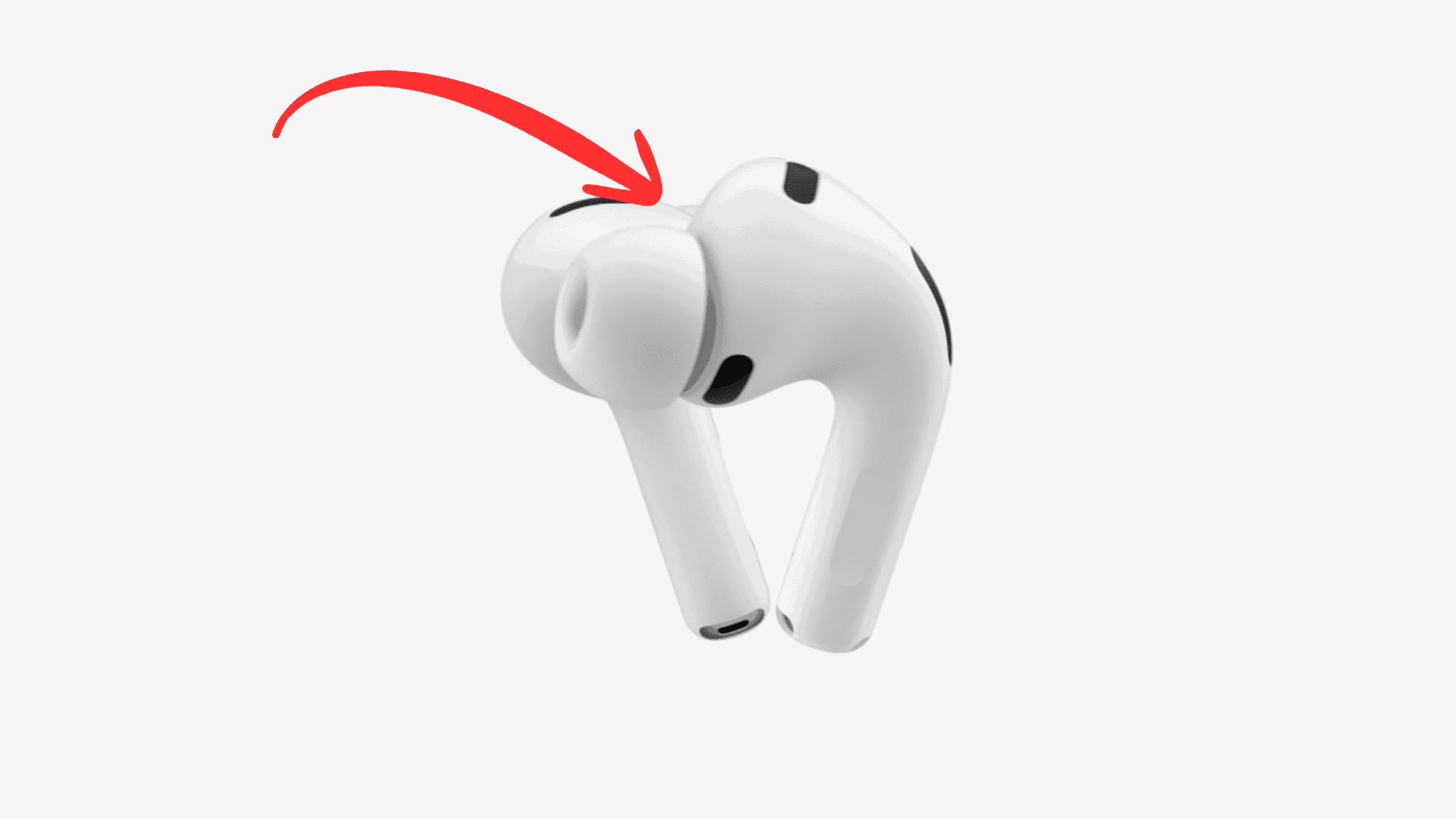
- Pull straight out with steady pressure. Don’t twist or yank, this avoids tearing.

If the tip feels slippery, gently roll the edge outward or use a soft cloth for a better grip.
Attaching a new tip
- Pick the size you want.
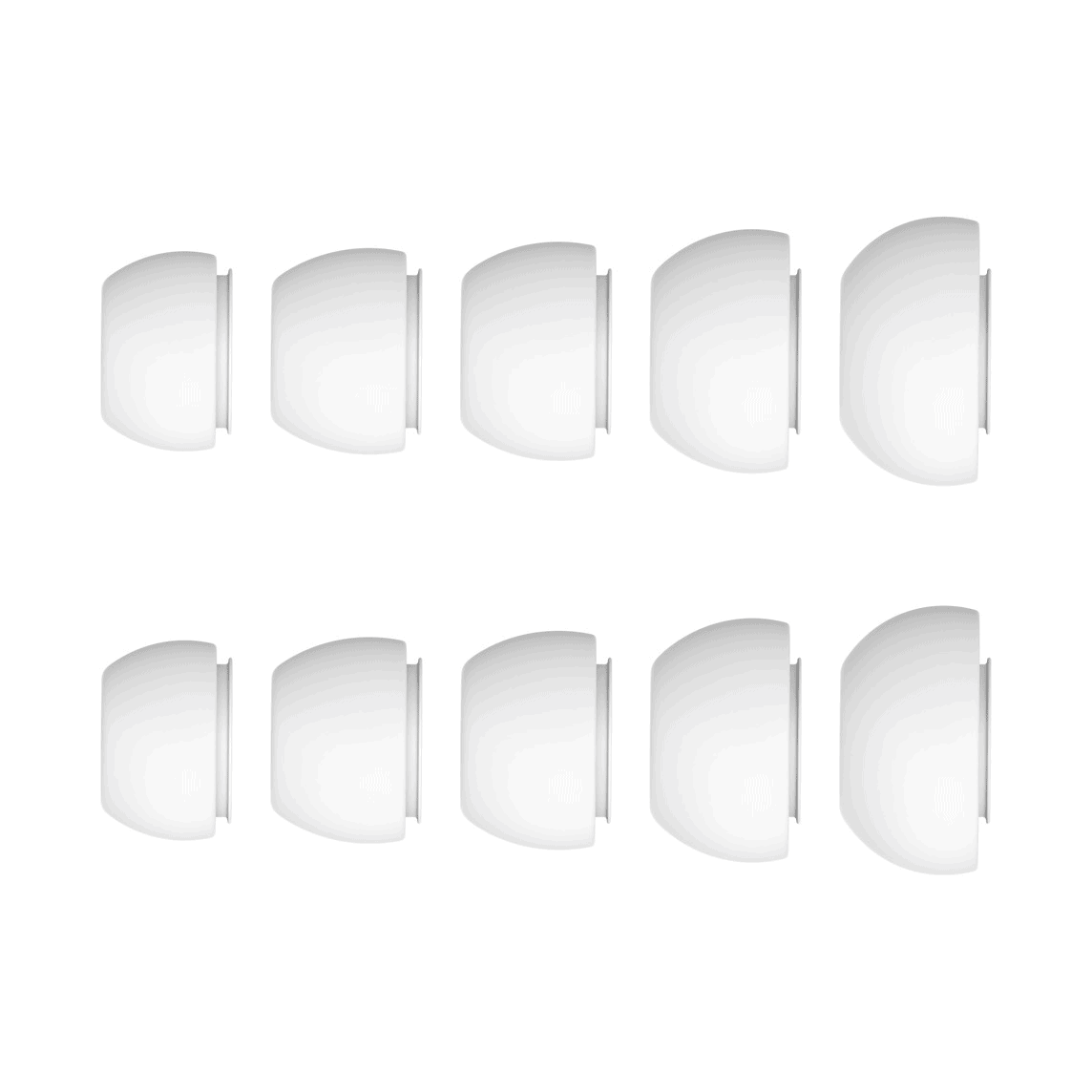
- Line up the connector with the oval socket on the AirPod.
- Push until you hear or feel a click.
- Tug lightly to confirm it’s locked in place.

Apple includes five pairs in the box, solving the fit problem for more users.
Don’t miss the best of The Mac Observer
Set us as a preferred source and our Apple reporting ranks higher in your Google Search results and Discover feed — one tap, no account changes.
Checking the fit
A good seal improves sound, blocks noise, and even affects new features like heart rate tracking from your ears. To confirm:
- Go to Settings → Bluetooth → AirPods Pro 3 → Acoustic Seal Test.
- iOS 26 will play test tones and tell you if your tips fit well or if you should try another size.

You can mix and match sizes between left and right ears for comfort.
Cleaning the tips
When tips are off, rinse them in clean water (no soap), then air-dry completely before reattaching. Wipe the AirPod connector with a dry, lint-free cloth.
What if a tip tears or won’t come off?
- Pull only from the base. That’s the firmest part.
- If part of a tip tears and stays in the socket, use a soft tool (like a wooden toothpick) to gently coax it out.
- Replacement tips are available from Apple.
Why tip fit matters more than ever
The AirPods Pro 3 aren’t just about music. They bring 8–10 hours of battery life on a single charge (see our guide), studio-quality call audio, and tools like live translation. For workouts, the right tip seal can also make health features like heart-rate tracking more accurate.
If you’re weighing them against other options, check our comparisons:
- AirPods Pro 3 vs AirPods Pro 2
- AirPods Pro 3 vs Samsung Galaxy Buds 3 Pro
- AirPods Pro 3 vs Sony WF-1000XM5
- AirPods Pro 3 vs Bose QuietComfort Ultra
- AirPods Pro 3 vs Garmin and Coros fitness earbuds
Bottom line
Swapping ear tips on the AirPods Pro 3 takes a gentle pull and a firm click. With five sizes included, you should find a setup that’s secure and comfortable. A good seal unlocks the best audio, noise cancellation, and health tracking. If you haven’t picked up a pair yet, here’s where to buy the AirPods Pro 3.
At $249, they’re not cheap, but with new features and better fit, the AirPods Pro 3 are Apple’s most complete earbuds yet.


Discussion