
Many Android users want to use Apple earbuds but fear compatibility issues. Apple builds products for its own ecosystem. However, AirPods function as standard Bluetooth headphones. This means they connect easily to almost any device with Bluetooth support. You can enjoy high quality audio without owning an Apple product.
Table of contents
The Short Answer: Yes, They Work via Bluetooth
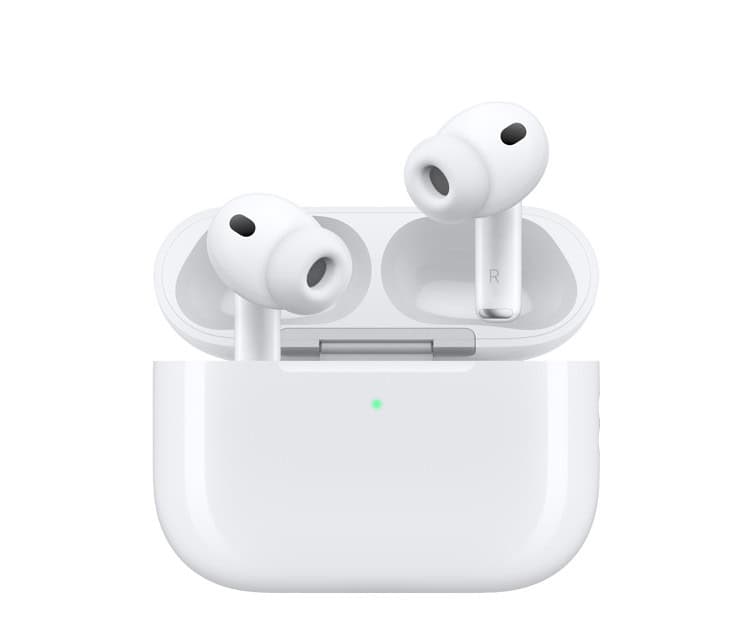
The short answer is a definite yes. AirPods work with Android devices through standard Bluetooth protocols. Your Samsung or Pixel phone views them as a regular wireless headset. Consequently, you can listen to music and take calls easily. You do not need an iPhone to enjoy the hardware.
Step-by-Step Guide to Pairing AirPods with Android
Connecting these earbuds to your phone takes only a few simple steps. Follow this guide to sync your devices:
Don’t miss the best of The Mac Observer
Set us as a preferred source and our Apple reporting ranks higher in your Google Search results and Discover feed — one tap, no account changes.
- Open the Settings menu on your Android phone.
- Navigate to the Bluetooth section and ensure the toggle is on.
- Place both earbuds inside the charging case with the lid open.
- Press and hold the setup button on the back of the case.

- Wait for the status light to pulse white.
- Select your earbuds from the list of available devices on your phone.
If you own a newer model, check the full list of AirPods in order to identify your specific version.
What Works and What You’ll Miss
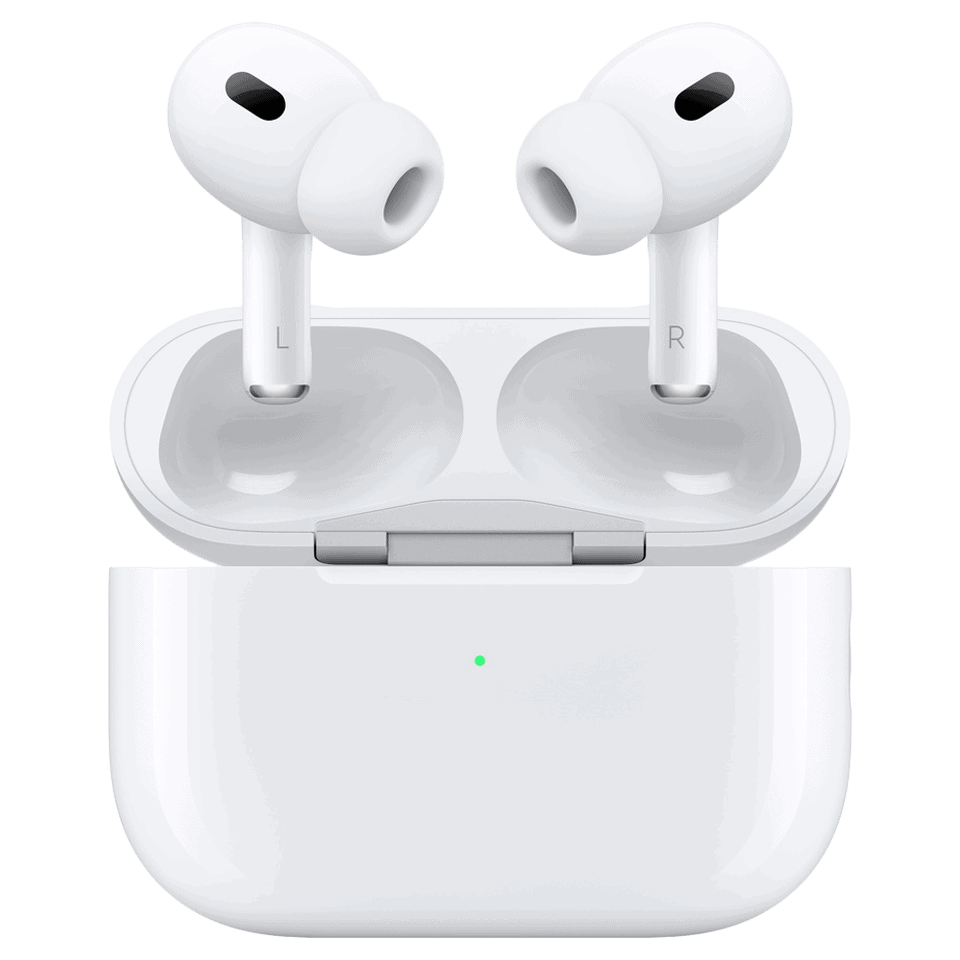
The basic audio connection remains stable and clear. However, you will lose several specific Apple features. For instance, the music will not pause when you remove an earbud. Additionally, you cannot use Siri or customize touch controls natively. Android does not support these deep software integrations.
Battery tracking also presents a challenge for users. Android phones do not show the battery level in the notification bar. Fortunately, AirPods 3 can run 8-10 hours on a single charge during normal use. This longevity provides a great experience despite the lack of native indicators.
Tips and Workarounds for a Better Android Experience
Third-party apps can bridge the gap between these two platforms. You can find tools like AirBattery in the Google Play Store. These apps show battery levels and enable some gesture controls. Therefore, you can regain some of the lost functionality. These workarounds improve the overall user experience significantly.
If you face audio stutters, try resetting your Bluetooth settings. New users should also read an AirPods Pro complete guide for beginners to learn about transparency mode. This guide explains how the force sensors work on the stems.
FAQ
Download a third-party app from the Play Store to see battery percentages.
No, you must use an iPhone or Mac for firmware updates.
Android does not support spatial audio with dynamic head tracking.
Maximizing AirPods Compatibility on Android Devices
Apple earbuds remain a great choice for Android users who value design. You miss some software perks, but the audio quality stays excellent. If you encounter issues like AirPods Pro 3 disconnecting, simple troubleshooting usually fixes the connection. These earbuds offer a premium experience on almost any modern smartphone.




Discussion