
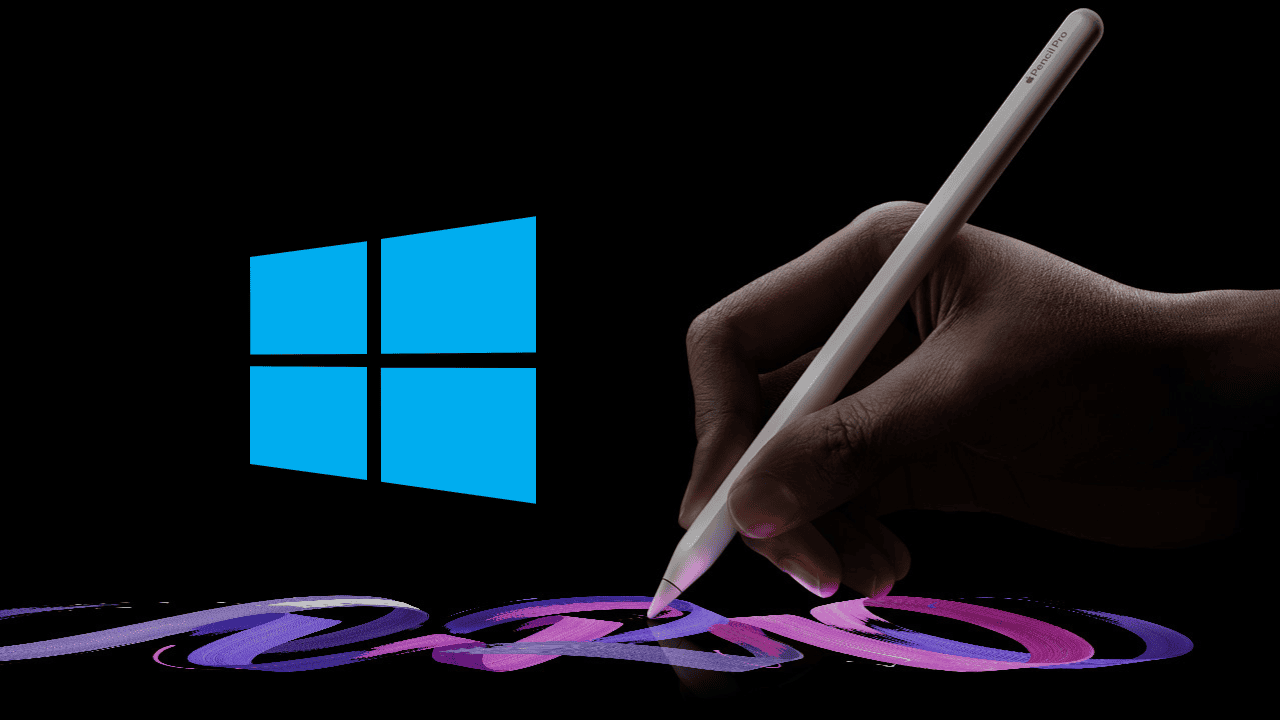
Digital artists often use high-quality styluses. Note-takers and designers also rely on this precision. Therefore, many want one tool for all operating systems. Users hope to pair the Apple Pencil with Windows laptops. However, this is not possible. The Apple Pencil works exclusively with the iPad. It will not function on Windows devices.
Table of contents
Why Apple Pencil Doesn’t Work on Windows Devices
1. Proprietary Apple Technology
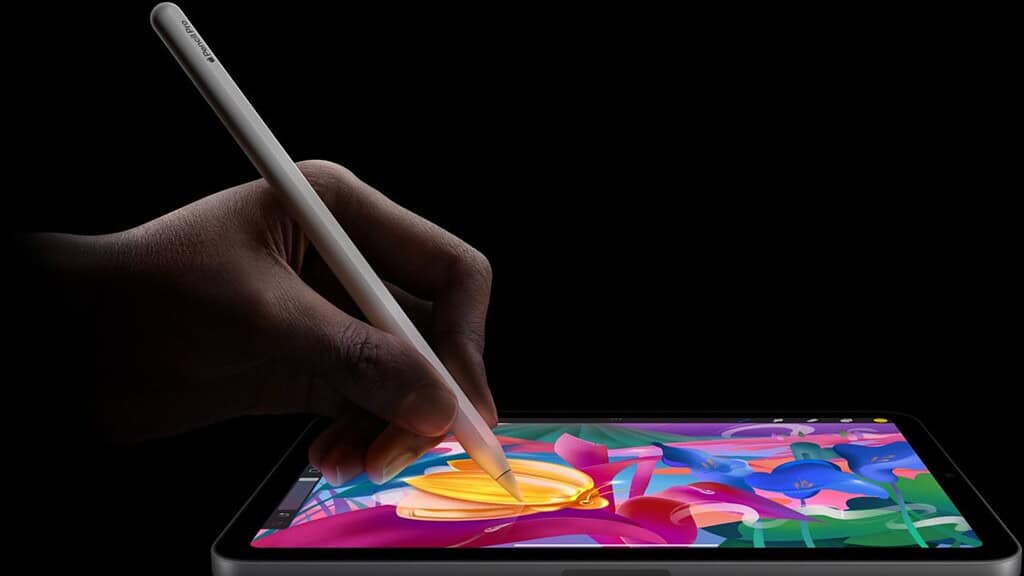
Proprietary Apple technology creates the main roadblock. The Apple Pencil uses a special, active digitizer. Apple builds this hardware directly into iPad displays. This specialized tool detects tilt, pressure, and position. It must work with millisecond accuracy. Consequently, Windows touchscreens lack this essential digitizer. They cannot recognize or process the Pencil’s unique signals.
2. Different Touchscreen Standards
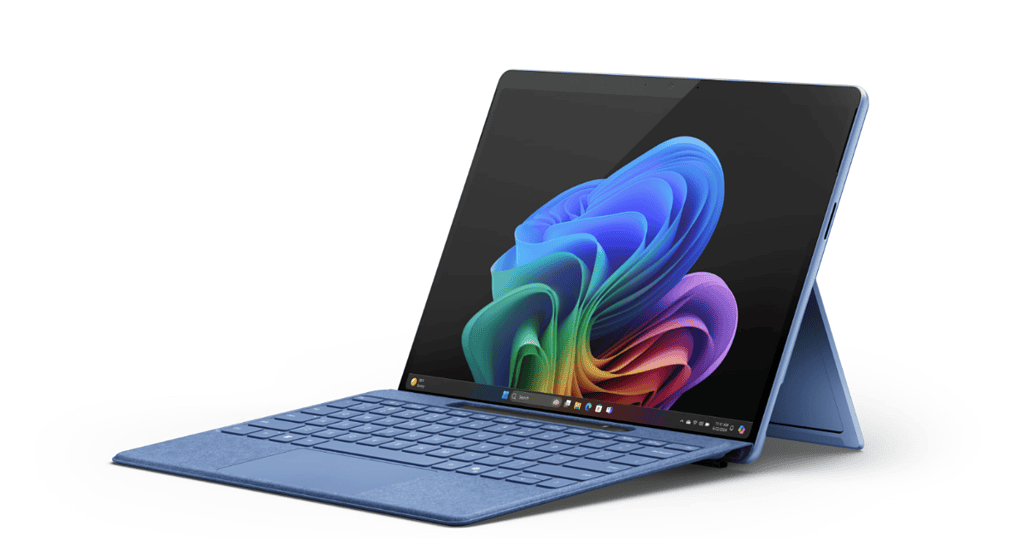
Windows devices follow different stylus standards. Most use the Microsoft Pen Protocol (MPP). Others use Wacom Active Electrostatic (AES) technology. These standards rely on unique communication methods. Apple’s system differs significantly. The Apple Pencil sends signals that Windows screens ignore. Specifically, it becomes functionally impossible to connect.
Don’t miss the best of The Mac Observer
Set us as a preferred source and our Apple reporting ranks higher in your Google Search results and Discover feed — one tap, no account changes.
3. Bluetooth Limitations
The Apple Pencil uses Bluetooth for initial pairing. However, the connection is not standard or universal. The pairing involves specific, custom handshakes. These protocols are only for iPadOS. A Windows device may detect the Pencil. Nevertheless, it lacks the specialized software keys. It cannot translate the raw input into action. If you’re looking for more information on the different models, you can find more details here.
4. Absence of Apple Drivers
All hardware needs a software driver to run. Drivers allow communication with the operating system. Windows natively supports MPP and AES styluses. Crucially, it has no native Apple Pencil drivers. Without these components, the Windows OS fails. It cannot interpret the unique data streams. These streams include pressure sensitivity and tilt. This driver lack makes the accessory inert.
5. Hardware Communication Barriers
The display and the pen must communicate constantly. They must use two-way communication at a hardware level. The iPad screen actively scans for the proprietary Apple Pencil signal. Conversely, Windows displays scan for MPP or AES signals. The Windows screen ignores the Apple-specific input method. The Apple Pencil’s data transmission is therefore blocked. This creates a critical hardware communication barrier. To get the most out of your stylus, make sure you know the best apps for drawing on iPad.
Best Stylus Alternatives for Windows
1. Microsoft Surface Pen
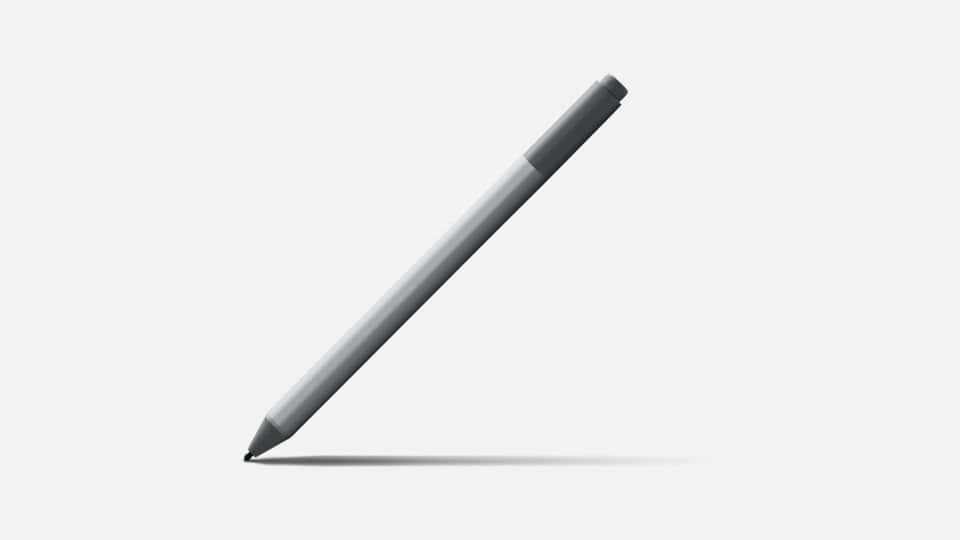
The Microsoft Surface Pen is the gold standard for Windows devices. It works best with the Surface product line. It utilizes the Microsoft Pen Protocol (MPP). In addition, it offers many great features. This includes 4,096 levels of pressure sensitivity. It also supports tilt and an eraser button. The pen pairs seamlessly with Windows 10 and 11. It provides a fluid, lag-free inking experience.
2. Wacom Bamboo Ink
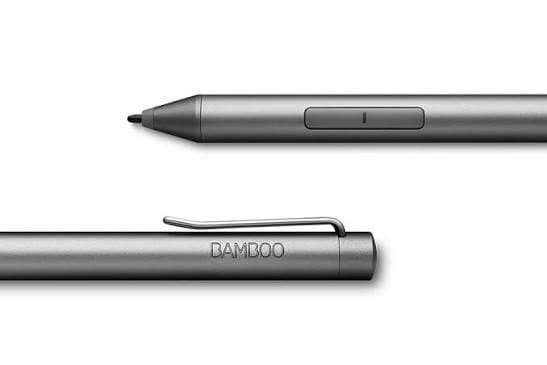
The Wacom Bamboo Ink offers greater compatibility. Wacom is a renowned name in digital art. This stylus is dual-protocol by design. Furthermore, it supports both MPP and Wacom’s AES technology. This broadens compatibility with Windows devices. It ensures a highly responsive and accurate experience. It works for both drawing and writing. You can often find great deals on a refurbished Apple Pencil.
FAQ
It may appear in Bluetooth settings. However, it cannot pair or function as input.
No. The Apple Pencil uses proprietary charging methods. Windows laptops do not support them.
Choosing the Right Stylus for Windows Devices
You must match the stylus to your Windows device. Always check your laptop’s specifications. For instance, confirm if it supports MPP or AES. Choosing the Surface Pen or Wacom guarantees compatibility. This choice delivers all digital inking features. You get pressure, tilt, and palm rejection. This meets your high-quality accessory expectation.
The Apple Pencil is an excellent tool. Its function is strictly limited to the iPad ecosystem. Proprietary hardware and software cause this restriction. Windows users must choose a Windows-designed stylus. Alternatives offer full compatibility and better performance. Therefore, choose an alternative to use the best apps for editing on your Windows machine.




Discussion