

Roblox has evolved into one of the largest gaming platforms across the globe, with millions of players diving in to create, share, and play games across every genre imaginable. Along the same lines, MacBooks from Apple Inc. have become a dominating force in the laptop industry, and only continue to grow in power and popularity. They’re no longer just for work or school, but they can be for casual gaming as well. Even if Apple has been taking great strides in redefining gaming on Mac, some may still wonder why some users wonder how Roblox is compatible on their Mac..
Though Roblox works a bit differently on macOS than on Windows, it’s still easily playable on a Mac. In this article, we’ll take a look at how well Roblox runs on MacBooks, what to expect in terms of performance, and what you’ll need to know before getting started.
Can You Play Roblox on MacBook?
Yes, Roblox is available on MacBooks running macOS. The platform supports macOS version 10.13 High Sierra or newer, making it rather accessible for most modern Mac users.
Don’t miss the best of The Mac Observer
Set us as a preferred source and our Apple reporting ranks higher in your Google Search results and Discover feed — one tap, no account changes.
Time needed: 15 minutes
To install Roblox on your MacBook, follow these steps:
- Visit the official Roblox website and signup for an account.

- Download the installer (.dmg file) for Mac.
- Install the game by opening the downloaded file and following the on-screen instructions.
It’s a pretty straightforward process that’s easy to complete. It’s also worth knowing that Roblox is available on the iOS App Store for iPhone and iPad, but for Mac computers, you’ll need to download it directly from the Roblox website rather than directly from Apple. On Mac, the full-experience of Roblox is available, meaning you’ll be creating and playing in no time.
Best Roblox Games to Play on Your MacBook
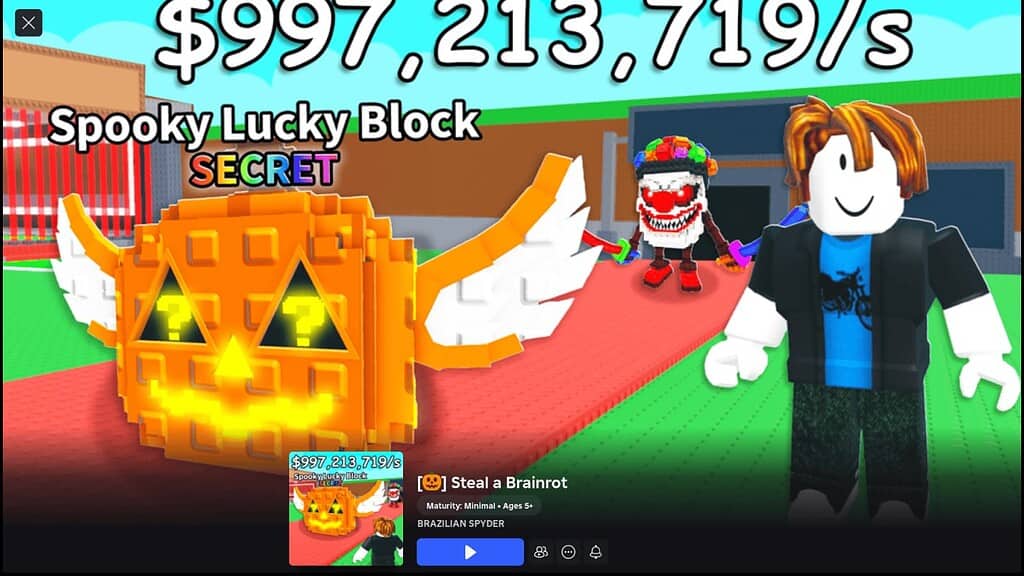
Roblox hosts thousands of experiences, but only a few have stood out as exemplars among players worldwide. These top games attract millions of users and offer engaging gameplay that keeps people coming back.
Here are three of the most popular Roblox games you should try:
- Steal a Brainrot is one of the most popular games on Roblox right now. Players visit the spawner to buy Brainrots and add them to their collection at their base. These Brainrots generate money automatically while you defend against other players trying to steal them.
- Brookhaven RP remains one of the most played games on the platform. This role-playing game lets you live out daily life scenarios in a virtual town. You can own houses, drive cars, hang out with friends, and create your own stories without strict rules or objectives.
- Adopt Me continues to dominate the charts with its pet collection and trading system. Players raise virtual pets, decorate homes, and trade with others to build their collections. The regular updates and seasonal events keep the community active and engaged.
These games run smoothly on any MacBook and provide hours of entertainment across different genres and play styles. So long as you’re running the right version of macOS, it’s going to be smooth sailing.
Final Thoughts
So long as you’re running macOS 10.13 or newer on your MacBook, you’re going to be ready to go. By downloading and installing the game through the official website, the entire process can be done relatively quickly. MacBook users can enjoy popular games like Steal a Brainrot, Brookhaven RP, and Adopt Me with minimal performance issues. The platform offers thousands of experiences across different genres, giving you plenty of options to explore.




Discussion