

Want to fix a cracked iPad screen without overspending? Even though iPad repairs can seem expensive, users can still find affordable options depending on their model and coverage. In this guide, we’ll show you exactly how much it costs to fix the glass on an iPad, what affects that price, and how to save money—no tech background required.
Table of contents
How Much Does It Cost to Fix the Glass on an iPad?
Here’s what you need to know about the cost to get an iPad screen fixed.
Apple (Out of Warranty)
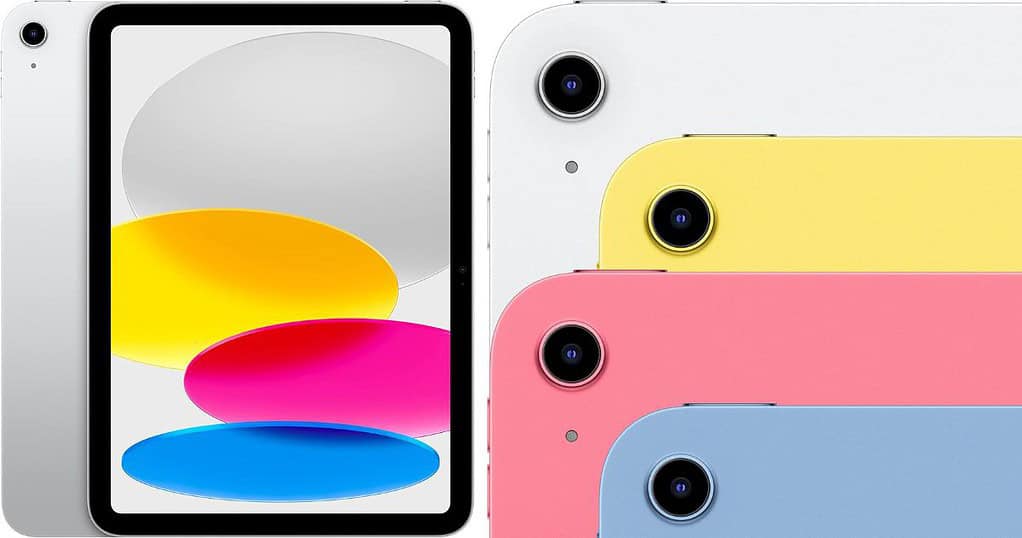
- iPad (7th/8th/9th/10th Gen): ~$249
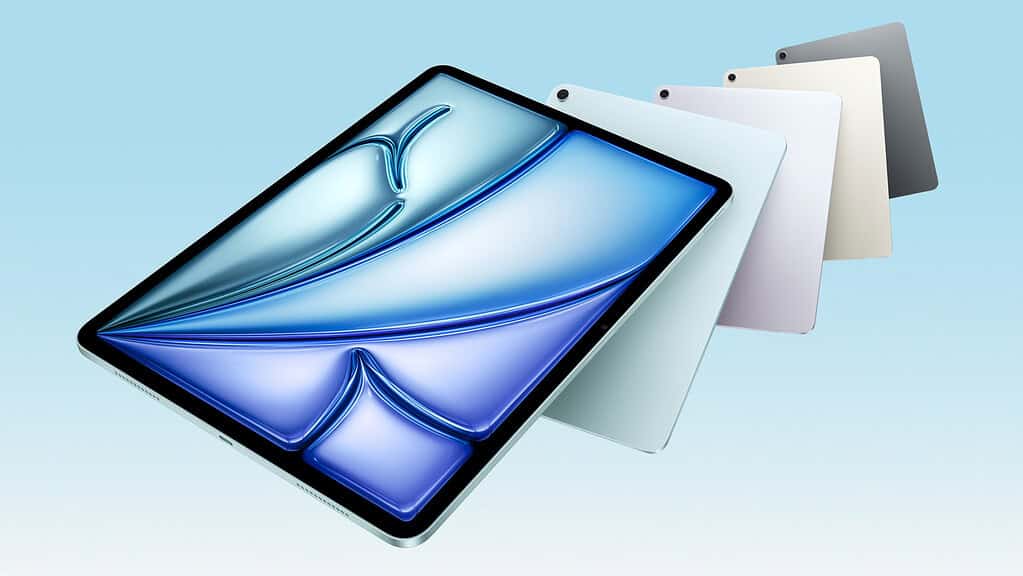
- iPad Air (4th/5th Gen): ~$379
- iPad Mini (6th Gen or later): ~$299
- iPad Pro (11” or 12.9”): $499–$749 depending on size
Apple with AppleCare+:
- Flat rate of $49 for screen damage
Best Buy / Authorized Service Providers:
- Pricing mirrors Apple’s but may vary slightly by location and model
Third-Party Repair Shops (U.S.):
- iPad 10.2″ and Air: ~$100–$180
- iPad Pro: ~$200–$450
- iPad Mini: ~$180–$250
The total depends on whether the repair includes just the glass or the full LCD assembly.
Don’t miss the best of The Mac Observer
Set us as a preferred source and our Apple reporting ranks higher in your Google Search results and Discover feed — one tap, no account changes.
Know the Difference — Glass Only vs. Full Display
Newer iPads (especially Pro and Air models) use laminated displays, so you can’t replace just the glass. Most shops replace the entire screen assembly (glass + digitizer + LCD), which drives the cost up. Older-style, non-laminated displays (like the 9th gen iPad) may allow glass-only repairs.
Consider What Affects Repair Cost
Warranty Status
If you’re out of warranty and don’t have AppleCare+, repairs cost more.
Device Model
The bigger and newer your iPad, the pricier the parts.
Repair Source
Apple charges more, but third-party shops vary widely.
Extent of Damage
A small crack may only need glass; deeper damage could require full replacements.
Can You Use the iPad with a Cracked Screen?
Yes, in most cases, you can still use it. But cracks can worsen or cut your fingers. If the touch response feels off or the display flickers, the damage likely goes beyond the glass.
Model-Specific Cost Considerations
- iPad Pro repairs usually cost the most because of the size and laminated screen.
- iPad Air and Mini fall in the middle.
- Standard iPads (7th–10th Gen) tend to be the cheapest to fix, especially through third-party repair options.
Tips for Saving on iPad Screen Repairs
Use AppleCare+ If You Have It
AppleCare+ is Apple’s extended warranty and insurance service. It cuts costs dramatically. One screen repair = $49.
Compare Repair Quotes
Look at Apple, Best Buy, and certified third-party shops. You may save a pretty penny.
Check Local Shops
Some offer glass-only fixes for models where that’s possible. Apple and authorized service centers will only replace the entire screen.
Use a Screen Protector Temporarily
If the damage is minor, this can hold things together for a while. Don’t forget to add a new protector when you replace the screen!
Refurb vs Repair
If the cost approaches 50–70% of a new iPad, consider replacing it with a certified refurbished model. You will not only get a working screen, but a whole new, more up-to-date device as well.
iPad Glass Repair: Frequently Asked Questions
Only on models with non-laminated displays like older standard iPads. Newer Air and Pro models require full display replacement.
If repair costs exceed half the price of a new device, replacement might be smarter—especially for older models.
No. Apple replaces the full screen assembly, not the glass alone.
Yes. Sharp edges may cause injury, and further damage could disable the touch screen or display.
You can still use Apple’s out-of-warranty pricing or visit a certified third-party repair shop for a cheaper fix.
Summary
- iPad screen repair cost ranges from $100 to $750+
- AppleCare+ users pay $49 per screen repair
- Cost depends on iPad model, damage severity, and repair location
- If the screen still works, weigh repair vs. replacement options carefully
Conclusion
Fixing a cracked iPad screen doesn’t have to break the bank. Whether you choose Apple or a third-party repair shop, knowing your options can save you money and frustration. And if the damage is minimal, you might not need to rush into a repair right away. Just make sure the screen doesn’t get worse and keep your device backed up just in case.




Discussion