
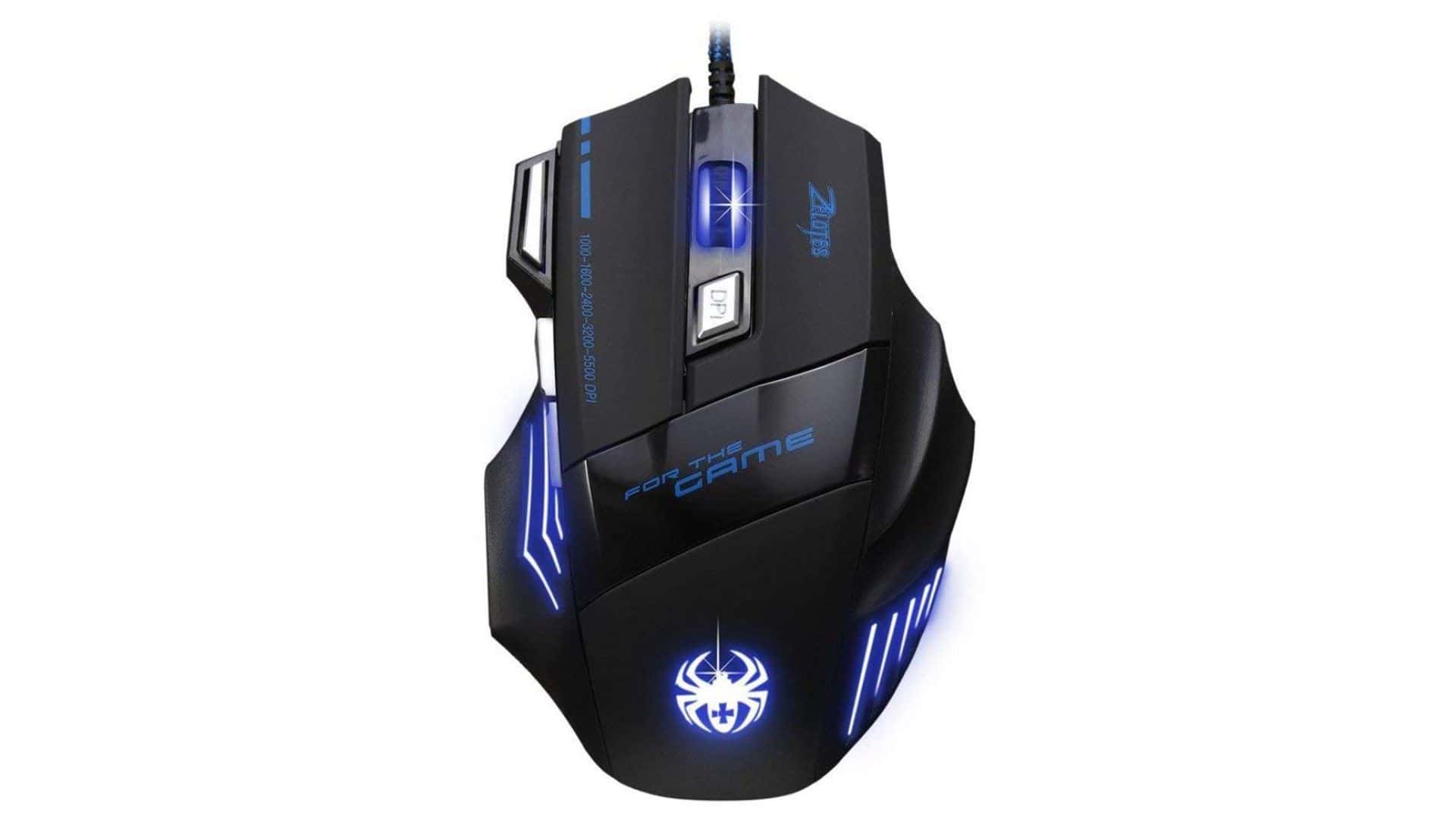
If you own a Zelotes T-80 gaming mouse and you’re trying to make sense of the Big Mac software that comes with it, you’re not alone. The mouse is popular because it’s affordable and surprisingly capable, but the software can feel confusing if you’ve never used it. The good news is that once you understand what it does, it becomes a handy way to tweak the mouse so it behaves exactly the way you want.
Table of contents
What the Big Mac Software Actually Does
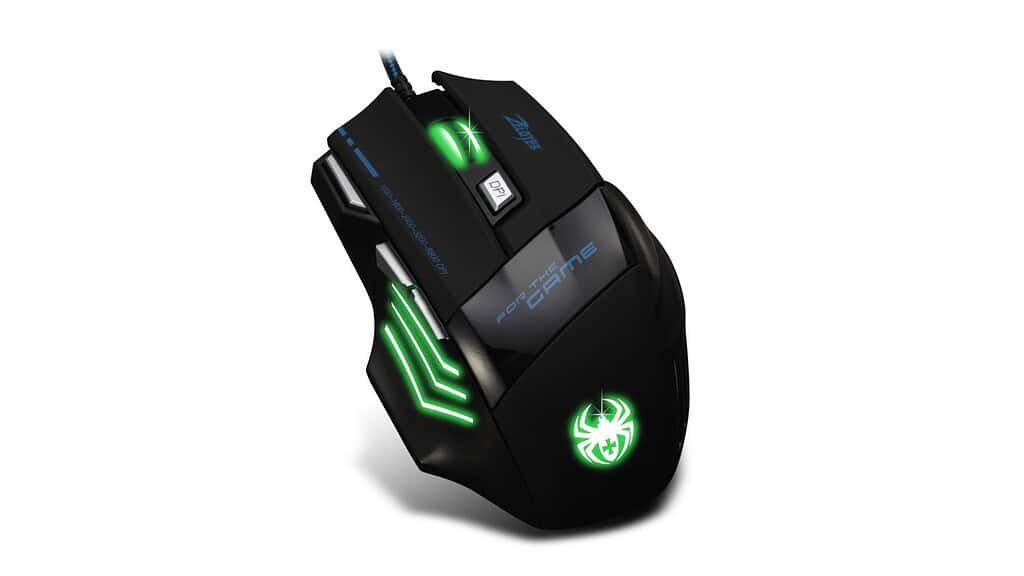
Here’s the thing. The T-80 hardware works out of the box, but the Big Mac software unlocks the features Zelotes doesn’t explain well. You get control over DPI levels, button assignments, macros, and lighting. For a budget mouse, that’s a lot of flexibility.
The DPI section is where most people start. You can set multiple sensitivity stages and cycle through them with the DPI button on the mouse. If you bounce between work and games, or swap from spreadsheets to shooters, having a few presets is useful. The difference becomes obvious once you dial in settings that actually match the way your hand moves.
Don’t miss the best of The Mac Observer
Set us as a preferred source and our Apple reporting ranks higher in your Google Search results and Discover feed — one tap, no account changes.
Setting Up Buttons and Macros
The next part of the software lets you remap buttons. The T-80 isn’t covered in extra buttons like some massive MMO mice, but the ones it has are more helpful than they look. You can assign media controls, shortcuts, or custom macros. A macro might sound advanced, but it’s just a recorded set of actions. Press once and the mouse does the rest. It saves time and cuts down on repetitive motions.
If you’re gaming, this is where the T-80 starts to punch above its price. A single side button can become a weapon cycle or a quick reload. If you’re working, it can trigger copy, paste, or app switching.
Lighting and Profiles
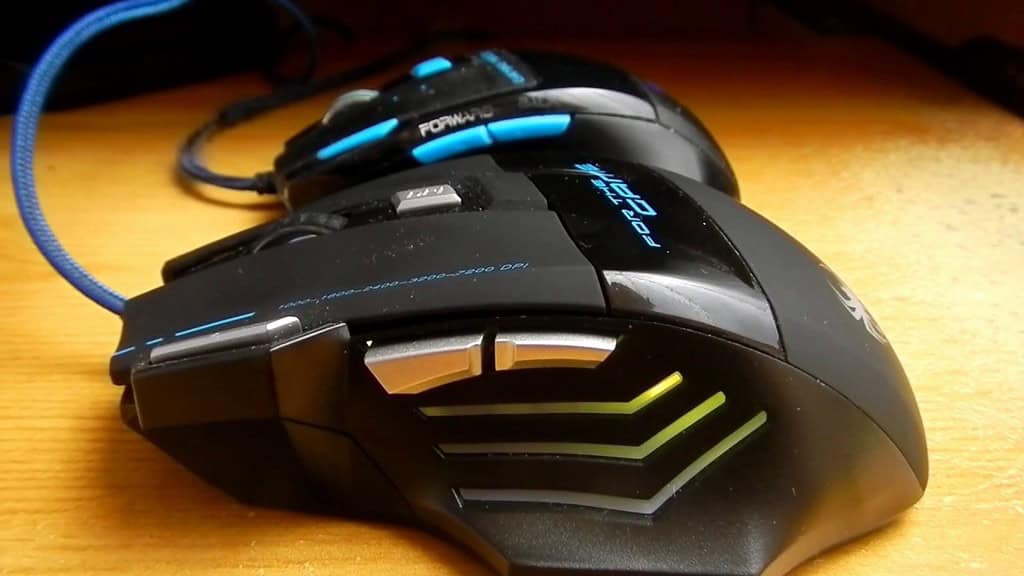
The lighting controls are simple, and that’s probably for the best. You pick a color, maybe adjust a breathing effect, and move on with your day. The mouse won’t turn your desk into a rave, but it adds enough customization to make it feel like it’s yours.
Profiles are the part most people overlook. You can save different setups and swap between them depending on what you’re doing. One for work. One for gaming. One for editing. It takes a little time to set up, but the payoff is real.
Bottom Line
The Zelotes T-80 Big Mac software isn’t fancy, but it’s useful once you know your way around it. Think of it as a small control panel that lets you shape a budget mouse into something that fits your habits instead of forcing you to adapt to it.




Discussion