

With Apple’s “Awe Dropping” event just around the corner, set for September 9, 2025, you can already start priming your devices with brand-new themed wallpapers inspired by the event’s invite artwork. Here’s how to grab them, choose the right version for your device, and make your lock and home screens pop!
Table of contents
How to download the Apple Event Wallpaper?
Designer BasicAppleGuy has already crafted a trio of official-style wallpapers optimized for iPhone, iPad, and Mac. You can download them here:
Don’t miss the best of The Mac Observer
Set us as a preferred source and our Apple reporting ranks higher in your Google Search results and Discover feed — one tap, no account changes.


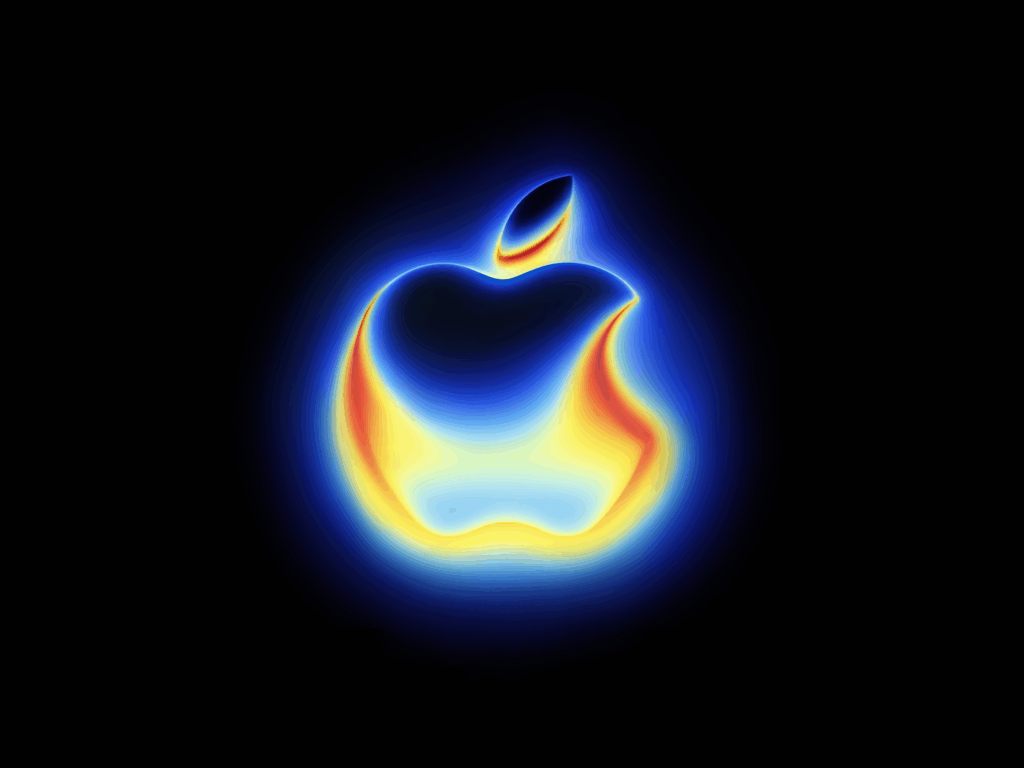
How to download and use the wallpaper?
| Device | Steps to Download | Tips to Apply as Wallpaper |
|---|---|---|
| iPhone | Long-press the image to save | Go to Settings > Wallpaper > Choose Photo > adjust zoom |
| iPad | Same steps as iPhone | Use landscape mode for immersive visuals |
| Mac | Right-click and select “Save Image” | Use System Preferences > Desktop & Screen Saver to set it |
Tips
- Resolution matters, so always use high-res files to ensure crisp display across modern devices.
- Add flair with widgets or minimal icons to complement the bold Apple logo visuals.
Conclusion
Whether you are on an iPhone, iPad, or Mac, transforming your screens with Apple Event wallpapers is a fun way to get into the spirit. With easy downloads already available from artists and trusted sites, there is minimal effort for maximum visual impact.
Previously, we shared the official iOS 18 4K wallpapers for iPhone. Make sure to check them out!




Discussion