
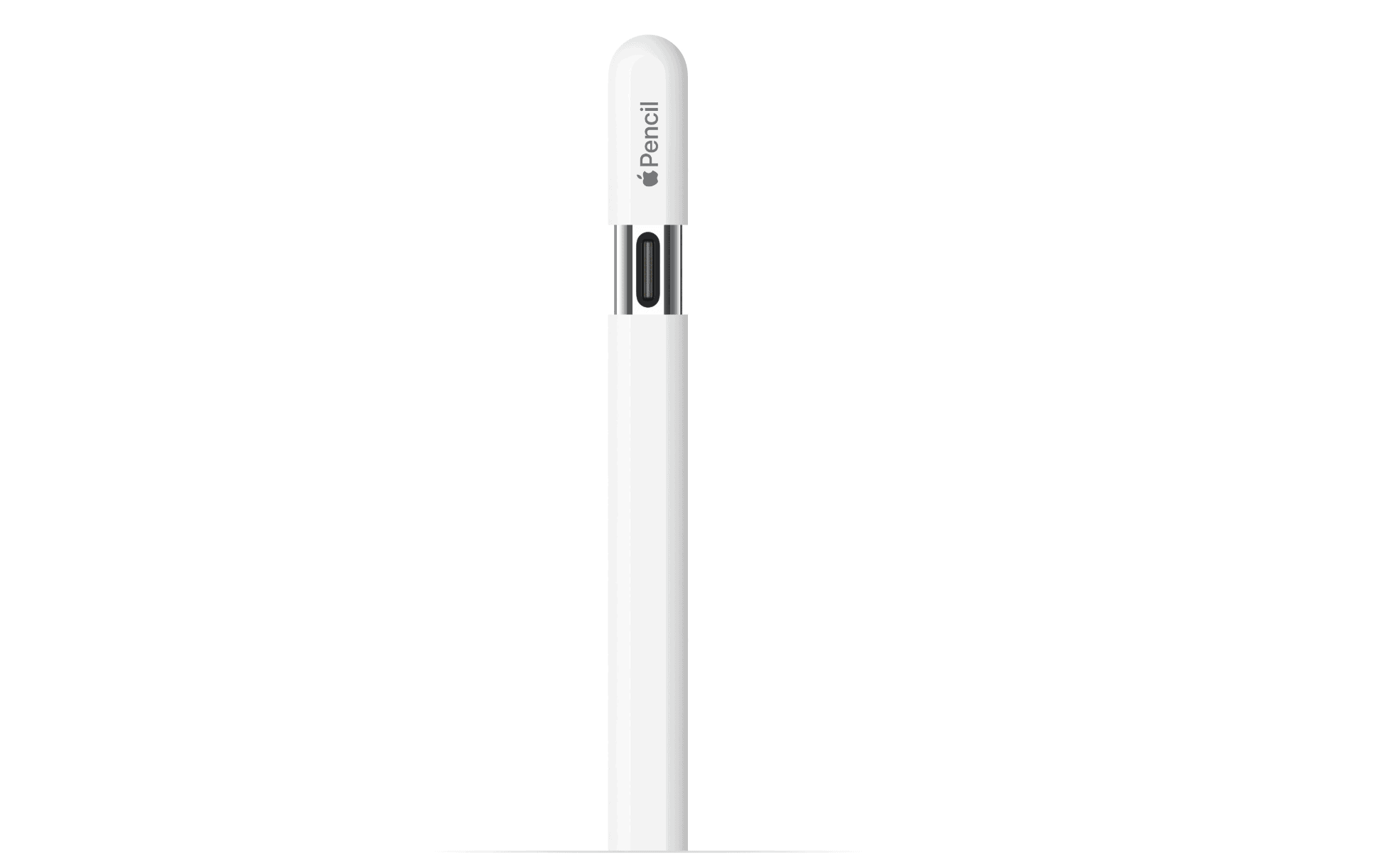
Apple Pencils set the gold standard for tablet input. However, the growing stylus lineup creates confusion for many buyers. Artists and students often wonder if the cheaper Apple Pencil (USB-C) offers dynamic stroke control.
Pressure sensitivity detects the force of your hand against the glass. This technology allows for natural line weight variation in creative apps. You get thicker lines with heavy pressure and thinner lines with a light touch. Without this feature, your digital marks remain a uniform width.
Table of contents
Short Answer: Does Apple Pencil (USB-C) Support Pressure Sensitivity?

No, the Apple Pencil (USB-C) does not support pressure sensitivity. This specific model lacks the internal sensors found in other versions. Consequently, it cannot detect how hard you press the tip against the screen.
Don’t miss the best of The Mac Observer
Set us as a preferred source and our Apple reporting ranks higher in your Google Search results and Discover feed — one tap, no account changes.
Therefore, your brush strokes will look identical regardless of your physical force. You should check the Apple Pencil compatibility list before you buy. This ensures the stylus works with your specific iPad model.
How the Apple Pencil (USB-C) Actually Works
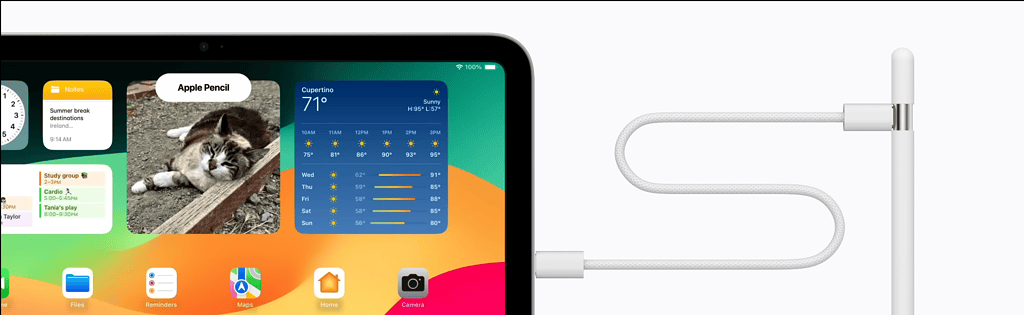
- Tilt Sensitivity: You can angle the stylus to create realistic shading.
- Hover Support: You can preview marks on compatible iPad Pro and Air models.
- Magnetic Attachment: The pencil snaps to the side of your tablet for storage.
Comparison: Apple Pencil (USB-C) vs Other Models
You must understand the trade-offs before making a purchase. It helps to view every Apple Pencil compared to see the full feature set.
| Feature | Apple Pencil (USB-C) | Apple Pencil (2nd Gen) | Apple Pencil Pro |
| Pressure Sensitivity | No | Yes | Yes |
| Charging | USB-C Port | Wireless | Wireless |
| Double-Tap | No | Yes | Yes |
Because Apple removed pressure sensors, they can offer this model at a lower price point.
What You Can Still Do Without Pressure Sensitivity
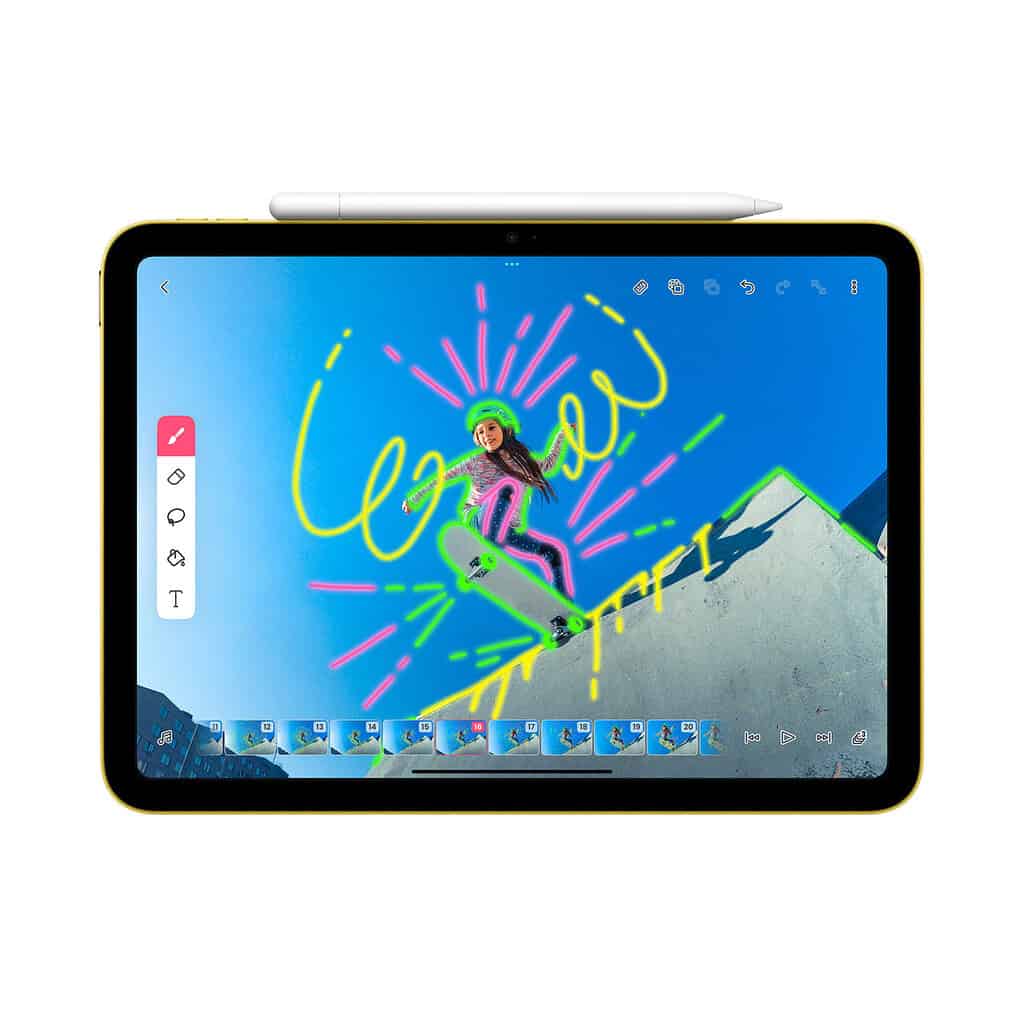
Many users do not actually need pressure detection for daily tasks. The Apple Pencil (USB-C) excels at note-taking and document annotation. For instance, handwriting in apps like Goodnotes feels fluid and natural. Moreover, it works perfectly for marking up PDFs or navigating the iPadOS interface. It remains a reliable tool for students and office professionals alike.
Who Should Buy the Apple Pencil (USB-C)?
This model serves budget-conscious students and casual users best. If you use your iPad as a digital planner, this pencil provides excellent value. However, professional illustrators might find the lack of pressure sensors quite restrictive. In that case, you might explore the best Apple Pencil alternatives for more artistic features.
FAQ
No. Tilt changes the stroke angle for shading. Pressure changes the stroke thickness based on force.
Some apps use speed-based algorithms. However, these software tricks cannot match real hardware sensors.
No. This model lacks the physical hardware required for the feature.
Choosing Your Ideal iPad Stylus
The Apple Pencil (USB-C) focuses on productivity rather than high-end digital art. It offers great precision but removes artistic flourishes to save you money. Once you decide, learning how to use Apple Pencil settings will maximize your efficiency.
Would you like me to check the current pricing for these different models?




Discussion