
Discover Accessory Security Settings through a guide on macOS. Learn four different ways to configure USB and Thunderbolt security.

How to Fix Outlook Rules Not Supported for This Account on Mac
In this guide, we’ll help you fix the “Rules are not supported for this account” error message on the Outlook app for Mac.
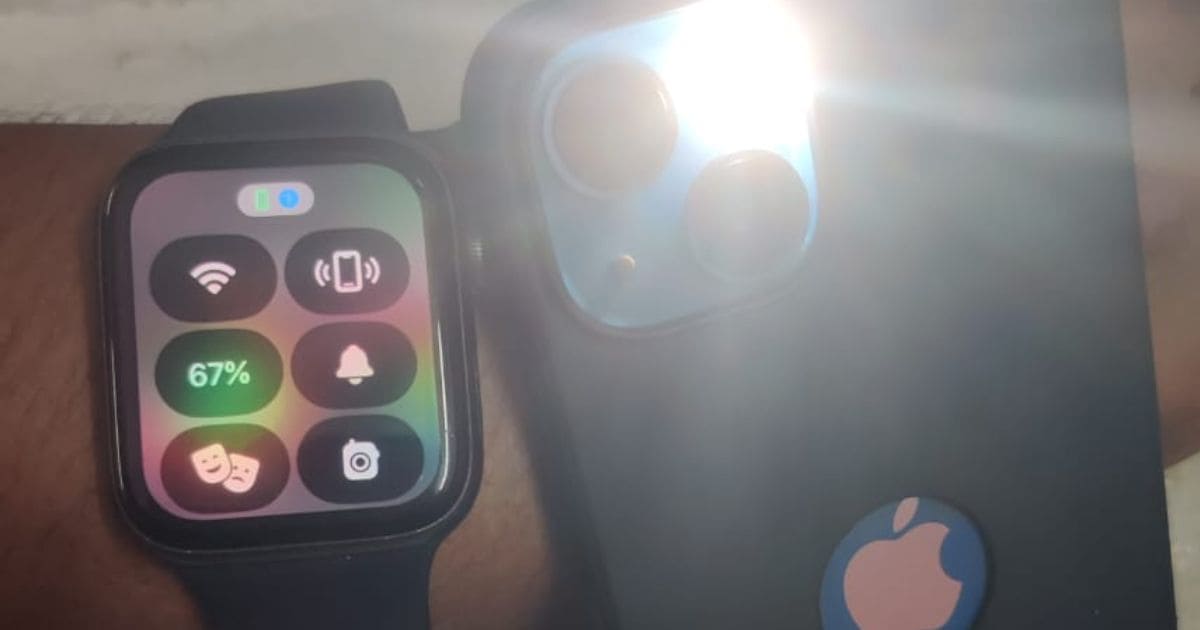
How to Flash Your iPhone's LED from Your Apple Watch
You may know that you can use your Apple Watch to locate your iPhone, but did you know that you can make your phone flash its LED, too? In today’s Quick Tip, we’ve got the details on just how you can do so!

How (And Why) To Install CrossOver 23 on macOS
Learn all about the new updates that are available with CrossOver 23. Read to find out more about bug fixes and other technical updates.
How to Restore from a Time Machine Local Snapshot: Full Guide
Follow along as we learn how to restore from Time Machine local snapshots when your backup drive isn’t available.

Fixed: Spotify Not Downloading Songs on iPhone
If Spotify is not downloading songs on your iPhone, read along as we’ve mentioned all the troubleshooting methods to help fix this error.
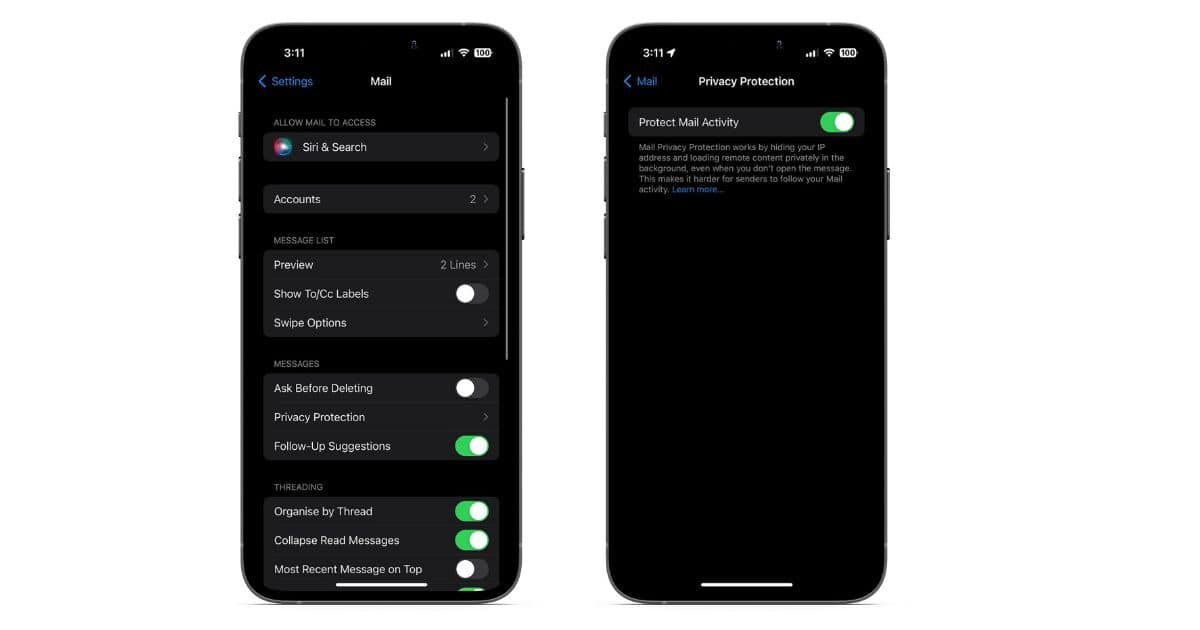
How to Turn on Apple Mail Privacy Protection
In this guide, we’ll help you learn more about Apple Mail Privacy Protection and how to enable and use it on your iPhone, iPad and Mac.

Malware Can Bypass macOS Background Task Manager Easily
The importance of malware protection on macOS is underscored by the recent disclosure of a vulnerability in a security feature.
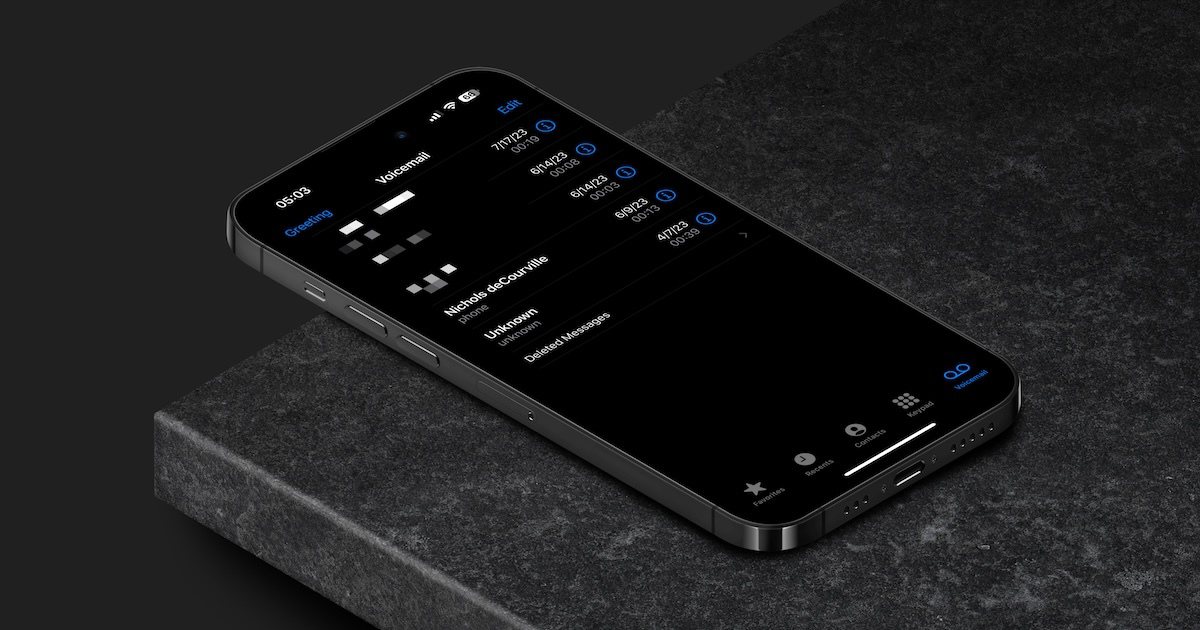
How to Easily Set Up Your Voicemail on iPhone
Discover iPhone voicemail features, set up personalized or default recordings, and master voicemail setup for various carriers with our comprehensive guide.