
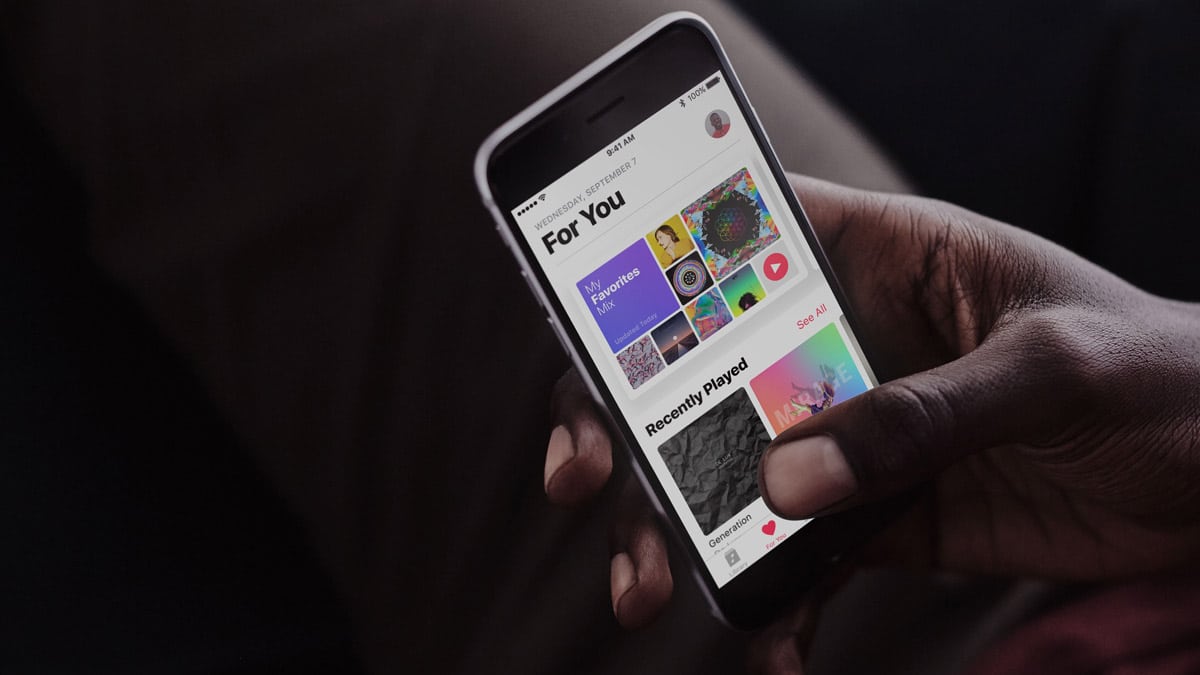
If you’re paying for the Apple Music service, then you can ask Siri to play you pretty much any song you want to hear—whether you’ve purchased it or not. Because I use this all of the time, I often wonder if Apple’s voice assistant judges me for the music I listen to. Or if there’s just some Apple employee laughing hysterically at me working out to Britney Spears AGAIN.
Probably not, right? I’m hoping that data is truly anonymous.
Anyway, one of the new features of iOS 11 with Apple Music and Siri is something Apple’s dubbed “Personal DJ.” Since the service knows your musical tastes, you can just invoke Siri, ask it to play some music you’ll like, and it’ll build a custom playlist for you.
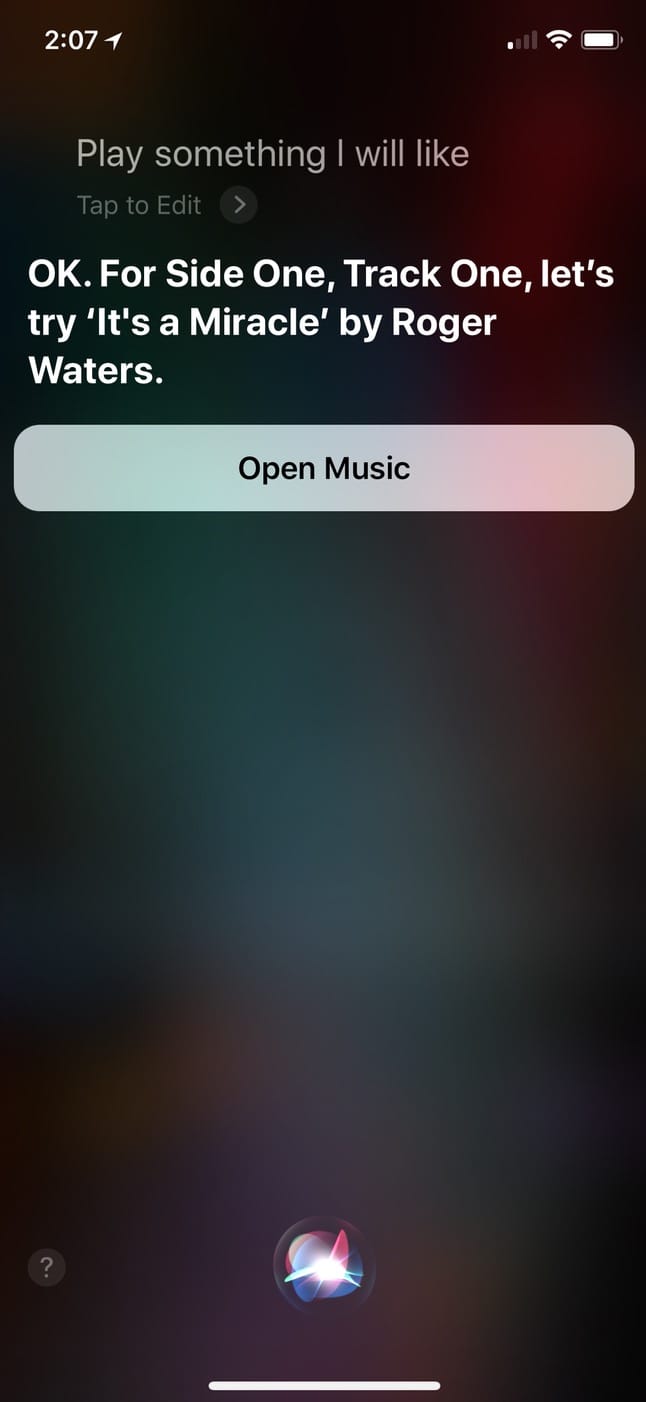
As you can see, the first time I tried this today, it recognized my love of Roger Waters.
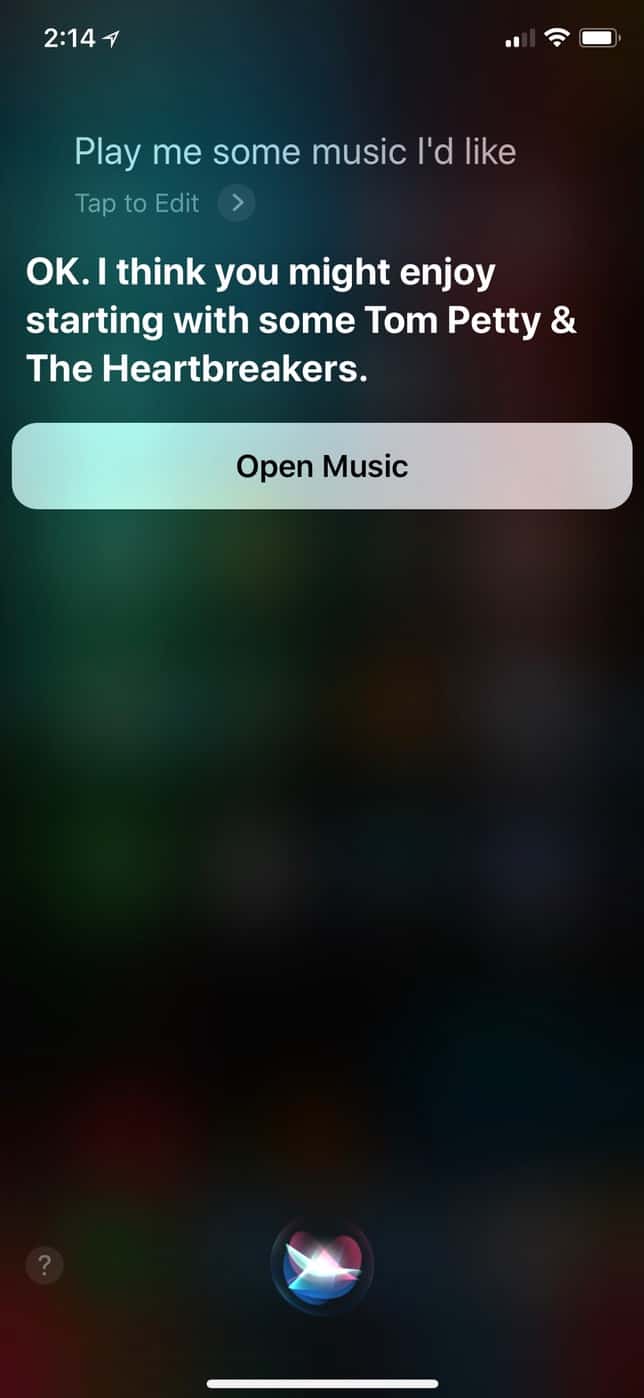
The second time, it chose to start with Tom Petty. Maybe Siri just wanted to be sure my music library seemed cooler than it actually is for this article.
I’ve found this to be a great way both to get a nice mix of songs from my library and new ones I’ll probably enjoy. And if you’re one of the people who never uses Siri but would like to give it the old college try, check out Apple’s support article on getting started with it!
Don’t miss the best of The Mac Observer
Set us as a preferred source and our Apple reporting ranks higher in your Google Search results and Discover feed — one tap, no account changes.




Thanks for yet another great tip.
I tried it with Siri on the Mac…it started me off with: “In Bicicletta”…very nice!
Thanks for reading, cjpitt! 🙂