
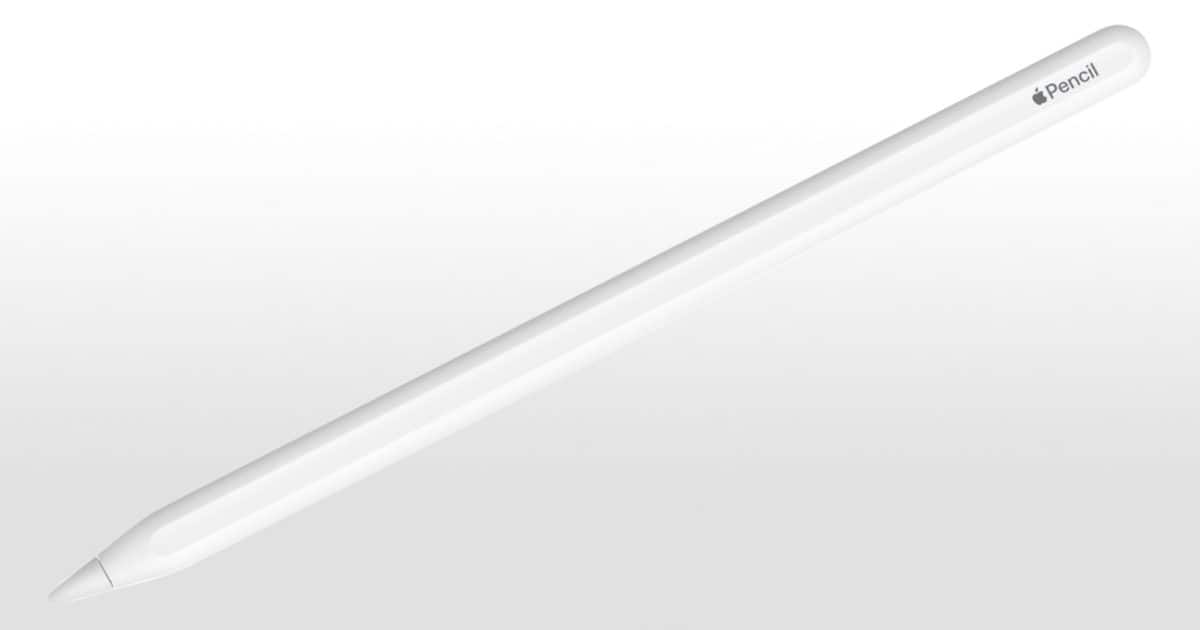
I previously laid out a very simple way to take screenshots on an iPad. However, a reader made me aware of another way of doing it using an Apple Pencil – thanks Wab95!
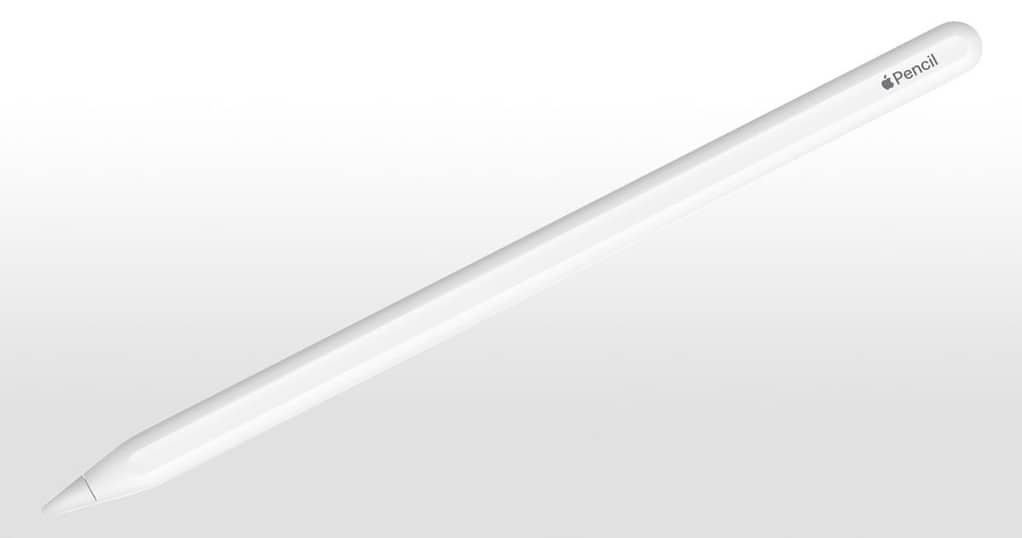
Taking a Screenshot With The Apple Pencil
To take a screenshot using an Apple Pencil, swipe from the bottom left corner of your iPad to the top right. The image you’ve captured then appears and can be edited. I tried this with my Logitech Crayon and it worked with that too, so it seems you can do this with any compatible stylus.
Don’t miss the best of The Mac Observer
Set us as a preferred source and our Apple reporting ranks higher in your Google Search results and Discover feed — one tap, no account changes.




Woah, that is great. Thanks, and thanks to wab95
RIGHT?! I was so happy when I tested it out!