
Solve connectivity issues by learning how to reset Bluetooth on any Mac. A step-by-step guide to get your devices paired efficiently.
Tips


Here's How to Create an Apple ID Recovery Key on iPhone
Ensure the security of your Apple account as you follow our step-by-step guide to create an Apple ID recovery key on your iPhone.
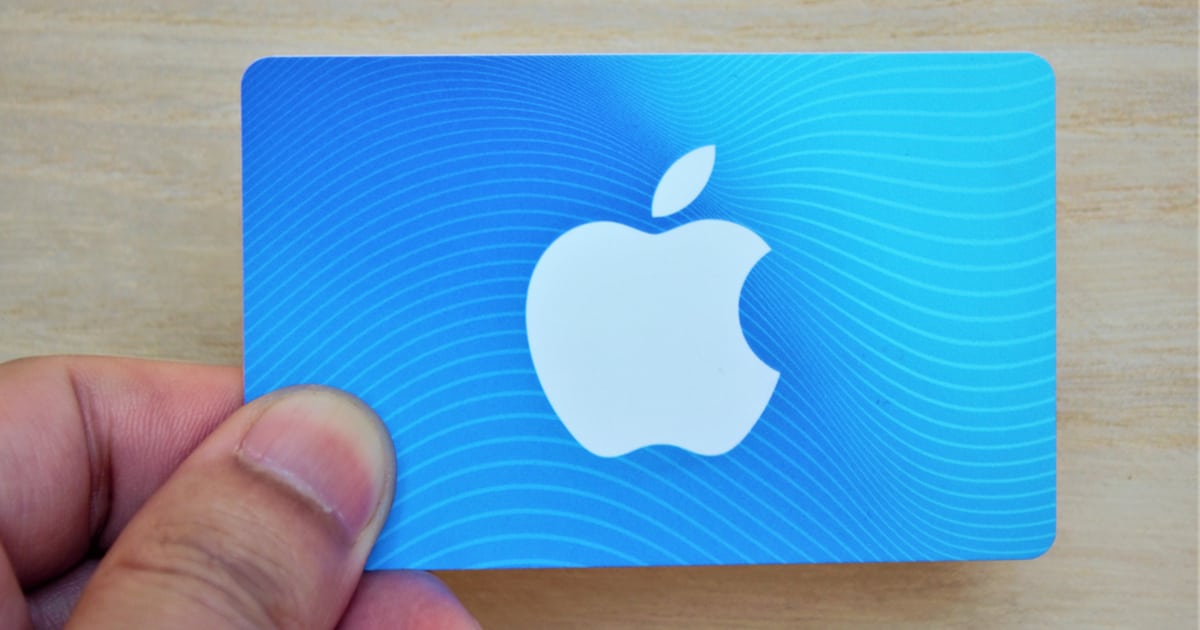
How To Add Your Apple Account Card to Wallet on iPhone
Explore how to add and use the Apple Account Card in your iPhone Wallet for seamless purchases, and its advantages over iTunes Pass.
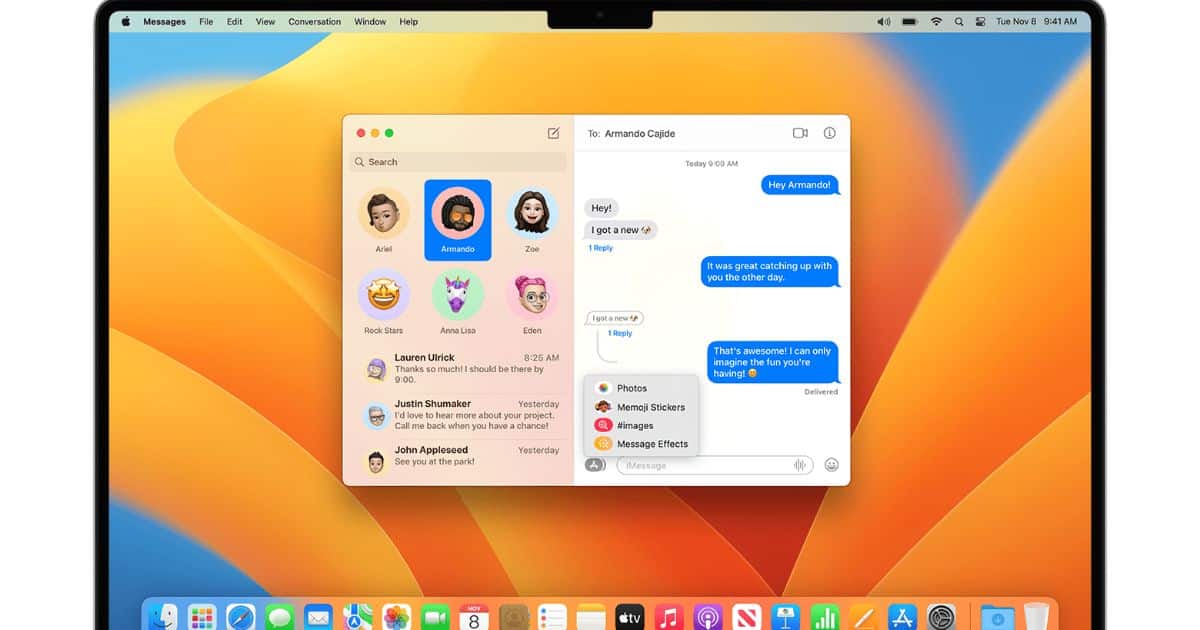
How to Block Unwanted Text Messages on Your Mac (and iPhone/iPad)
The amount of spammers is getting out of hand and to avoid them, here’s how to block unwanted text messages and FaceTime calls on Mac.
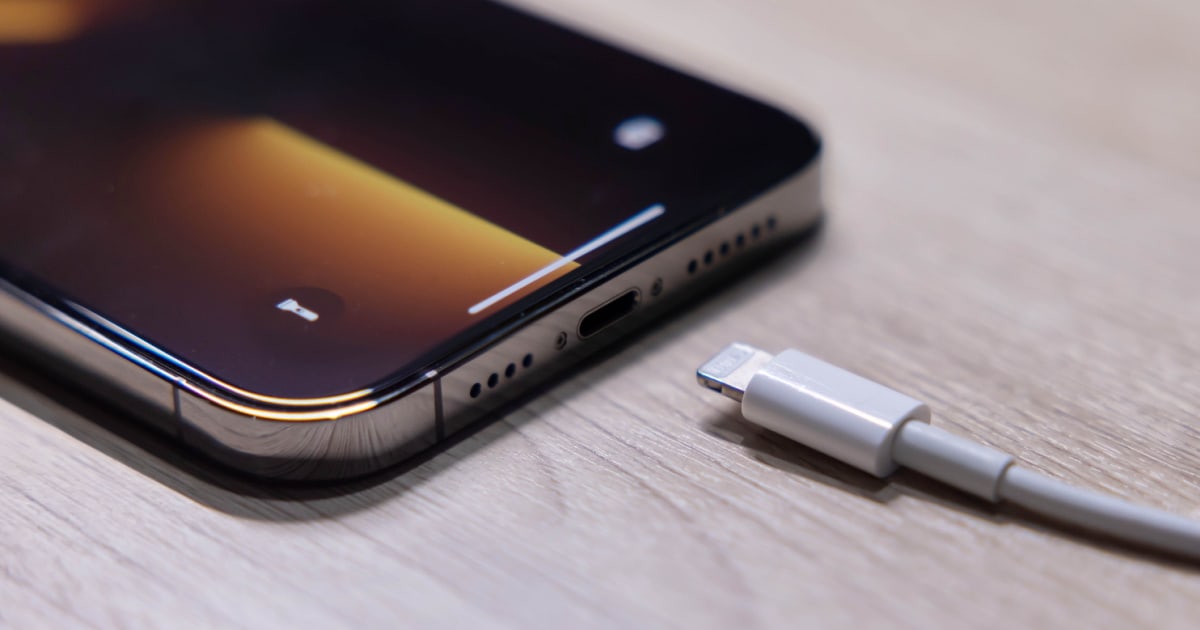
Maximizing iPhone Battery: Replacing and Extending Its Life
Learn how the iPhone’s lithium battery works and learn how to prolong battery life and maximize usage of your iPhone in this guide.
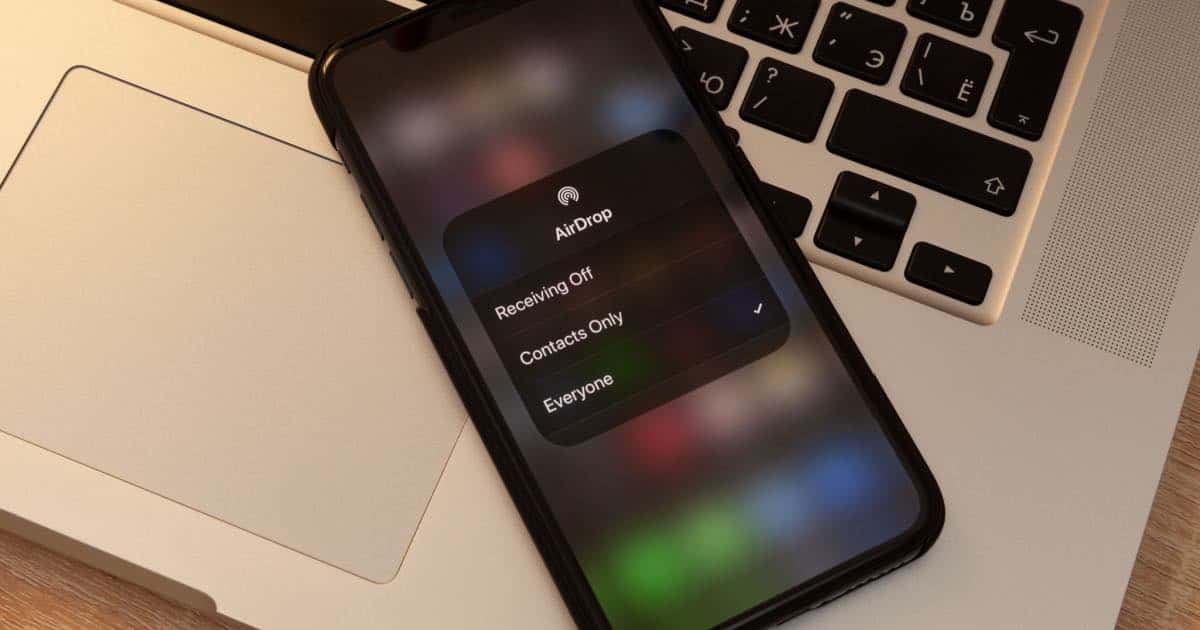
How to Change AirDrop Name on iPhone and iPad
Change your AirDrop name in iPhone and iPad. Add a profile photo to your AirDrop and fix AirDrop name change not showing issues.

How To Copy And Paste on Mac | A Comprehensive Guide in 2026
In this guide, we will help you learn how to use keyboard shortcuts, mouse or the trackpad to copy, cut, and paste on a Mac.
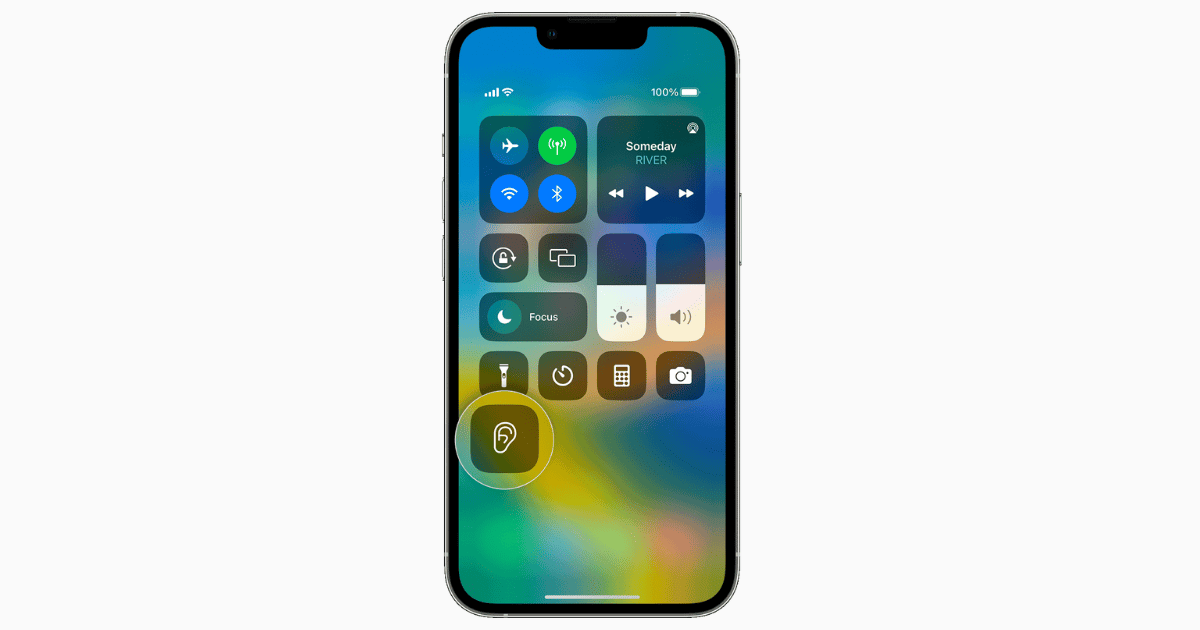
How To Turn On and Use Live Listen With Your AirPods or Beats
Explore Apple’s Live Listen feature. Learn how to turn on Live Listen and use it with your AirPods or Beats.
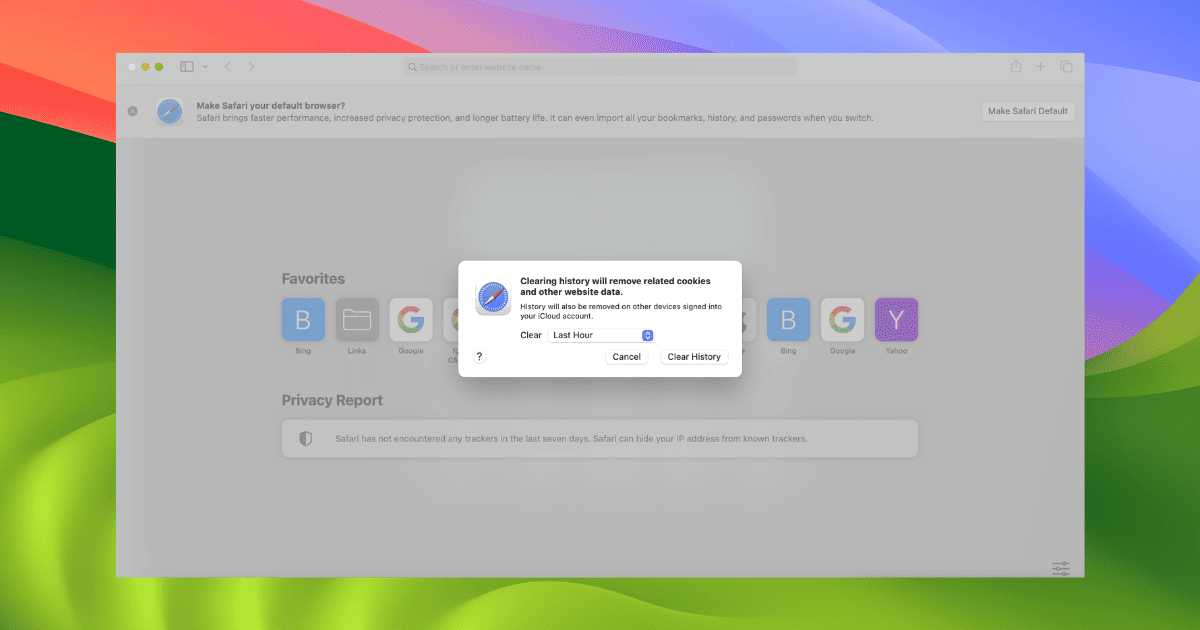
How to Clear Browser Cache on Mac: Chrome, Firefox and Safari
Facing issues with your Mac browsers? Discover how to clear browser cache on Chrome, Firefox, and Safari to improve your browsing experience.

5 Photo Retouching Apps for iPhone to Remove Unwanted Objects
Discover the 5 best photo retouching apps for iPhone that help you remove unwanted objects in just a few taps.
4 Options for Clearing Up Space on Your Mac's Hard Drive or SSD
Run out of storage on your Mac? Discover the best ways to clear space on your Mac’s hard drive or SSD and optimize your device’s performance.
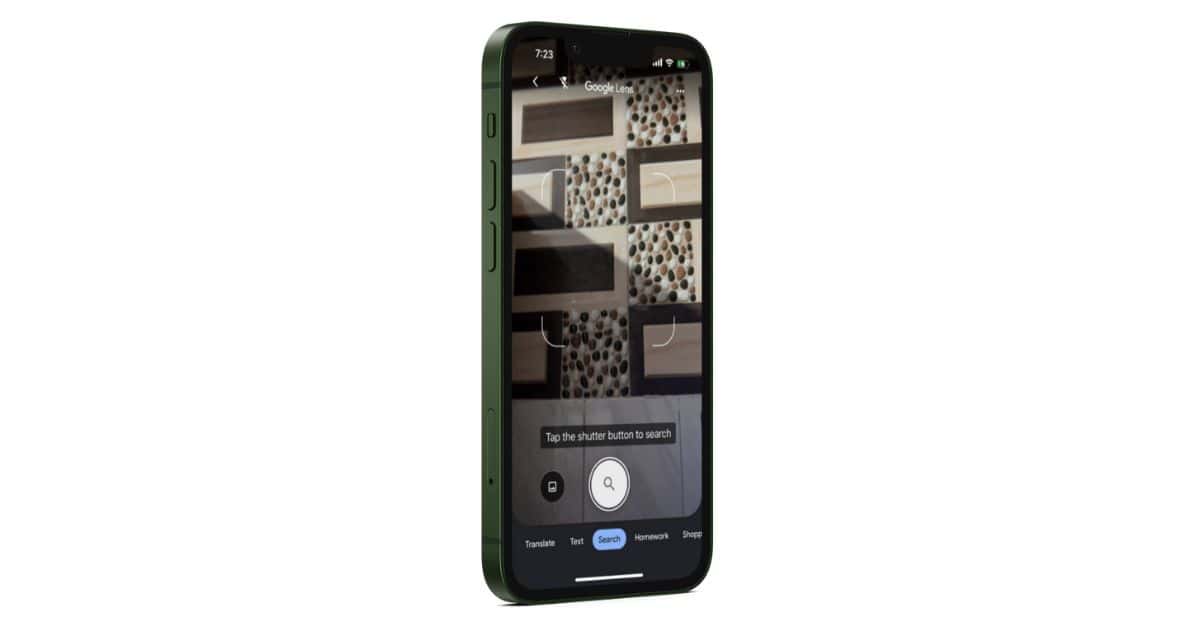
How to Reverse Image Search on Your iPhone
Ever wish you could do a Google reverse image search right from your iPhone? Actually, you can, using Google Lens. Read, watch, and learn.
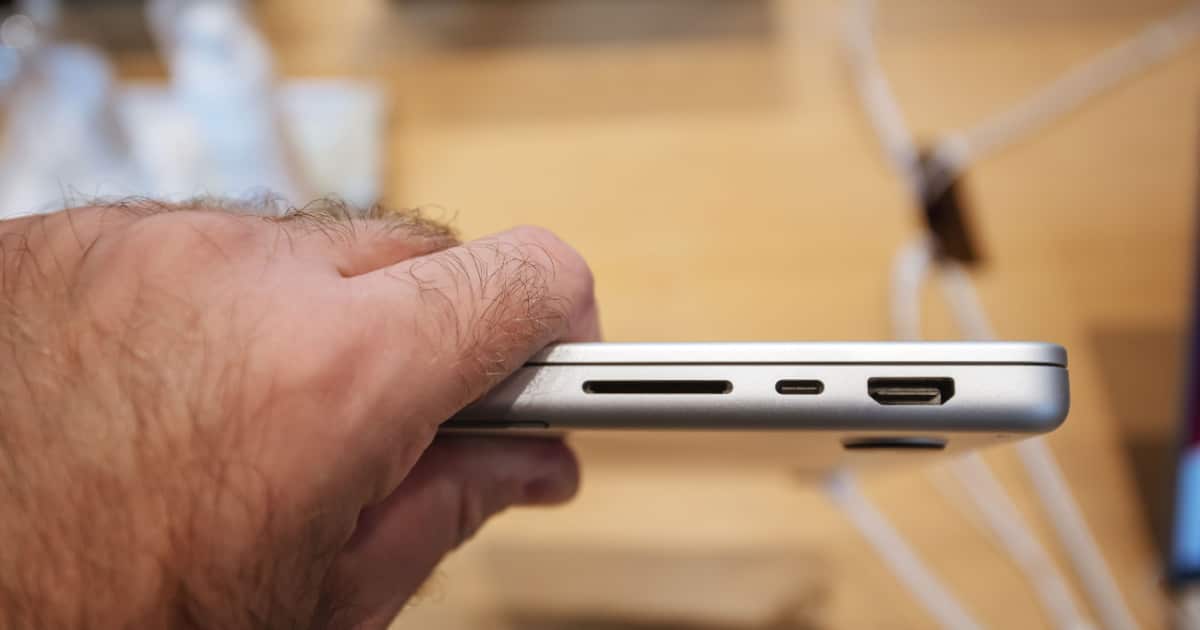
How to Format an SD or MicroSD Card on Your Mac
If you have an SD or micro SD card you want to reformat with your Mac, it’s a pretty easy process. Read on to learn how.
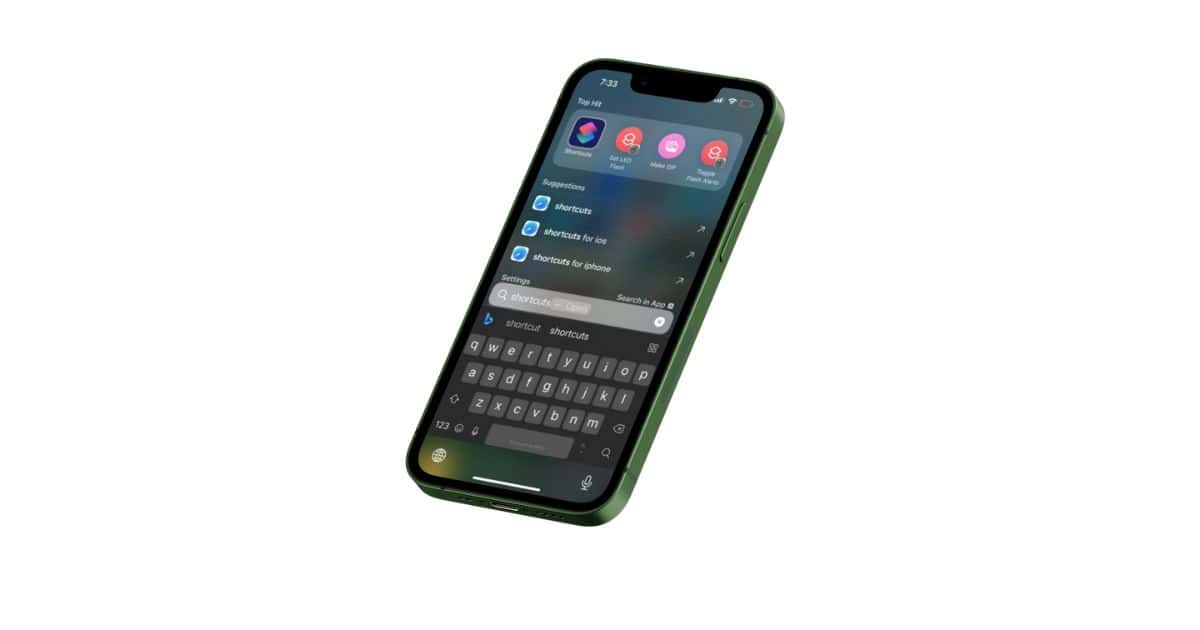
How To Use New App Shortcuts Feature in Spotlight Search on iPhone
Learn how to use App Shortcuts in Spotlight Searches. Get a list of apps that support Spotlight and learn how to fix Shortcuts not appearing.
How to Create Albums and Folders in Photos on iPhone
Simplify your photo management. Learn how to create albums and folders in photos on iPhone with our detailed and easy-to-follow guide.
How to Turn Off FaceTime on Mac
It is not immediately obvious how you can turn off FaceTime on your Mac, but there are actually a couple of ways to do it.
How to Change Home Screen Wallpaper on Apple Devices
Looking to change the Home Screen Wallpaper on your Apple Devices? We’ve got you covered with iPhone, iPad, Mac, and more.

Best Ways to Fix WhatsApp Contacts Not Showing on iPhone
The best ways to fix the WhatsApp Contacts not showing issue on your iPhone. Learn why this error happens and different ways to add contacts.
7 Ways to Fix Safari Not Loading Images on iPhone
If Safari is not loading images on iPhone, read along to learn the best ways to fix Safari so that it loads images properly and on time.

How To Fix Video Audio Sync Issues on My iPhone
Continue reading to understand the causes behind the video audio sync issue with iPhone saved videos and find practical solutions to rectify it
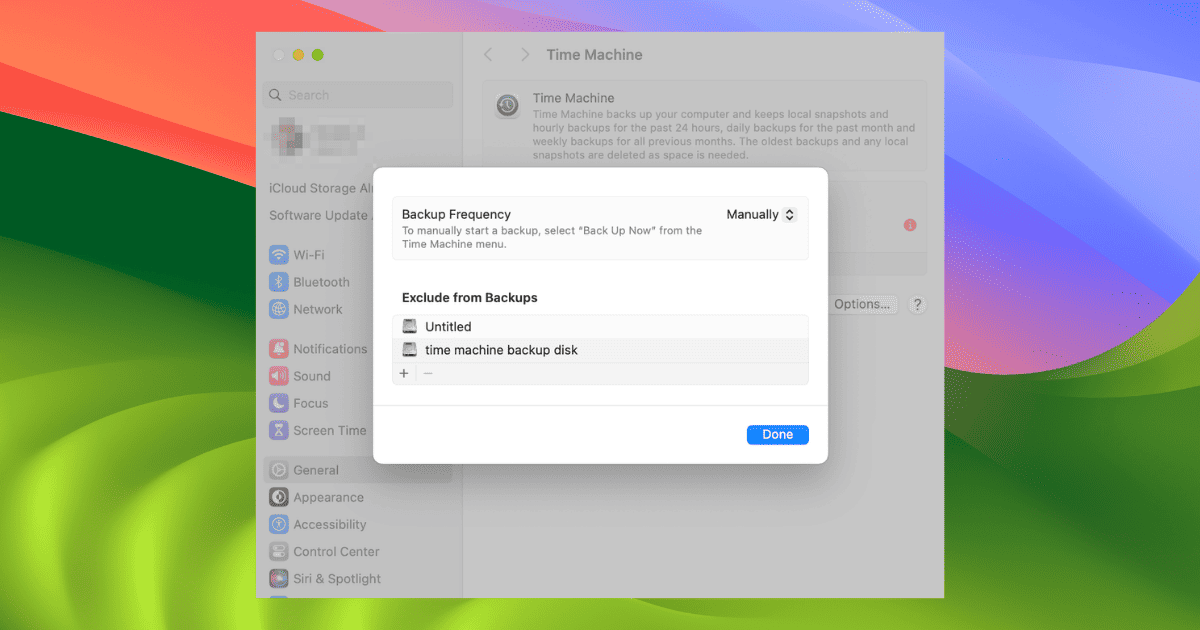
4 Ways to Speed Up Time Machine Backup
Folks who find the Time Machine backup process a tad bit slow can do these troubleshooting steps to make it faster.


How To Mute a Specific Contact on iPhone
Use Focus and Do Not Disturb to mute a specific app or contact. Learn to silence groups of apps and contacts using Focus.