
Find out 7 effective step-by-step solutions for the iPhone freezing and restarting issue in this comprehensive guide.
Tips
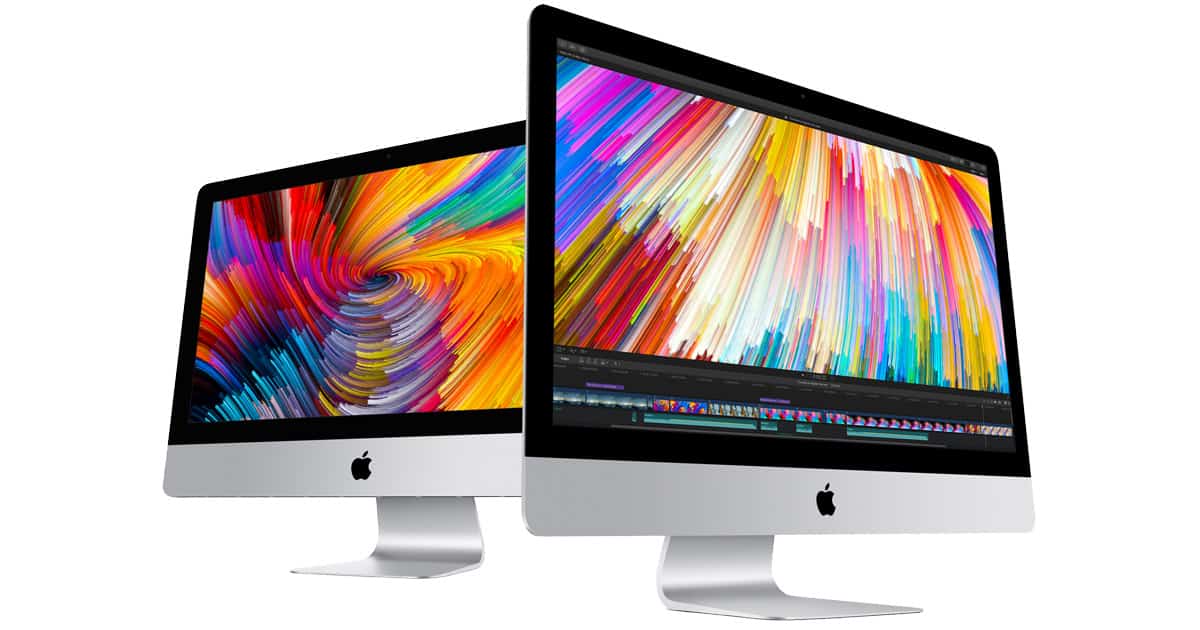
How to Use an Old iMac as External Monitor
If you have an old iMac lying around you can repurpose it into an external monitor. Connect the iMac with your MacBooks using multiple ways mentioned in this article.
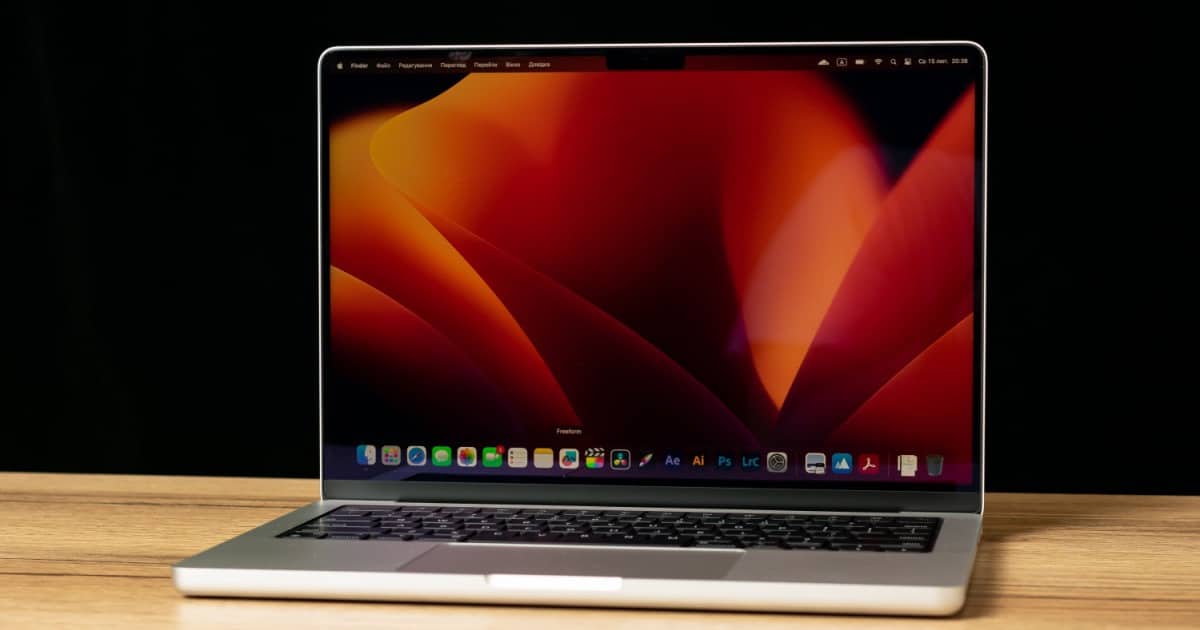
Mac Slow after SSD Upgrade? Solutions and Answers
Users that find that their Mac is slow after an SSD Upgrade should know that several easy solutions are available to them.

How To Convert Videos Into GIFs on iPhone Without Any App
Learn how to convert your videos into GIFs on your iPhone. Learn how to share your GIF with your contacts over any messaging app.
Fix: Random Notes Appearing In Your iPhone Notes App
Learn why random notes are appearing in your iPhone’s Notes app and explore steps to address software glitches, syncing issues, and security.
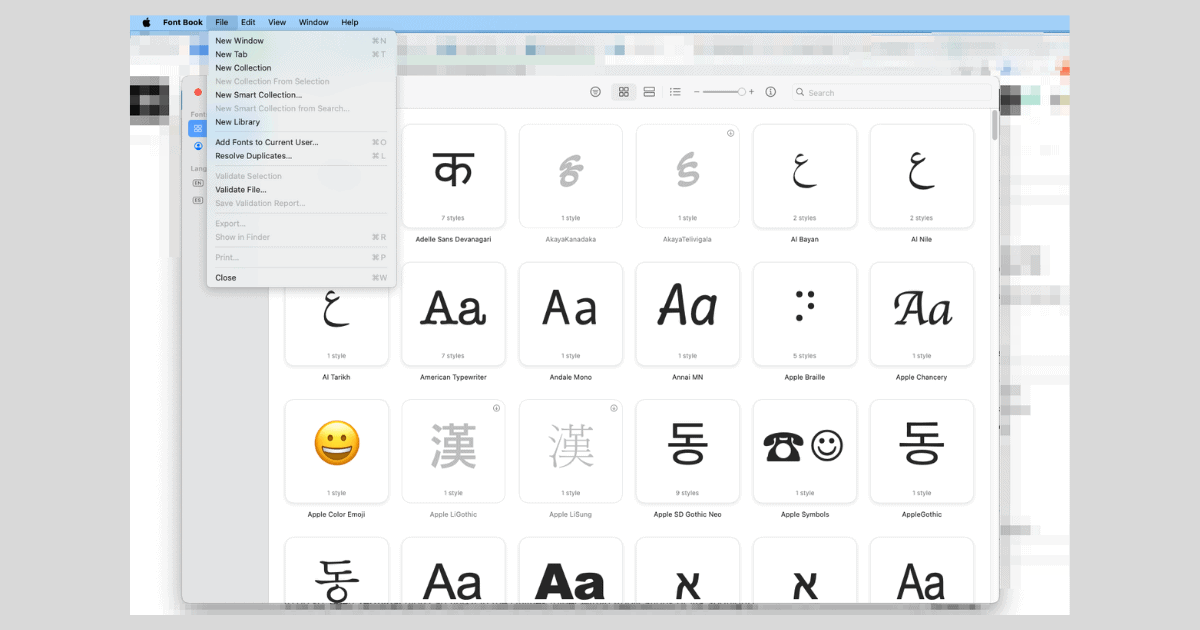
Fix: Could Not Install Fonts on Mac
Could not install fonts on Mac? Learn how to fix font installation issues by changing the settings in Font Book and validating fonts.
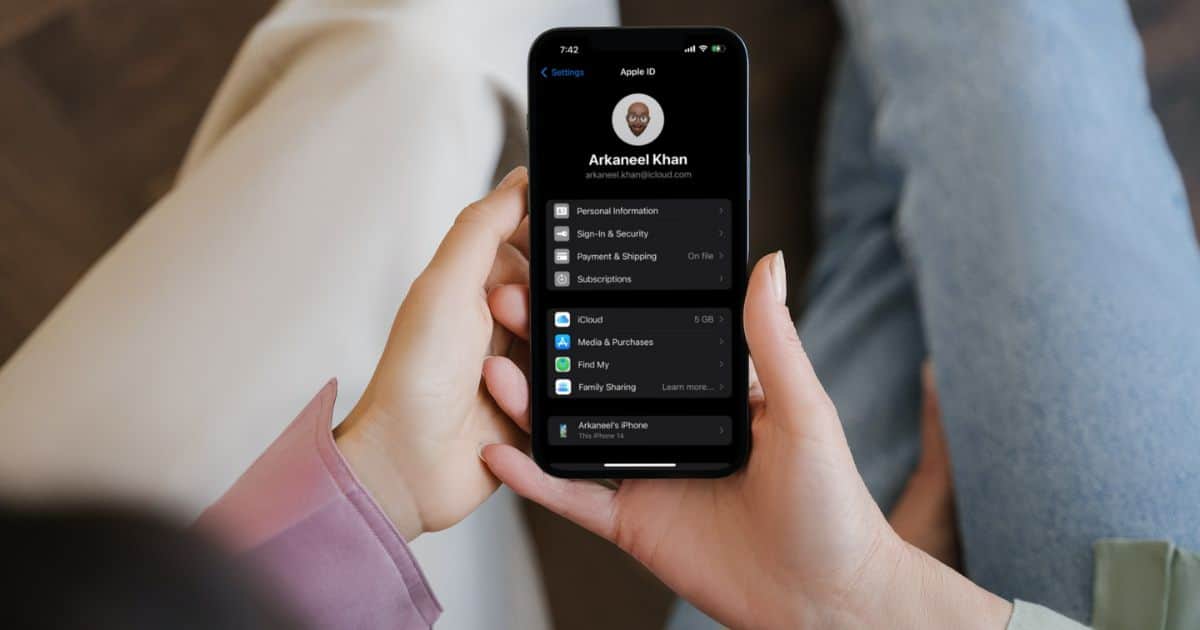
How To Change Your Apple ID Email Without Losing Data
In this article we will learn how to change your Apple ID email. We would learn to update iCloud and why to change your Apple ID email
Best Mac Antivirus Software for Businesses
Learn about the best Mac antivirus solutions on the market. Learn about their best features, prices, and free trial period.

4 Easy Ways to Find Large Hidden Files on Mac
If your Mac is starting to slow down, large files are occupying its storage. Here are four easy ways to find large hidden files on Mac.

How to Mirror Mac Displays Using Keyboard Shortcut
Using multiple monitors on your Mac? We’ve got a neat keyboard shortcut for you that’ll let you temporarily turn mirroring on and off again, so if you need to swap your Dock to a different display, you can! Check it out in today’s Quick Tip.
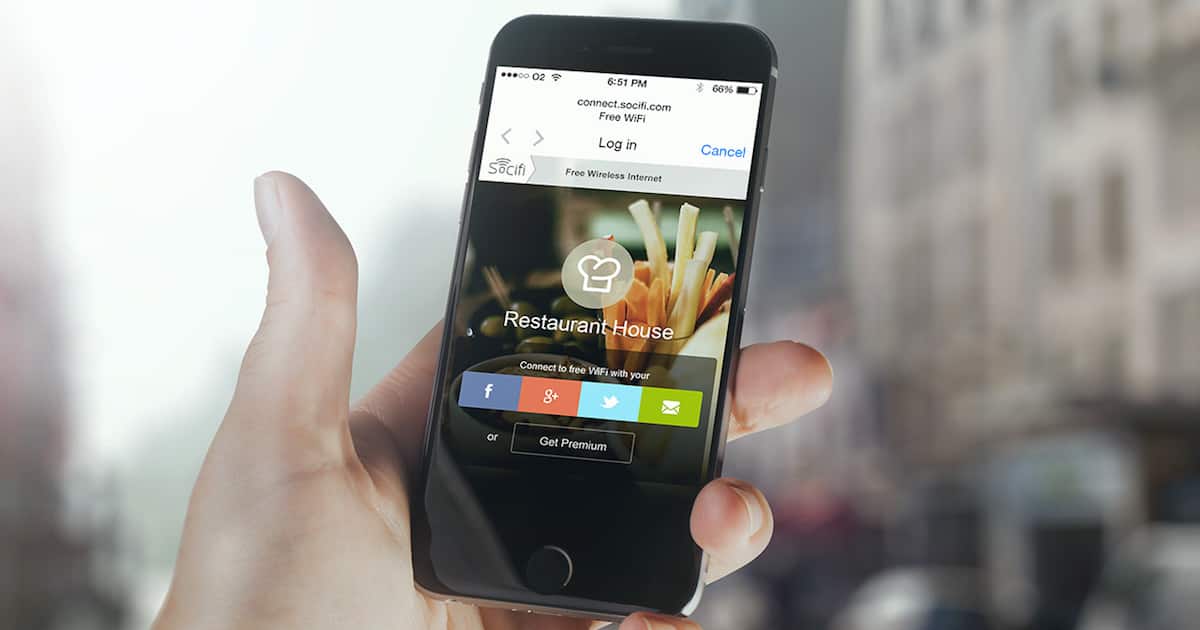
Fix: Public Wi-Fi Login Page Not Showing Up on iPhone
Wi-Fi login page not showing up on iPhone? Check out what to do when your favorite public Wi-Fi hotspot won’t connect to the internet.
How to Fix Malwarebytes Not Working on Mac
In this guide we’ll help you fix the Malwarebytes app on your Mac so that you can keep your device and personal data protected.

What Are VST Plugins and How to Use Them on Mac
In this guide we cover the basics of VST Plugins for Mac and how to install and use them on DAWs on your Mac.
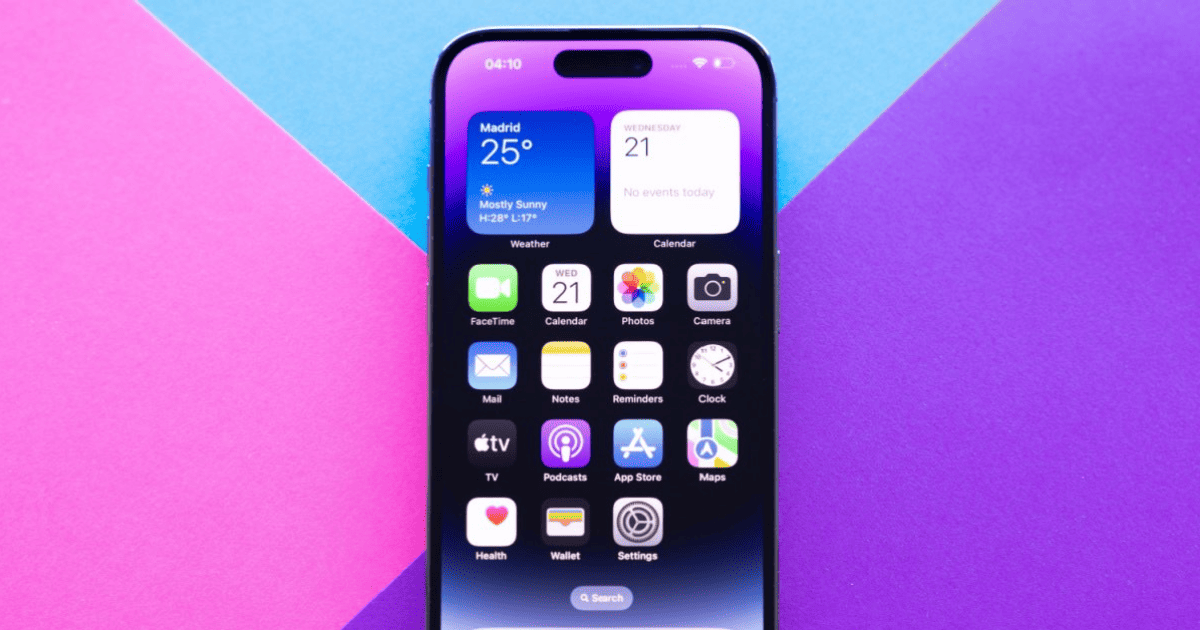
How To Add Countdown Widgets on Your iPhone
Planning a big event and want to add a countdown widget on your iPhone for free to get excited? Here’s how.

How to Add Another Person to Face ID on iPhone
iOS 12 lets you add a second person to Face ID so you and someone else can unlock your iPhone without having to enter the passcode. Here’s how to set it up.
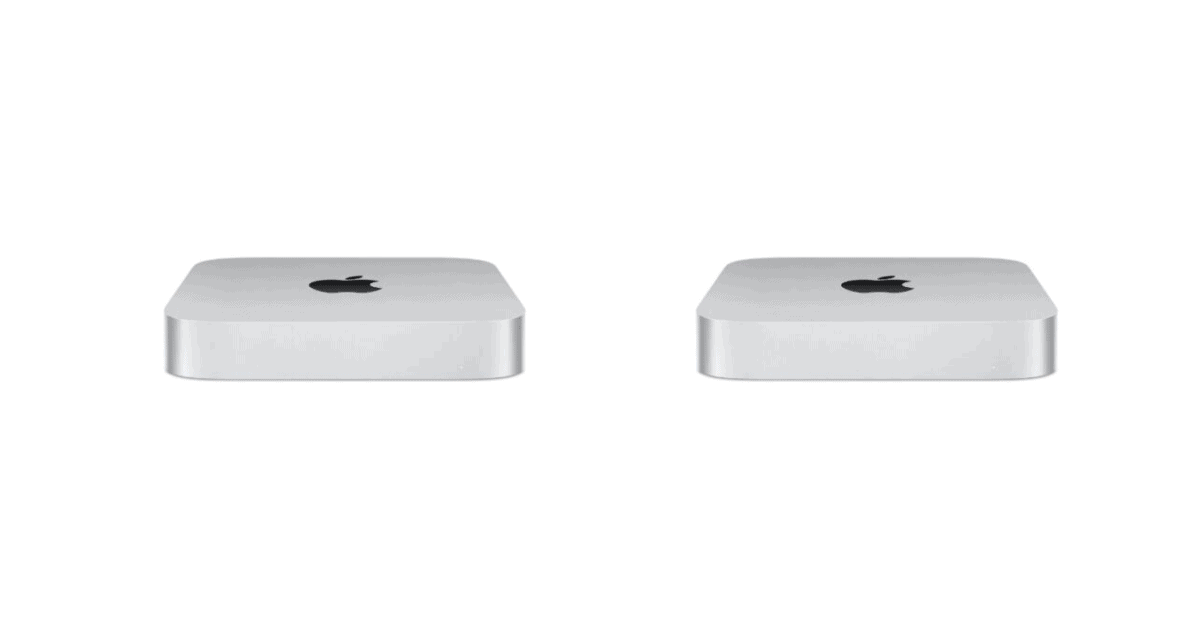
How To Fix Mac Mini M2 Wi-Fi Issues
For those who encountered Wi-Fi dropping problems, here are some troubleshooting steps to resolve the Mac Mini M2 Wi-Fi issues.

5 Best Antivirus Solutions for Mac, iPad, and iPhone
If you’re looking to protect your Mac from viruses, check our round-up of the 5 best antivirus solutions for Mac, iPhone, and iPad.
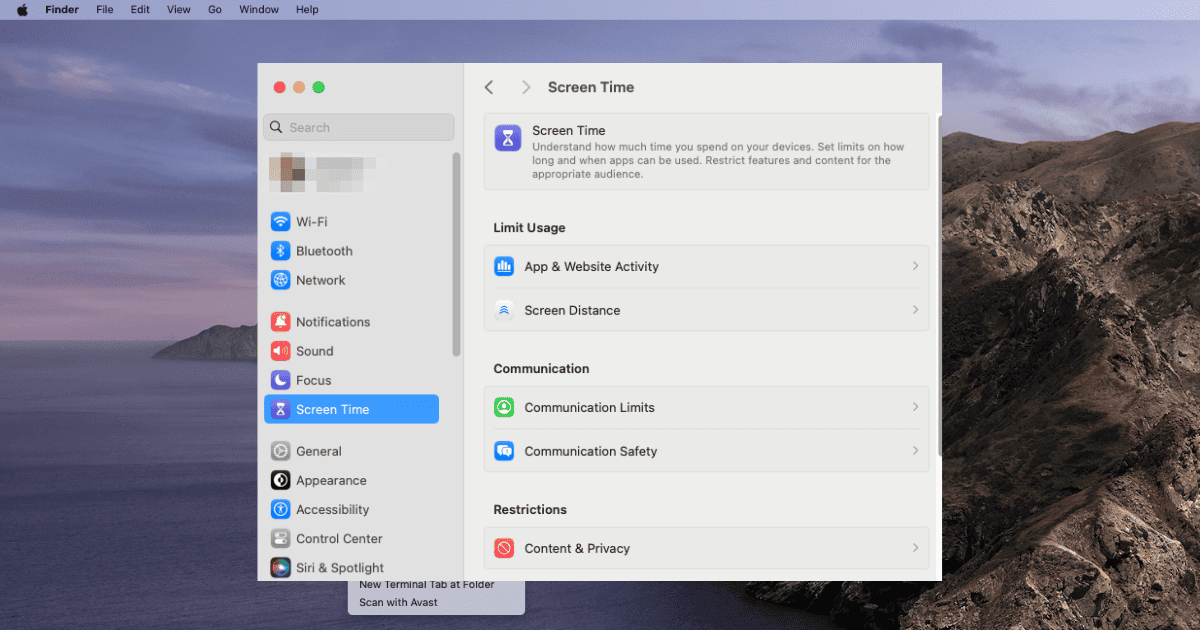
Why Parental Control Won't Work on Mac: Parental Control Setup Guide
Tom Victor explains how parents can safeguard their children by setting up Parental Control on Mac and implementing restrictions on app usage.

Apple Watch Battery Drain after 9.5.1 Update? What You Can Do
Experiencing battery drain on your Apple Watch after the watchOS 9.5.1 update? There’s solutions available for your woes.
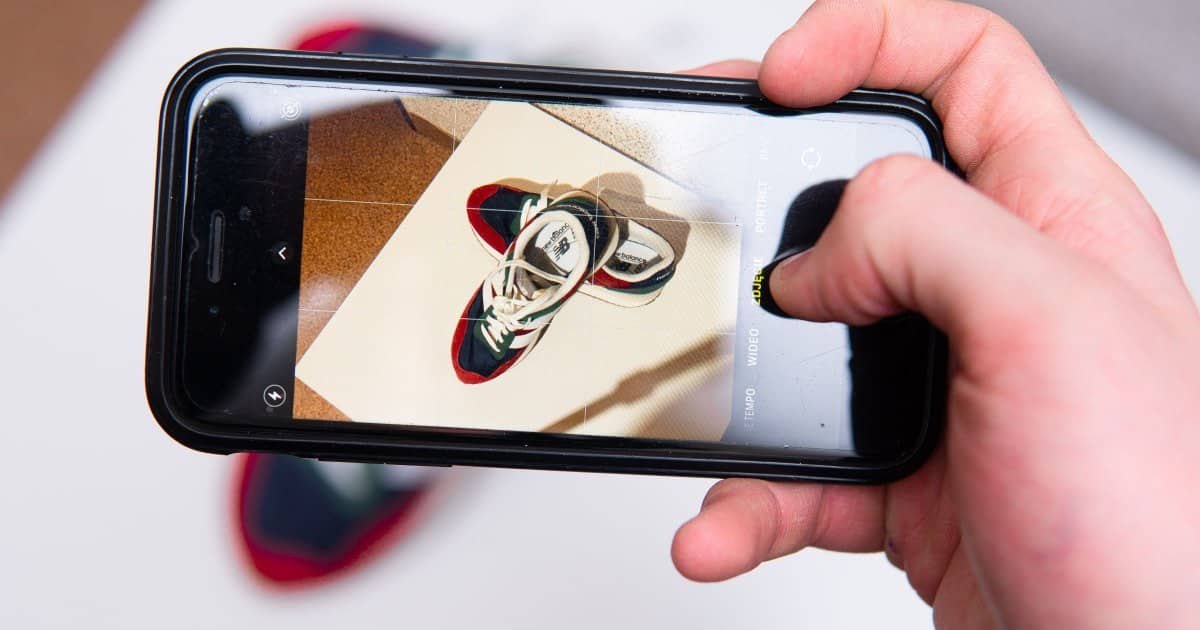
How to Convert HEIC to JPG on iPhone the Easy Way
Need to know how to convert HEIC to JPG on your iPhone? Nick deCourville has methods for you to try that are both fast and easy.
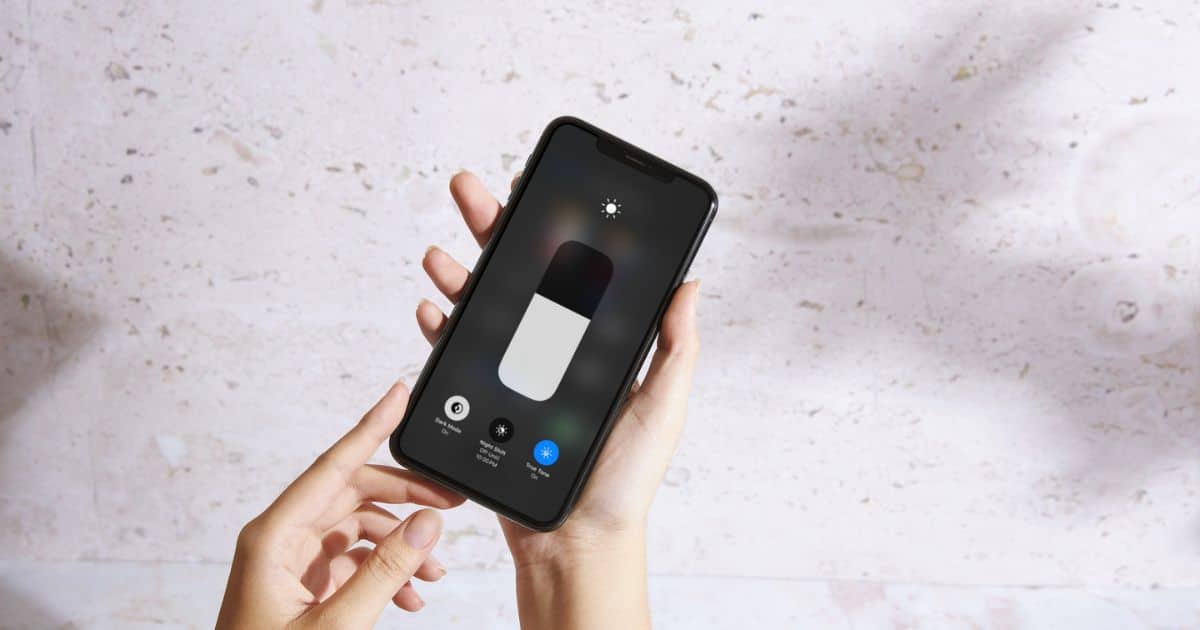
How to Lock Screen Brightness on iPhone and iPad
Learn how to lock the screen brightness of your iPhone or iPad. Also learn how to control various display settings on your device.
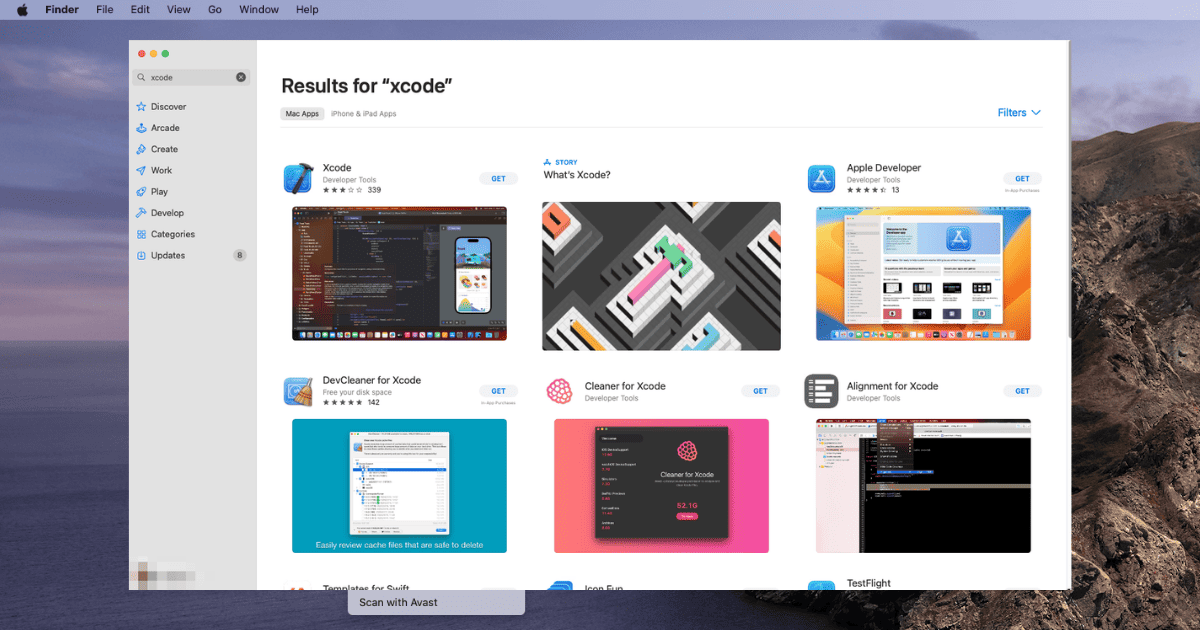
How To Fix Xcode Install Stuck in 7 Effective Ways
Install Xcode stuck? Find out the 7 most efficient solutions you can implement in order to successfully install Xcode on your Mac.
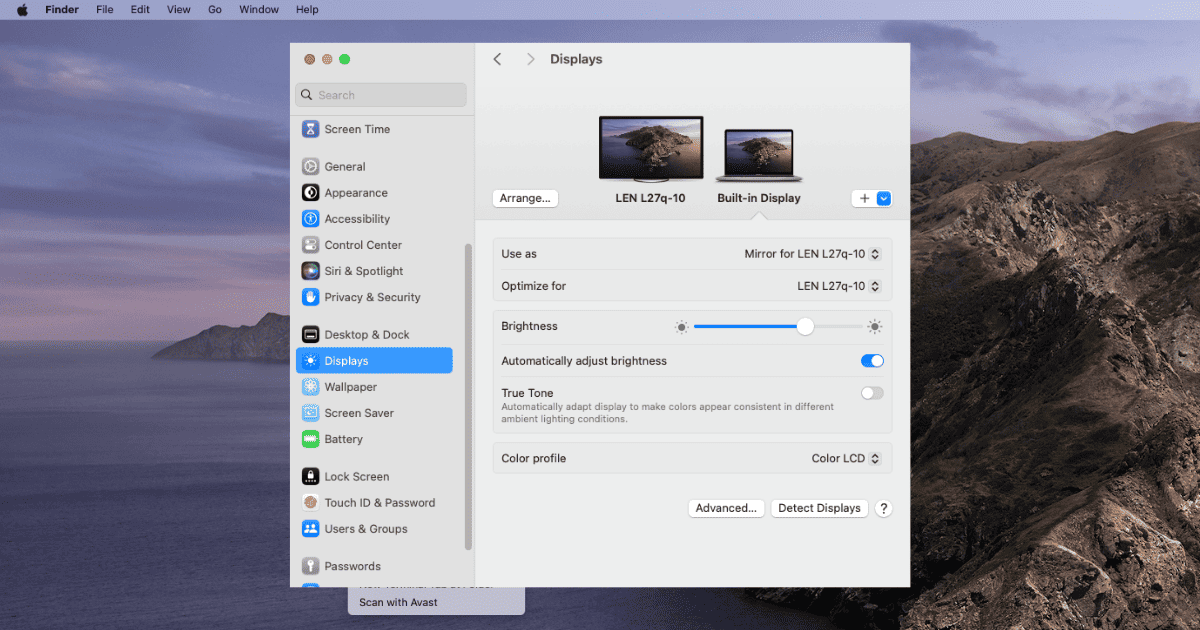
Fix: macOS 13.4 Ventura External Monitor No Longer Detected
macOS 13.4 Ventura external monitor no longer detected? Solve detection issues with proven methods including.
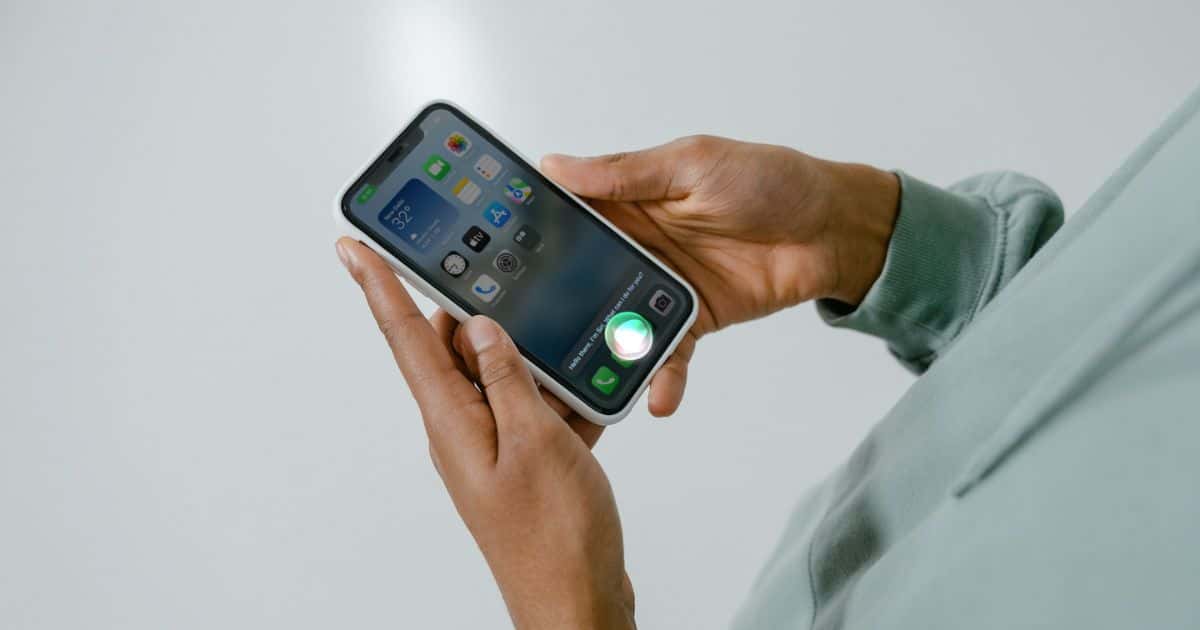
How To Reset Siri Suggestions on iPhone
Learn how to reset Siri Suggestions in iPhone. Learn to disable Siri for individual apps, while listening on headphones, and using Safari.