Learn how to use Dual Capture in iOS 27.2 Group FaceTime calls, enable both iPhone cameras, and check supported iPhone models.
Tips
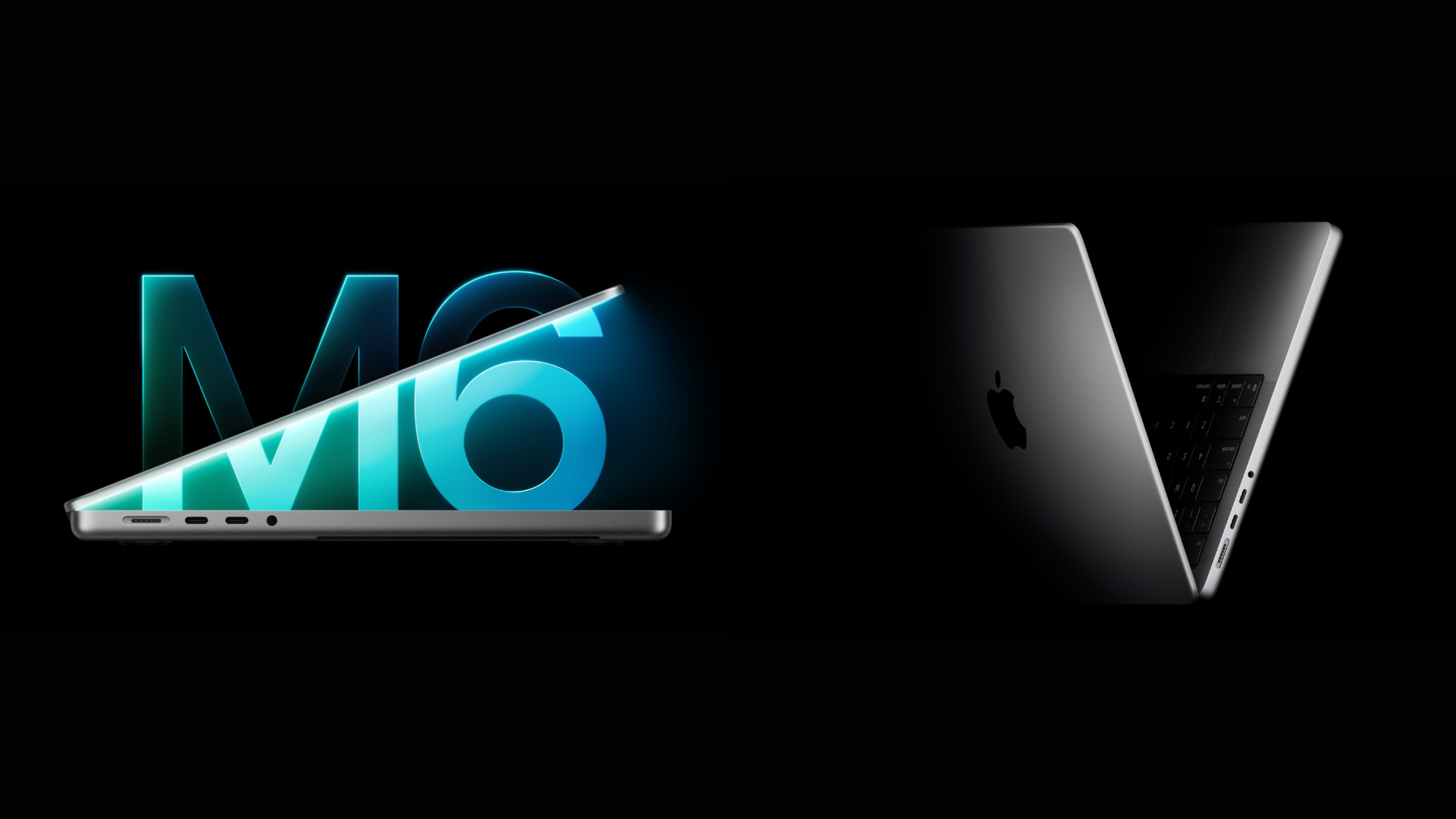
M6 MacBook Pro vs M5 MacBook Pro: What’s Different and Which Should You Buy?
M6 MacBook Pro vs M5 MacBook Pro: Compare performance, AI capabilities, display, battery life, pricing, and key differences before upgrading.
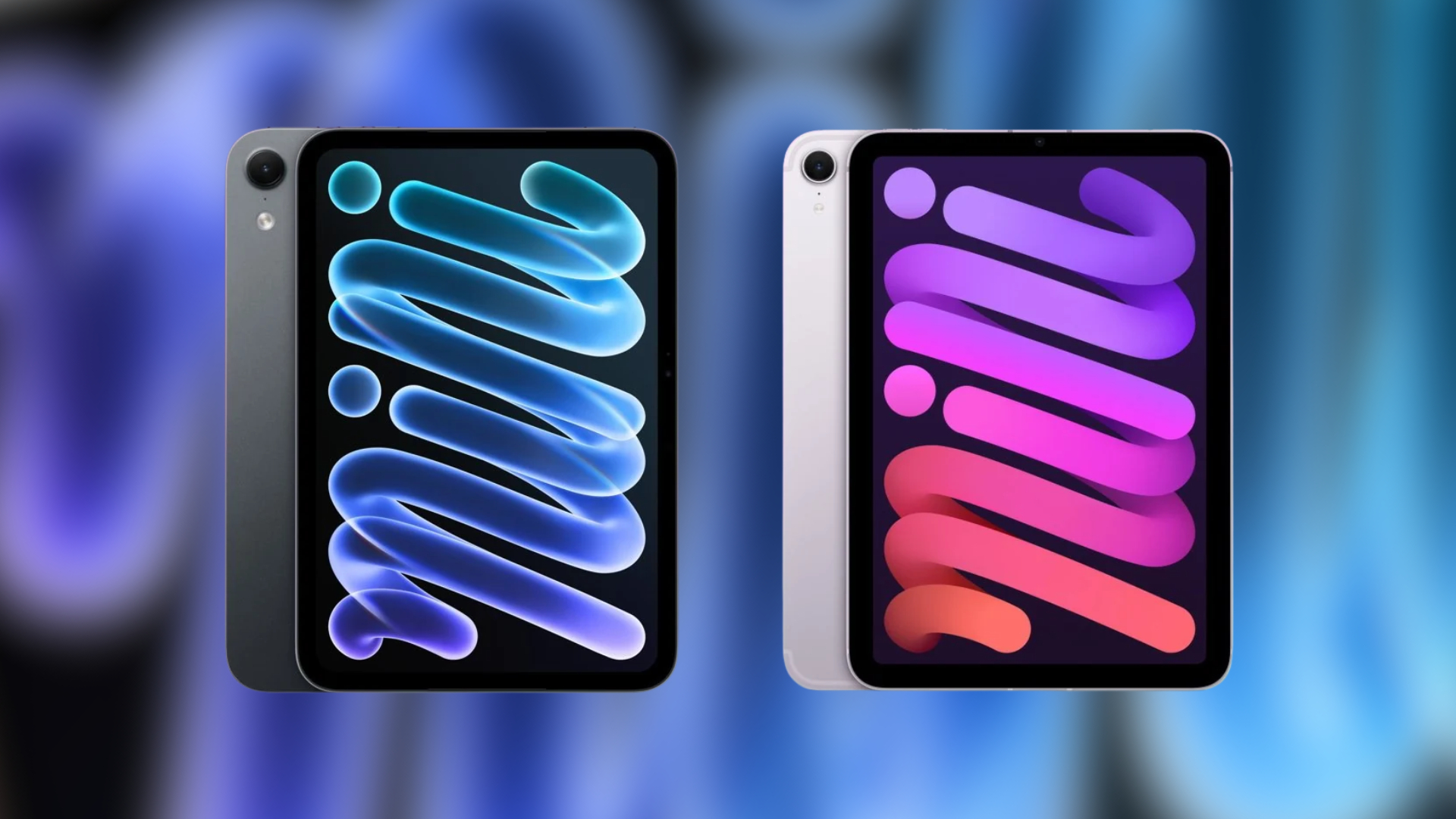
New iPad Mini vs Old iPad Mini: Everything That Has Changed
Compare the new iPad mini with its previous model, including OLED display, A20 Pro performance, cameras, battery life, pricing, and upgrades.

How to Pre-Order the OLED iPad Mini: Price and Release Date
Learn how to pre-order the OLED iPad mini, including its release date, starting price, available models, and steps to order from Apple.
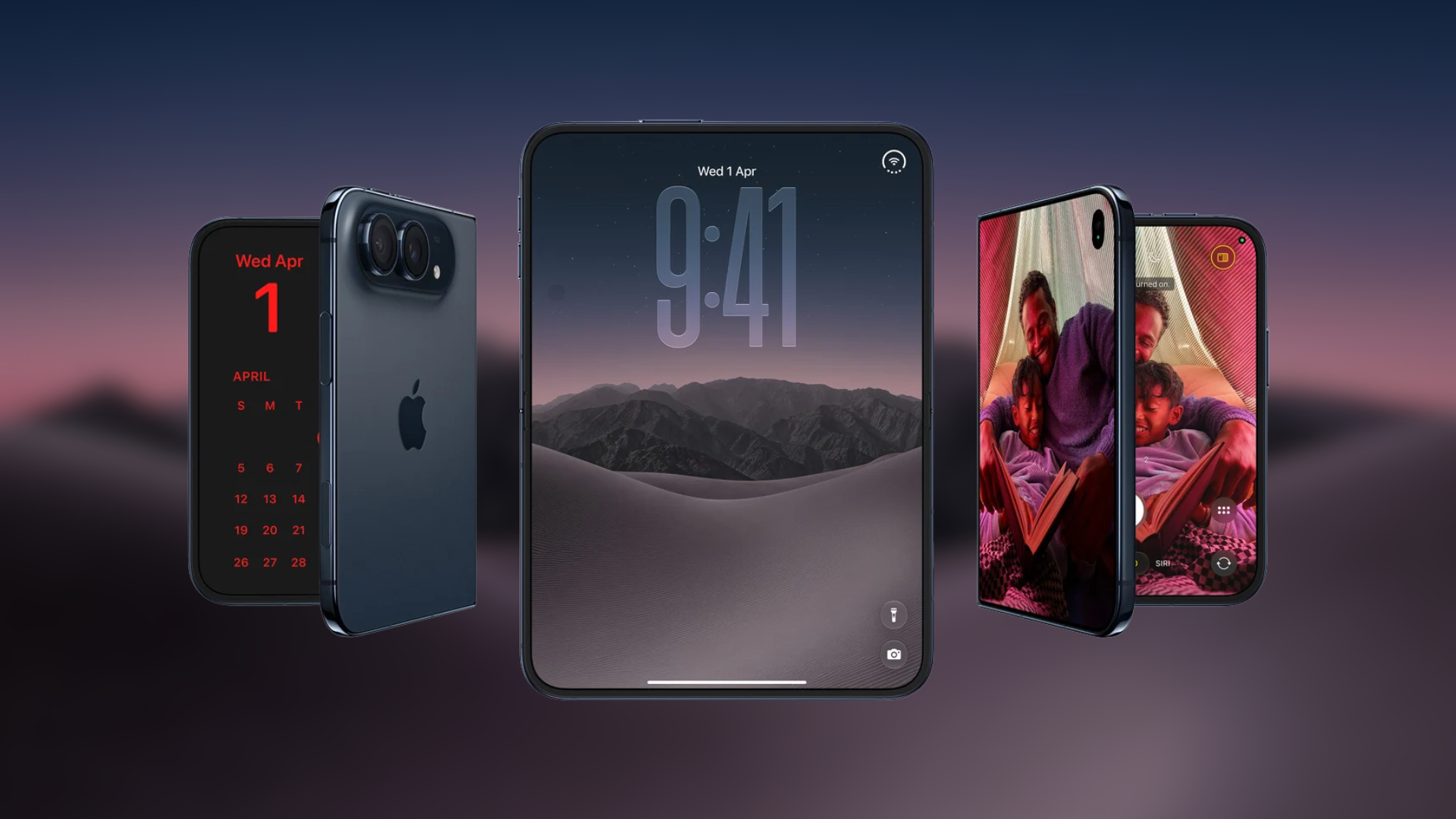
How to Pre-Order iPhone Duo for $57.99 Per Month With Apple Upgrade
Learn how to pre-order iPhone Duo through Apple Upgrade, compare monthly lease prices, check eligibility, and choose the right payment plan.

Will Apple HomeView Launch in India? What We Know
Find out if the Apple HomeView smart display will launch in India. Learn about its features, the A18 chip, design options, and expected release dates.
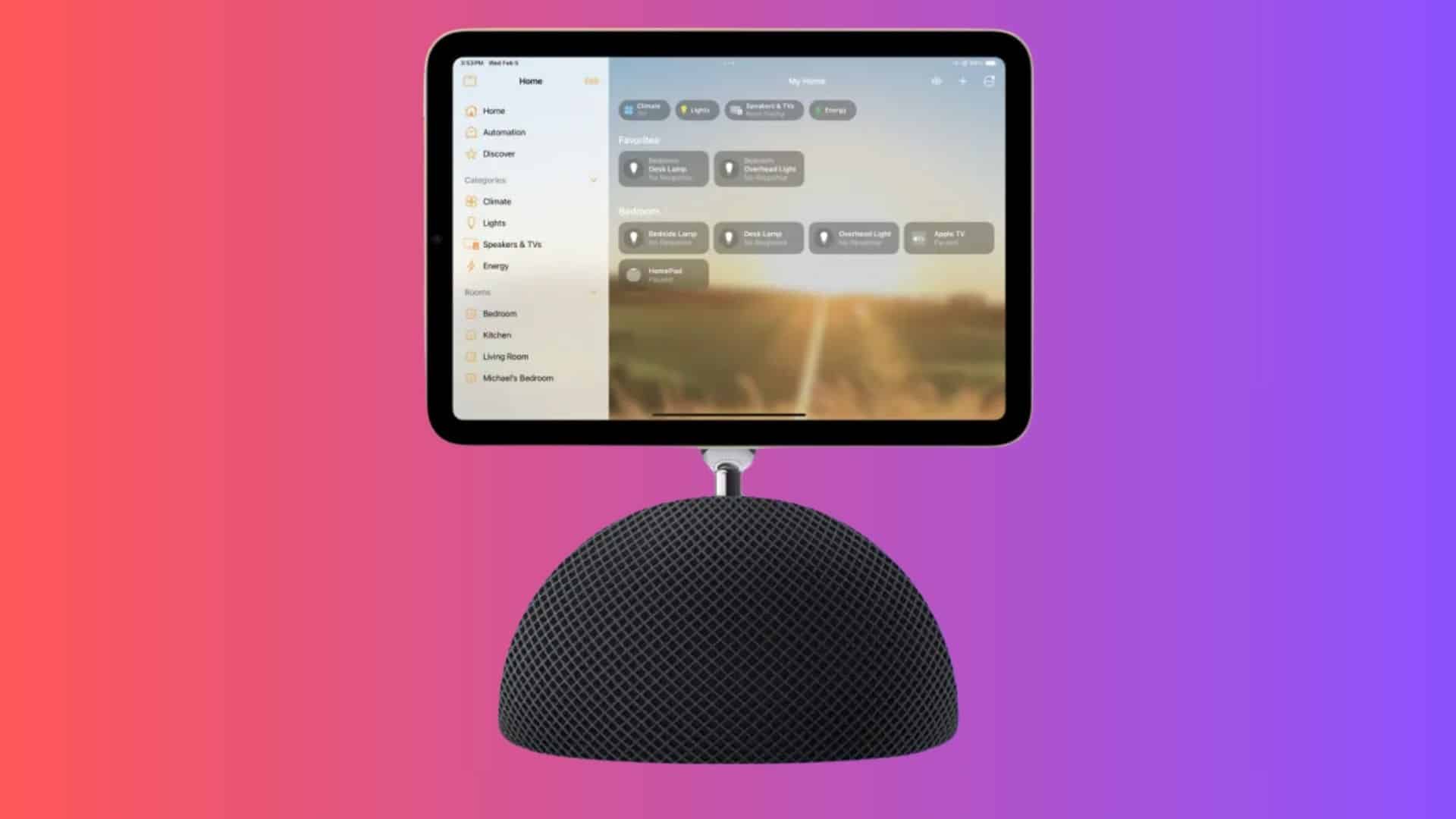
HomePad, Home Hub or HomeView? Apple's Smart Display Names
Discover if Apple will call its new smart display the HomePad, Home Hub, or HomeView. Learn about the leaked hardware features and software details here.
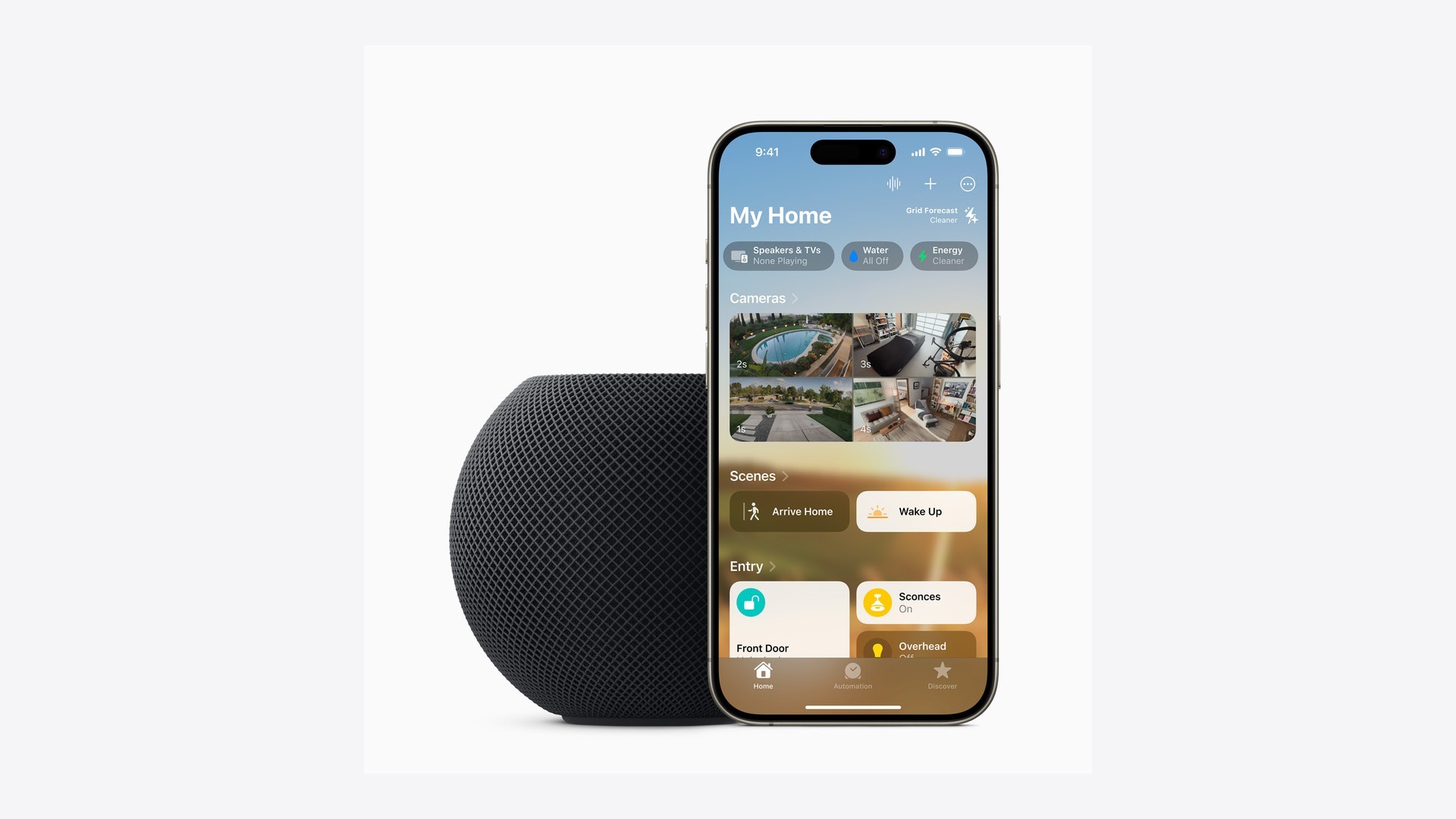
HomePod mini 2 Price: What to Expect After June's Hike
Wondering about the HomePod mini 2 price after the summer increase? Here is what to expect for the new generation and when it arrives on store shelves.
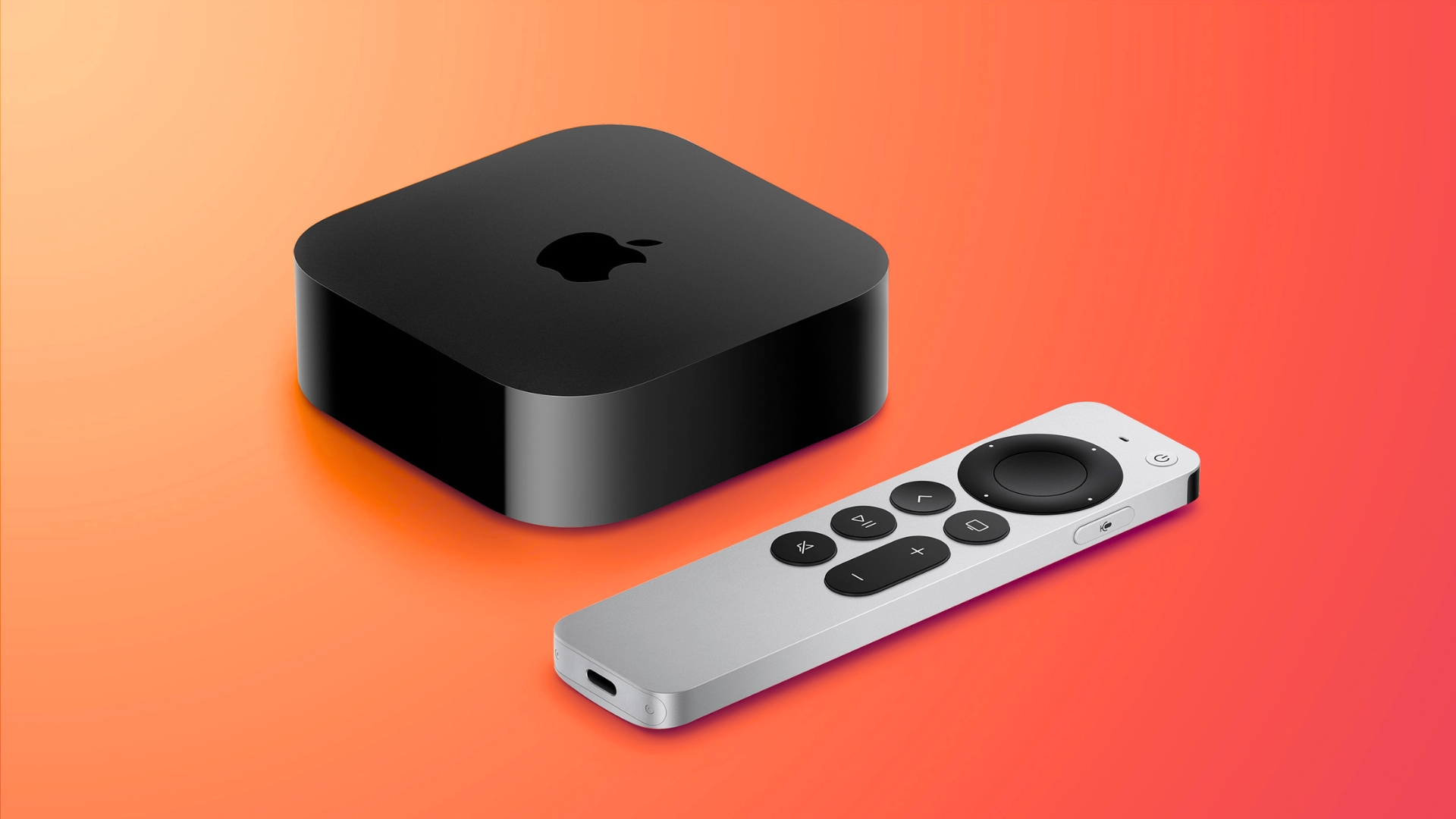
Will the New Apple TV 4K Cost More? Price Rumors Explained
Discover the latest price rumors and leaked hardware specs for the upcoming Apple TV 4K, including an A19 chip, Wi-Fi 7, and advanced audio features.
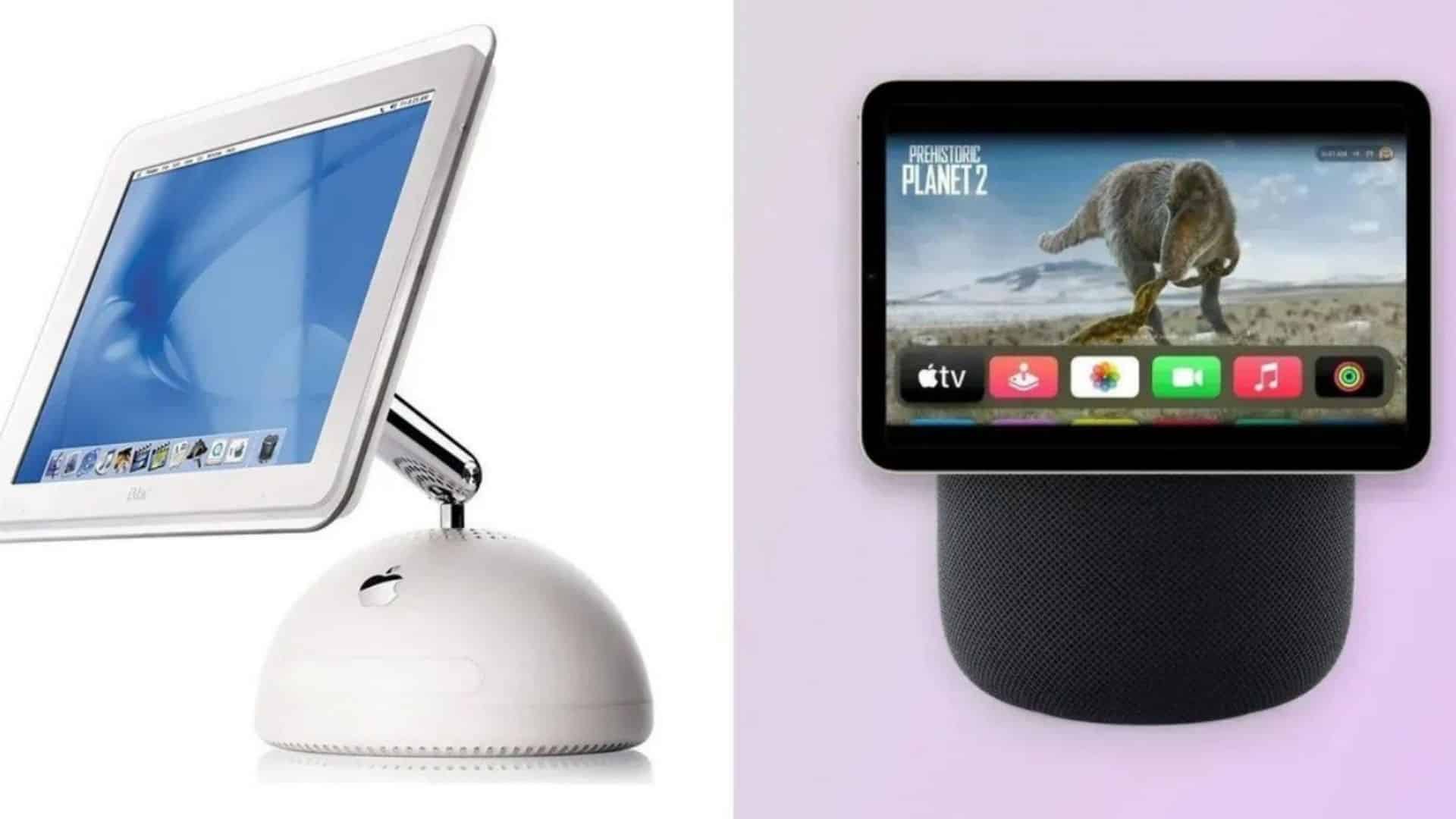
Apple HomeView Price: What the Rumors Say
Discover the rumored $350 price, design details, and A18 chip features of the upcoming Apple HomeView smart display before it hits shelves this November.
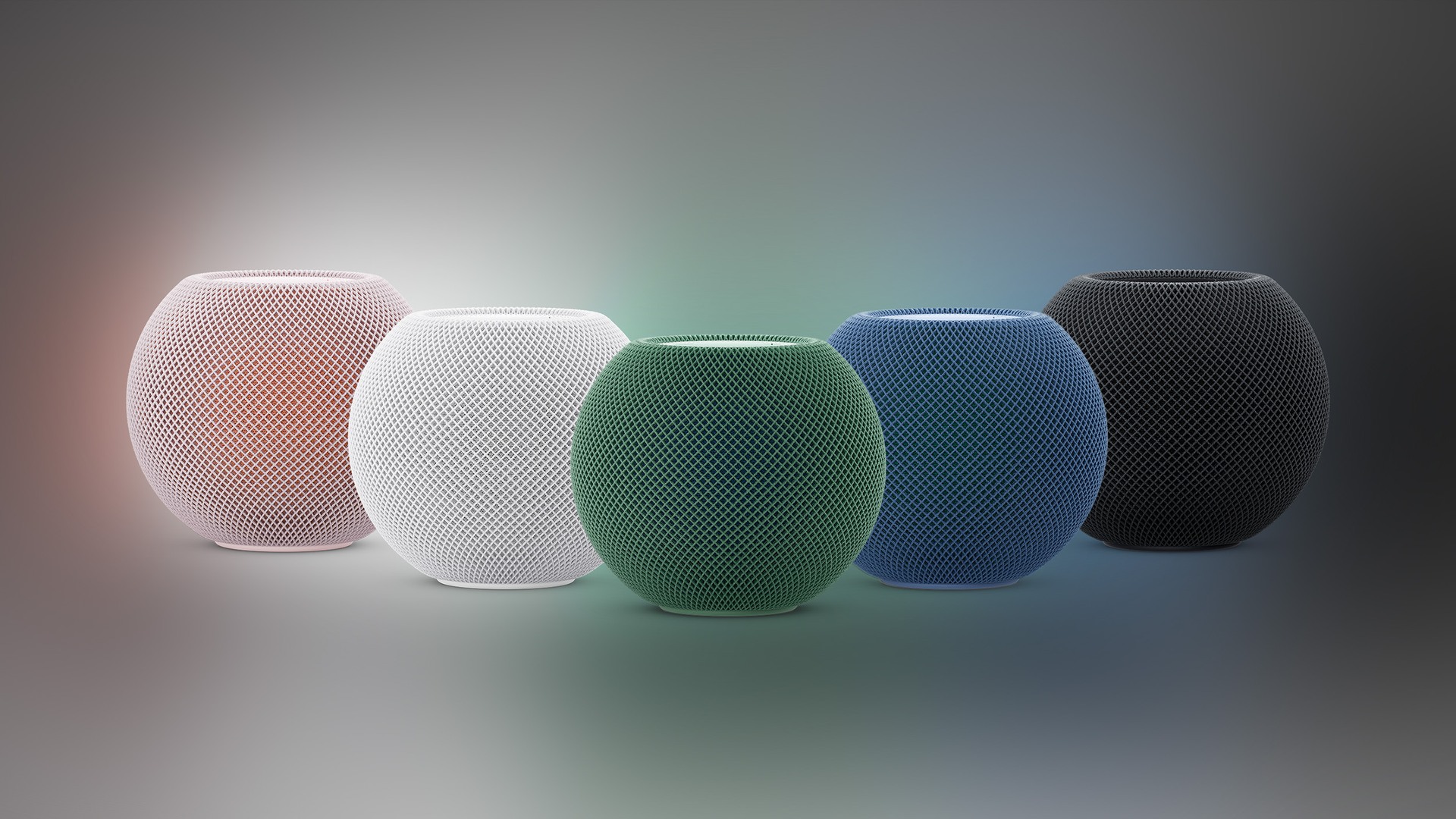
HomePod mini 2: Last-Minute Rumors Before Apple's Event
Discover the latest rumors about the upcoming Apple HomePod mini 2. Learn about the new colors, faster processor, and expected October 30 release date.
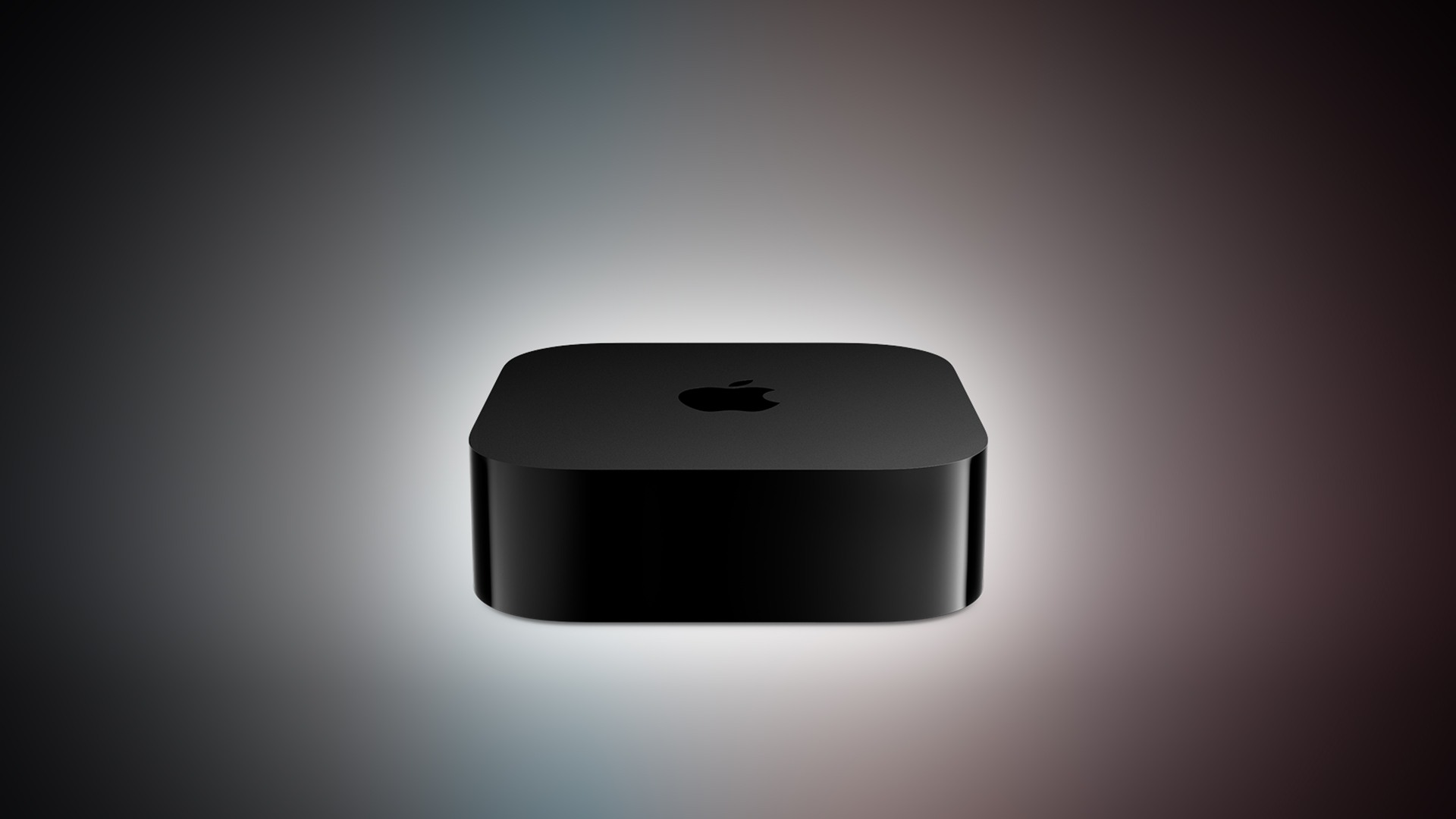
New Apple TV 4K 2026: What to Expect Today
Apple TV 4K 2026 launches today with an A19 chip, built-in microphones, and a new Siri Remote. Learn about the five big upgrades coming to the streaming box.
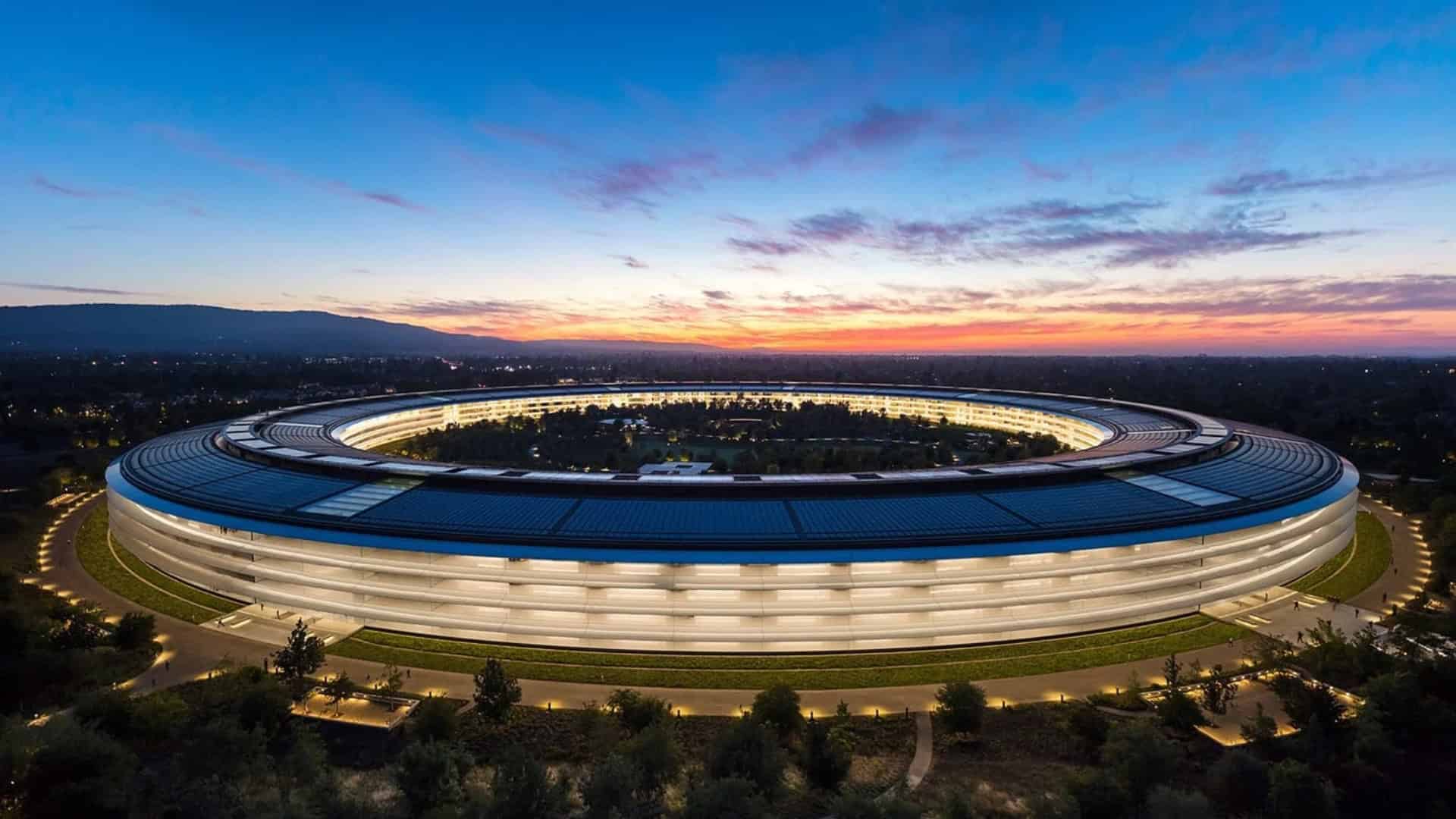
Apple Welcome Home Event Time: When It Starts in Every US and Global Time Zone
Find out when Apple’s Welcome Home event starts on October 13, with exact timings across US time zones and worldwide.
Apple HomeView (HomePad): Everything To Know About The Smart Display Before Launch
Learn everything about the upcoming Apple HomeView smart display. Discover the latest rumors on the A18 chip, floating design, and November release date.
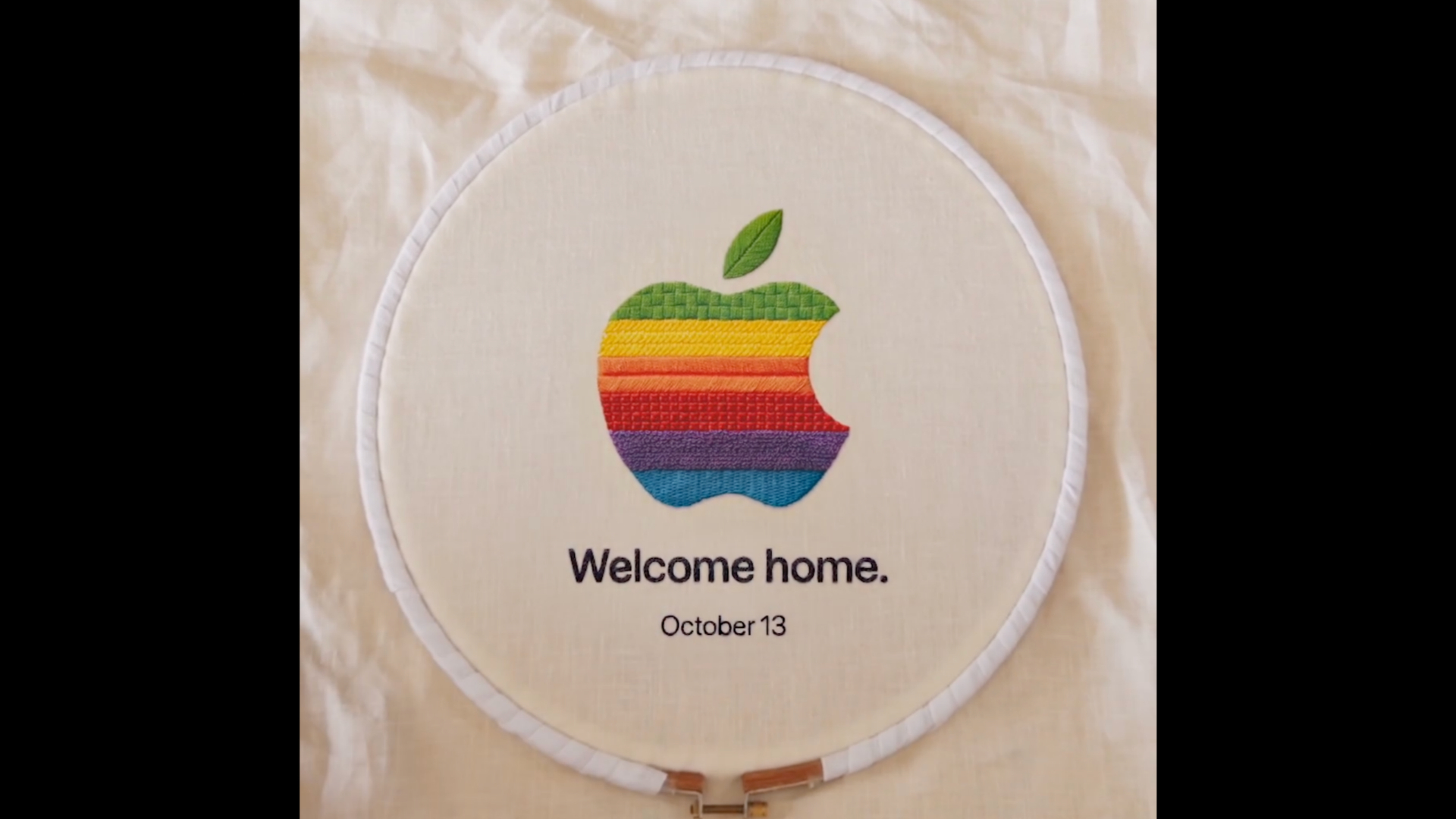
Apple Event Today: Is There a Livestream? How to Watch
Apple’s Welcome Home event takes place today. Here’s the US start time, livestream details, how to watch, and expected product announcements.
Should You Wait for Apple’s Home Hub Before Buying HomeKit Accessories?
Apple’s Home Hub could reshape the HomeKit market, but buyers can still choose useful Matter and Thread accessories without waiting for every detail.
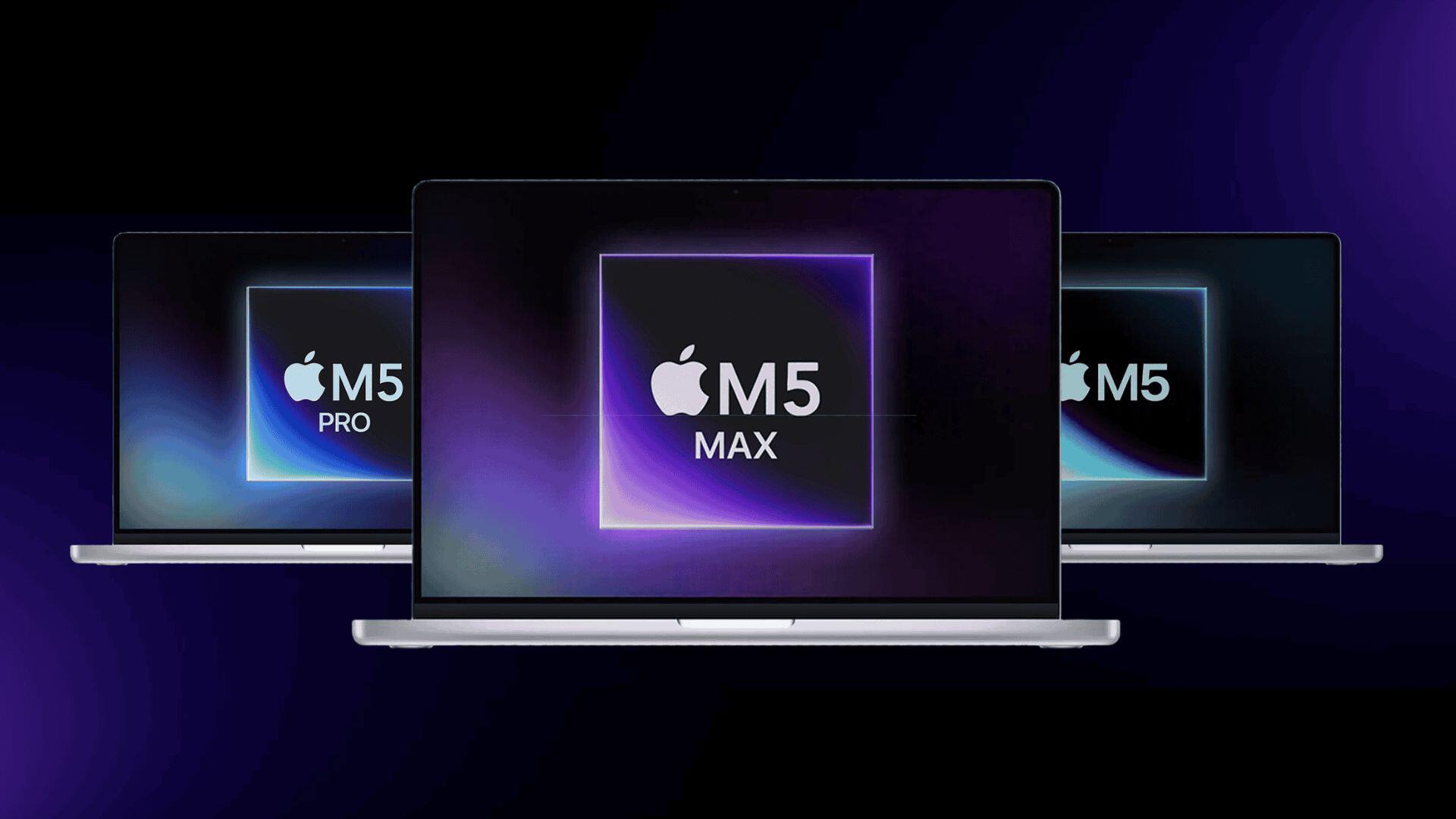
M5 vs M5 Pro MacBook Pro: Which Chip Should Creative and AI Users Buy?
Compare the M5 and M5 Pro MacBook Pro for video, design, coding and local AI, including memory limits, ports, displays and the workloads each suits.

Is an M1 MacBook Pro Still Worth Buying in 2026?
An M1 Pro or M1 Max MacBook Pro can still be a strong used buy in 2026, but battery condition, memory, warranty and price matter more than benchmarks.

M1 Max vs M4 Pro MacBook Pro: Which Used Mac Offers Better Value?
Compare a used M1 Max MacBook Pro with an M4 Pro model on memory, ports, graphics, battery condition and support before choosing the better value.
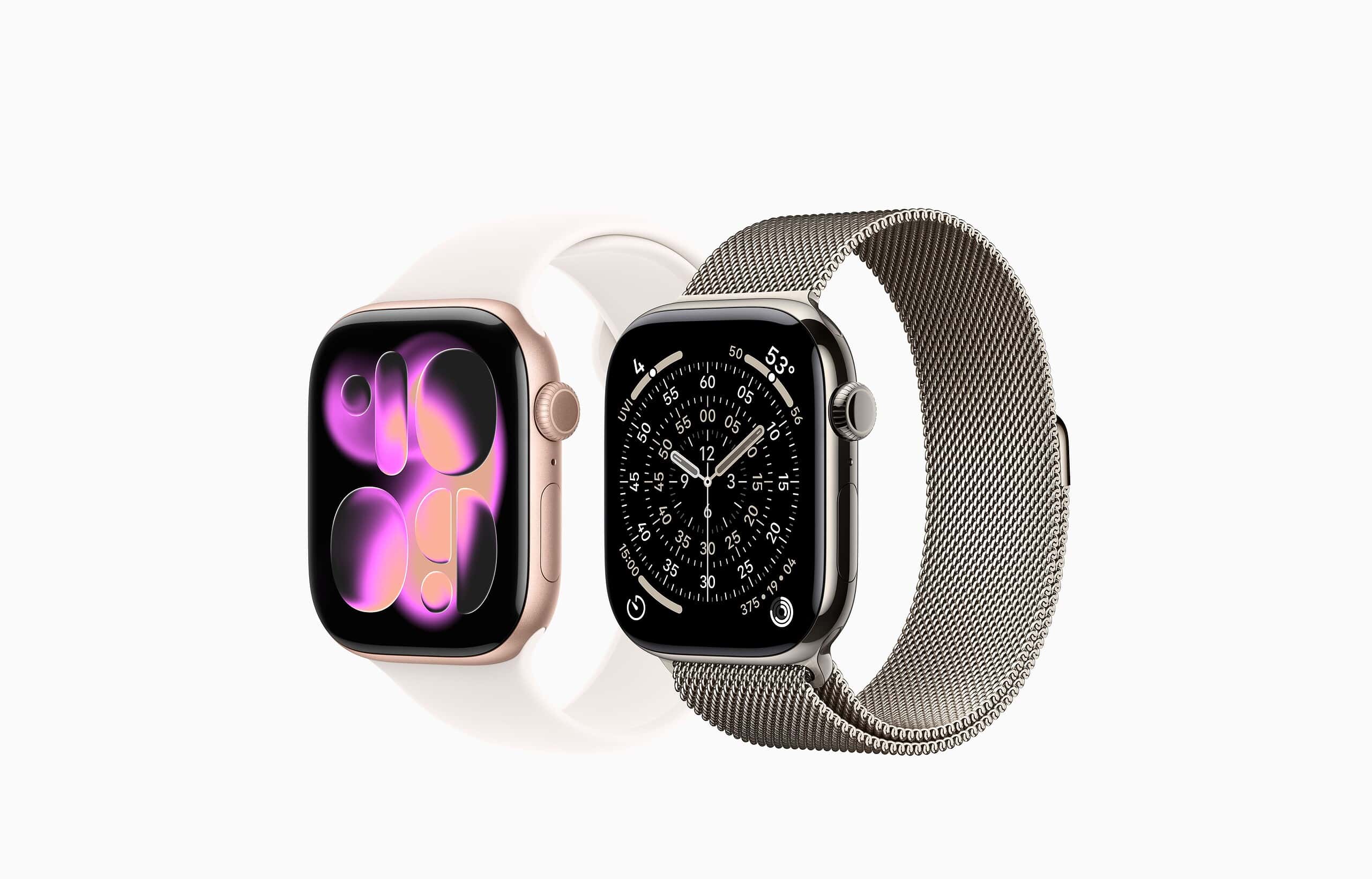
Apple Watch Series 12 vs Ultra 4: Which Is Better for Everyday Fitness?
Apple Watch Series 12 and Ultra 4 share core health features, but their size, battery life and price make one better for everyday fitness use.

Can Keyboard Covers and Screen Protectors Damage a MacBook Display?
Apple warns that keyboard, palm-rest and thick camera covers can damage a closed MacBook display. Here is what to remove before closing the lid.
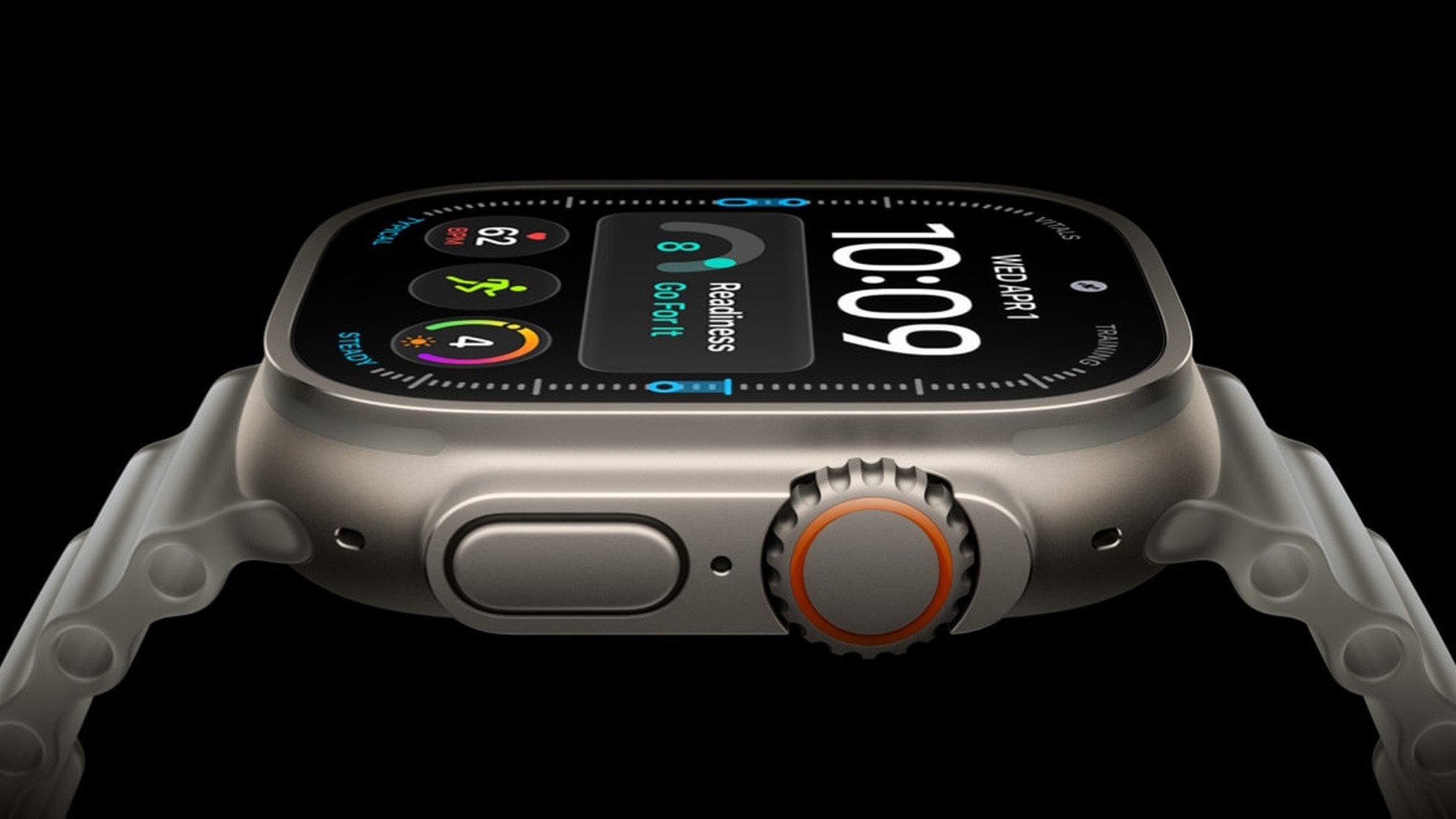
Is the Apple Watch Ultra Worth It If You Do Not Hike, Dive or Run Marathons?
Apple Watch Ultra 4 offers exceptional battery life and a rugged design, but ordinary users should weigh its size and $799 price against Series 12.
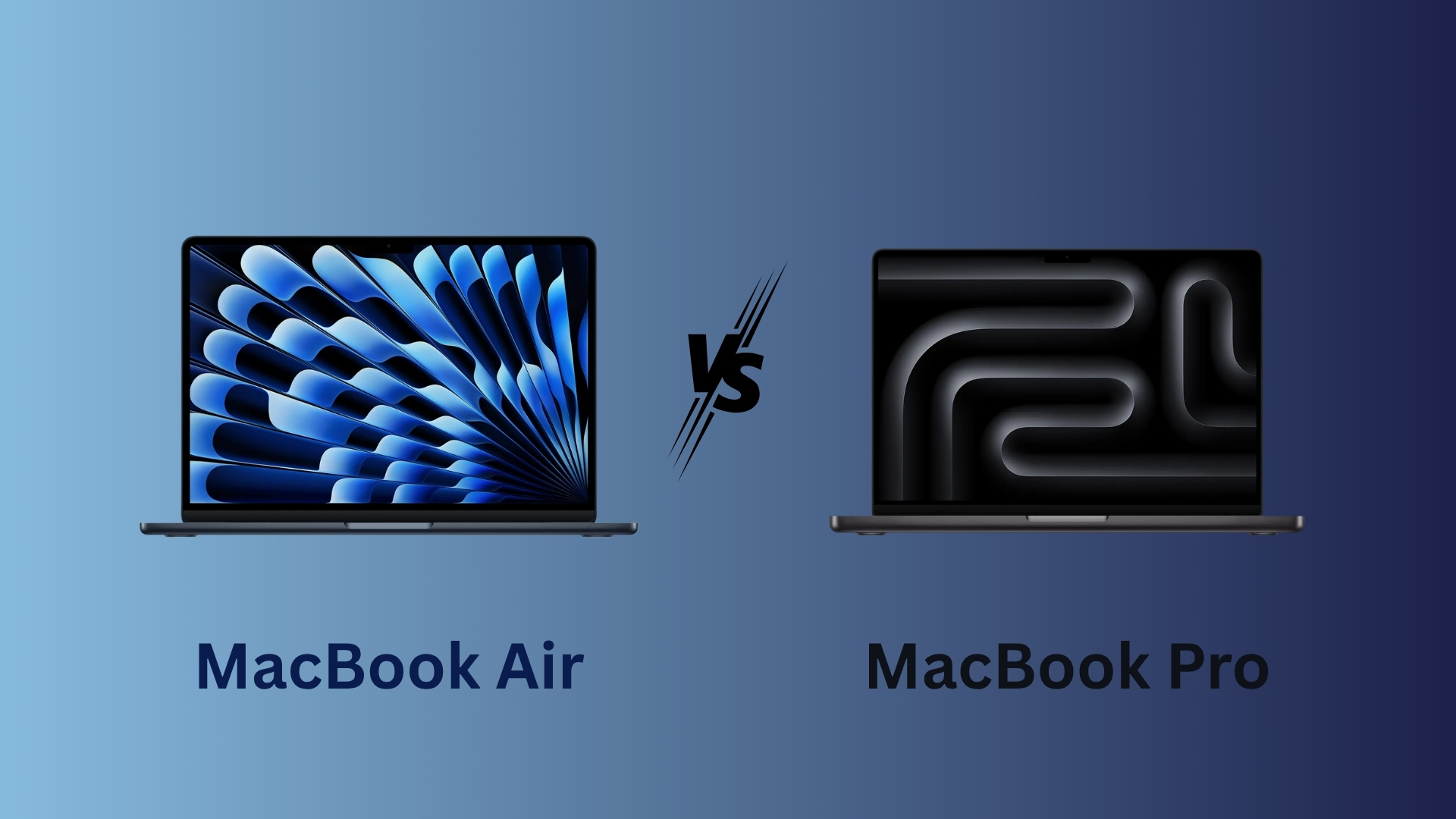
MacBook Air vs MacBook Pro for Photo and Video Editing in 2026
Compare MacBook Air and MacBook Pro for photo and video editing in 2026, including displays, cooling, ports, memory and sustained performance.

iPad Pro vs iPad Air for Notes and Media: Is 120Hz Worth the Extra Cost?
The iPad Pro’s 120Hz OLED display makes writing and video smoother, but the iPad Air covers notes and media well for hundreds of dollars less.