
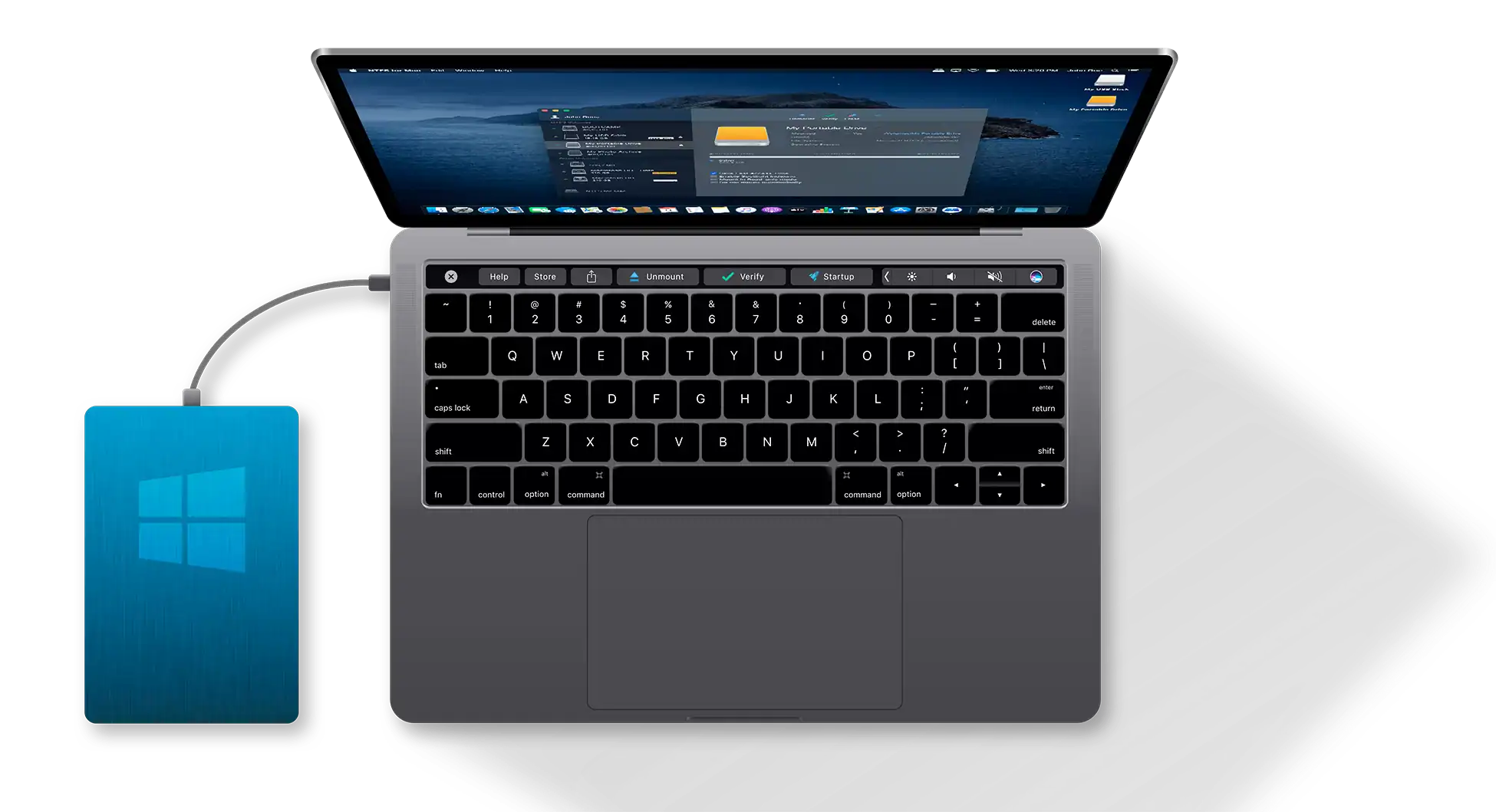
If you’ve ever plugged an external hard drive or USB stick into your Mac and discovered you could see the files but not move or edit them, you’ve run into the classic macOS-NTFS problem. Apple’s system can read Microsoft’s NTFS file format but can’t write to it. That’s fine if you only need to copy files off a Windows drive, but if you actually want to use the drive between Mac and PC, it’s a headache. That’s where Microsoft NTFS for Mac by Paragon Software comes in. It fixes that gap cleanly and reliably.
Why You Need It

Here’s the thing: NTFS is the default file system for Windows drives. It’s everywhere—external SSDs, hard drives, even shared work drives in mixed Mac/PC offices. Without a translator like Paragon’s software, macOS just doesn’t know how to handle writing to those disks. You’d either have to reformat the drive into exFAT (which has its own issues) or rely on awkward workarounds. Paragon NTFS for Mac removes that friction entirely.
Once installed, it lets your Mac read and write to NTFS drives like they were native. Drag, drop, delete, rename—it all works instantly. It’s not pretending to support NTFS; it actually does. That means no lag, no weird file corruption, and no need to reformat anything.
Don’t miss the best of The Mac Observer
Set us as a preferred source and our Apple reporting ranks higher in your Google Search results and Discover feed — one tap, no account changes.
How It Works
The setup is refreshingly simple. You download the installer from Paragon’s site, grant the necessary permissions during installation, and restart your Mac. After that, any NTFS drive you connect shows up in Finder as if it were formatted for macOS. You can even use Disk Utility to check, repair, or format drives in NTFS.
The software runs quietly in the background—no clutter, no constant reminders. There’s a small control panel where you can mount or unmount drives, check for updates, or adjust write permissions if you want fine-tuned control. But most people won’t need to touch it once it’s running.
Performance and Reliability
In practice, file transfers are fast—about the same speed you’d get on Windows. That’s a big deal because some free alternatives slow down under heavy loads or fail during large copy jobs. Paragon’s driver is stable, especially on macOS Sonoma and Apple Silicon machines. It’s one of those rare utilities that just works and keeps working.
The Bottom Line
If you regularly move files between Windows and Mac, Microsoft NTFS for Mac by Paragon Software is the fix you’ve been looking for. It’s not flashy or complicated—it just makes your drives work like they should. Pay once, install it, and forget it’s even there. That’s the best kind of software.




Discussion