
The full-screen screenshot UI in iOS 26 makes sense if you want instant access to smart features. But if you’d rather keep things simple, you can turn it off.

Amalia S
Amalia's introduction to the tech world began in middle school when she independently set up a router before a technician's scheduled visit. Her curiosity about technology only grew from there, leading her to delve deep into both macOS and Windows systems. After beginning her content writing journey in 2021 with Windows Report, Amalia transitioned to The Mac Observer in 2023. Alongside producing articles, she plays a pivotal role in mentoring new writers, ensuring that the content resonates well with our readers. Her hands-on experience has already established her as a reliable figure in our community. At the moment, she relies on her 13-inch, M1, 2020 MacBook Pro and 7th generation iPad from 2019 to produce top content.
Articles by Amalia S
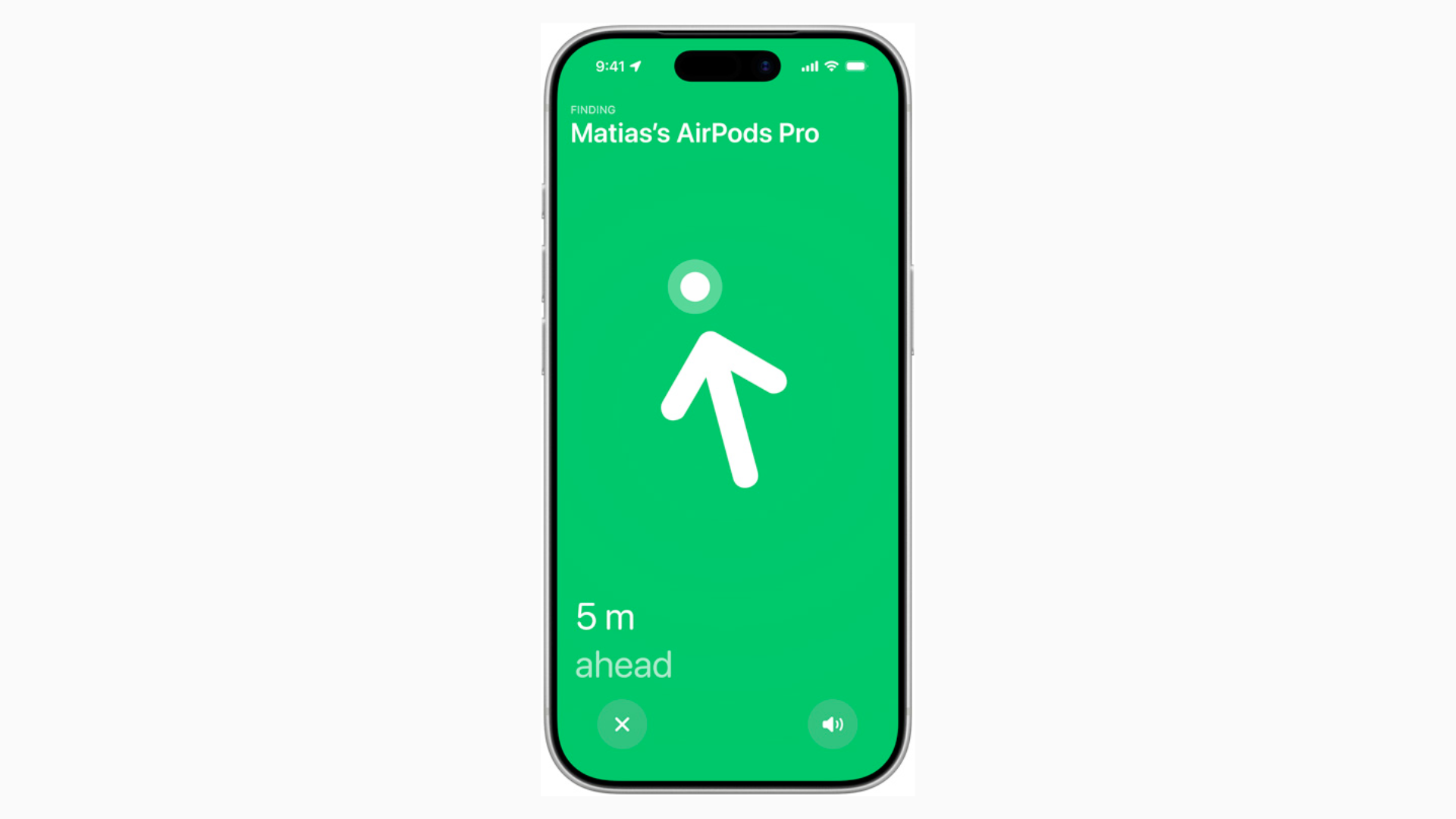
Improved Precision Finding with AirPods Pro 3 Only Works with iPhone 17
Improved Precision Finding on AirPods Pro 3 is one of those features that seems small until you use it. But you’ll only get the full experience with an iPhone 17.

iOS 26 AirPods Update: Every New Feature You Get
The iOS 26 AirPods update makes your earbuds more useful than ever. From sharper call quality to Live Translation and even acting as a camera remote.
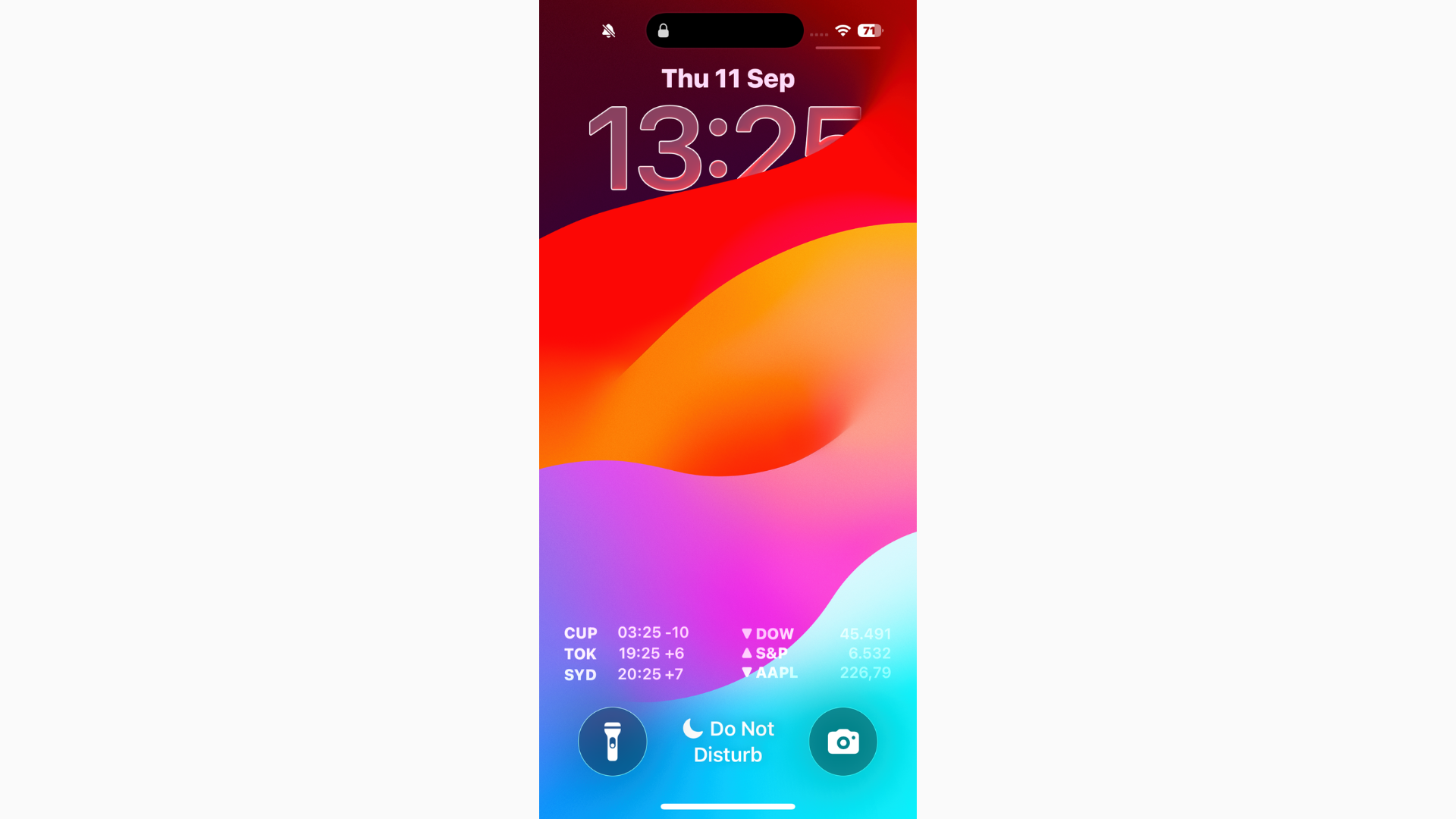
Can’t Read Notifications in iOS 26? Here's the Fix
If you can’t read notifications in iOS 26, start by turning on Reduce Transparency for a more solid background.
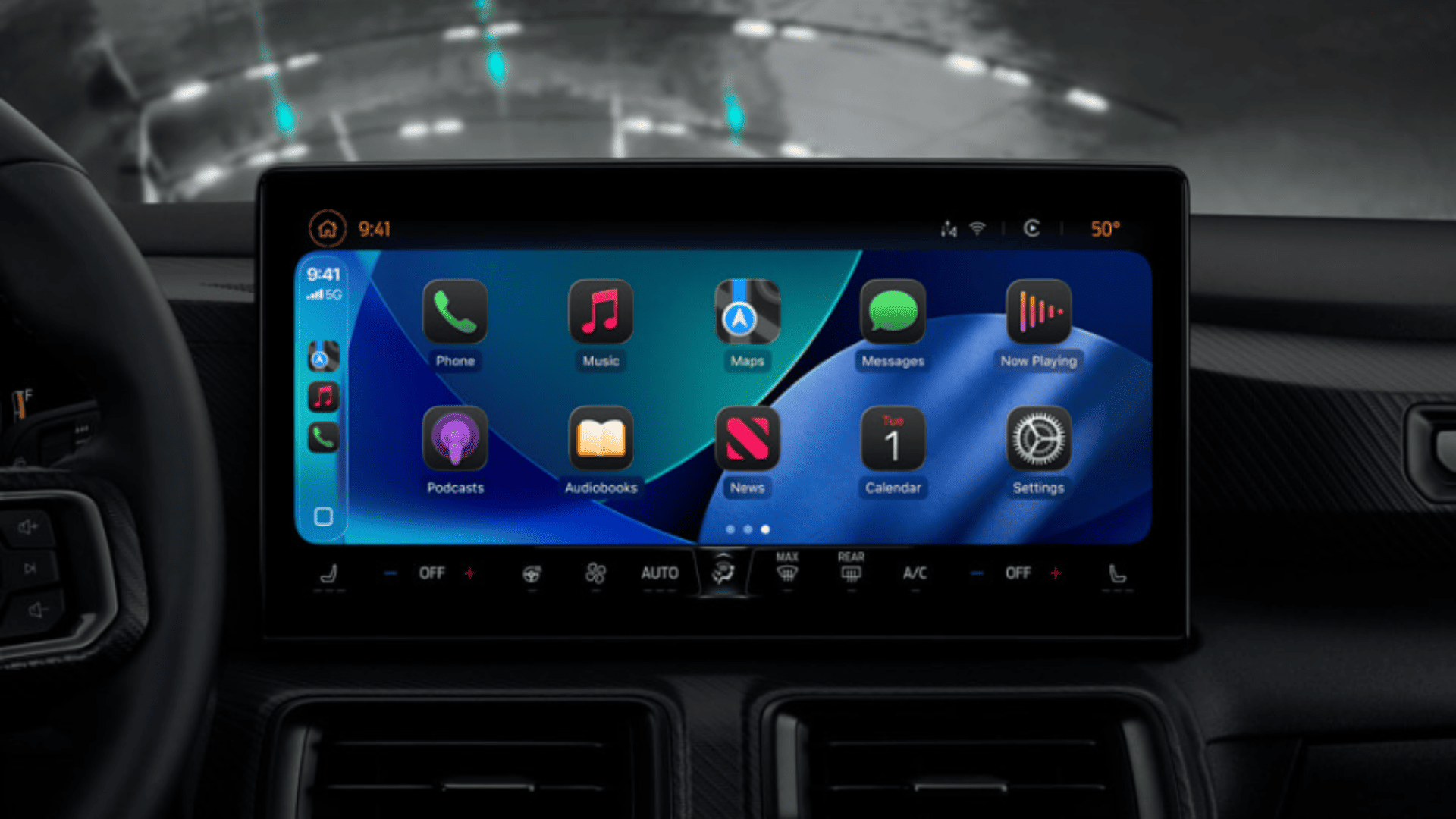
iOS 26 CarPlay Video Streaming: How It Works and What to Expect
With iOS 26, Apple is finally allowing video playback in CarPlay, but only while parked, and only if your car maker supports it.
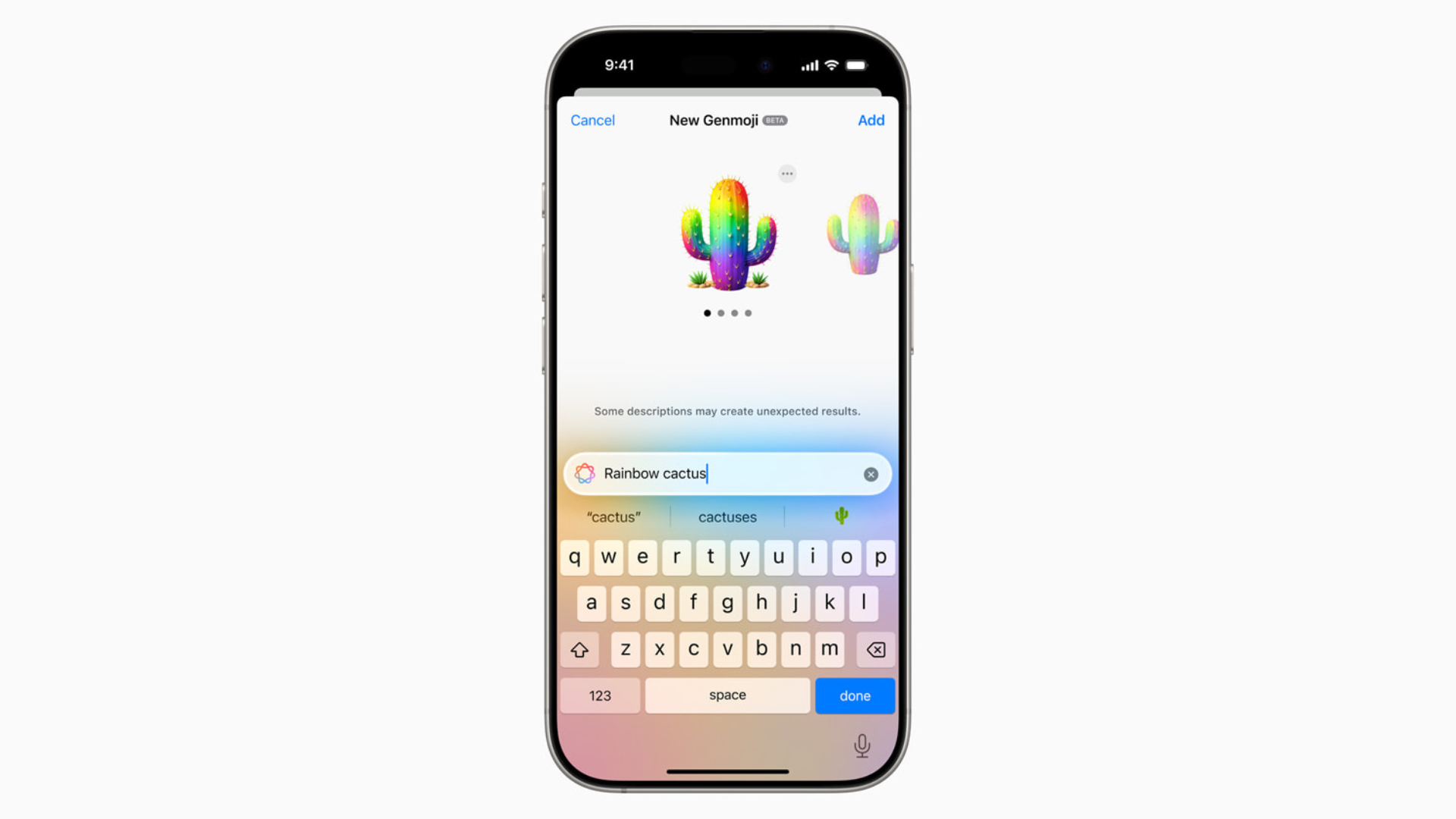
How to Make Your Own Emojis in iOS 26 with Genmoji
With Genmoji in iOS 26, you’re no longer stuck with the standard emoji set. You can generate custom icons that match your personality, your friends, or even your pets.

iOS 26 Requirements: Can Your iPhone Run It?
Before you dive into iOS 26 and its new features, you’ll want to know whether your iPhone actually supports the update.
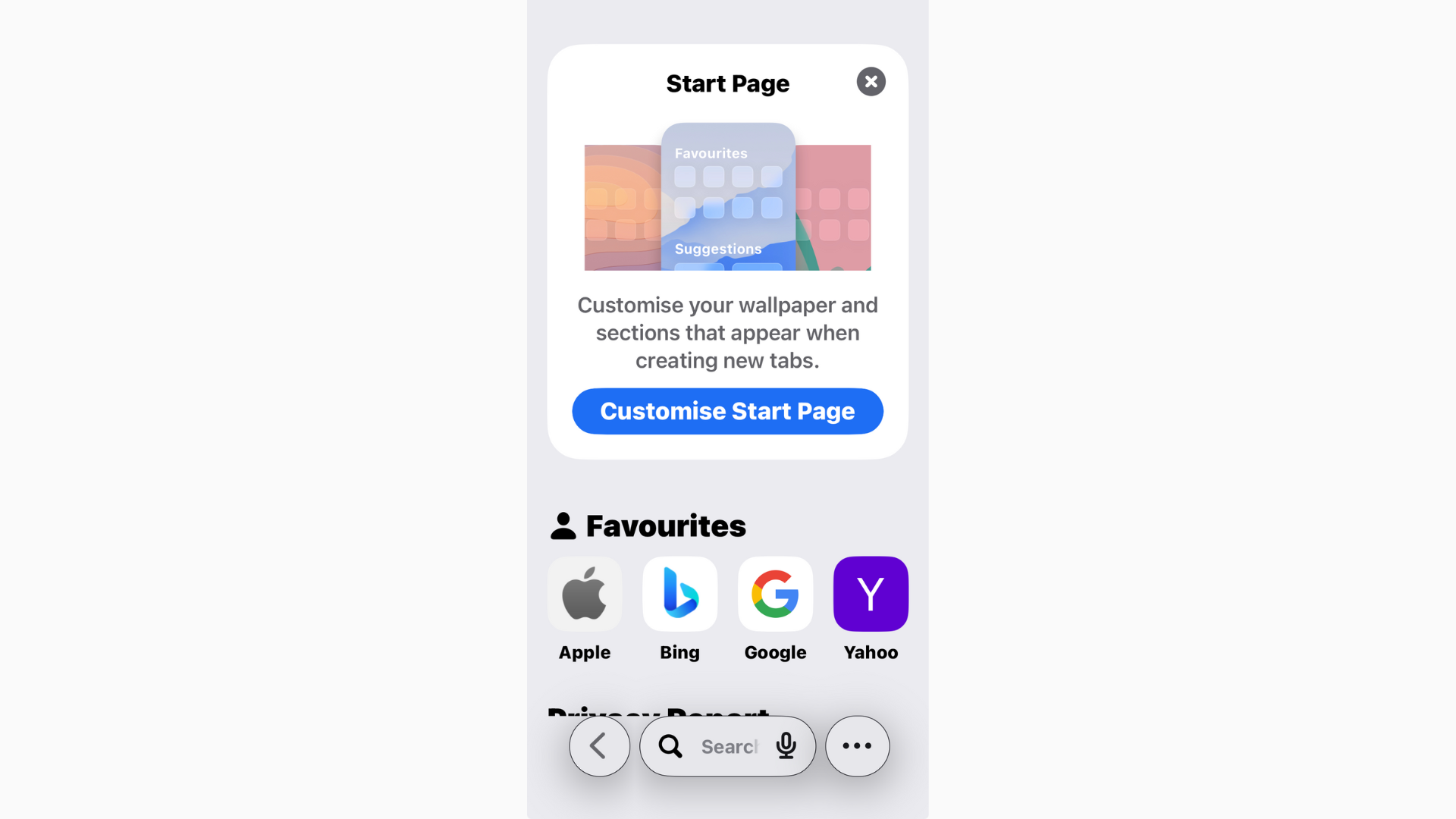
How to View Safari History in iOS 26
Safari in iOS 26 has picked up a fresh look and some new features, but one thing hasn’t changed: you can still view your browsing history
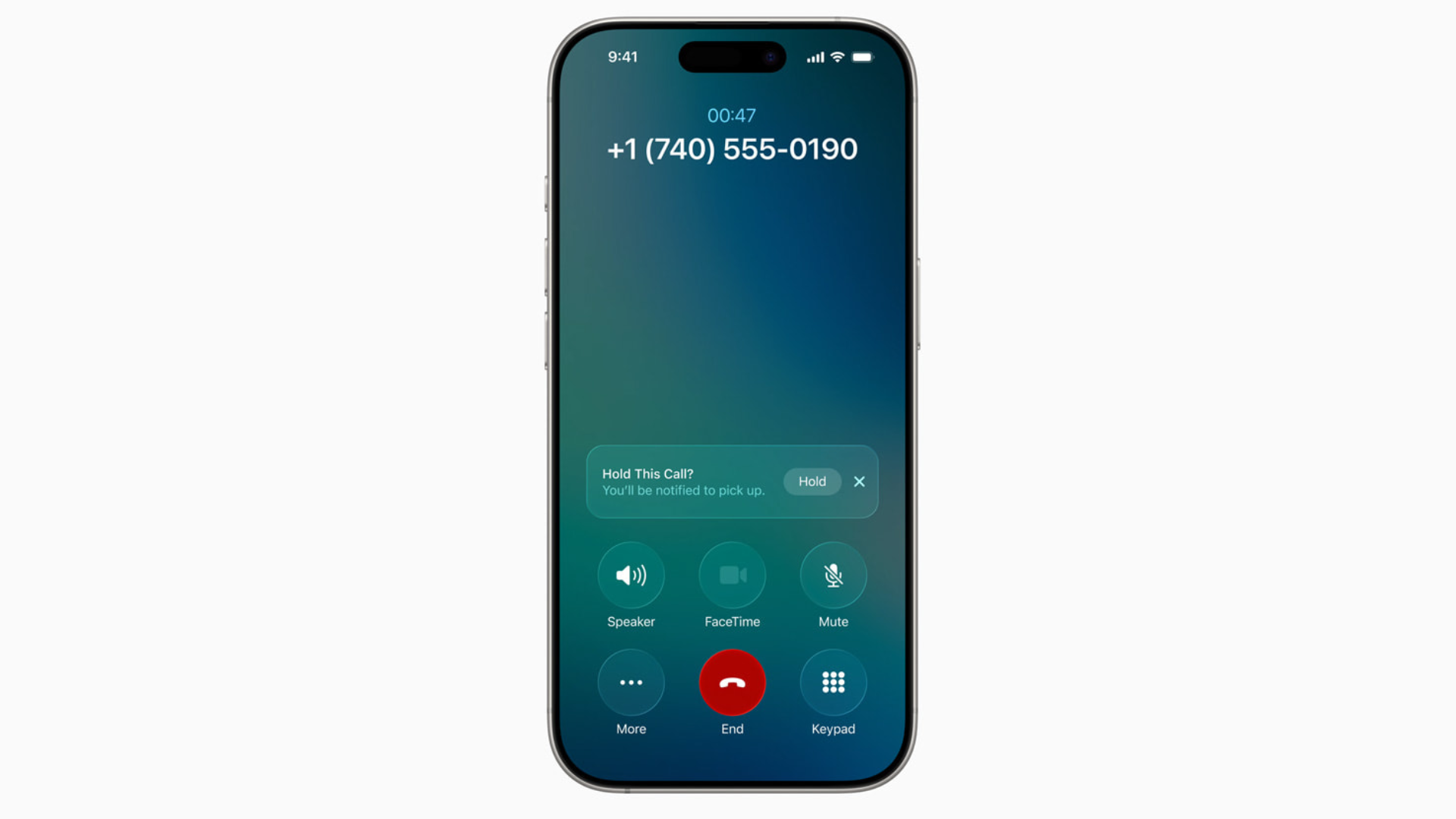
iOS 26 Hold Assist: What It Is and How to Use It
Nobody enjoys sitting through endless hold music. With iOS 26, Apple finally added a feature to make it less painful: Hold Assist.

Fix: iPhone Stuck on “Preparing Update” on iOS 26
If your iPhone is stuck on Preparing Update in iOS 26, don’t panic. Free up space, restart, or delete and re-download the installer.
How to Fix iPhone Freezing in iOS 26: Causes and Solutions
Freezing and lag in iOS 26 usually come from background reindexing, visual effects, or early bugs. Restart, free up storage, reduce animations, and check for patches.
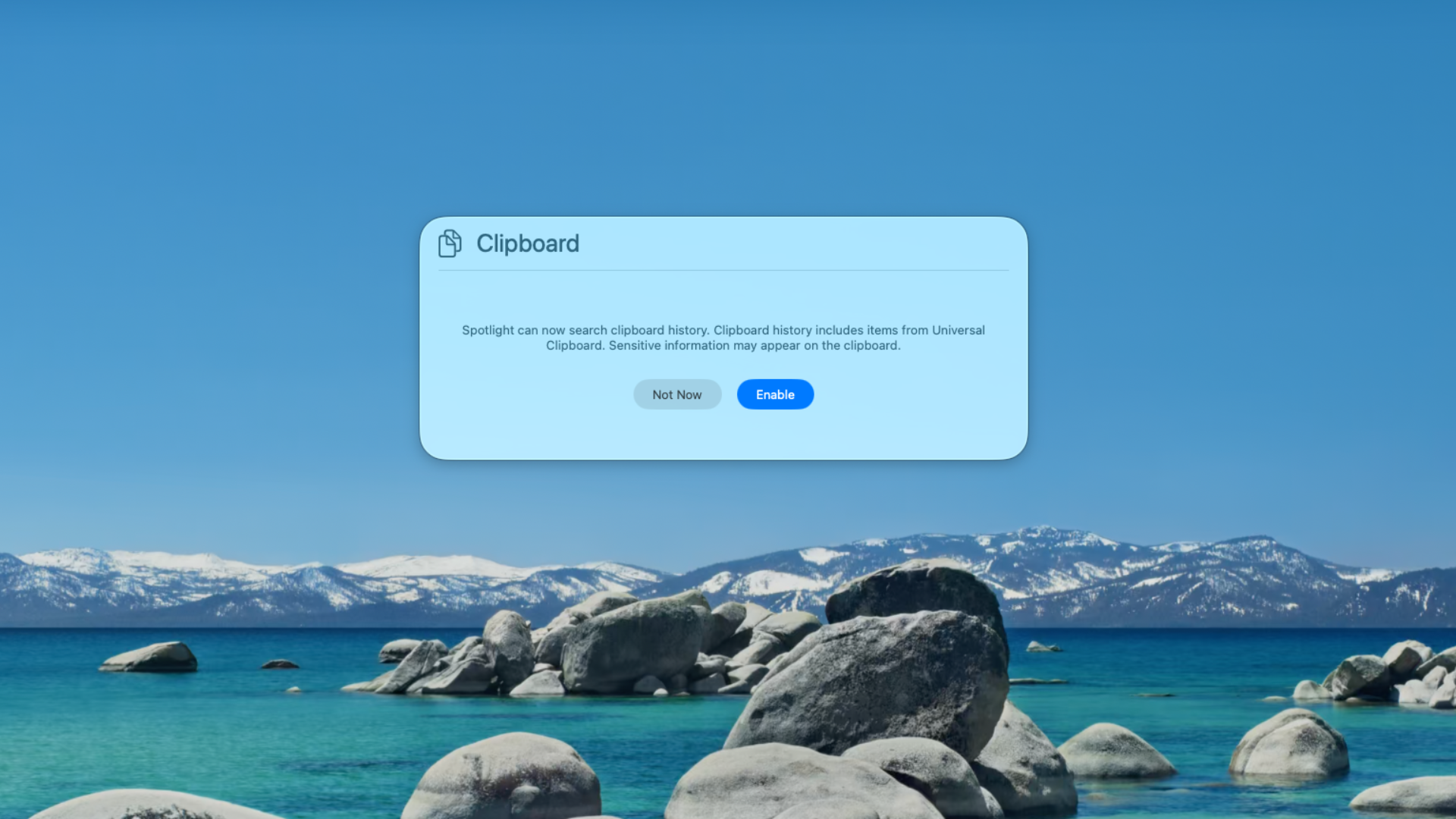
How to Use Clipboard History on macOS Tahoe
With macOS Tahoe (26), Apple has finally built a Clipboard History right into Spotlight.

Can You Download macOS Tahoe from the App Store?
If your Mac supports Tahoe, it’s faster and simpler to update via System Settings. The App Store version, once it arrives, won’t be any different — it’s just another entry point.
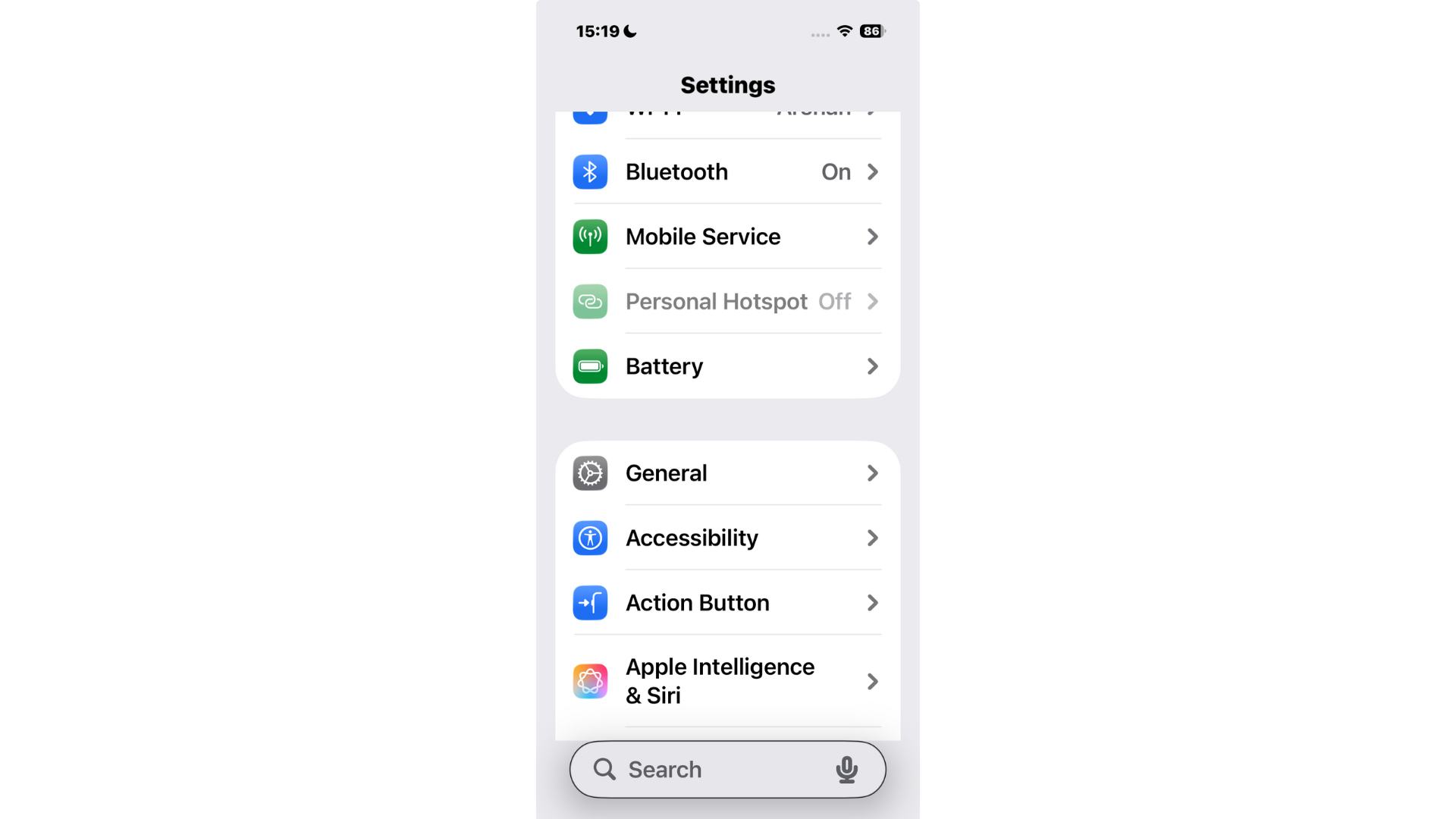
How to Move the Search Bar to the Top on iPhone (iOS 26)
For now, you can’t move the search bar back to the top in iOS 26’s built-in apps like Settings and Notes.

How to Make Apps Clear on iPhone in iOS 26
One of the flashiest parts of iOS 26 is the new Liquid Glass design. It gives widgets, backgrounds, and even app icons a translucent look that reacts to your wallpaper.

iOS 26 Dark Mode Update Sparks User Complaints Over ‘Tilted’ Icons
iOS 26’s redesigned Dark Mode is receiving criticism from iPhone users who say the new look is uncomfortable, distracting, and in some cases even dizzying.

macOS Tahoe Not Showing Up? Fixes and What to Know
Apple released macOS Tahoe (26) alongside iOS 26, iPadOS 26, and watchOS 26, but some Mac users are finding that the update simply doesn’t appear in System Settings.

macOS Tahoe Release Date and Time: Here’s When You Can Download It
macOS Tahoe goes live on September 15 at 1 PM ET. Mark the time, back up your Mac, and get ready for Apple’s latest big update.

How to Disable Liquid Glass on iPhone iOS 26
Some find Liquid Glass distracting or harder to read, especially against busy wallpapers. The good news? You can tone it down.

iOS 26: How to Change Liquid Glass Color on iPhone
One of the most noticeable changes in iOS 26 is Apple’s new Liquid Glass design language. But Apple didn’t stop there.

How to Set a Custom Snooze Duration on iPhone in iOS 26
With iOS 26, that changes. Apple finally lets you set your own snooze duration in the Clock app, anywhere from 1 to 15 minutes.

AT&T Promotions for Apple Watch Ultra 3: Biggest Savings and Key Details
If you’re eyeing the Apple Watch Ultra 3 and considering AT&T, there are some solid options. AT&T has listed the Ultra 3 offers bundle discounts.

Best Verizon Apple Watch Ultra 3 Deals: What to Know Before You Buy
But at $799 retail, it’s also not cheap. That’s where Verizon’s promotions come in. The carrier is rolling out some of the best deals.