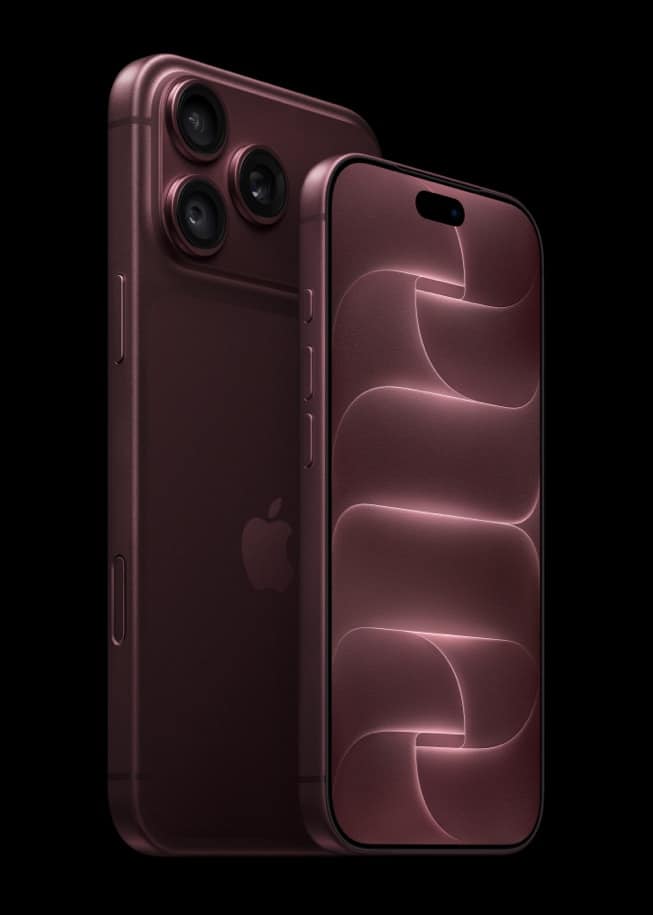
If an iPhone 18 Pro is stolen, Find My and Activation Lock will protect what is on it and make it very hard for anyone else to use. Neither will buy you a replacement, and that distinction decides what a lost or stolen $1,199 phone actually costs you. iPhone 18 Pro in all four finishes,…
Tips
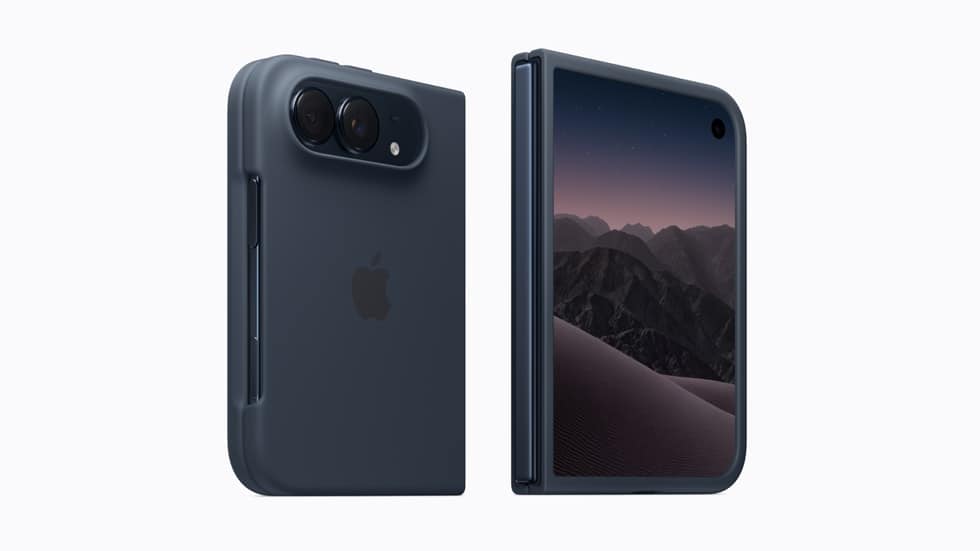
Does iPhone Duo Need a Case? The Argument for Spending Nothing, $79 or $129
Apple sells two iPhone Duo cases, a $79 iPhone Duo Case and a $129 iPhone Duo Folio with an integrated kickstand, and the honest first answer is that neither is required. The real decision is whether you want to add bulk to a phone that already weighs 254 g and measures about 11.3 mm thick…
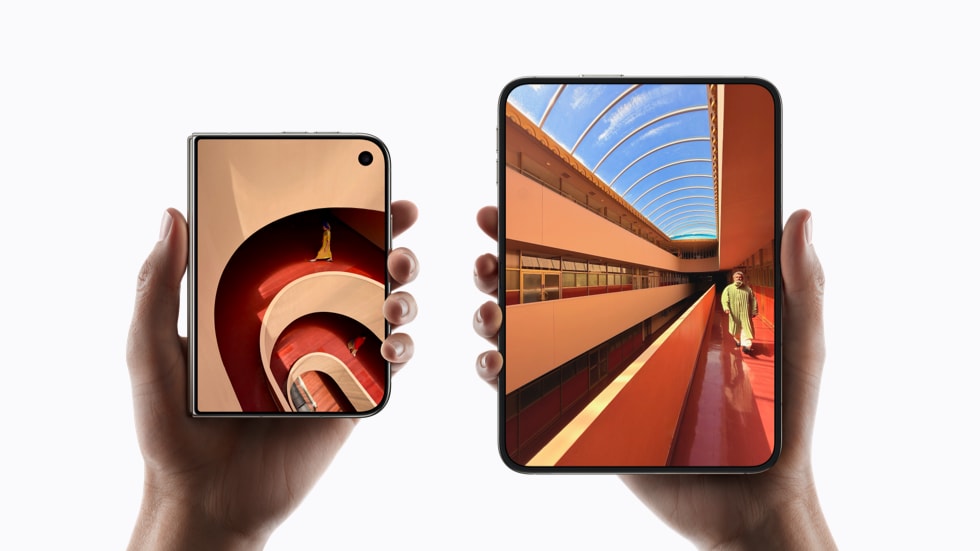
iPhone Duo Screen Repair: What Apple Published About the Display, and the Price It Has Not
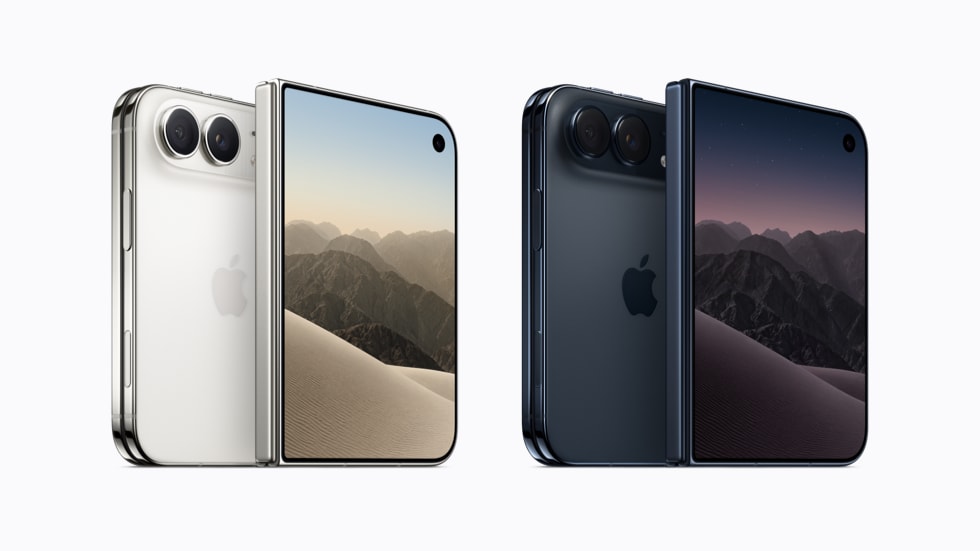
Apple has published an unusual amount of engineering detail about the two iPhone Duo displays and no repair pricing for either of them. If you are trying to work out what a broken folding screen would cost, that number does not exist in public yet. iPhone Duo in Night Sky and Star White, from $1,999.…
AppleCare, Credit Card Purchase Protection or Home Insurance for a $2,000 Phone
A $1,999 iPhone Duo or a $1,199 iPhone 18 Pro is expensive enough that most buyers stop to ask whether they are already covered by something. Three different kinds of cover can apply to a phone, and they work in completely different ways. iPhone 18 Pro starts at $1,199, above many single-item insurance limits. Image:…
AppleCare One or AppleCare One Family: The Device Count Where $49.99 Beats $19.99
Apple now sells AppleCare One in two forms. The single plan is $19.99 a month and covers up to three products, with each additional device adding $5.99 a month, and AppleCare One Family is $49.99 a month for up to six people set up through Family Sharing, available from Monday, September 14. Apple Watch Series…
Buying an iPhone 17 Pro in Late 2026: Still a Great Phone, or a False Economy?
The iPhone 17 Pro is still a very good phone, and you cannot buy one from Apple. It was discontinued on September 9, and Apple’s Certified Refurbished store had no iPhone 17 generation device listed as of September 10, with no published schedule for when one appears. The variable aperture is the clearest camera difference…
What Apple Quietly Stopped Selling on September 9, and What to Do If You Wanted One
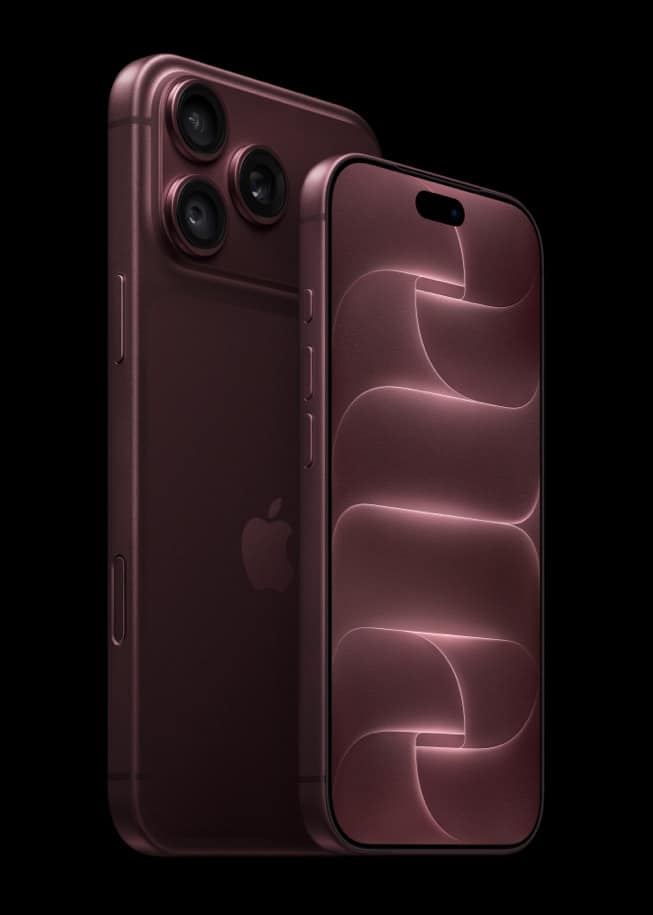
Apple spent September 9 introducing hardware. It also stopped selling a long list of it, and said nothing about any of that. The two biggest departures are iPhone 17 Pro and iPhone 17 Pro Max, discontinued one year after they launched at $1,099 and $1,199, followed by iPhone 16 Plus, which is simply gone from…
Apple Sells Just Three Apple Watches Now: $249, $399 and $799, and One Is the Value Buy
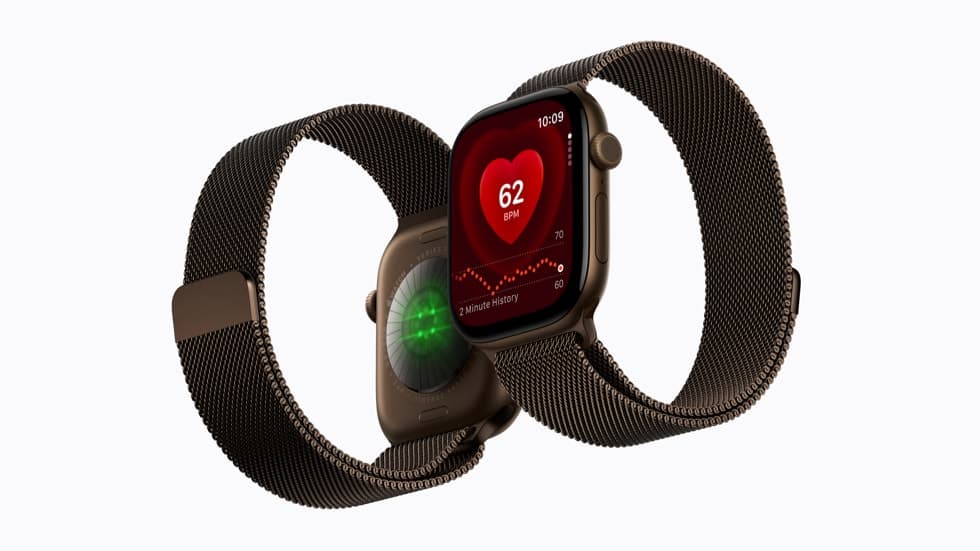
Apple now sells exactly three Apple Watches: Apple Watch Series 12 from $399, Apple Watch Ultra 4 from $799, and Apple Watch SE 3 from $249. Everything else has gone, including last year’s Series 11 and Ultra 3, whose store pages no longer resolve on apple.com. Apple Watch Series 12 starts at $399 and is…
Every iPhone Apple Still Sells, and Why Four of Them Cost $100 More Than on September 8
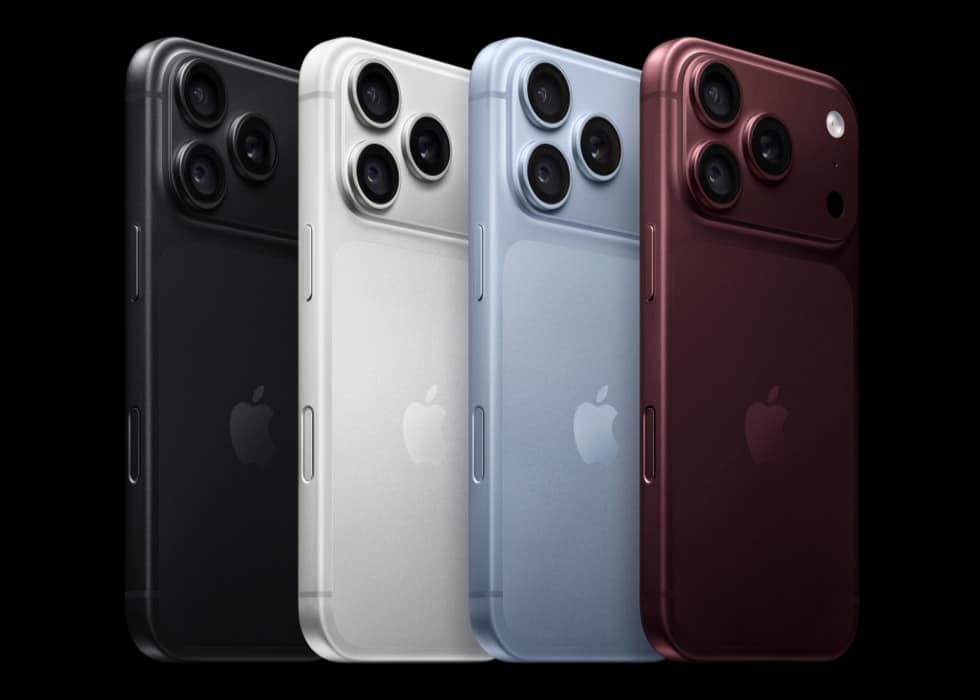
Apple’s iPhone lineup changed in two directions on September 9. Two new phones arrived at the top, and every older iPhone Apple kept is now $100 more expensive than it was the day before: Apple’s Store pages list iPhone 17e from $699, iPhone 16 from $799, iPhone 17 from $899 and iPhone Air from $1,099.…
Download iPhone Duo Wallpaper: Day and Night Editions
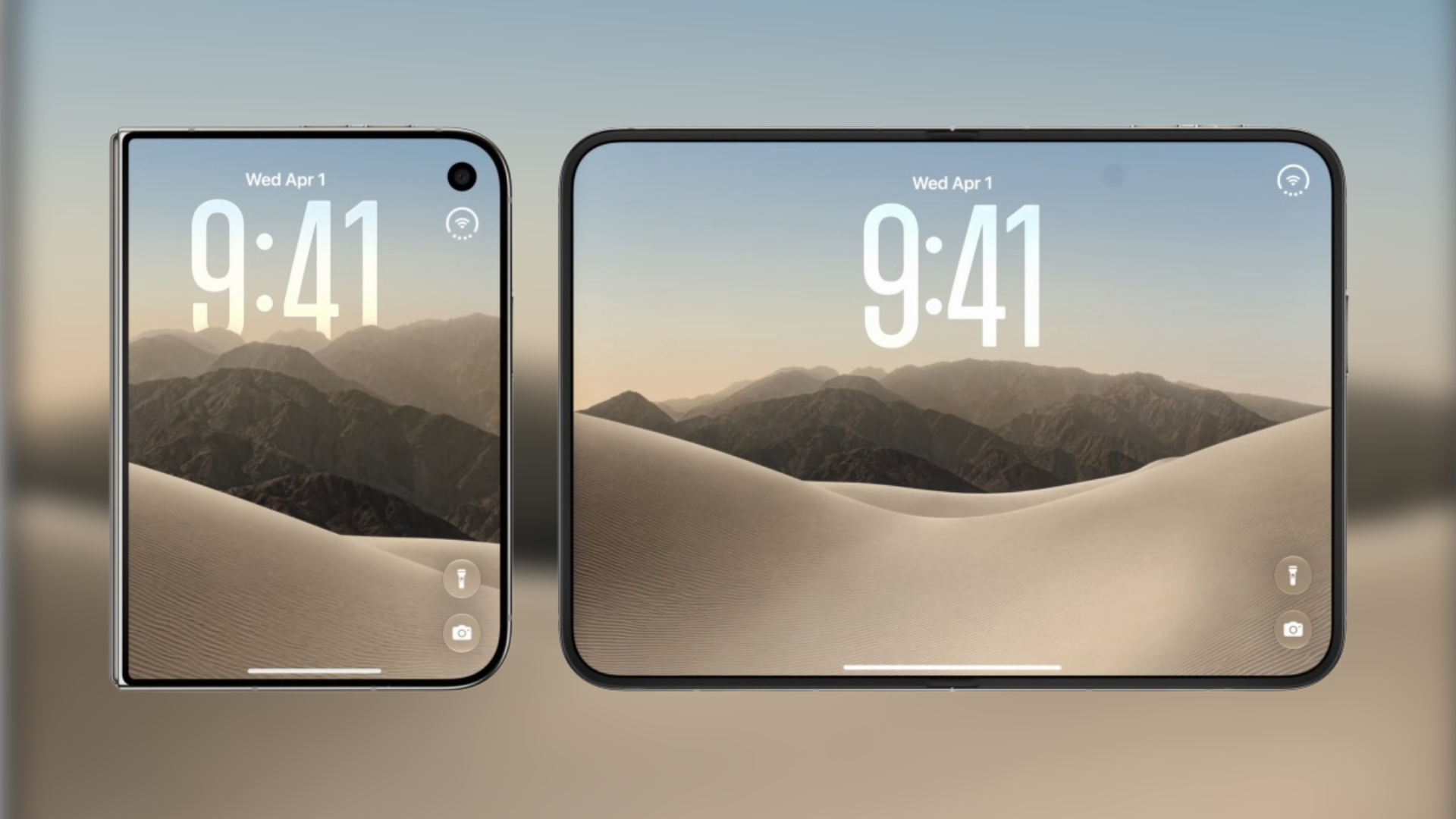
Download the iPhone Duo wallpaper for iPhone and Mac in high resolution, with both day and night versions available for free.
Locked or Unlocked iPhone 18 Pro: What Apple Publishes, and What No Carrier Will Confirm
Apple sells iPhone 18 Pro with a “Connect on your own later” option, and the $1,199 to $2,399 prices on its Store page are the prices for that unattached configuration. Picking a carrier in the same checkout does not change what you pay Apple. It changes what you are committed to afterwards. iPhone 18 Pro…
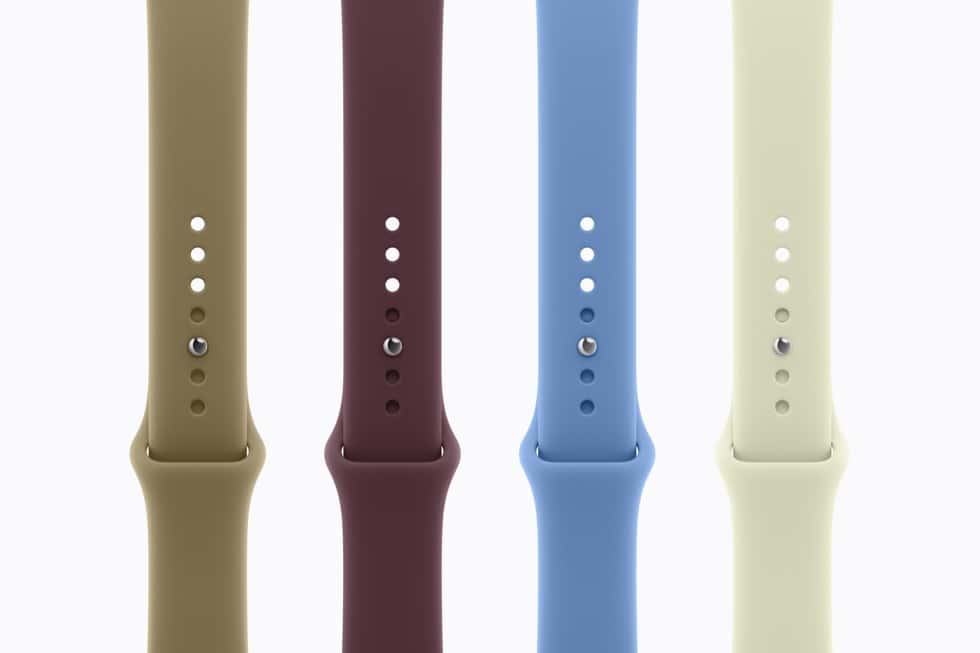
Apple Watch Series 12 Bands: Apple Has Priced None of Them, and Where the Money Actually Goes
Apple has announced every new band for Apple Watch Series 12 and published a price for none of them. The only Series 12 figure on Apple’s store page is From $399, which covers the 42mm aluminium model with whatever band that configuration includes. There is no published band price list, and no published price for…
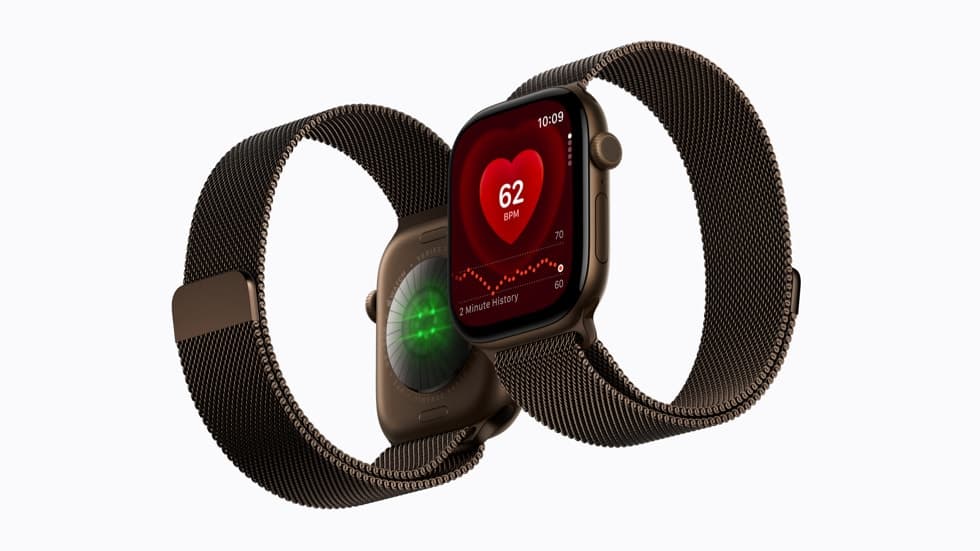
Apple Watch Trade-In: $30 to $430 for Your Old Watch, and How That Compares With Best Buy's $325
An old Apple Watch is worth between $30 and $430 in Apple credit depending on the model, based on the values recorded for individual models when Apple changed them on September 9. Best Buy’s listing takes a different approach: up to $325 off an Apple Watch Series 12 pre-order for an eligible Apple Watch trade-in,…
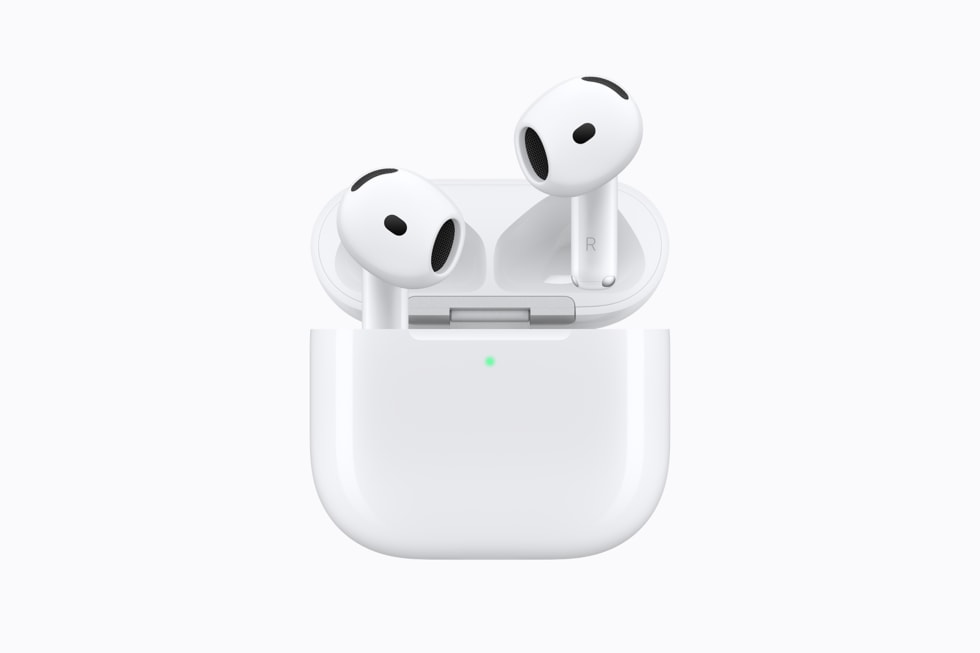
AirPods 5 at $129 or $149: No One Has Published a Discount, So the $20 Is the Only Lever
Neither version of AirPods 5 has a published launch discount anywhere. Apple’s prices are $129 and $149, Amazon, Walmart, Costco and Target have published no AirPods 5 offer, and the one confirmed retailer promotion of this launch is Best Buy’s Apple Watch Series 12 trade-in deal, which expires 9/18/2026 and has nothing to do with…
Five US States Charge No Sales Tax on an iPhone, and Only Three Are Tax-Free Everywhere
Five American states charge no statewide sales tax: Alaska, Delaware, Montana, New Hampshire and Oregon. On a $1,199 iPhone 18 Pro, an 8 percent rate comes to $95.92, so where no sales tax is charged the saving is roughly the same size as the $100 Apple added to its older iPhones this month. iPhone 18…
Apple Trade In, Carrier Credit or Selling It Yourself: What Your Old iPhone Is Really Worth Now
Your old iPhone is worth three different numbers this week, and only one of them is money that comes off the price of an iPhone 18 Pro on the day you buy it. Apple credits $175 to $885 instantly, a US carrier advertises up to $1,200 but pays it as bill credits over 24 to…
What iPhone Duo Really Costs Over Three Years: $1,999 Is Where the Bill Starts
iPhone Duo starts at $1,999, and that is the smallest number in this article. Add the case Apple sells for it and three years of the only Apple coverage carrying a published price, and a 256GB Duo reaches about $2,798 before any sales tax, by our arithmetic on Apple’s published figures. iPhone Duo starts at…
iPhone 18 Pro Carrier Credits: What You Forfeit If You Leave Before 36 Months
A carrier credit on an iPhone 18 Pro is not a discount you receive at checkout. It is a queue of monthly bill credits, and the ones that have not arrived yet are exactly what you leave behind if you switch carrier, change to a plan that no longer qualifies, or settle the phone early.…
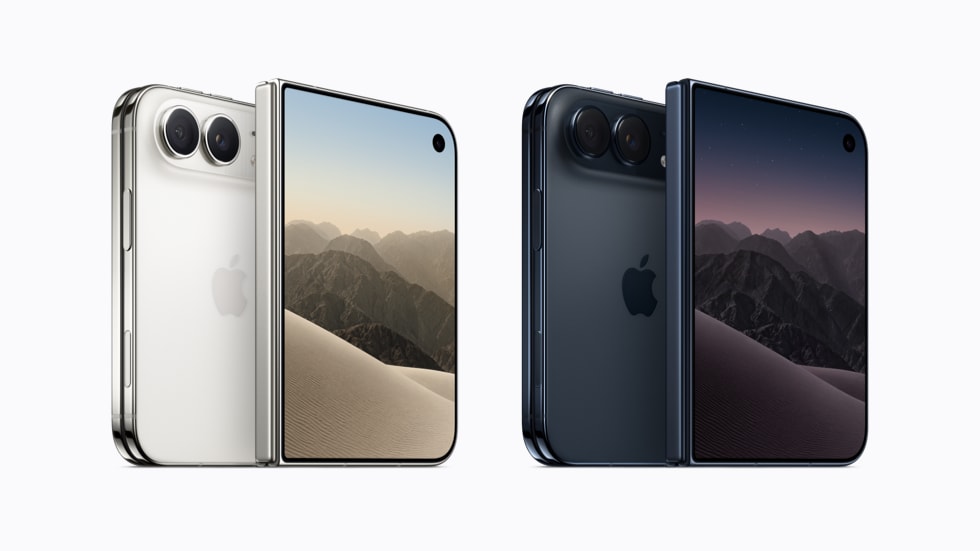
0% Finance on a $1,999 iPhone: When It Really Is Free, and Where the Cost Hides
When Apple quotes $83.29 a month for a $1,999 iPhone Duo at 0 percent APR, the finance charge really is zero. Twenty-four of those payments come to $1,998.96, which is the list price to within a rounding error, and nothing is added for the privilege of paying later. iPhone Duo at $1,999, or $83.29 a…
Apple Killed the iPhone Upgrade Program: What the $34.99 Apple Upgrade Lease Drops
The iPhone Upgrade Program does not exist any more. Apple retired it on July 28, 2026, telling customers in its own announcement that it “will no longer offer the iPhone Upgrade Program and iPhone Payments in the United States”, and replaced it with Apple Upgrade, a lease provided by Klarna Inc. that starts at $17.99…
Trading In a Cracked iPhone: What Apple Publishes, and When Free Recycling Is the Only Route
Apple publishes no payout for a cracked iPhone. There is no figure for a broken screen, a swollen battery or a failed diagnostic anywhere in what Apple states about Apple Trade In, and anyone quoting you one is not quoting Apple. iPhone 18 Pro and Pro Max, the phones a damaged trade-in would go toward.…
Apple Trade In Explained: How the Estimate Is Produced and Why the Final Credit Can Differ
Apple Trade In does not start with a price list. It starts with a short set of questions about the device you are handing over, and the figure it returns is an estimate that Apple confirms only once it has the phone and has checked it. iPhone 18 Pro and iPhone 18 Pro Max, the…
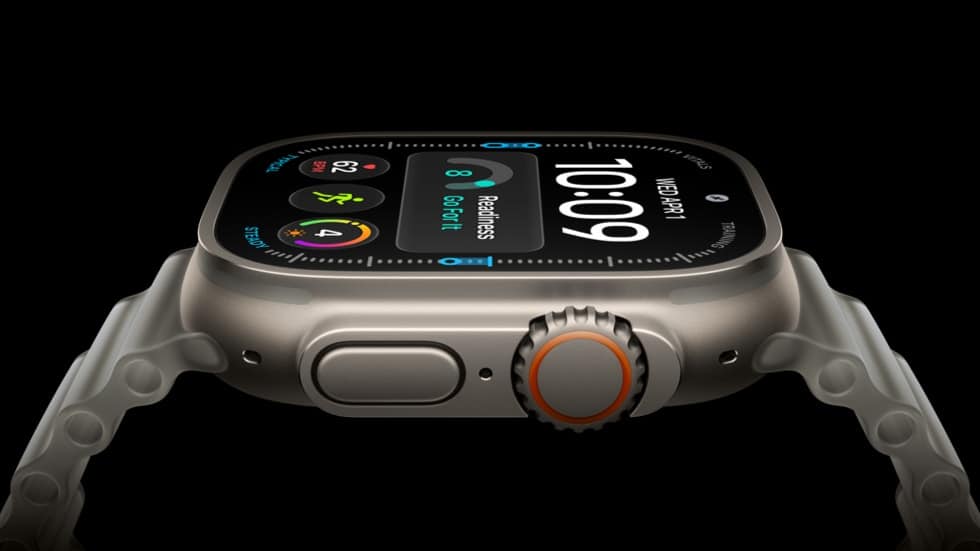
Apple Watch Ultra 4 at $799: Every Published Way to Pay Less, and Why Best Buy's $325 Is Not One of Them
No retailer has published a discount on Apple Watch Ultra 4. The one confirmed launch promotion in this category is Best Buy’s, and its listing applies it to Apple Watch Series 12 pre-orders, not Ultra 4: up to $325 off with an eligible Apple Watch trade-in, expiring 9/18/2026. Amazon lists Ultra 4 at $799 with…
The Cheapest Way to Buy Apple Watch Series 12: Best Buy's $325 Trade-In, and When SE 3 Saves More
The largest published saving on an Apple Watch Series 12 does not come from Apple. Best Buy’s listing takes up to $325 off a Series 12 pre-order when you trade in an eligible Apple Watch, and that offer expires 9/18/2026. Apple’s own price is From $399, and Apple is not discounting it. Series 12 in…