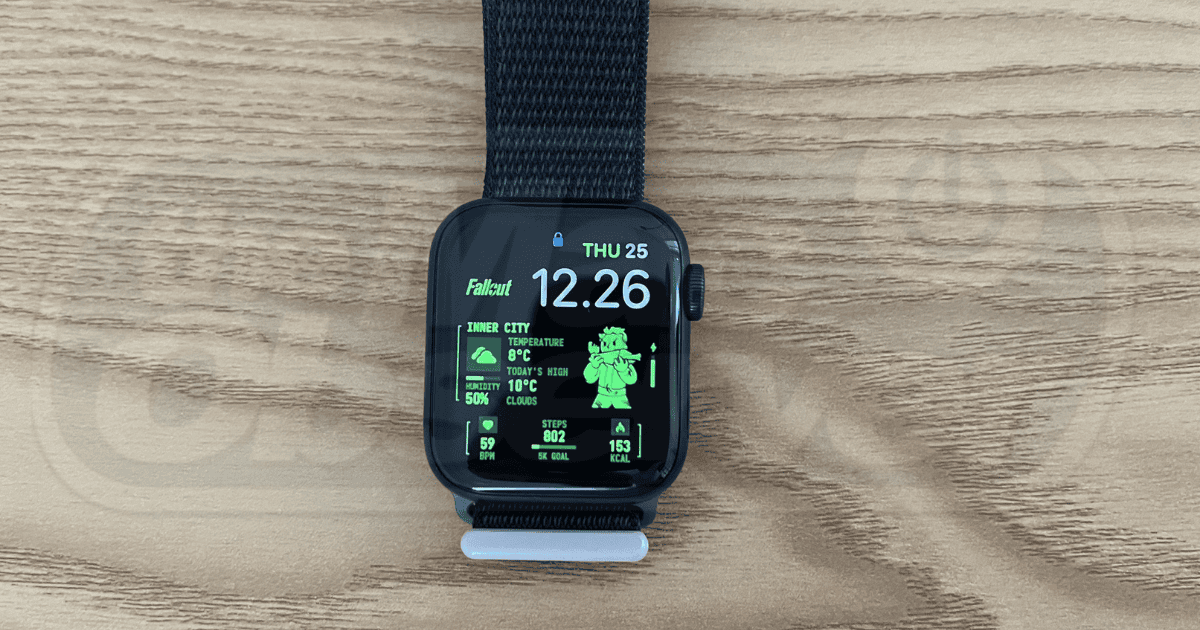
Learn how to get Pip-Boy on your Apple Watch! In this guide, you’ll find out where to download these faces and how to install them.
Tips
3 Ways To Connect Your AirPods to a PS5
While not the ideal gaming experience, there is a method to connect AirPods to a PS5, though there are some things to be aware of.
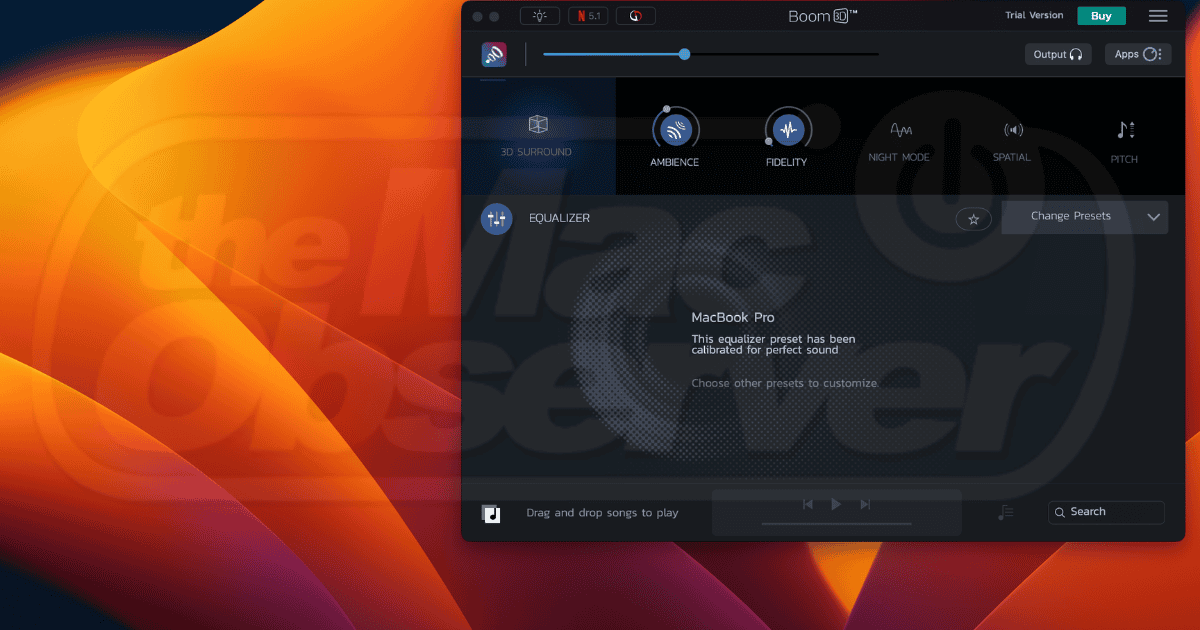
Boom3D Review: Is It a Good Audio Enhancement App for Mac?
Learn all you need to know about using Boom3D for Mac in this comprehensive review. We’ll cover its features, pricing, and more.
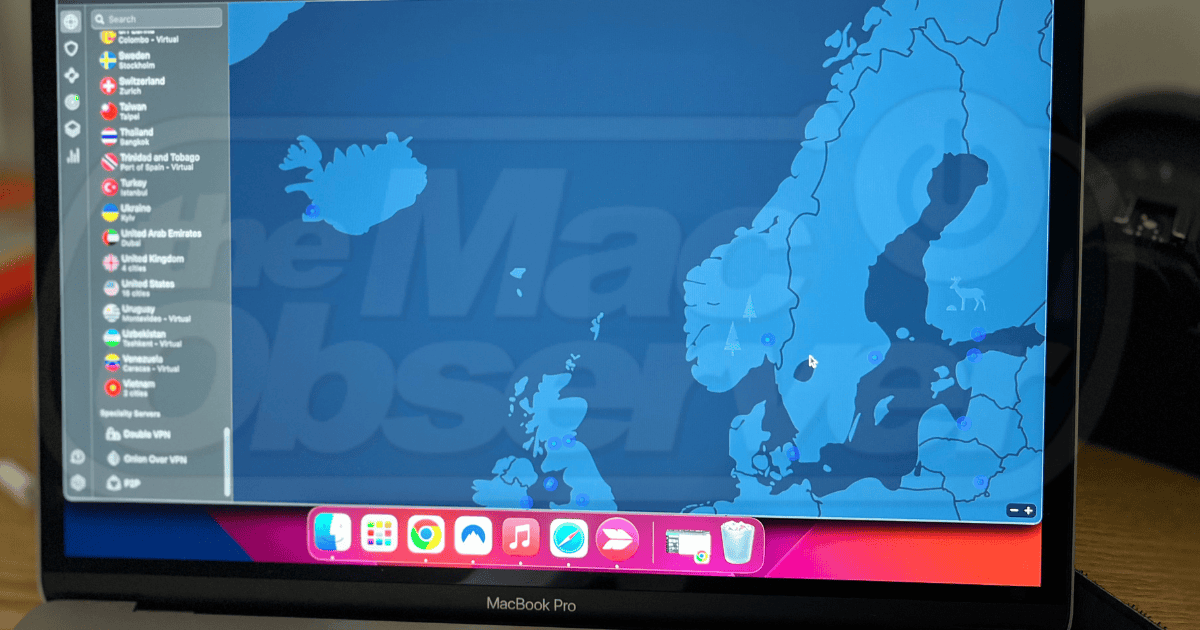
NordVPN for Mac Review: Is It Safe To Use?
Learn all about NordVPN for macOS in this comprehensive, tried-and-tested review. Discover its key security features, pricing, and more.
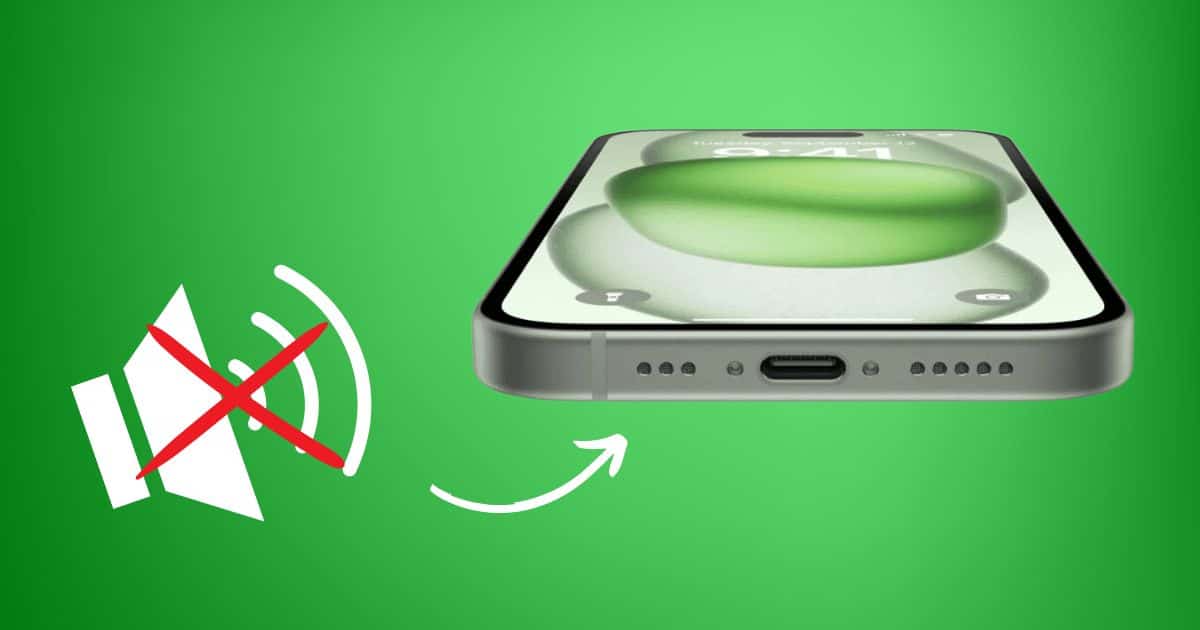
iPhone Speaker Not Working After iOS 17 Update? 6 Fixes
Is your iPhone speaker not working after updating to iOS 17? Check out this guide for some easy solutions to this widespread issue.
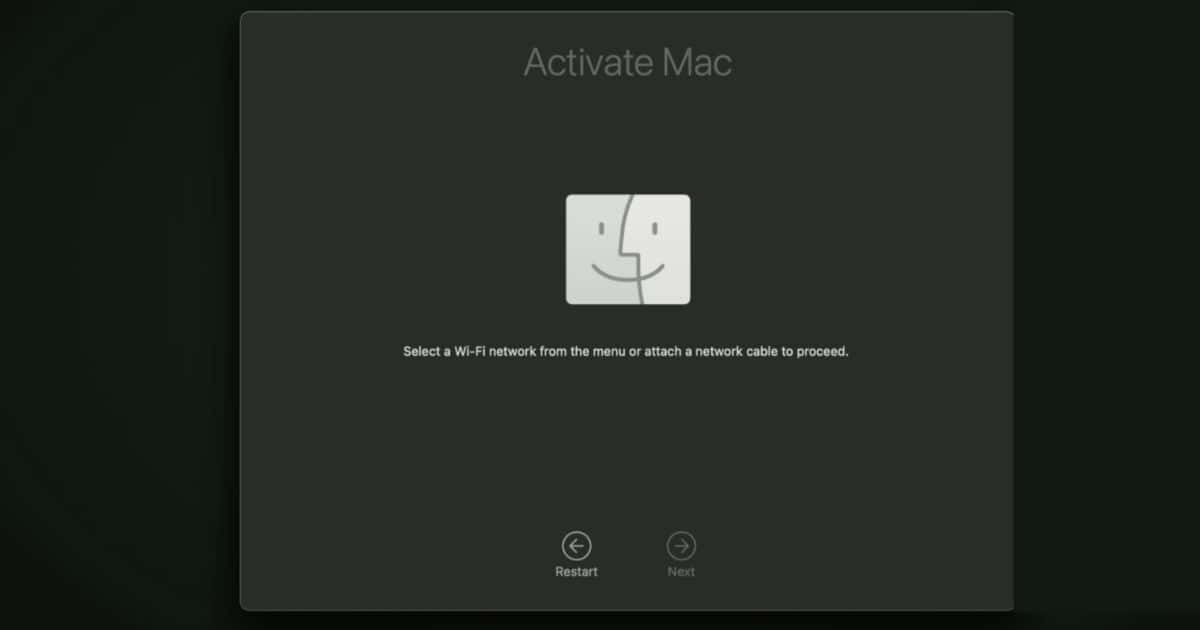
How To Fix Mac Recovery Assistant With No Wi-Fi Menu
Learn how to activate your Mac and connect to the internet if the Wi-Fi option isn’t showing up on Mac Recovery Assistant.

5 Ways To Fix an iPhone SE That Keeps Restarting
Does your iPhone SE keep restarting? Don’t panic—try these troubleshooting steps before sending it in for repairs.
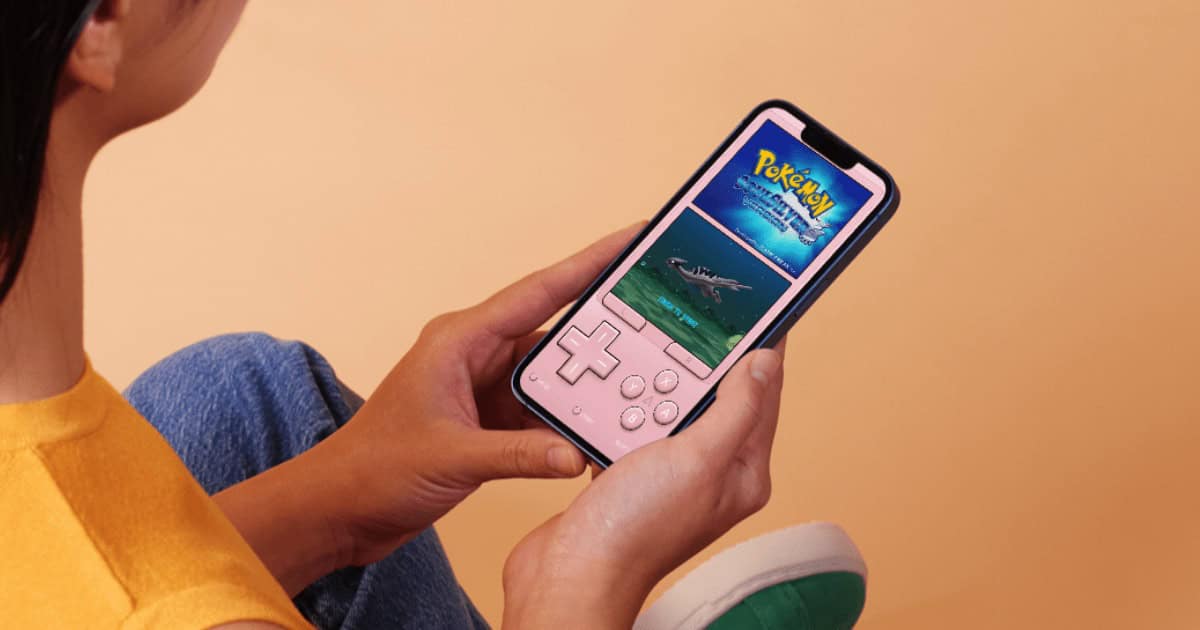
Emulation on iOS: What to Know About Retro Gaming on iPhone
Apple now allows for emulators on the App Store: here’s all you need to know about classic gaming and emulation on iOS.
How To Enable Pop-Ups on Mac in Safari, Chrome, and Firefox
Pop-ups aren’t always a nightmare: here’s how to enable and disable them within the most popular browsers on Mac.
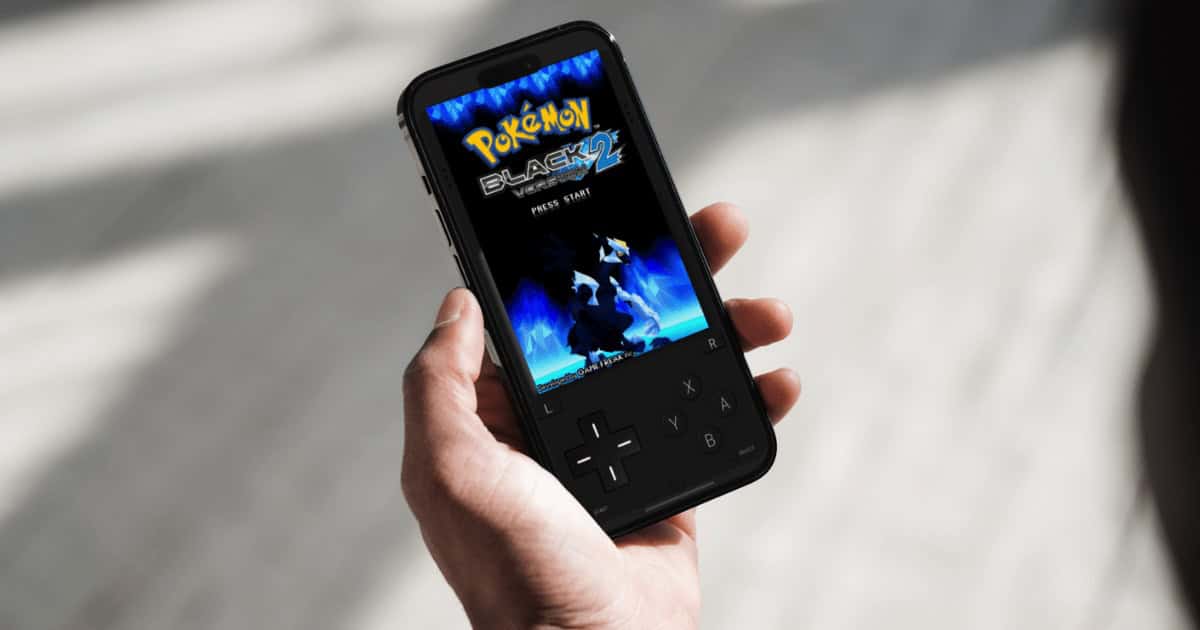
How To Use Delta Emulator and Play Nintendo Games on iOS
Emulation on iPhone is finally here: our guide covers what you need to know about how to use the Delta emulator app on iOS.
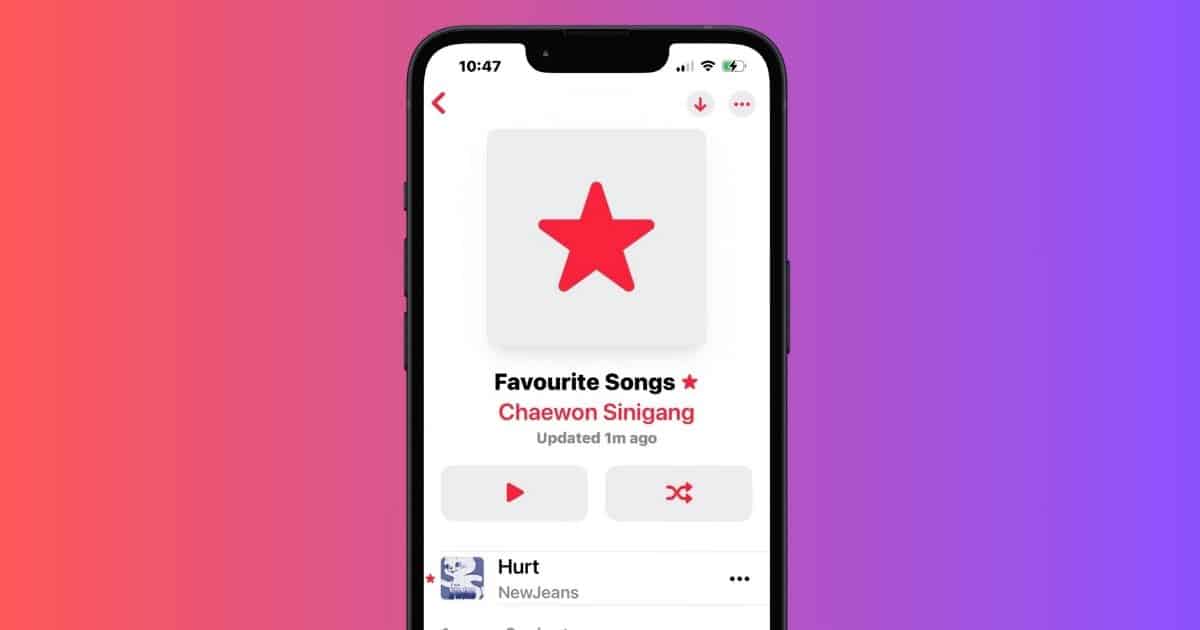
3 Ways To Delete Favorite Songs Playlist on Apple Music
Can’t delete the Favorite Songs playlist on your Apple Music library? Here are three workarounds that might help!
Fix: AirPods Pro 2 Connected to Samsung TV With No Sound
Is there no sound coming from your AirPods Pro 2 despite being connected to your Samsung TV? Here’s what to do.
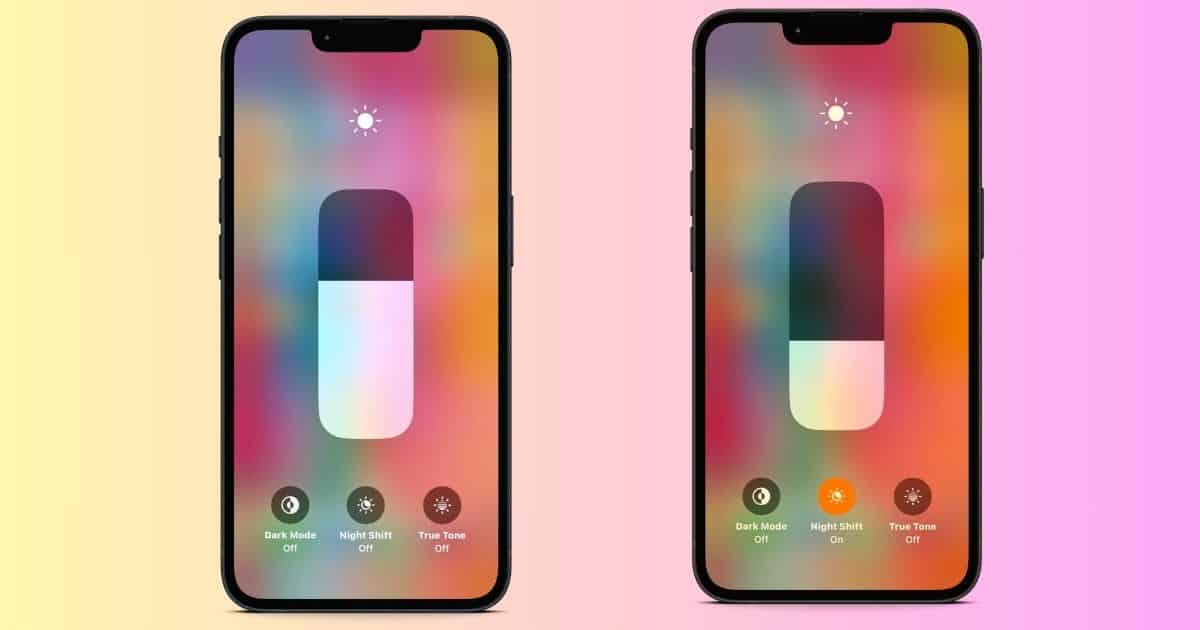
3 Key Benefits of Using iPhone’s Night Shift Mode
Does Night Shift on your iPhone offer any real benefits? Here are three reasons why you should enable this feature in low-light settings.

[Fixed] Mac Messages Shows Contact Numbers Instead of Names
Does the Messages app on your Mac show contact numbers instead of names? Try these quick yet effective solutions.
Fix: iPhone 15 Pro Makes Repeated Noise When Charging
Does your iPhone 15 Pro make repeated noise when it’s charging? Here’s how to fix connection issues and software bugs.
5 Questions You Should Never Ask Siri: Avoid These at All Costs
While Siri can be an essential part of an iPhone or Apple Watch experience, here is a list of things that you should never ask this personal assistant.
Can't Download ICICI Bank App on iPhone? What to Know
Those who can’t download the ICICI bank app on iPhone may need to make a financial decision due to this sole solution.
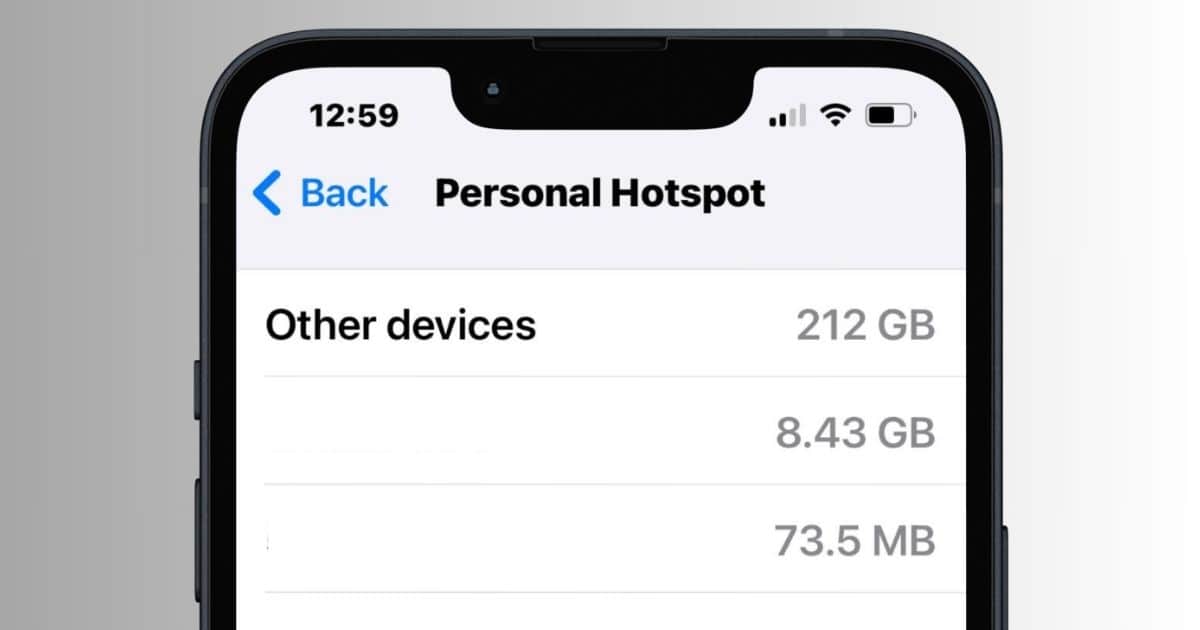
How To Stop ‘Other Devices’ High Data Usage on Personal Hotspot
Does Other Devices in your Personal Hotspot have an unreasonably high data usage? Here’s how to manage your cellular data.
How to Make the Constant Menu Bar Dot in Sonoma Disappear
Are colored dots constantly popping up on your macOS Sonoma menu bar? Here are several ways to remove them fast.
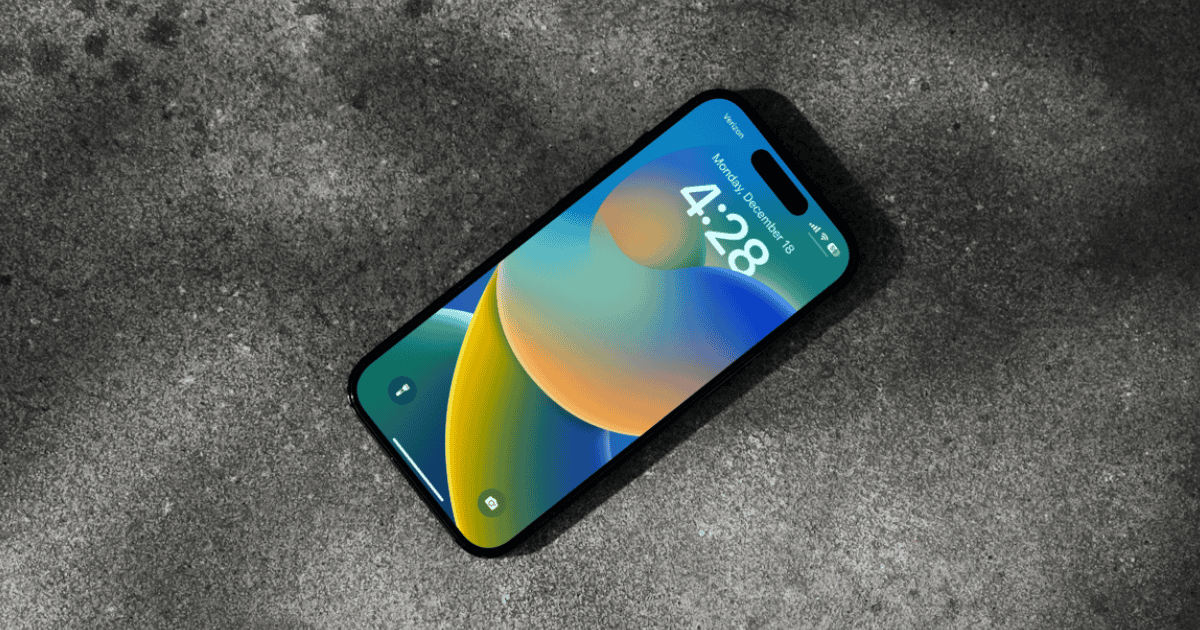
How To Fix Video Scrubbing Not Working on iOS 17 (17.4)
While an unreported bug may cause video scrubbing to not work properly in iOS 17.4, the issue may be with an iOS 17 feature.
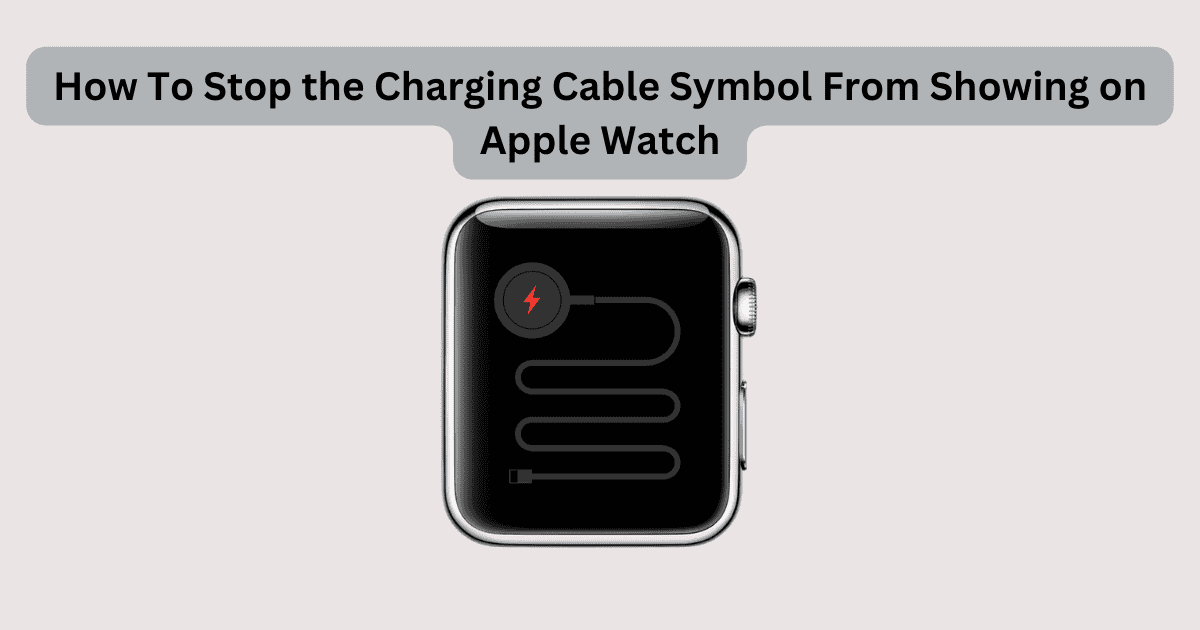
How To Stop the Charging Cable Symbol From Showing on Apple Watch
Learn how to stop the charging cable symbol from showing on your Apple Watch. We’ll cover all the key steps to follow.

FaceTime Not Working On iPhone? 10 Best Fixes
Is FaceTime not working on your iPhone? It’s quite a common issue that you can fix with these 10 solutions.

Apple Music Not Working on Tesla? Here are 5 Fixes
Having trouble with Apple Music on your Tesla? Here are some troubleshooting steps so that you can start playing your favorite songs again.

How To Turn off Apple Watch Keyboard Input Notification on iPhone
To turn off the Apple Watch keyboard input notification on your iPhone, check out the steps in this guide.