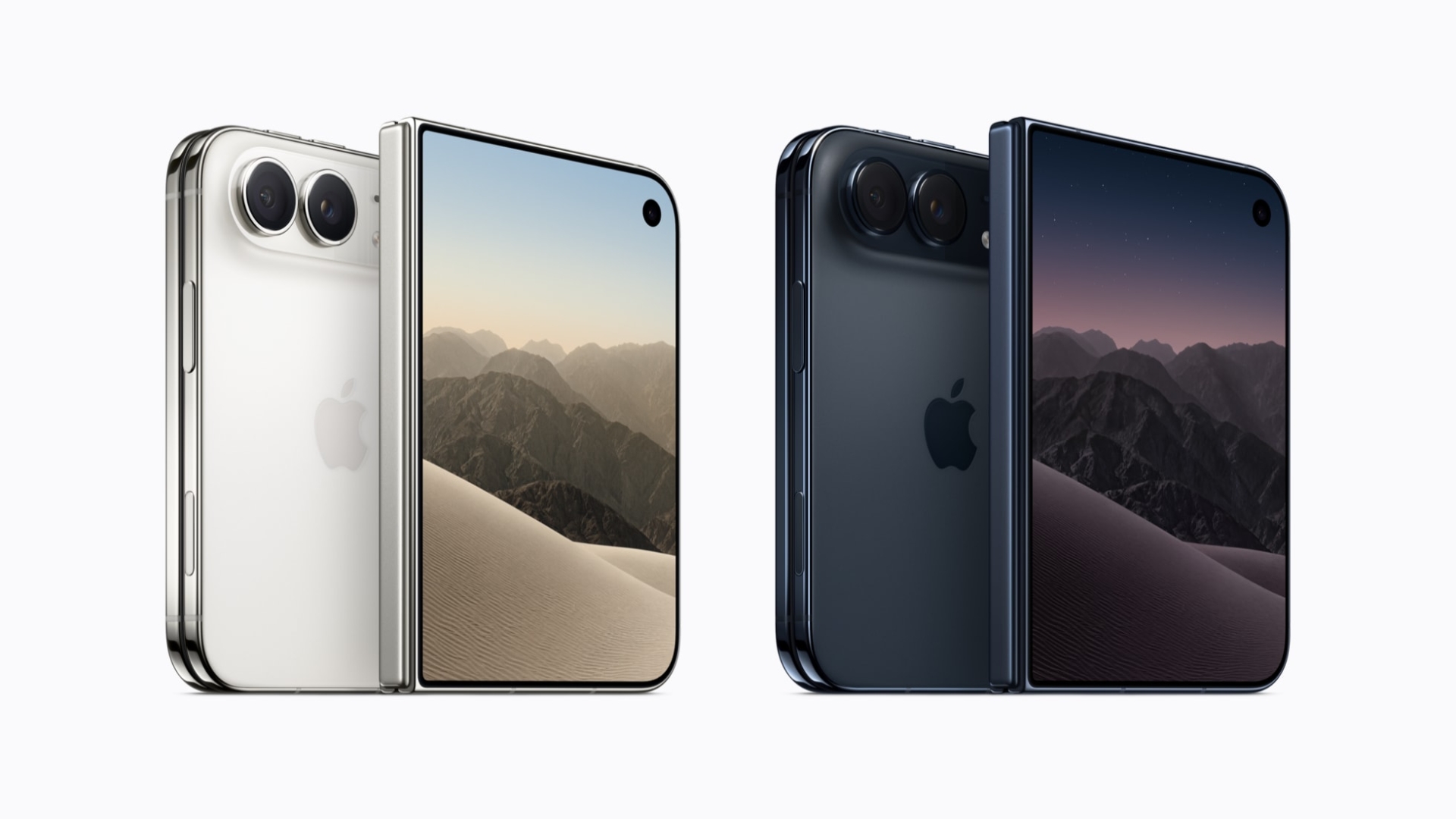
iPhone Duo costs €2,299 in Germany and €2,339 in France for 256GB, up to €3,799 and €3,839 for 2TB. Pre-orders open 14:00 on 16 October, out 23 October.
Tips

How to Customize the Camera Control Overlay on iPhone 18 Pro: Choose and Reorder Exposure, Depth, Zoom, Styles and Tone
Settings > Camera > Camera Control > Customize picks which of the 6 overlay settings show on iPhone 18 Pro, and in what order. Apple’s steps and options.

iPhone 18 Pro vs iPhone 16 Pro Camera: 5x Tetraprism vs 4x/8x, f/1.78 vs Variable Aperture
iPhone 18 Pro’s variable f/1.48 to f/4 main camera, 48MP 4x telephoto with an 8x crop and 18MP front camera against the 16 Pro’s f/1.78 main and 5x lens.
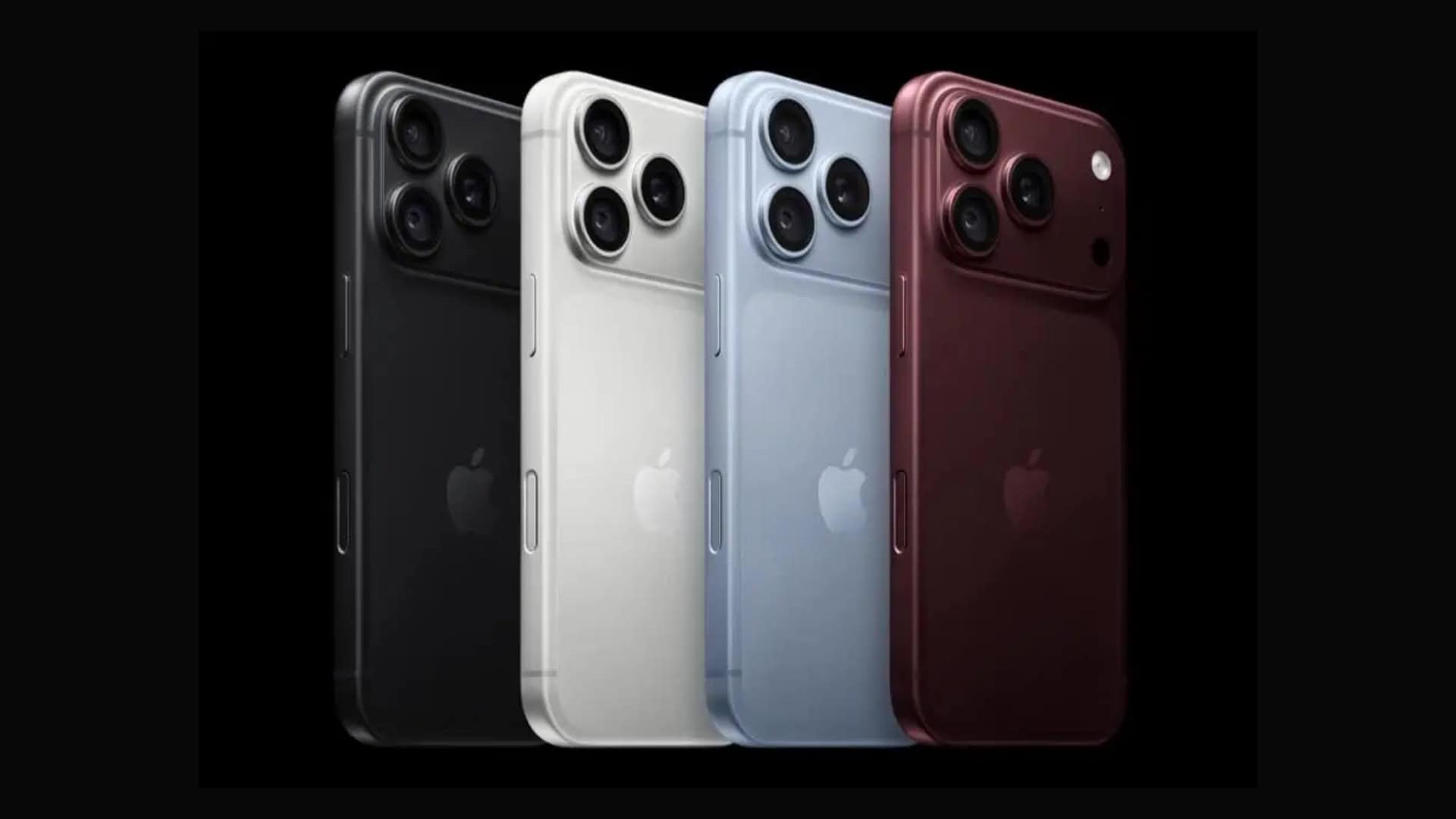
iPhone Pro Color History: Every Finish From iPhone 15 Pro to iPhone 18 Pro, and Which Came and Went
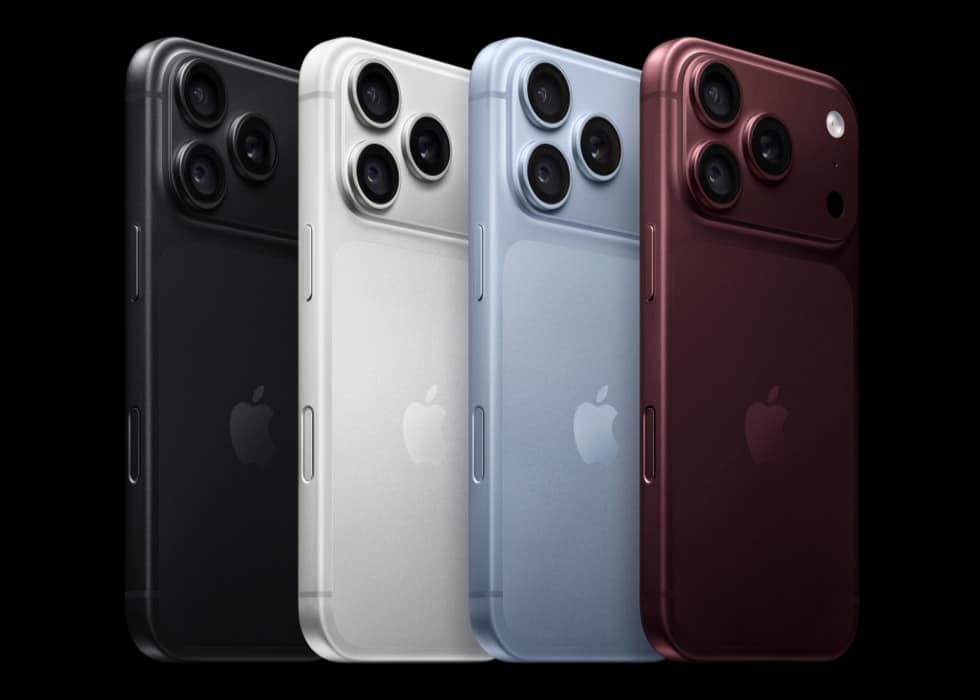
Four Pro generations, 15 finishes: from four titanium shades on iPhone 15 Pro to Black, Silver, Glacier and Burgundy on iPhone 18 Pro. What came and went.
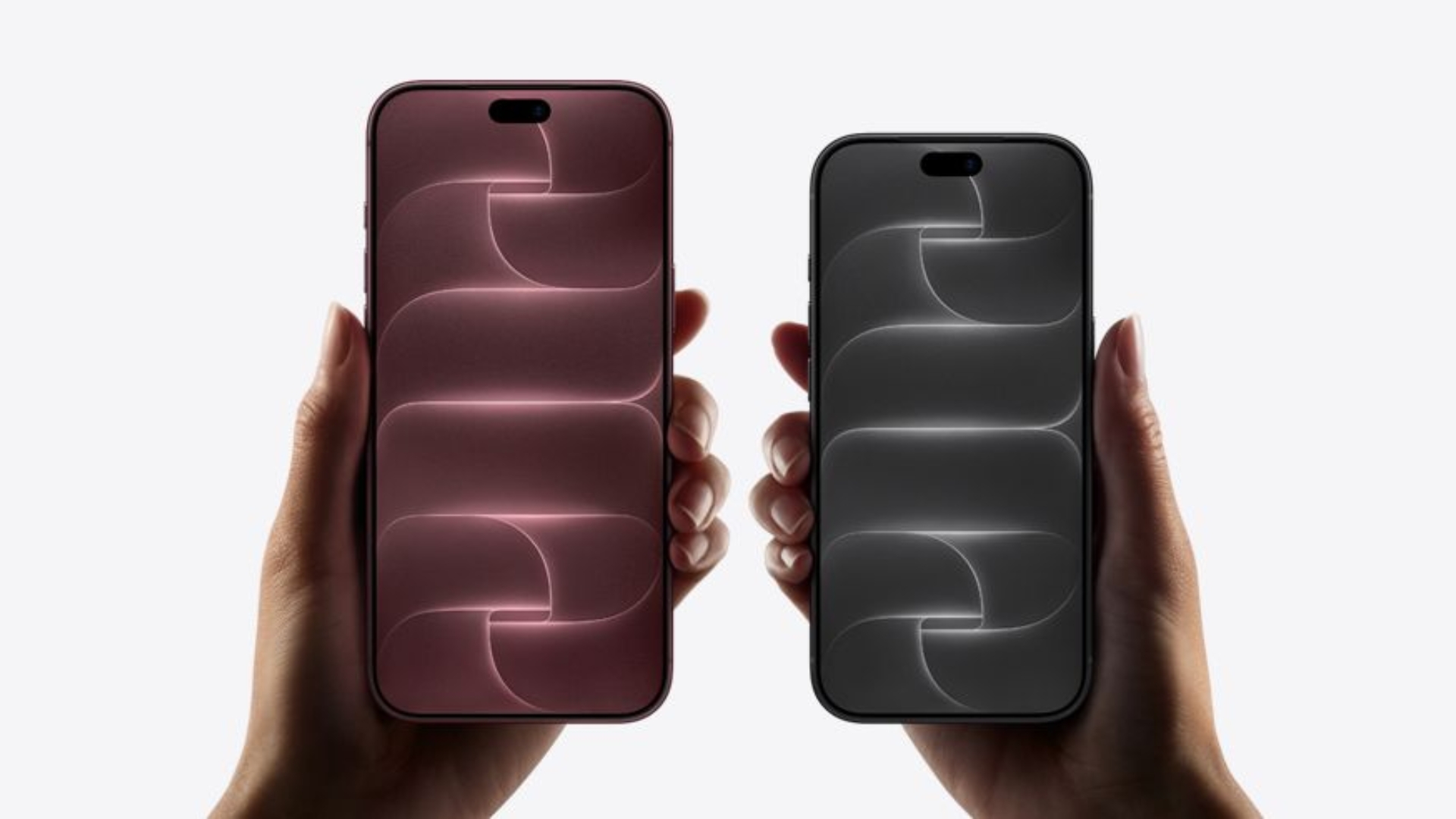
iPhone 18 Pro Trade-In for iPhone 13 and 14 Owners: Apple's Current Values, $175 to $360, and What Changed Since August
Apple now credits $175 for an iPhone 13 up to $360 for an iPhone 14 Pro Max toward an iPhone 18 Pro, below the August figures. Every value and net cost.
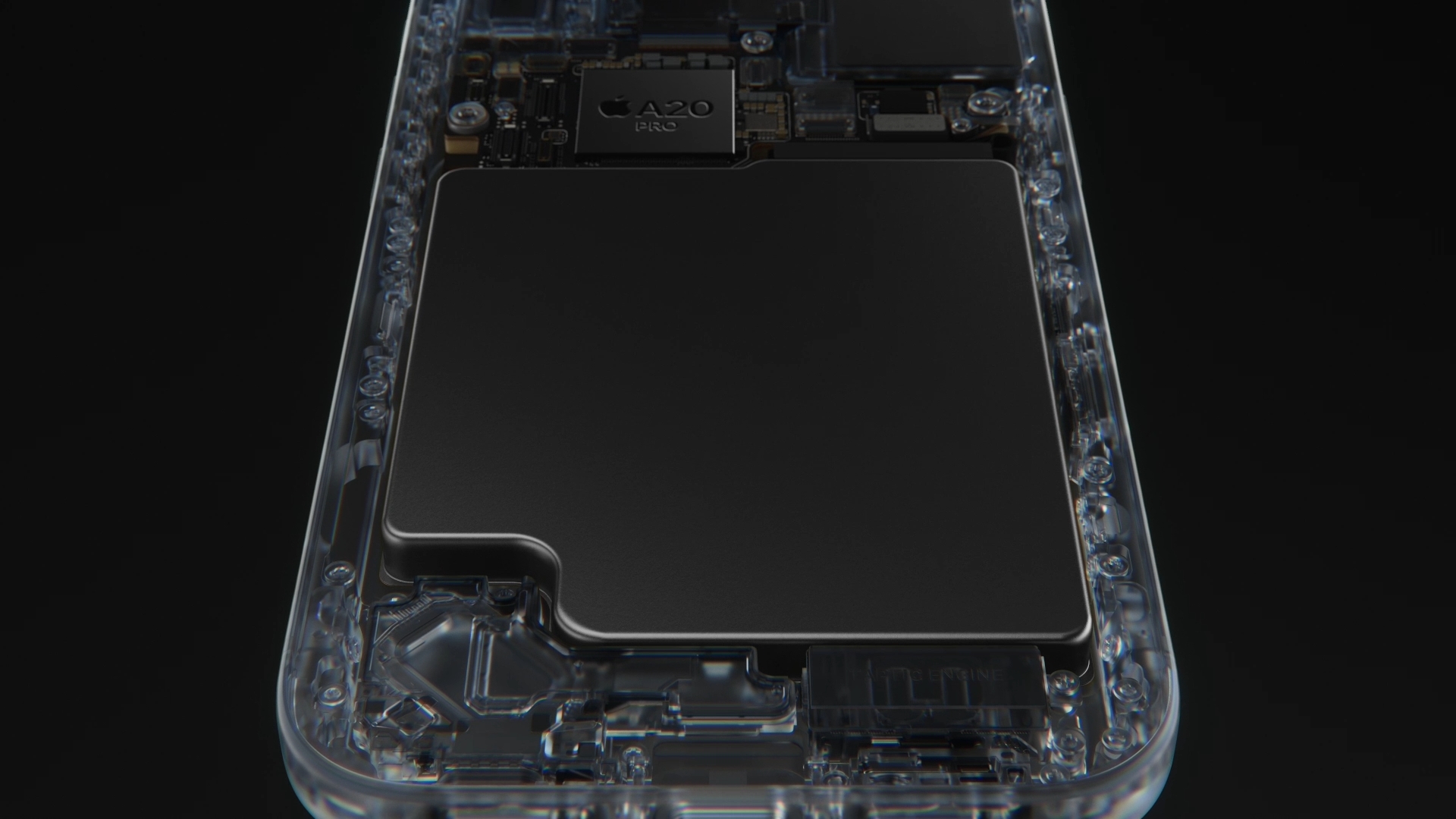
iPhone 18 Pro Battery Capacity: The Reported 4,288 and 5,567 mAh Figures vs Apple's Hour Ratings
iPhone 18 Pro is reported at 4,288 mAh and the Pro Max at 5,567 mAh. Apple rates them at 36 and 45 hours of video instead. How the two figures relate.
iPhone 18 Pro RAM: The Reported 12GB Figure and Why Apple Never Lists It
iPhone 18 Pro and 18 Pro Max are reported to carry 12GB of RAM, a figure Apple does not publish. What Apple lists instead and what memory does for Siri AI.

iPhone 18 Pro vs iPhone 17 Pro Camera: Fixed f/1.78 vs Variable Aperture, and Everything That Stayed the Same
iPhone 18 Pro changes one lens: its 48MP main goes from fixed f/1.78 to four stops, f/1.48 to f/4.0. Ultra Wide, telephoto, selfie and video match 17 Pro.

iPhone 18 Pro Max vs iPhone 17: $400 Apart, Here Is What Each Dollar Buys
iPhone 17 is $899, iPhone 18 Pro Max $1,299. The $400 buys 15 more hours of video, an 8x telephoto, variable aperture, USB 3 and a 6.9-inch screen.

iPhone 18 Pro Max vs iPhone 16 Pro: Two Years and One Size Up
iPhone 16 Pro to iPhone 18 Pro Max: 27 to 45 hours of video, 199 to 249 g, 5x to 8x optical-quality zoom and a 2nm chip. Every Apple spec, compared.

iPhone Pro Telephoto History: 3x, 5x, 4x Tetraprism and Now 8x Optical-Quality
iPhone 18 Pro keeps the 48MP 100 mm 4x tetraprism with a 12MP 8x crop at 200 mm. How Apple’s Pro telephoto went from 3x to 5x to 8x since iPhone 13 Pro.
iPhone 18 Pro Fast Charging vs 17 Pro, 16 Pro and 15 Pro: 15, 20 and 30 Minutes to 50 Percent
The iPhone 18 Pro reaches 50 percent charge in around 15 minutes on a 60W USB-C adapter, according to Apple’s tech specs. That is five minutes quicker than the iPhone 17 Pro’s 20-minute claim with a 40W adapter, and half the roughly 30 minutes Apple quoted for the iPhone 16 Pro and iPhone 15 Pro.…
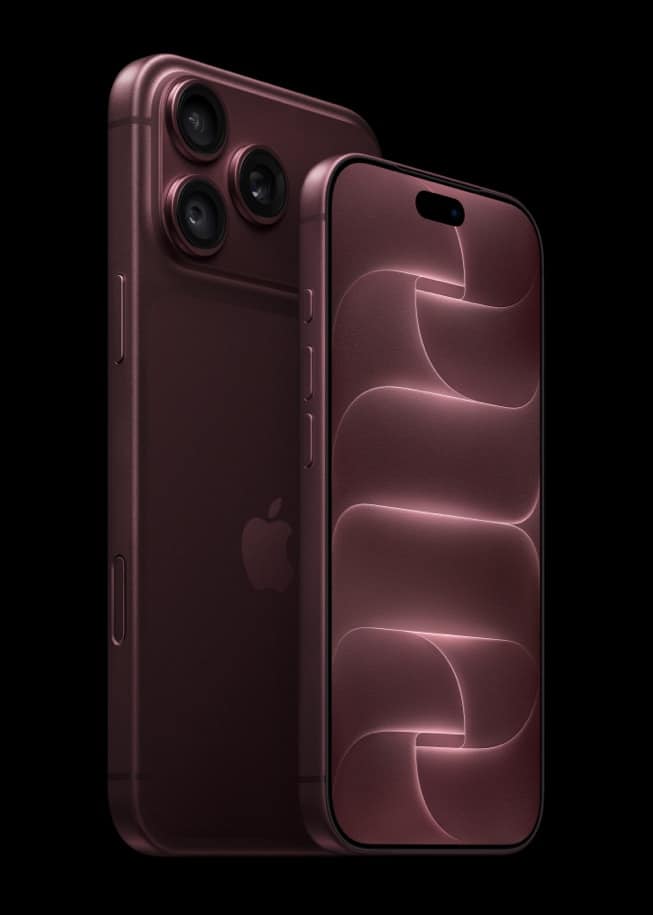
iPhone Pro Battery Life History: 23, 27, 33 and Now 36 Hours From iPhone 15 Pro to 18 Pro
Apple rates the iPhone 18 Pro at up to 36 hours of video playback and the iPhone 18 Pro Max at up to 45 hours, according to Apple’s tech specs. Three generations ago the iPhone 15 Pro was rated at 23 hours and the 15 Pro Max at 29, so the smaller Pro has gained…

iPhone 18 Pro vs iPhone 17 Pro Price by Country: How Much More You Pay in the US, Canada, UK, India, Japan and More
The iPhone 18 Pro starts at $1,199 in the US, $100 more than the iPhone 17 Pro did at launch, and the iPhone 18 Pro Max starts at $1,299, also up $100.

How to Shoot 4K at 120 fps on iPhone 18 Pro: Dolby Vision, Cinematic Mode and ProRes Settings
iPhone 18 Pro records 4K Dolby Vision video at 24, 25, 30, 60, 100 or 120 fps according to Apple’s tech specs, and the frame rate is chosen from the values shown in the corner of the Camera viewfinder. Two limits apply: Cinematic mode tops out at 4K Dolby Vision at 60 fps, and ProRes…

iPhone 18 Pro ProRAW, 24MP and 48MP: Which Photo Format and Resolution to Shoot
iPhone 18 Pro gives you three ways to save a still photo: a standard capture, a super-high-resolution photo at 24MP or 48MP, or Apple ProRAW. Apple’s tech specs list all three. For most people 24MP is the everyday choice, 48MP pays off when you plan to crop or print, and ProRAW is for anyone who…

Why You Should Turn On High Efficiency Capture on iPhone 18 Pro Before Using Photographic Styles
If you want to change or remove a Photographic Style after you have taken a photo on iPhone 18 Pro, the photo must have been captured with High Efficiency image capture. Apple Support says so in its Photographic Styles guide, and the switch lives at Settings > Camera > Formats, where you tap High Efficiency.…
iPhone 18 Pro Apple Log 2, ProRes RAW and Genlock: The Filmmaker Features Apple Listed but Never Mentioned on Stage
Apple’s compare page lists three video features for the iPhone 18 Pro and 18 Pro Max that never came up during the September 9 keynote: Apple Log 2, ProRes RAW and Genlock. They sit next to 4K Dolby Vision at up to 120 fps on the spec sheet, and Apple’s tech specs add that ProRes…
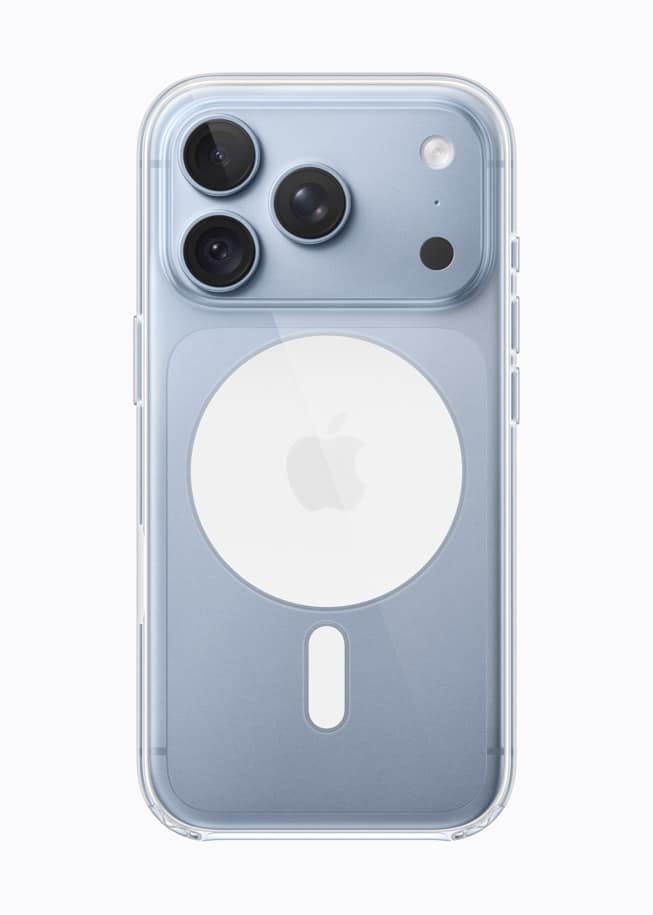
What's in the iPhone 18 Pro Box: A 1 m USB-C Cable, iOS 27 Preinstalled, and What You Must Buy Separately
The iPhone 18 Pro box contains two things, according to Apple’s tech specs: the iPhone with iOS 27 installed and a 1-meter USB-C charge cable. There is no power adapter and no earphones, so the 60W adapter that Apple’s 15-minute fast-charging claim depends on is a separate purchase. iPhone 18 Pro and 18 Pro Max…
iPhone 18 Pro Dual eSIM Explained: Two Active Lines, Eight or More Stored, and Where the SIM Tray Is Gone
The iPhone 18 Pro supports dual eSIM, which Apple’s tech specs define as two eSIMs active at the same time with eight or more stored on the phone. In 12 countries, including the United States, Canada and Japan, there is no SIM tray at all, so eSIM is the only way to add a line.…
iPhone 18 Pro Ceramic Shield 2 Explained: Front vs Back Glass, the Aluminum Unibody, and What Apple Has Not Claimed
The iPhone 18 Pro and 18 Pro Max use Ceramic Shield 2 on the front and Ceramic Shield on the back, wrapped around an aluminum unibody, according to Apple’s tech specs. The two glass names are different on purpose: only the front carries the newer 2 designation, and Apple’s iPhone 18 Pro pages publish no…

iPhone 18 Pro vs iPhone 16e and iPhone 17e: Budget iPhone or Pro?
Apple’s cheapest current iPhone with Apple Intelligence is the iPhone 17e at $699 for 256GB, exactly $500 under the iPhone 18 Pro.

iPhone 18 Pro vs iPhone 16: Is It Worth Jumping From a Standard iPhone to a Pro?
iPhone 18 Pro vs iPhone 16: $1,199 against $829 buys an 8x telephoto, 120Hz ProMotion, 36 vs 22 hours of video and USB 3. Both get Apple Intelligence.
iPhone 18 Pro Max vs iPhone 15 Pro Max: Titanium 5x vs Aluminum Unibody 8x, Three Years Apart
Three years separate the iPhone 15 Pro Max, the first Pro Max with a 5x telephoto, from the iPhone 18 Pro Max, and Apple’s spec sheets show the big lens changing rather than simply growing: the 12MP 5x at 120 mm becomes a 48MP 4x at 100 mm with a 12MP 8x crop at 200…