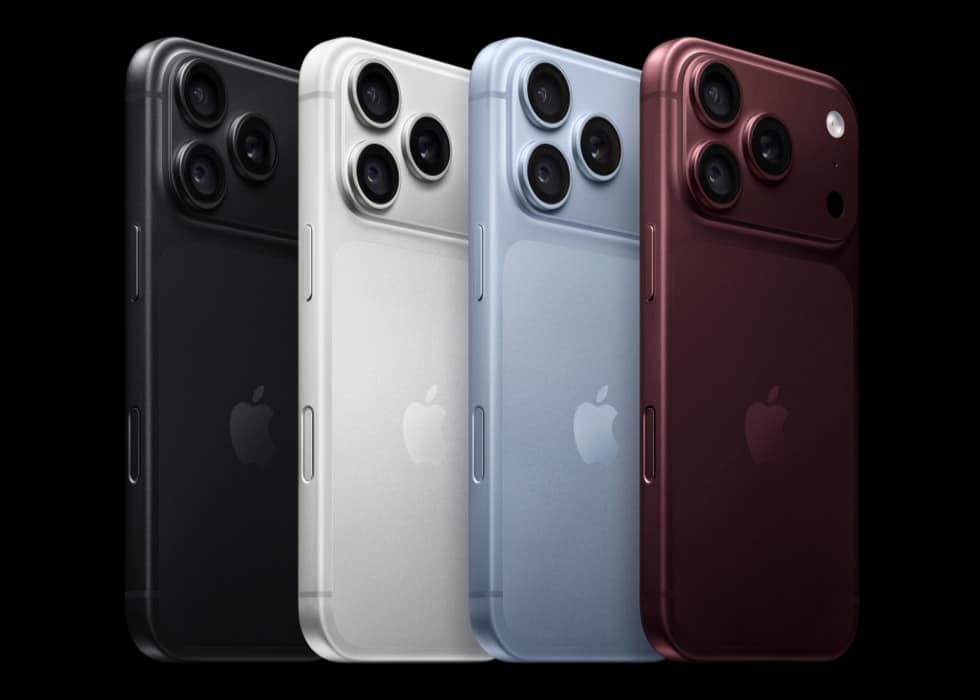
Apple’s iPhone lineup now runs from $699 to $1,999 across seven models, and only two of the six price steps between them buy enough capability to justify the money: the $100 from iPhone 16 to iPhone 17, and the $100 from iPhone Air to iPhone 18 Pro. Every other rung on the ladder is a…
Tips
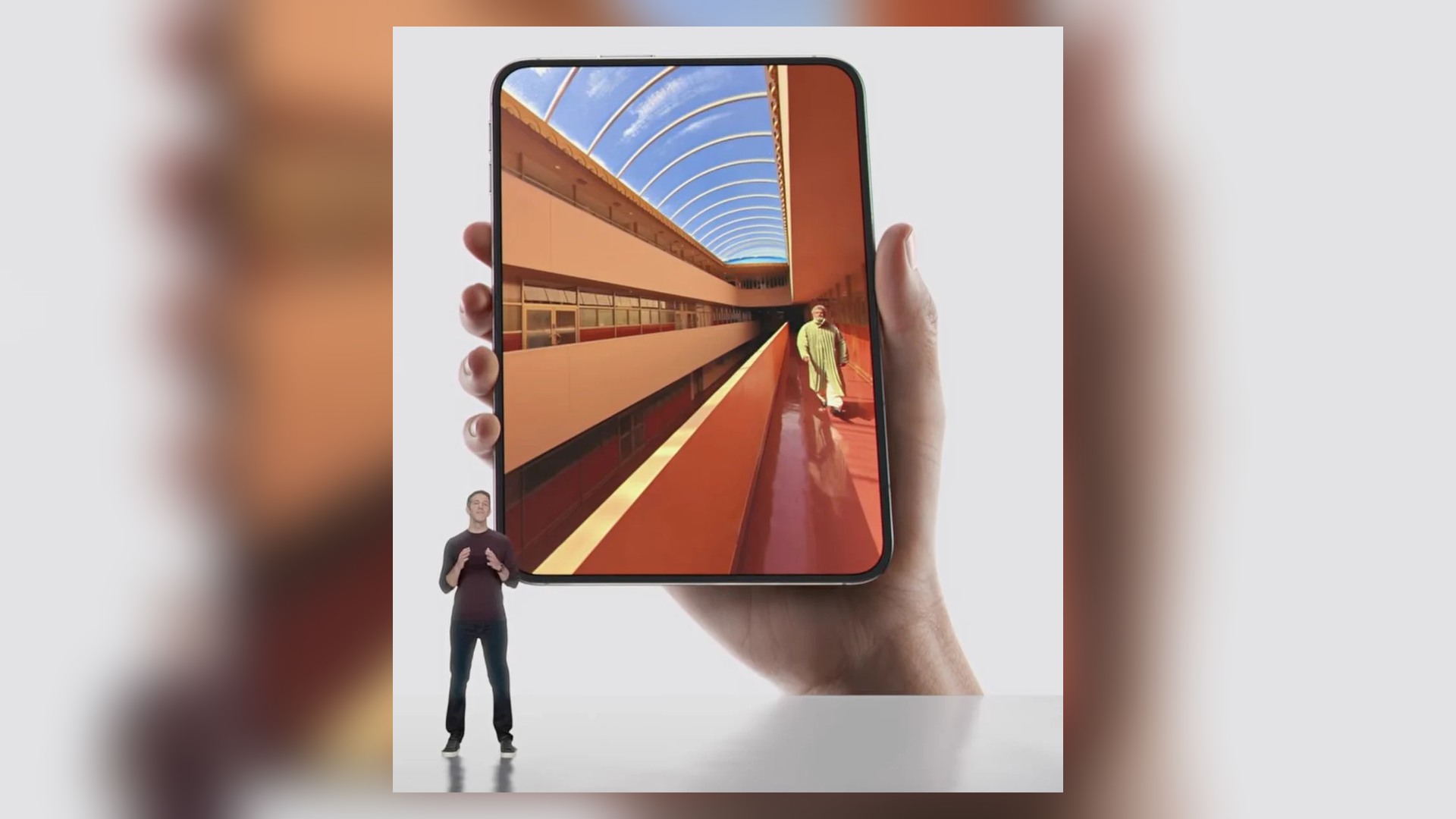
iPhone Duo 2: Everything We Know About Apple’s Next Foldable iPhone
iPhone Duo 2 could arrive in 2027 with a refined design, upgraded cameras, better battery life, and other major foldable improvements.
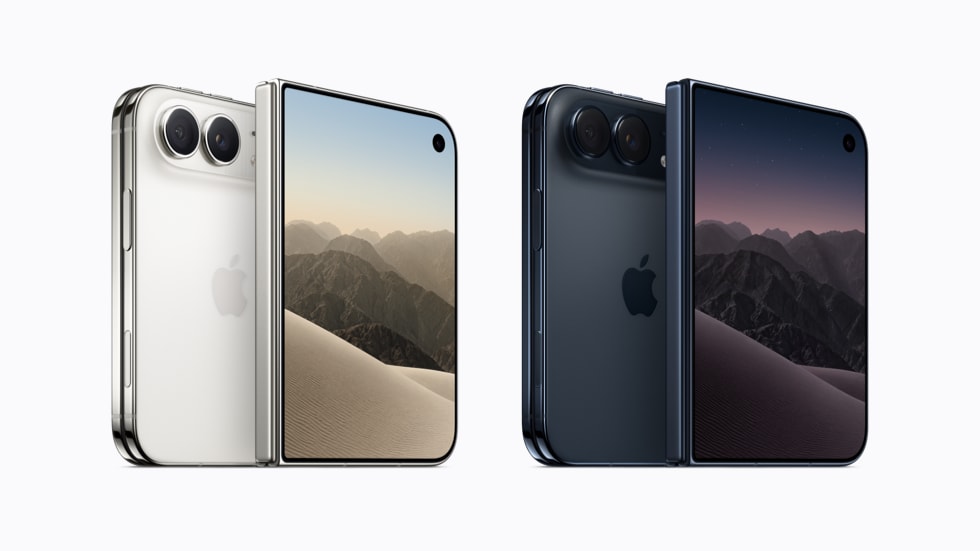
iPhone Duo Budget: The Four Costs Apple Has Not Priced Before You Pay $1,999
Apple has published the price of the iPhone Duo, its two cases, two ways to pay for it and the three months of Apple One that come with it. It has not published what AppleCare+ costs on this phone, what any repair to it costs, what a carrier will offer for it, or what your…
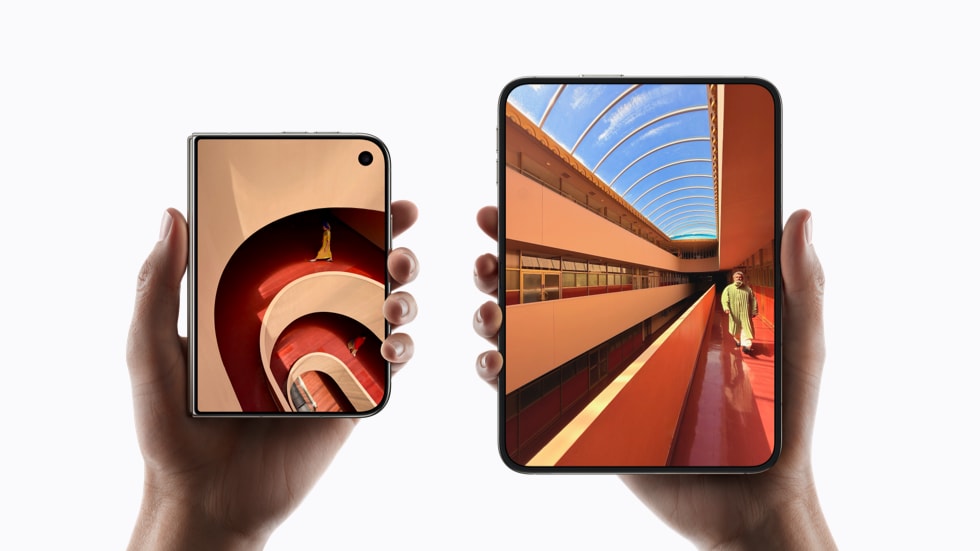
iPhone Duo Storage Costs the Same as iPhone 18 Pro Max Storage: How to Configure a $1,999 Fold
iPhone Duo costs exactly $700 more than an iPhone 18 Pro Max at every storage tier, and every storage step costs exactly what the same step costs on the Pro and Pro Max: $200 to reach 512GB, another $400 for 1TB, another $600 for 2TB. Apple has priced the fold as a flat surcharge and…
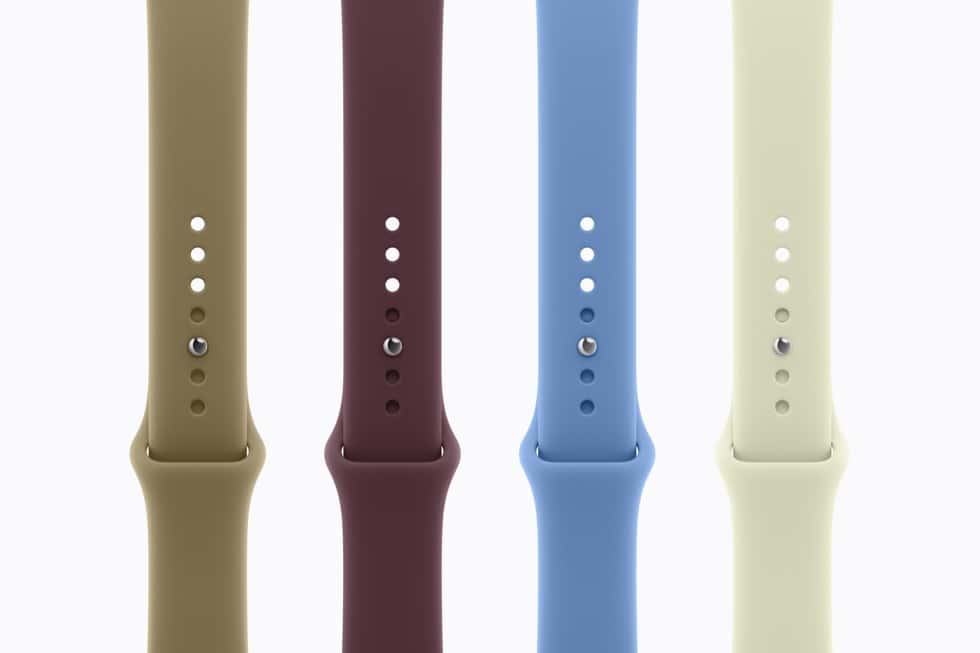
Apple Watch Checkout: The Three Choices You Cannot Change Later, and the One You Can
Ordering an Apple Watch commits you to three things you cannot change afterwards, and one you can change any time. Case size, case material and cellular are fixed at purchase. The band is not, and it is the only one of the four Apple has left unpriced. Ceramic Series 12 cases measure 43mm and 47mm…
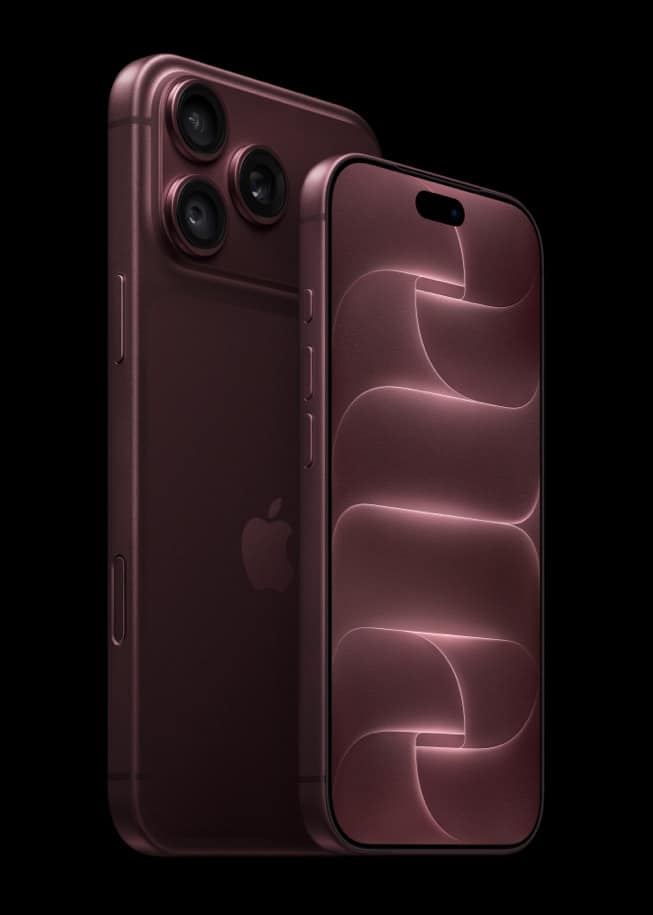
Buying an Apple Watch Apple No Longer Sells: Which Models Still Get watchOS 27 on Monday
Apple now sells three watches, and every other model it has released is off the store. The useful part for anyone shopping outside Apple is that watchOS 27 supports eight models, five more than Apple stocks, so a discontinued Apple Watch can still take Monday’s free update. Series 12 is one of only three watches…
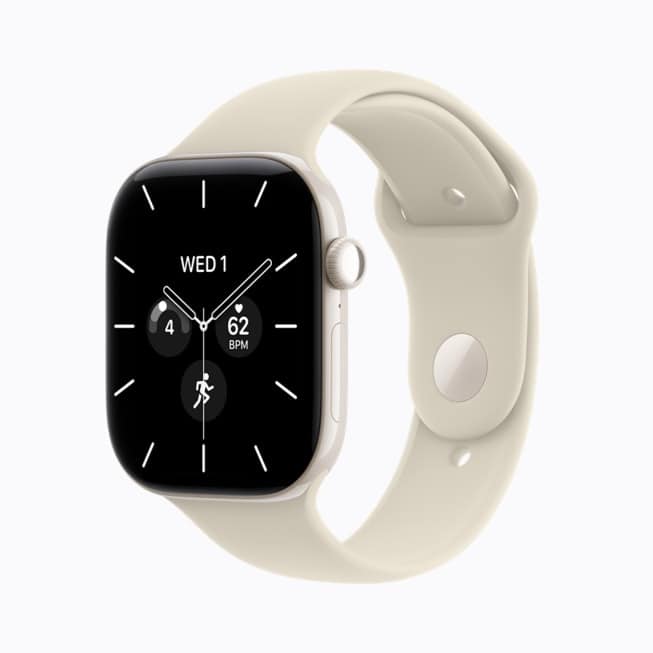
Apple Watch SE 3 Is Still $249: What Apple's Only Entry Watch Includes, and the Two Sensors It Does Not
Apple Watch SE 3 survived September 9 unchanged and unrepriced, and it is now the only Apple Watch under $399. Apple lists it at From $249 with the S10 chip, 40mm and 44mm aluminum cases, up to 18 hours of battery and a 1000-nit Always-On display. Series 12 at $399 sits above the SE 3…

Microsoft Copilot arrives on CarPlay as Gemini becomes the last major holdout
Copilot now has a voice-first CarPlay app for iPhone users, expanding the choice of AI assistants available from a compatible car display.

iOS 27 May Get Mac’s Edge Light Feature: Here is How It Would Work
A code finding points to Edge Light on the iPhone Duo, but Apple has not confirmed availability, timing, or support for other iPhone models.
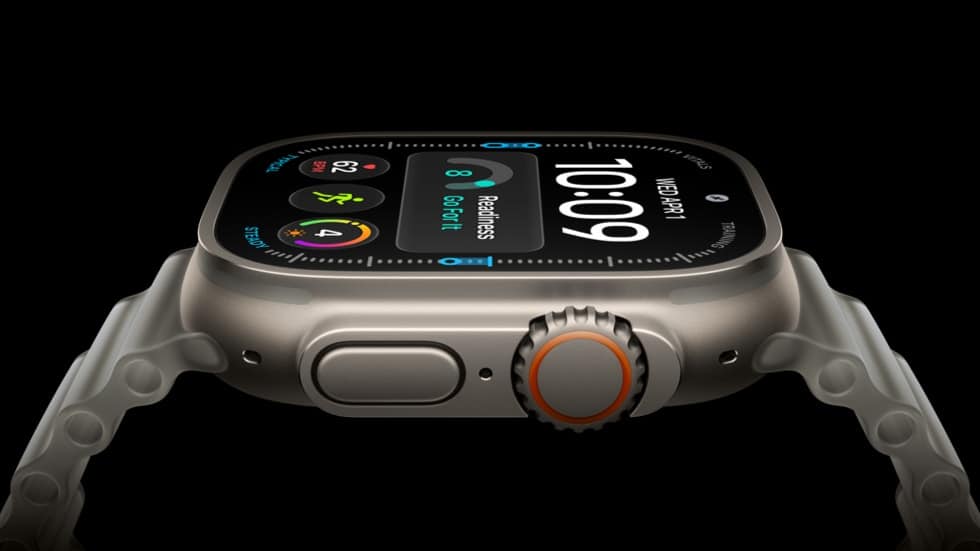
Apple Says Apple Watch Live Rewind Can’t Be Used Secretly
Apple says Live Rewind needs a deliberate double press, plays a chime, shows a microphone indicator, and removes its text snippet soon after.
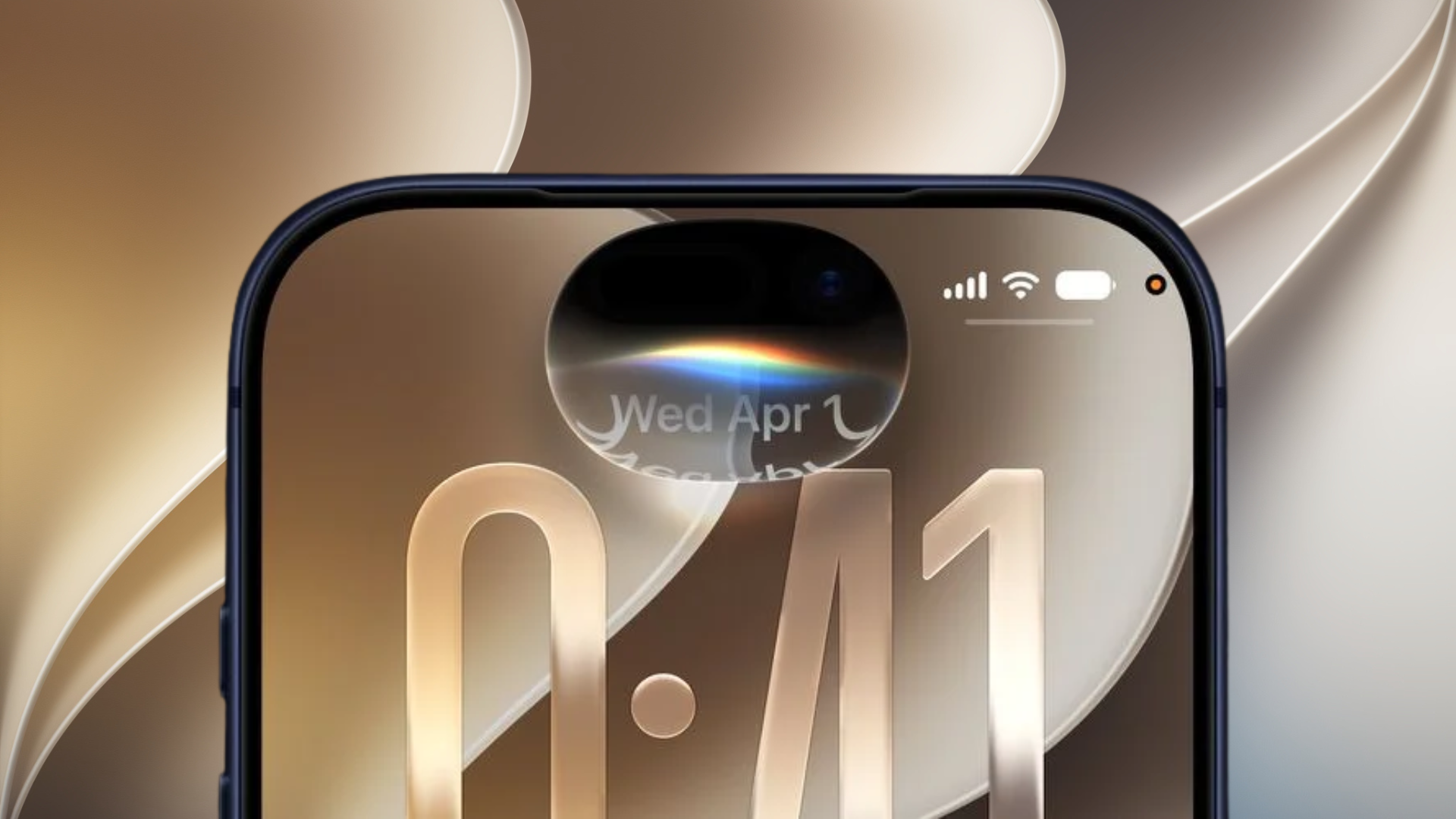
Siri Recap Privacy Explained: What Apple Does With Your Conversations
Apple says Siri Recap creates high-level summaries without storing raw audio, and saved recaps use end-to-end encrypted iCloud syncing.
Apple Watch Ultra 4 Drops GLONASS: What the GPS Change Means
Apple Watch Ultra 4 lists GPS, Galileo, QZSS, and BeiDou in its connectivity specs, but GLONASS is missing from the published list.

T-Mobile’s $5 iPhone Handoff Fee: What iOS 27 Users Need to Know
T-Mobile is putting a price on iOS 27 iPhone Handoff, giving compatible customers a way to use one number across two iPhones.
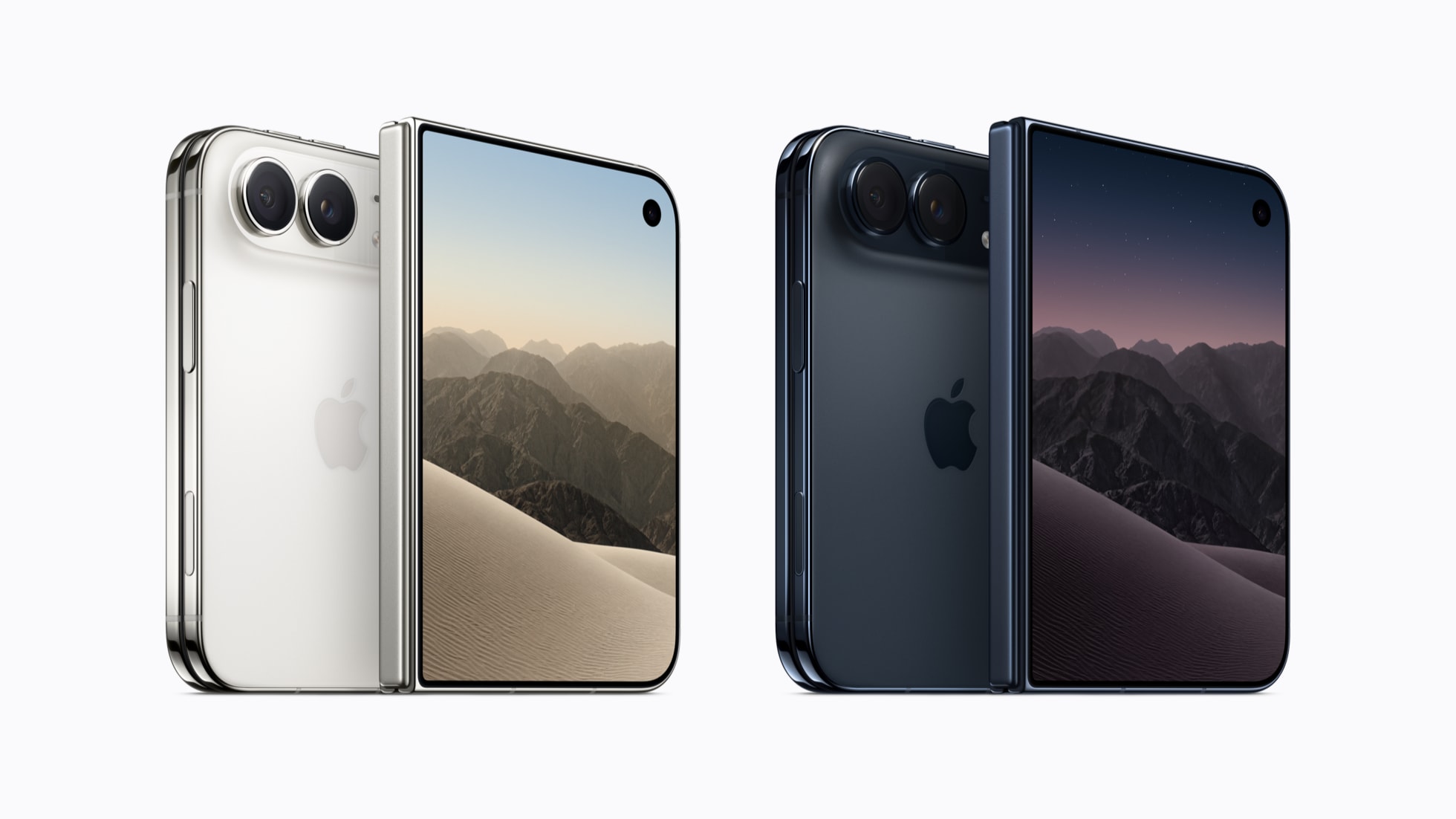
Why Apple's New iPhone Duo Costs More Than A Base MacBook Air
Apple priced the new iPhone Duo at $1,999, which is much higher than a MacBook Air. Here is why the titanium hinge and folding glass make it so expensive.
The Cheapest Way Into Apple Intelligence in 2026: Free on 15 iPhones, $699 If Yours Is Not One
If your iPhone is one of the 15 models on Apple’s Apple Intelligence device list, the cheapest way in costs nothing: iOS 27 arrives free on Monday, September 14. If it is not, the least expensive route Apple sells is the $699 iPhone 17e, and the same model was listed at $599 before September 9.…
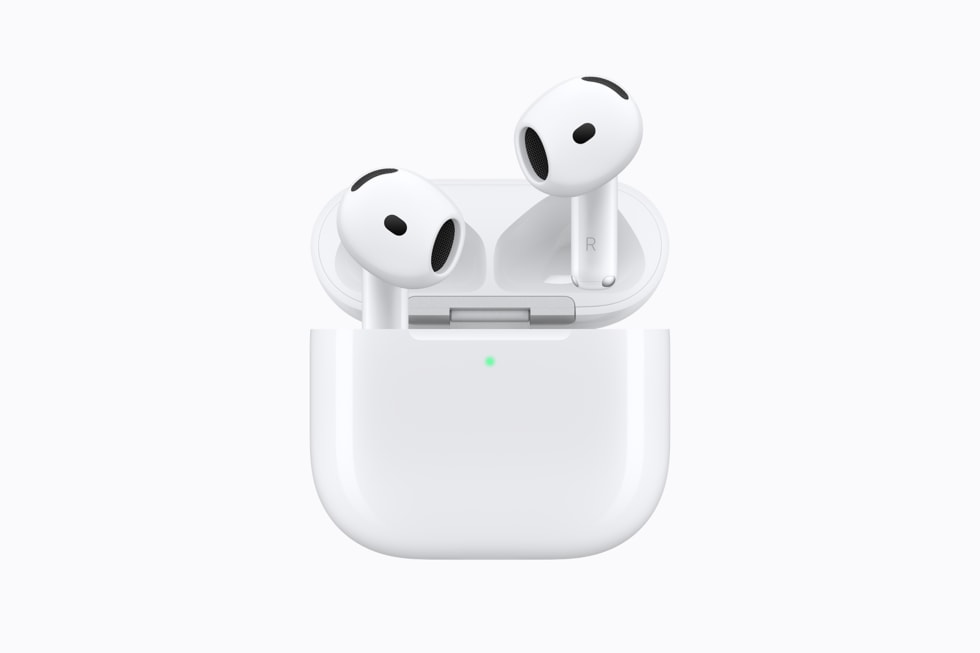
Do AirPods 5 Leak Sound? What Apple Publishes About Open-Ear Noise Cancelling
Apple has published no sound leakage figure for AirPods 5, in decibels or in any other form, so nobody can tell you exactly how much of your music the person next to you hears. What Apple has published is the shape of the answer: these are open-ear earbuds with no ear tips, and Apple’s own…
AirPods 5, AirPods Pro 3 or AirPods Max 2: Apple's Three Sets, Decided by What You Do
Apple’s headphone range is down to three names and four prices, and the choice comes apart cleanly by what you do rather than what you spend. AirPods 5 at $129 or $149 are the open-ear pick for anyone who wants to hear the room, AirPods Pro 3 at $249 are the only model with a…
iPhone 18 Pro's 20 Second-Wave Countries: Apple Published the Date, Not the List
Apple’s press release says iPhone 18 Pro and iPhone 18 Pro Max “will be available in 20 other countries and regions beginning Friday, September 25”. It has not named a single one of them, and it has not said when those markets can pre-order. iPhone 18 Pro reaches more than 65 countries on September 18.…
Apple India Publishes a ₹15,000 Cashback Ceiling, and It Is Not ₹15,000 Off an iPhone 18 Pro
Apple India’s Ways to Buy page advertises instant cashback of up to ₹15,000 on eligible cards. That is a store-wide ceiling across everything Apple India sells, and the figure recorded for the iPhone 18 Pro launch offer specifically is up to ₹7,000. iPhone 18 Pro starts at ₹1,64,900 in India, with the Pro Max at…
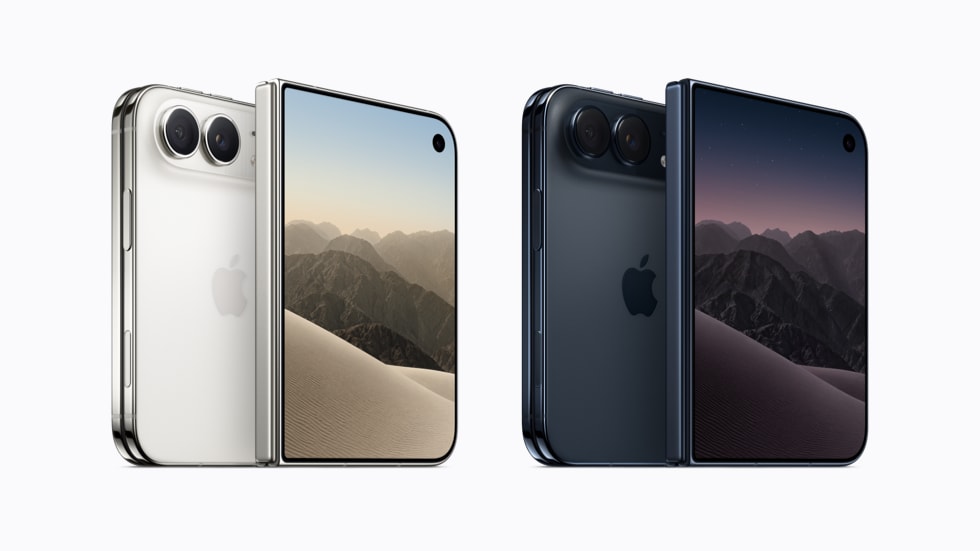
Can You Put a Screen Protector on the iPhone Duo? What Apple Says About the Folding Display
Apple has published no guidance on putting a screen protector on either iPhone Duo display, and it sells none. What it has published is exactly what the folding inner panel is built from, and that is the part of the answer worth having before October 23. The 7.6-inch inner display and the 5.4-inch outer display…
Apple Watch Price History: $399 Since Series 7, $799 for Every Ultra, and $249 for SE
Apple Watch Series 12 starts at $399, which is what Series 7 cost in 2021 and what every Series watch in between has cost at launch. Apple Watch Ultra 4 starts at $799, the same as the first Ultra in 2022, and Apple Watch SE 3 is $249, the same as the SE it replaced.…
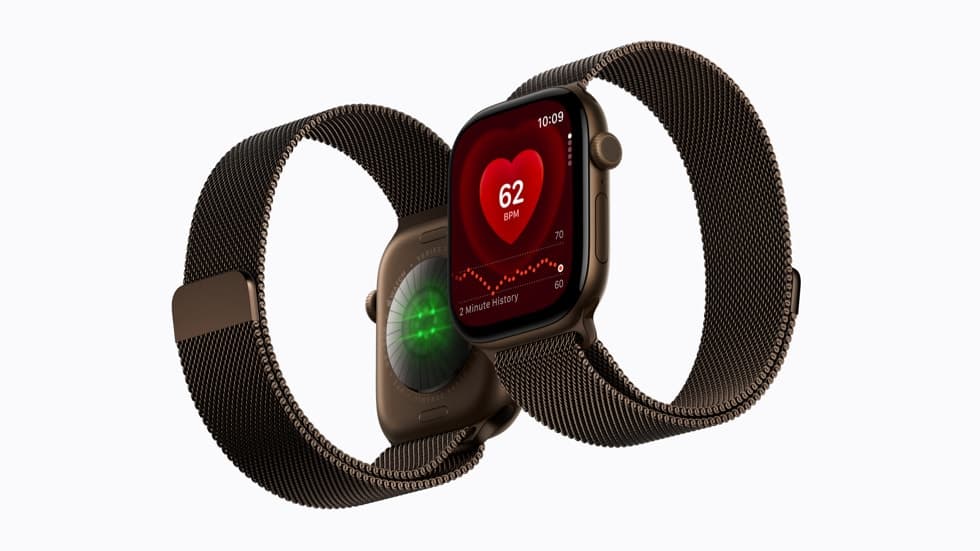
Apple Watch Battery Life History: 18 Hours for Four Generations, 24 Now, and 50 on Ultra 4
Apple rated the Apple Watch at up to 18 hours of normal use for four straight generations, from Series 7 in 2021 to Series 10 in 2024. Series 11 moved that to 24 hours last year, Series 12 keeps it, and Apple Watch Ultra 4 is now rated at up to 50 hours. Apple Watch…
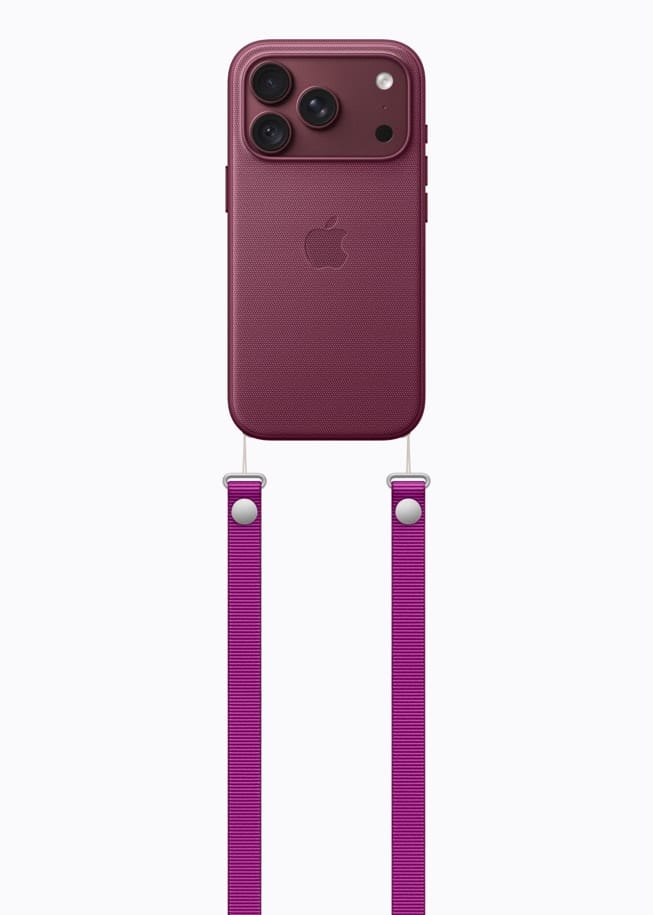
What Expires on an iPhone 18 Pro Order: Cases Can Wait, Three Other Choices Cannot
Nothing in Apple’s iPhone 18 Pro accessory line has a deadline attached to it. All six items carry fixed published prices, Apple has published no promotion on any of them, and none of them changes on Saturday, on September 18, or afterwards. Three other parts of the order do have clocks running. Apple's case prices…
iPhone 18 Pro Accessory Budget: The Two Discounts That Cover Cases, and the One Cost Apple Will Not Price
A case and a strap add $88 to a $1,199 iPhone 18 Pro, and the two published routes to paying less for that basket are not the ones people reach for. Apple’s Veterans and Military Purchase Program takes 10 percent off products and accessories, and Apple Card pays 3 percent back on purchases at Apple.…