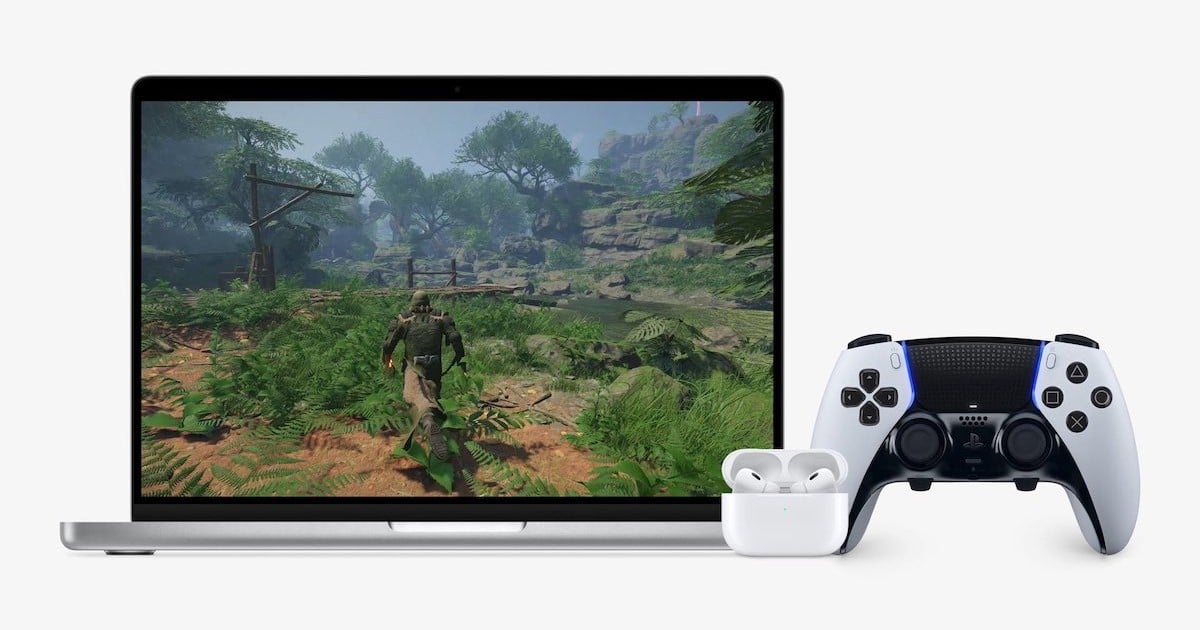
At WWDC 2023, Apple announced some new surprises concerning Metal 3: let’s take a look at what this means for gaming on Mac.
How to Activate Lockdown Mode on Apple Watch
Apple has extended its Lockdown Mode to work on watchOS 10, too. Let’s look at what it does and how to activate it.
How to Track Mental and Vision Health in watchOS 10
Arnold Zafra walks you through some of the latest improvements in the Health app, including vision and mental health features in watchOS 10.
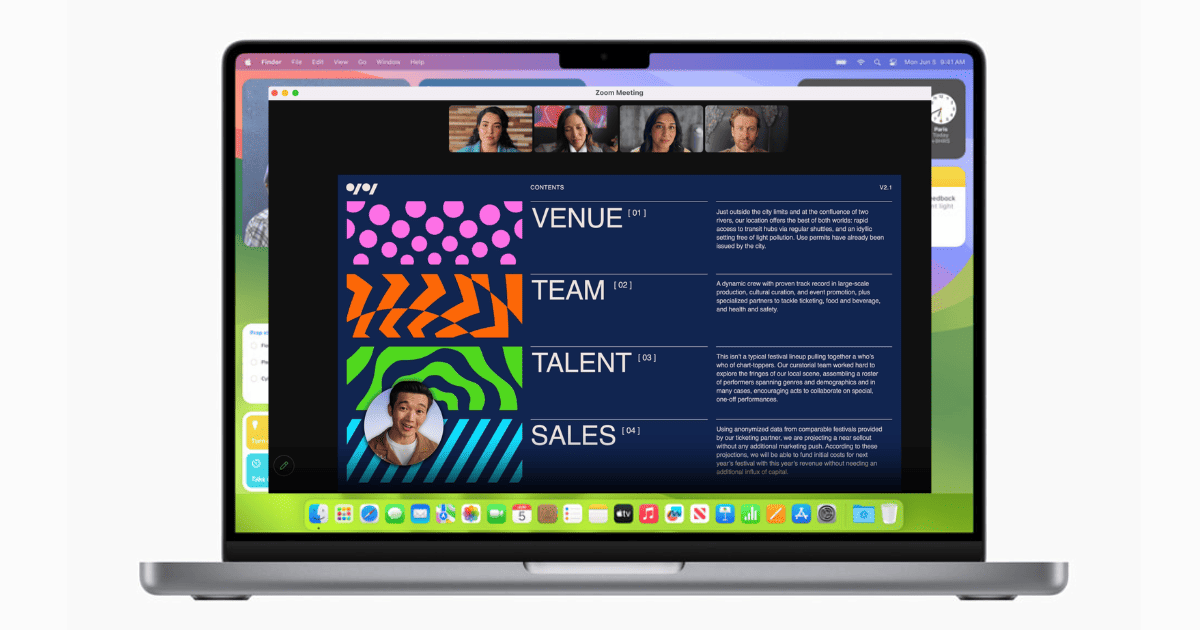
How to Use Presenter Overlay and Reactions in macOS 14 Sonoma
Discover how to use macOS 14 Sonoma’s Presenter Overlay and Reactions, and how they revamp video conferencing for immersive experiences.
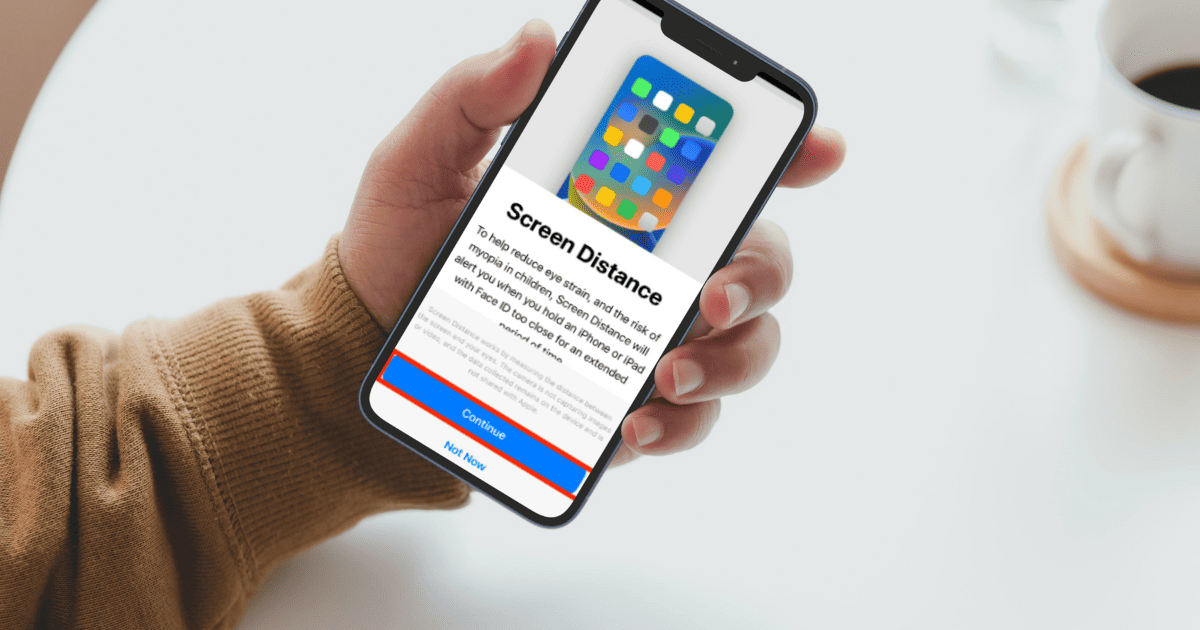
How to Enable and Use Screen Distance on iOS 17
Screen Distance is a new feature that protects your eyes from myopia and digital strain. Here’s how to setup Screen Distance on iOS 17.
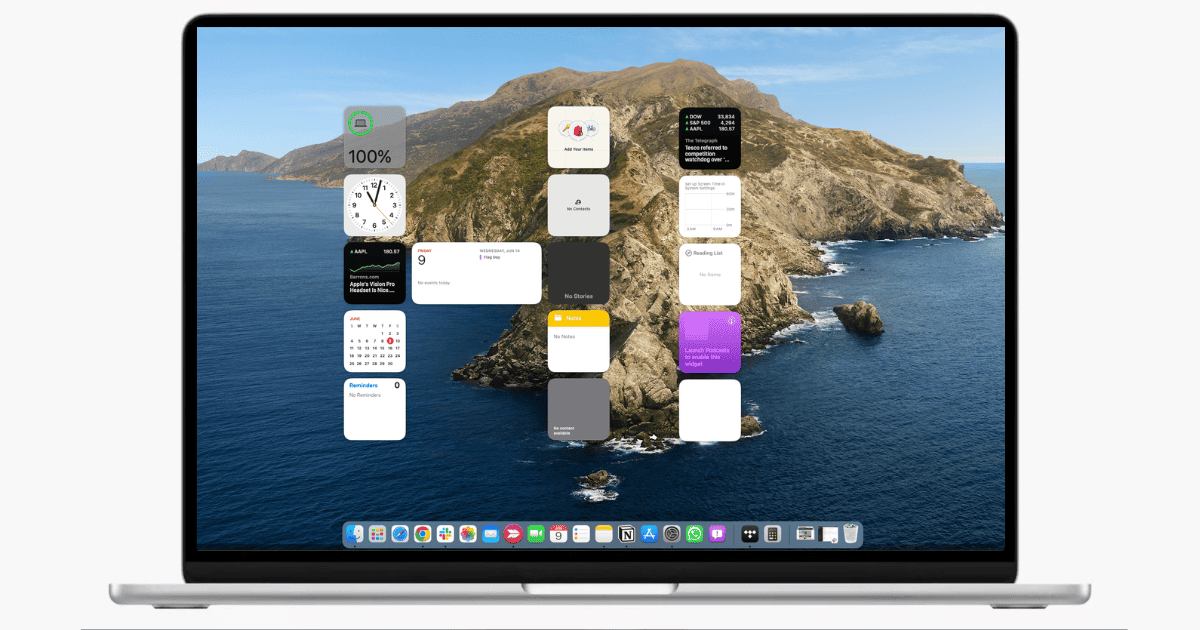
How To Use Desktop Widgets in macOS 14 Sonoma
Unlock the full potential of macOS Sonoma’s desktop widgets with this detailed technical guide on how to use them.
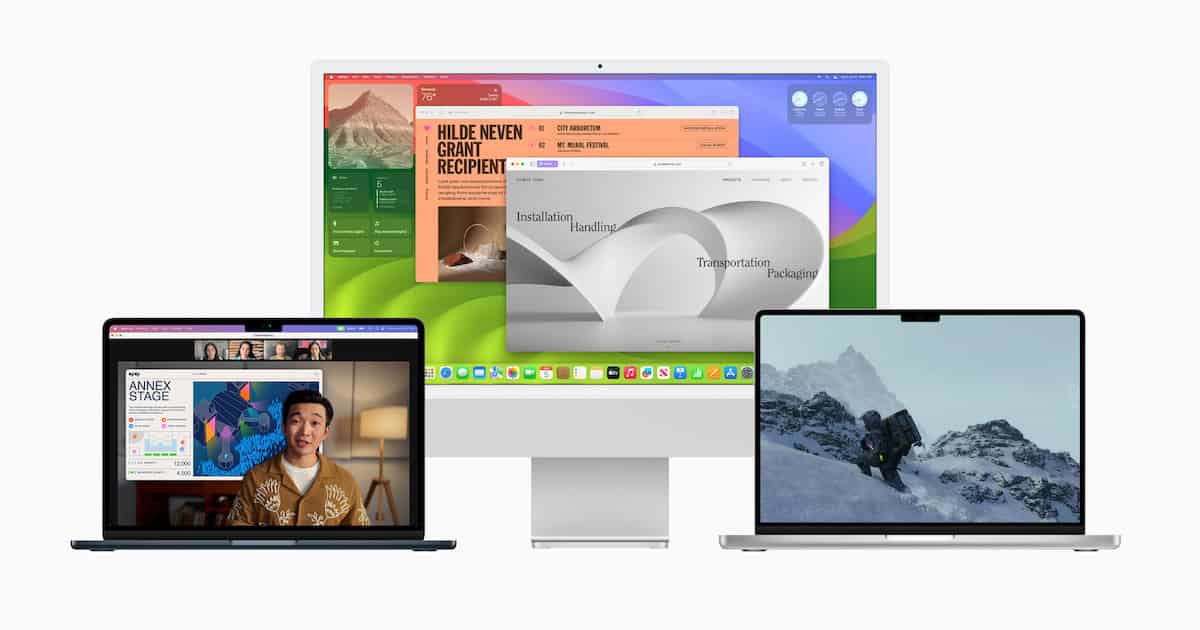
macOS 14 Sonoma: How to Download and Install the Beta Now
Looking to download and install the macOS 14 Sonoma developer beta? We’ve got you covered, and you can do it in a few steps.
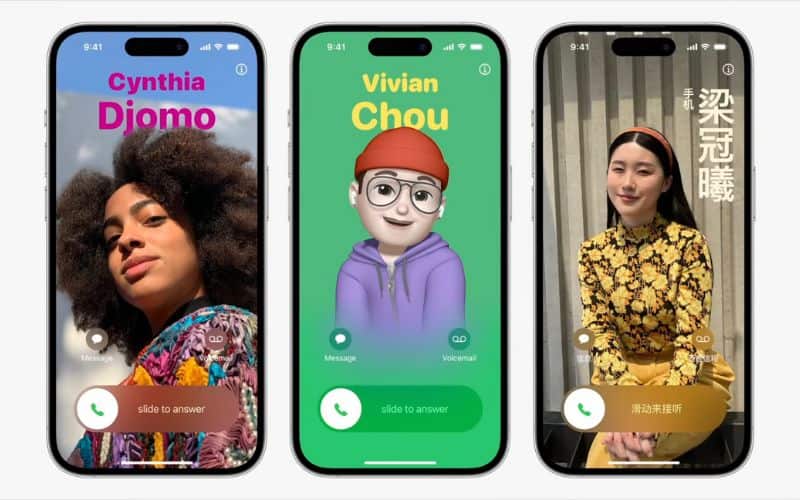
How to Create and Use Personalized Contact Posters on iOS 17
Personalized Contact Poster is a new feature on iOS 17 and here’s how to use Contact Posters in iOS 17 on your iPhone.
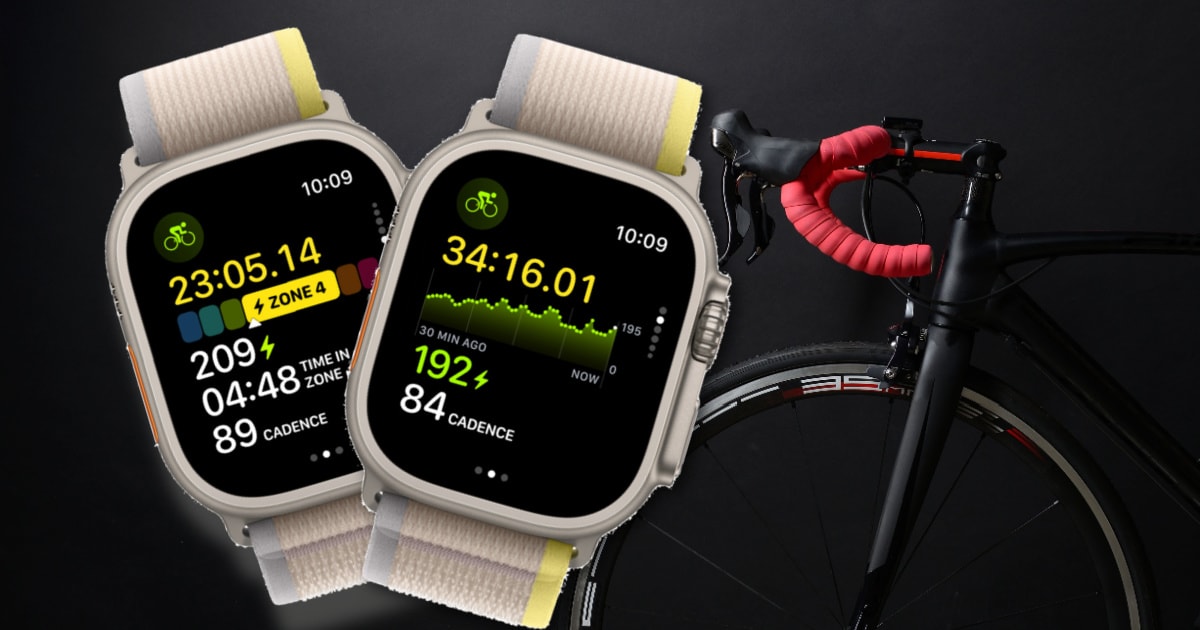
How to Get New Cycling Metrics Measured in watchOS 10
For those who installed the developer beta on their Apple Watch, learn how to get new cycling metrics measured in watchOS 10.
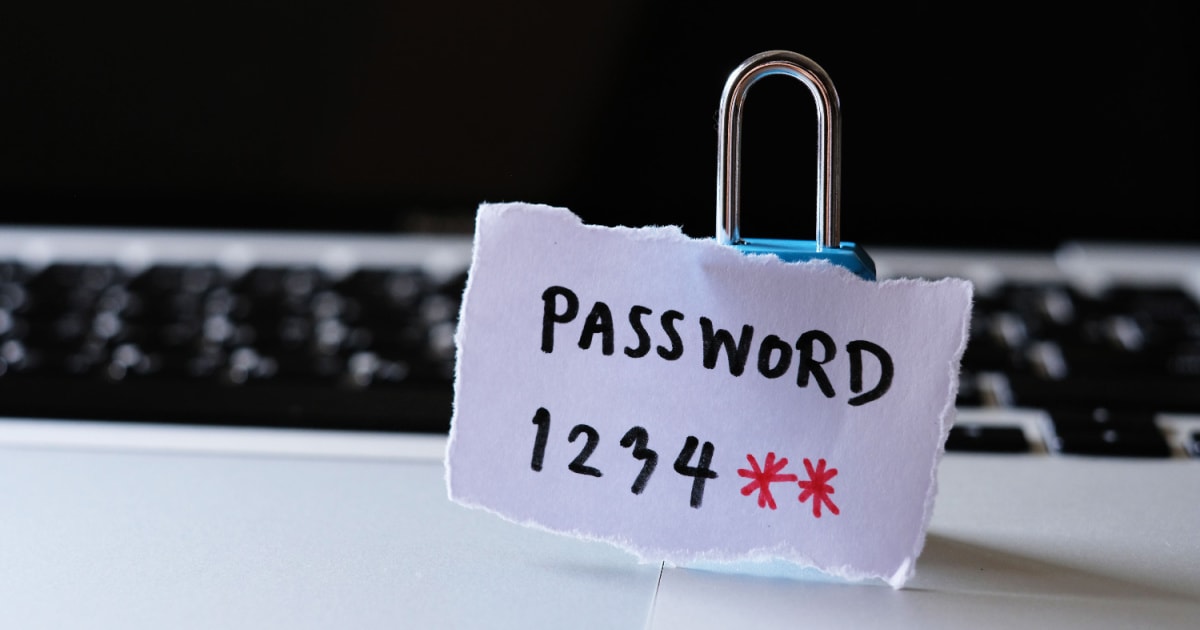
How To Share Passwords in macOS 14 Sonoma Using iCloud Keychain
Apple’s built-in password manager now allows sharing logins with others. Jeff Butts shows how to share passwords in macOS 14 Sonoma.