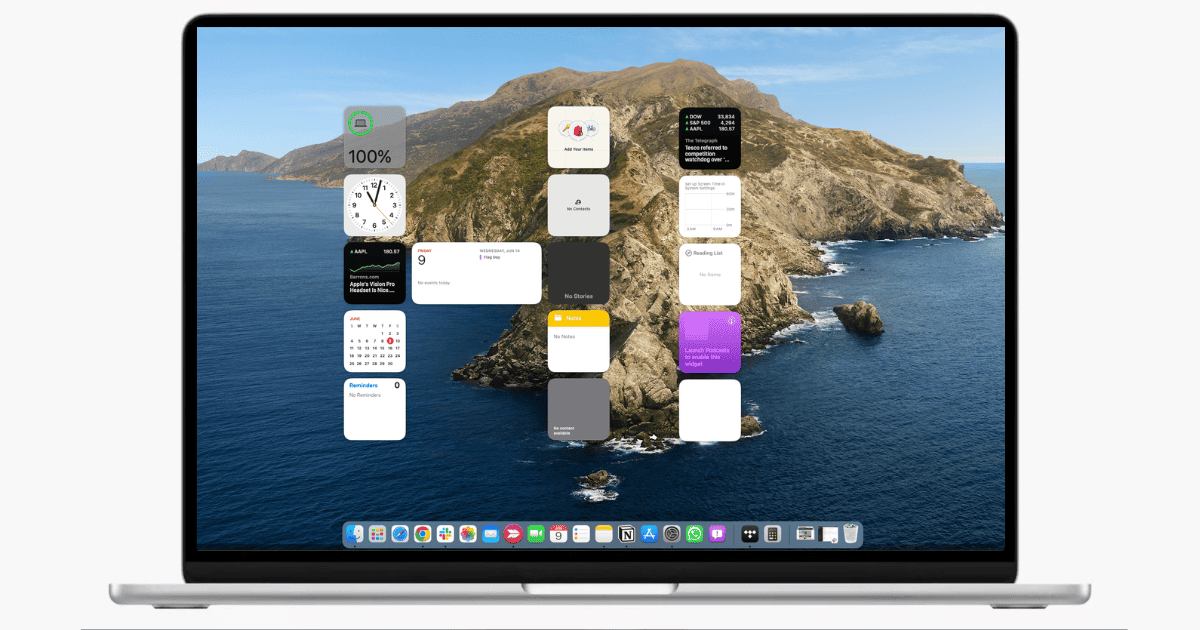
Unlock the full potential of macOS Sonoma’s desktop widgets with this detailed technical guide on how to use them.
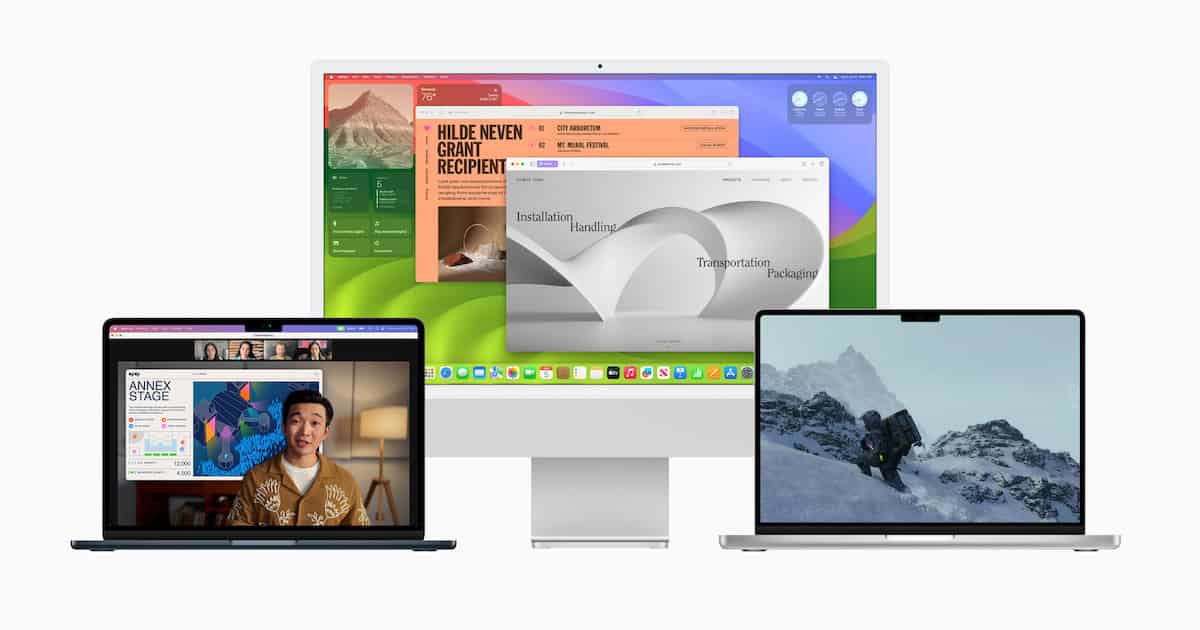
macOS 14 Sonoma: How to Download and Install the Beta Now
Looking to download and install the macOS 14 Sonoma developer beta? We’ve got you covered, and you can do it in a few steps.
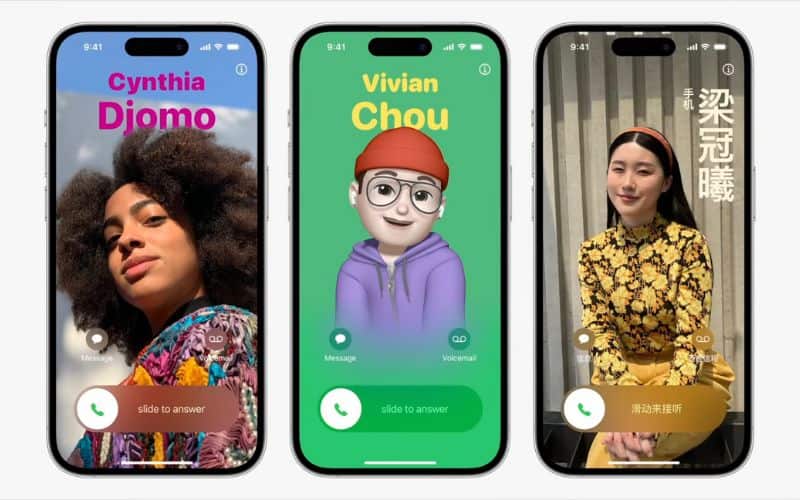
How to Create and Use Personalized Contact Posters on iOS 17
Personalized Contact Poster is a new feature on iOS 17 and here’s how to use Contact Posters in iOS 17 on your iPhone.
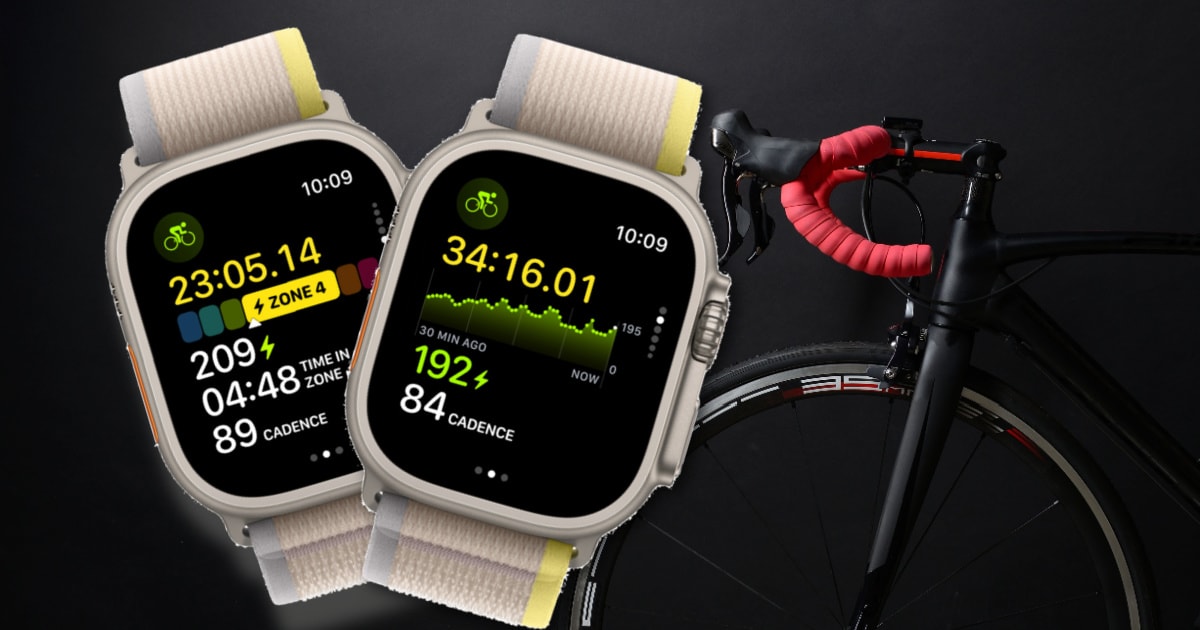
How to Get New Cycling Metrics Measured in watchOS 10
For those who installed the developer beta on their Apple Watch, learn how to get new cycling metrics measured in watchOS 10.

How To Share Passwords in macOS 14 Sonoma Using iCloud Keychain
Apple’s built-in password manager now allows sharing logins with others. Jeff Butts shows how to share passwords in macOS 14 Sonoma.
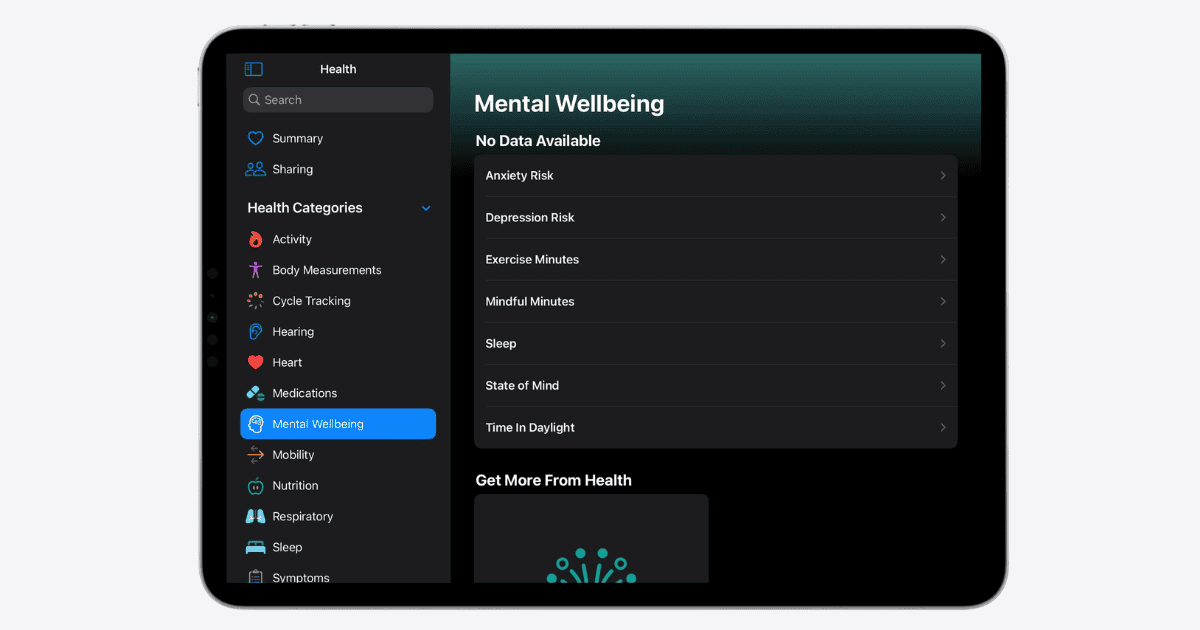
Apple Health App: How to Track Mental and Vision Health
Learn how to use Apple Health’s innovative tools for tracking mental and vision health with iOS 17 and iPadOS 17.
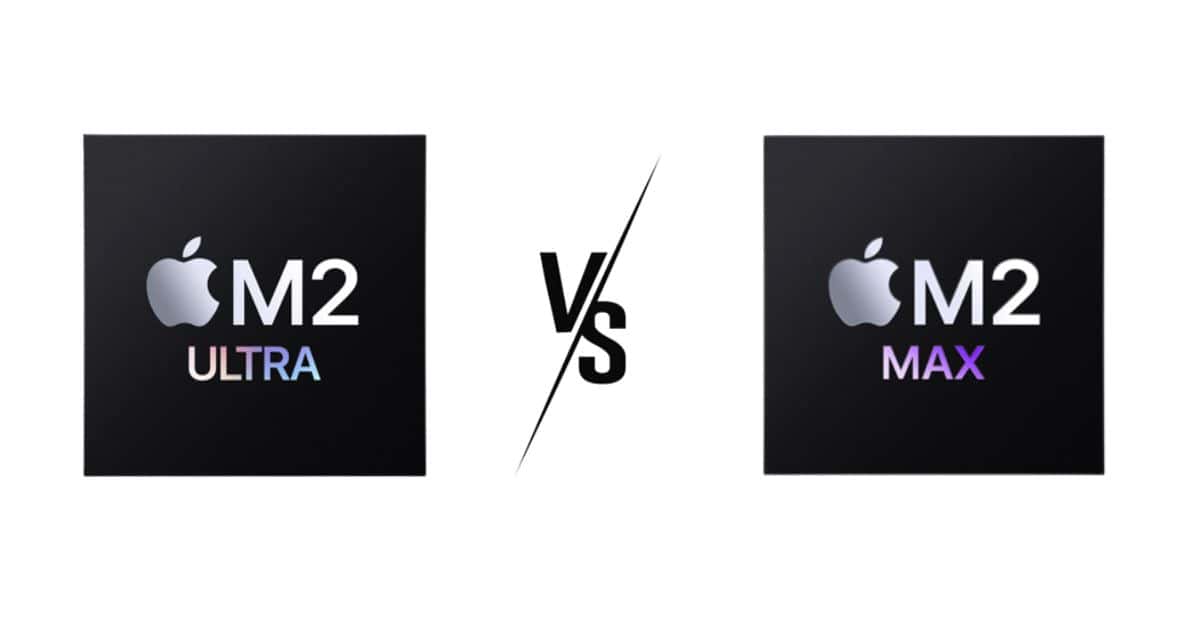
Apple M2 Ultra SoC vs Apple M2 Max SoC: Which Chip is Better?
Let’s find out the differences between the M2 Ultra vs M2 Max SoC’s and figure out how powerful it is and if you need to get the M2 Ultra.
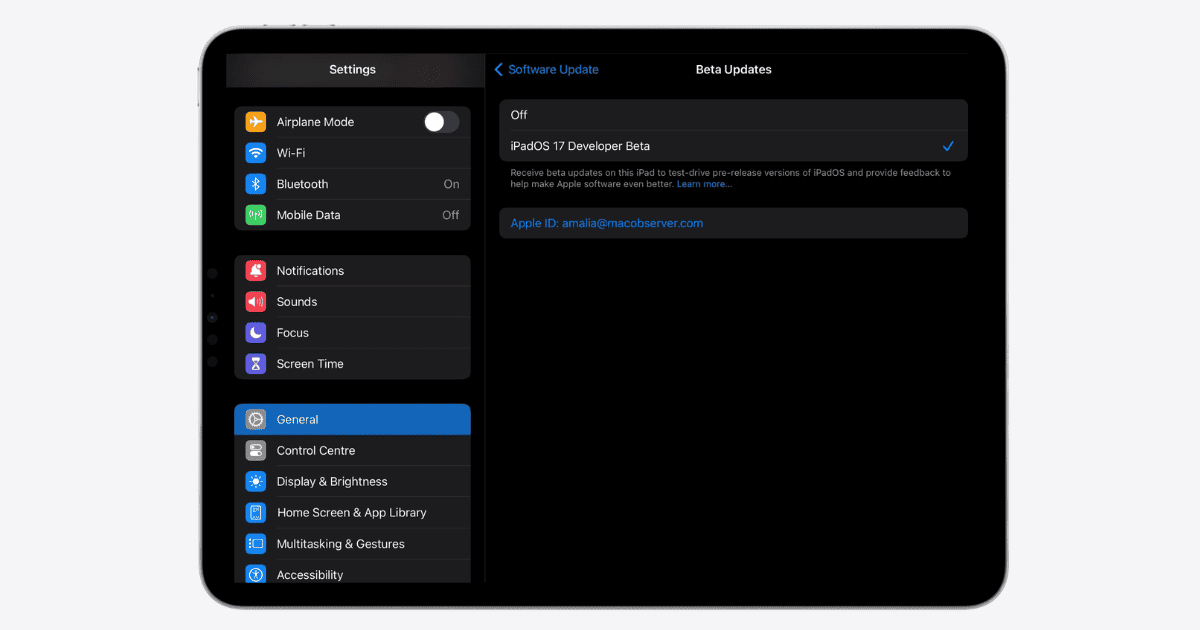
How To Download iPadOS 17 Developer Beta for Free
Step-by-step guide to installing iPadOS 17 Beta, with insights on free developer access, widgets, and the Health app.
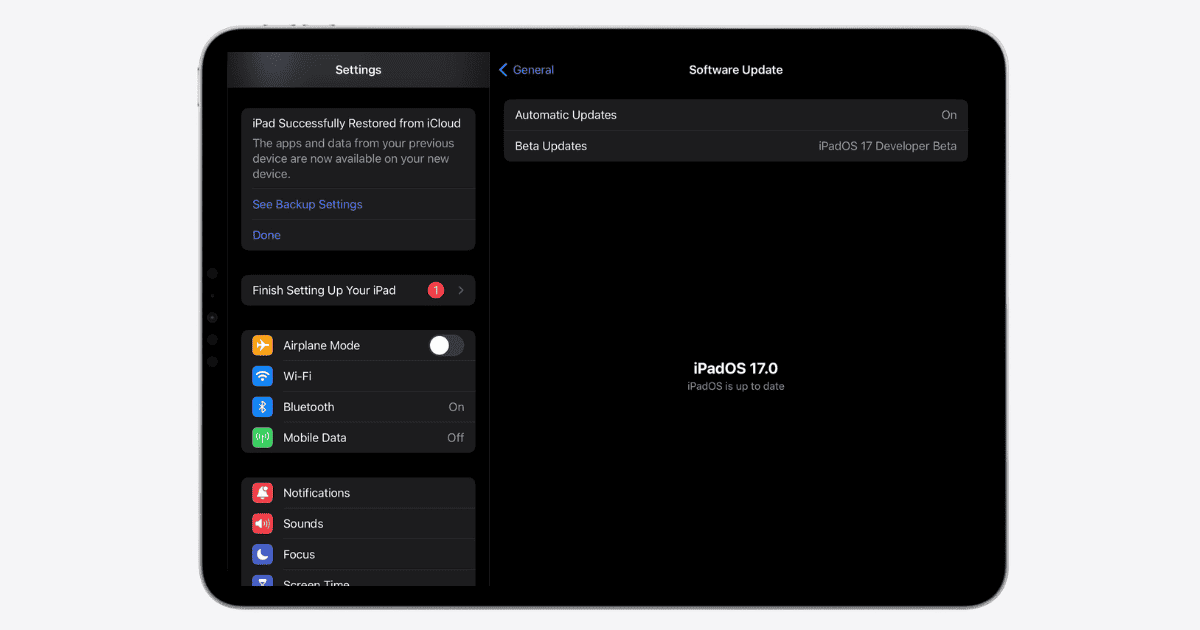
iPadOS 17 Supported Devices: Is Your iPad Compatible?
Discover if your iPad is on the supported devices list for the feature-packed iPadOS 17. Upgrade or stay put? Find out!
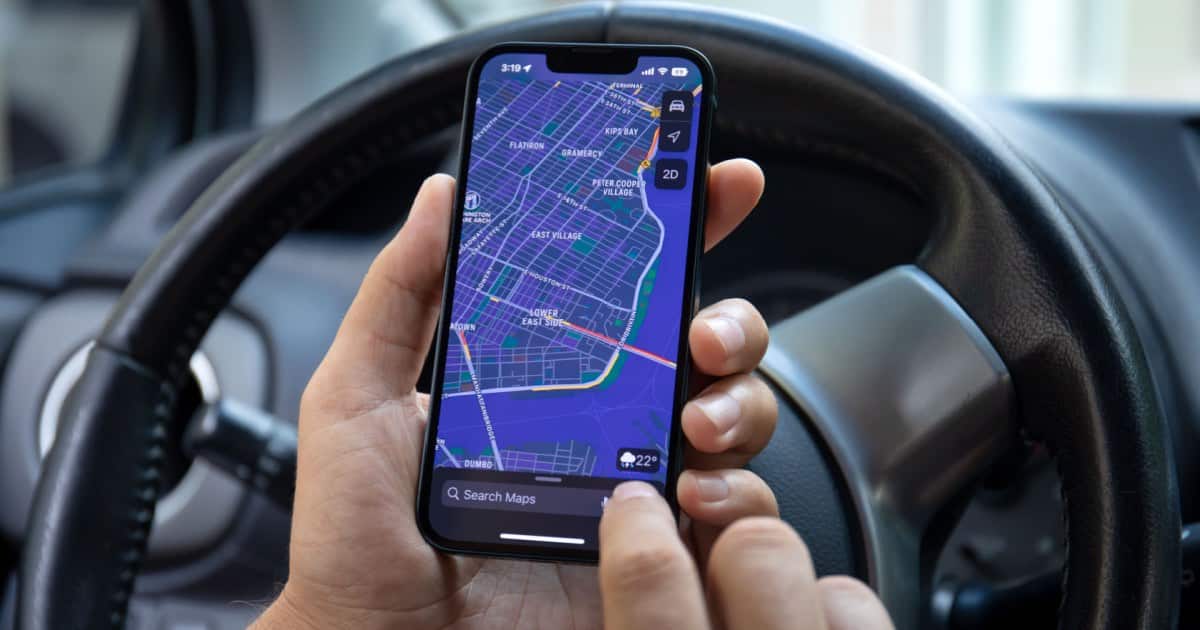
How to Use Offline Maps on iPhone and Apple Watch
For iPhone and Apple Watch users, iOS 17 now allows for downloading of offline maps. here’s what you need to know.