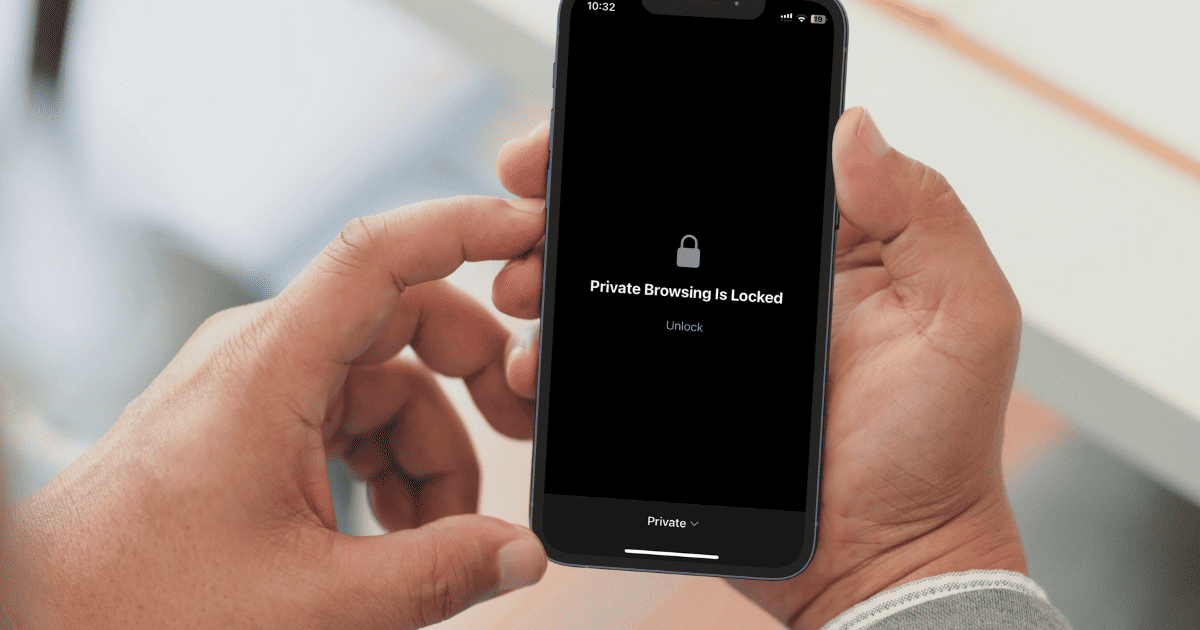
Apple has released a new Face ID lock feature for Private Browsing on Safari. The new feature is available on iOS 17.
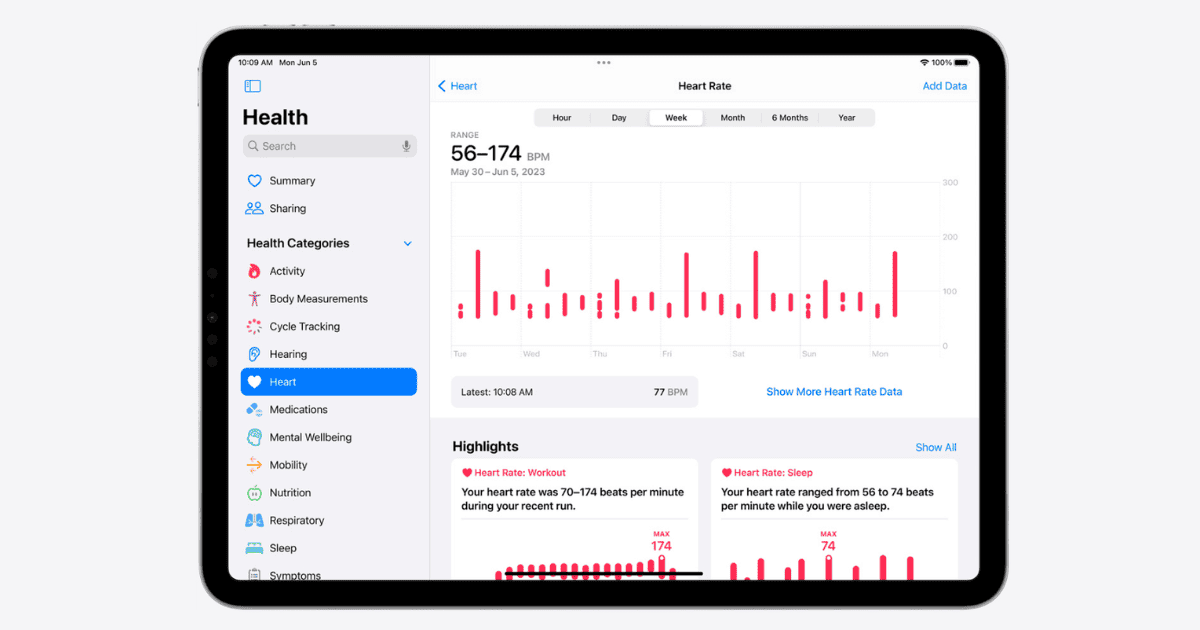
How To Use the New Health App on the iPad
Explore how to use iPadOS 17’s Health app: uncover wellness insights and manage health data to become the best version of you.
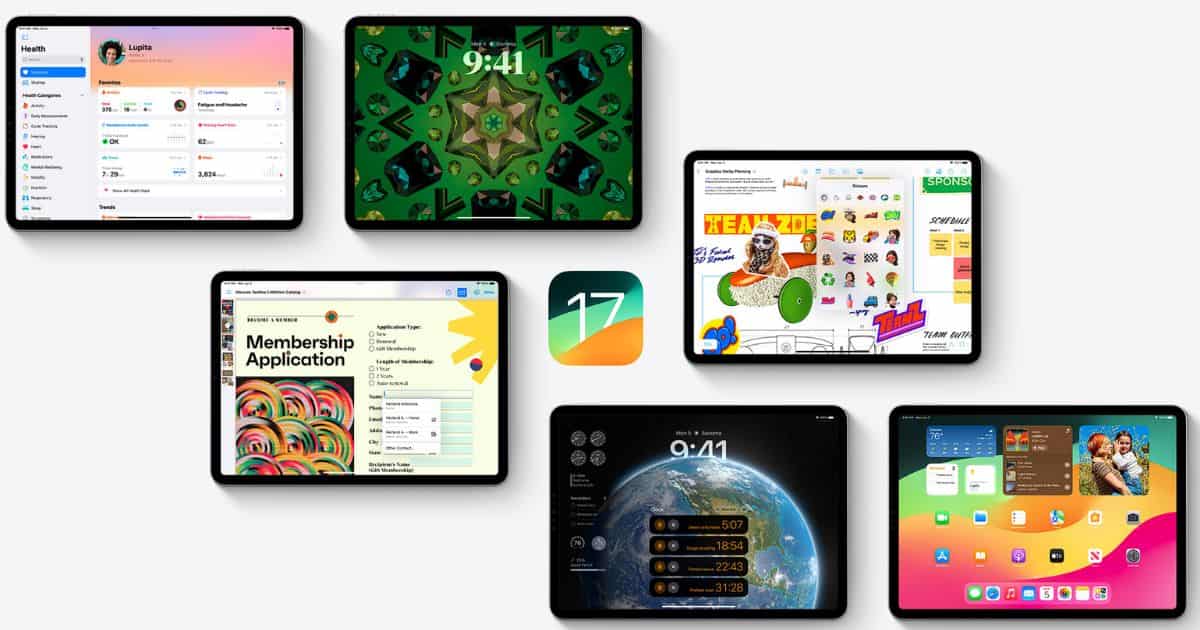
Download Official iPadOS 17 Wallpapers
With the release of iPadOS 17, Apple also released exclusive new iPadOS 17 wallpapers which you can download right away through our post.

How to Remove Adware From Your Mac and Stay Protected
If you’re being bothered by unwanted pop-ads when browsing the web, learn how to remove adware from your Mac and stay protected.
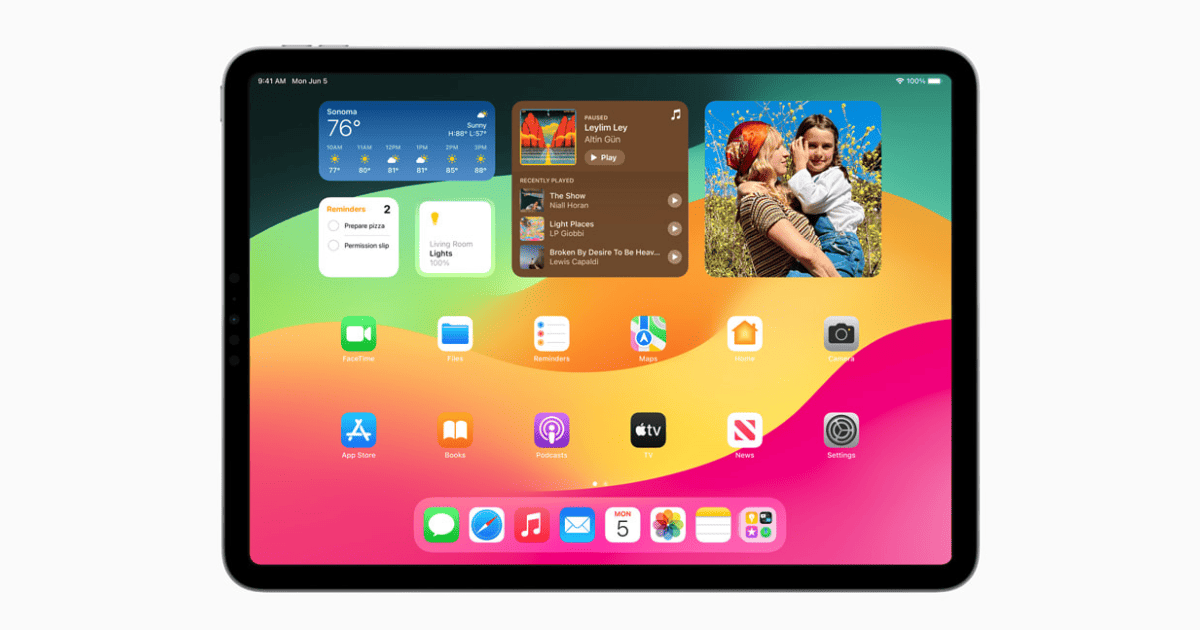
How To Use Widgets & Customize the iPad Lock Screen Just Like on iPhone
Tom prepares you for upcoming features of the iPad – adding widgets and customizing iPad lock screen just like the iPhone.
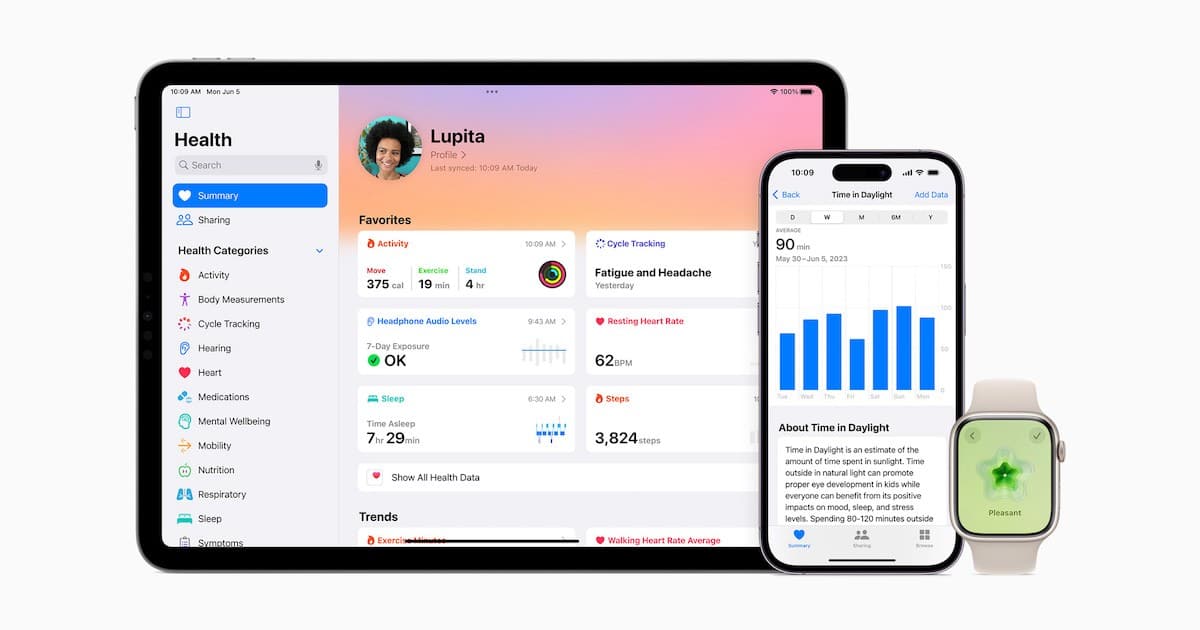
Mental Health and Other Enhancements to Apple's Health App
Along with some major news at WWDC, Apple is making a ton of improvements to the Health app, including a focus on mental health.
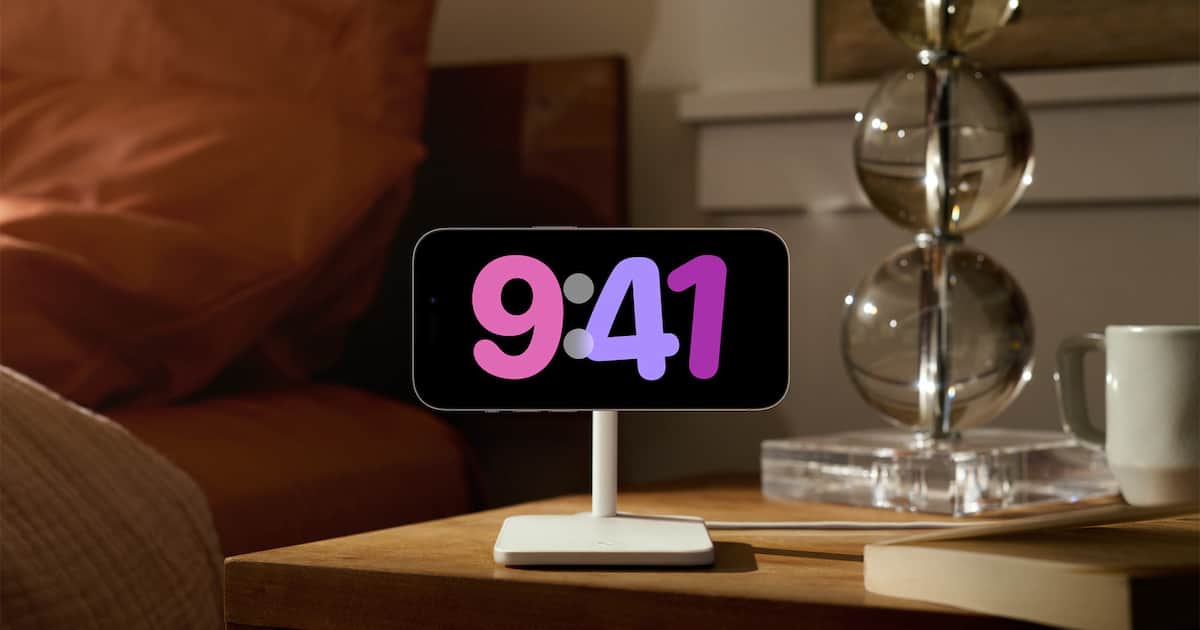
How to Use iPhone StandBy Mode as a Mini Smart Display
As of iOS 17, your iPhone has a new StandBy mode that turns it into a mini smart display. Jeff Butts explains how to use and customize it.
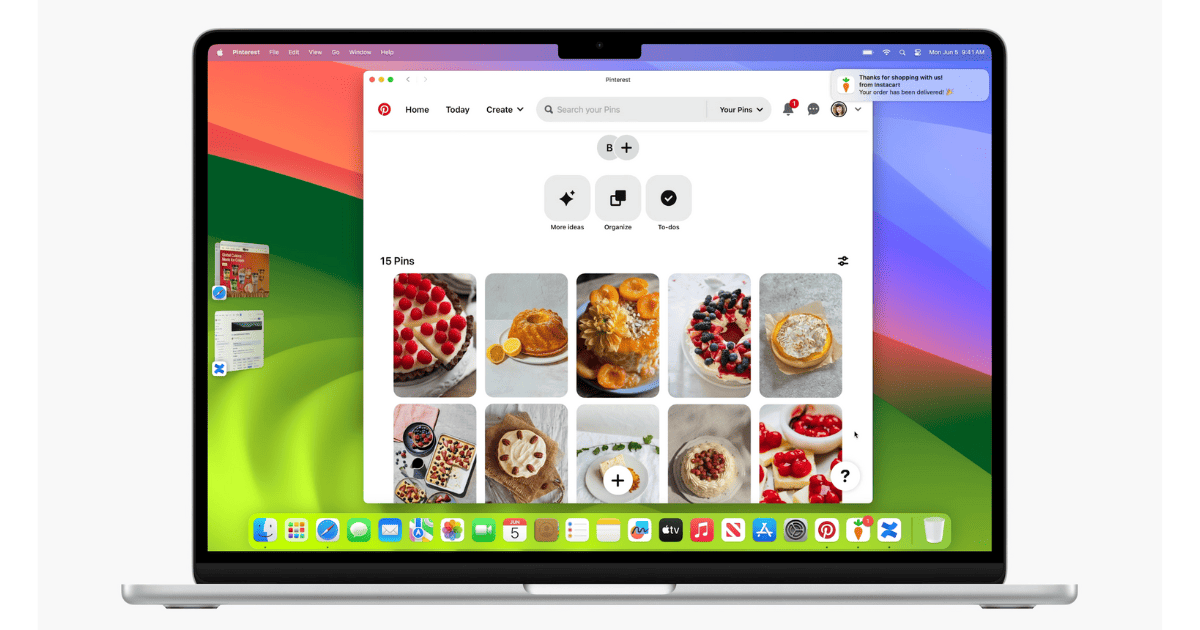
macOS Sonoma 14 Supported Devices: Is your Mac Compatible?
Is your Mac ready for macOS Sonoma 14? Check out the compatibility list to see if you can enjoy the new features!
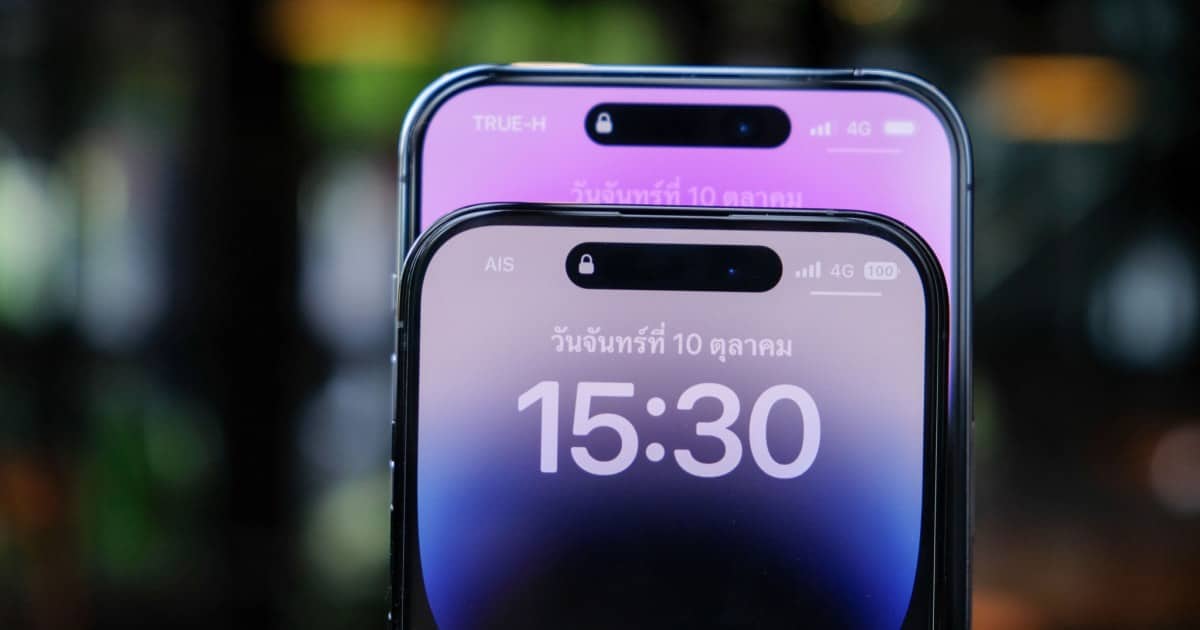
iOS 17 Compatible Devices: Is Your iPhone Supported?
Check out the entire list of iPhone that support Apple’s latest iOS 17. It includes older iPhones like the iPhone XR and above.

WatchOS 10 Compatible Devices: Is Your Model Included?
Apple announced watchOS 10 coming later this fall. Arnold Zafra gives a rundown of the watchOS 10 compatible devices.