Simplify your photo management. Learn how to create albums and folders in photos on iPhone with our detailed and easy-to-follow guide.
iOS

7 Ways to Fix Safari Not Loading Images on iPhone
If Safari is not loading images on iPhone, read along to learn the best ways to fix Safari so that it loads images properly and on time.
Troubleshooting Guide for iPhone Mail App Notification Issues
If the Mail app consistently delays sending notifications or not at all, here are the steps to fix the iPhone Mail app notification issues.
How To Turn On iPhone LED Flashlight for Calls, Messages, and Notifications
Set LED Flashlight Notifications for calls and messages on your iPhone. Allow it through DND and add a shortcut to turn it on and off.

How To Fix iPhone Freezing and Restarting Issues
Find out 7 effective step-by-step solutions for the iPhone freezing and restarting issue in this comprehensive guide.
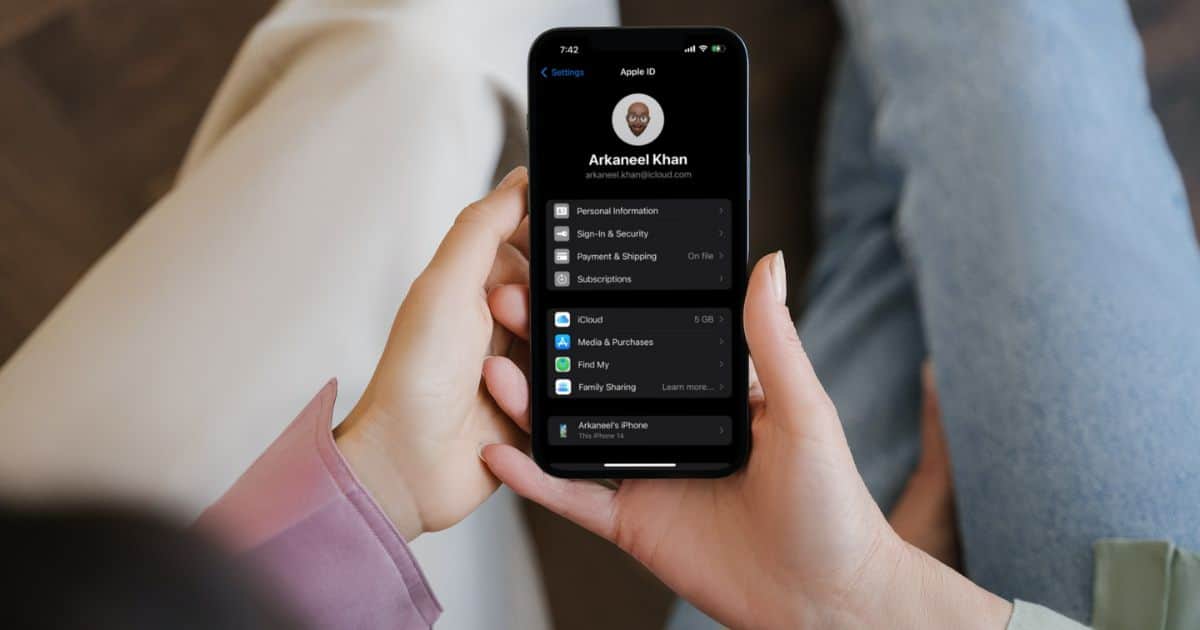
How To Change Your Apple ID Email Without Losing Data
In this article we will learn how to change your Apple ID email. We would learn to update iCloud and why to change your Apple ID email

Fix: Public Wi-Fi Login Page Not Showing Up on iPhone
Wi-Fi login page not showing up on iPhone? Check out what to do when your favorite public Wi-Fi hotspot won’t connect to the internet.

How to Add Another Person to Face ID on iPhone
iOS 12 lets you add a second person to Face ID so you and someone else can unlock your iPhone without having to enter the passcode. Here’s how to set it up.

How to Block Unknown WhatsApp Callers on iPhone
In this article, we’ll help you learn how to use the Silence Unknown Callers feature to block unknown callers on WhatsApp on iPhone.
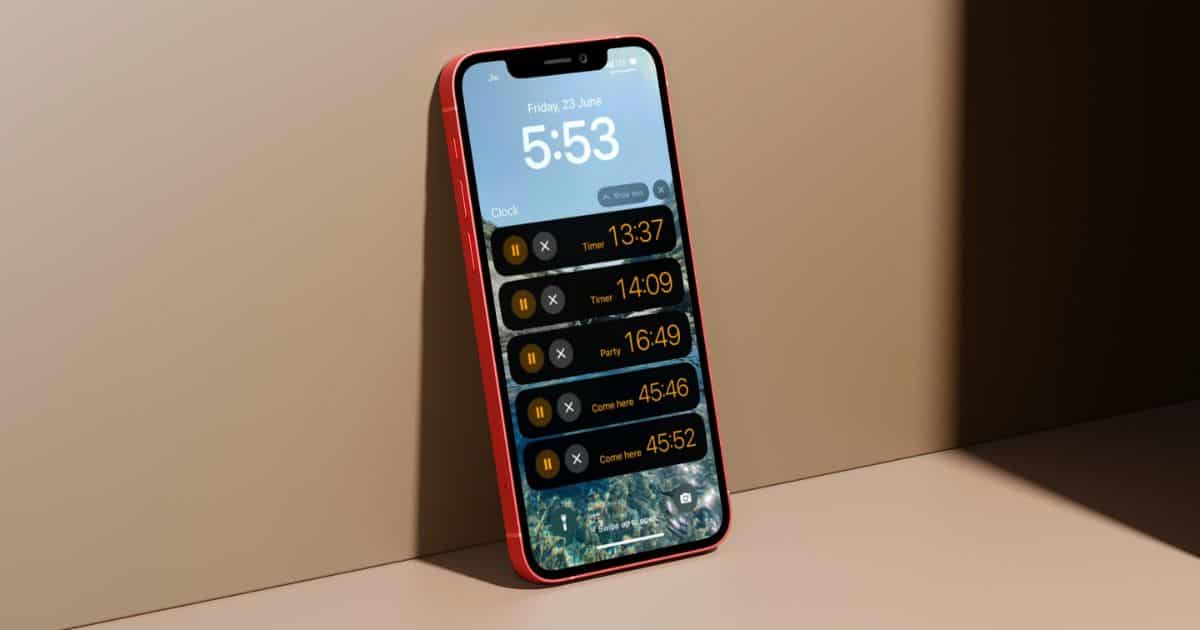
How To Set and Use Multiple Timers at Once on iOS 17
This article talks about how to set multiple timers in iOS 17. Also, learn how to use and delete the timers.
What Is 'Expire Previous Passcode' on iPhone and How To Use It
Learn how to use the Expire Previous Passcode feature on your iPhone. You will also get to know about the importance of this feature.


iPhone Black Screen of Death: Causes and Effective Solutions
iPhone not switching on and stuck at black screen? Checkout how to fix iPhone black screen of death with effective solutions
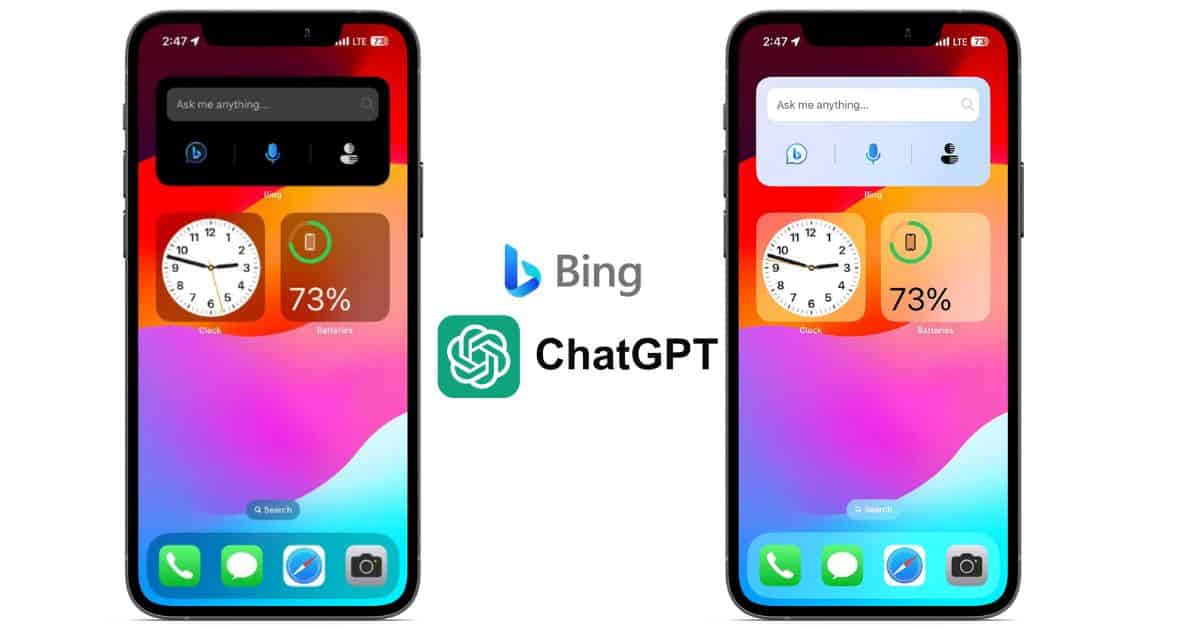
How to Use Bing ChatGPT Widget on iPhone Home Screen
In this guide, we’ll help you add the Bing ChatGPT widget to your iPhone’s Home Screen and access the AI chatbot right from your Home Screen.

How To Add/Edit Time and Date Stamp on iPhone Photos?
Date stamp tells you when the picture is taken without opening meta data. Read to know how to edit and add time/date stamp on iPhone.
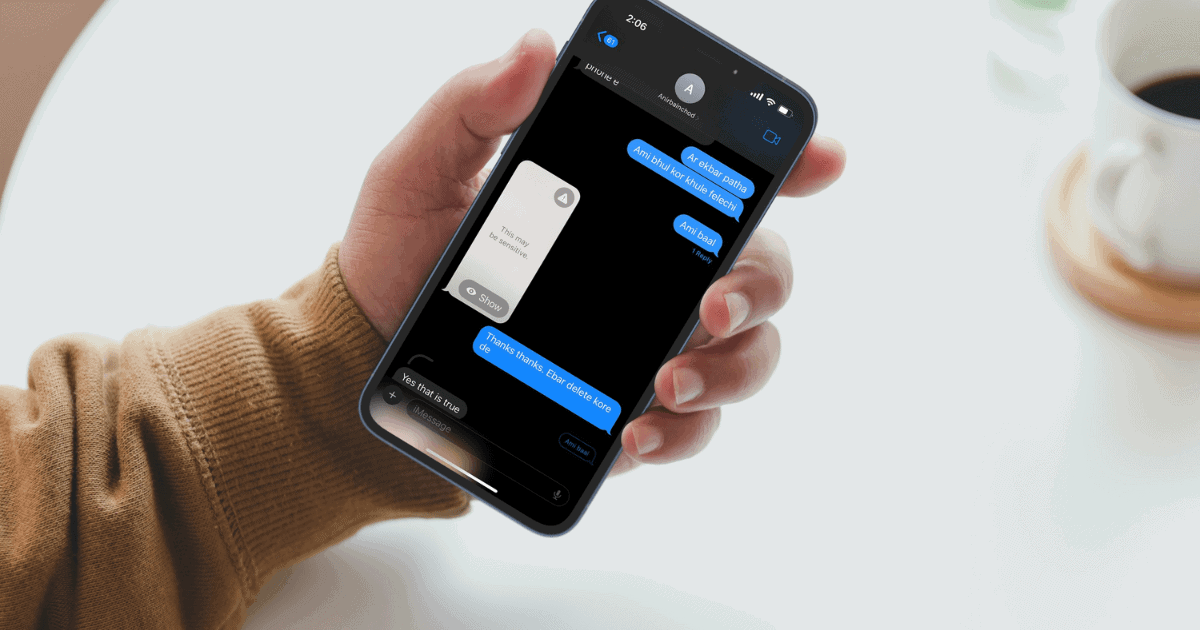
How To Enable and Use Sensitive Content Warning on iOS 17?
Enable and use Sensitive Content Warning in iOS 17. Learn how it works and and which apps it is supported on.
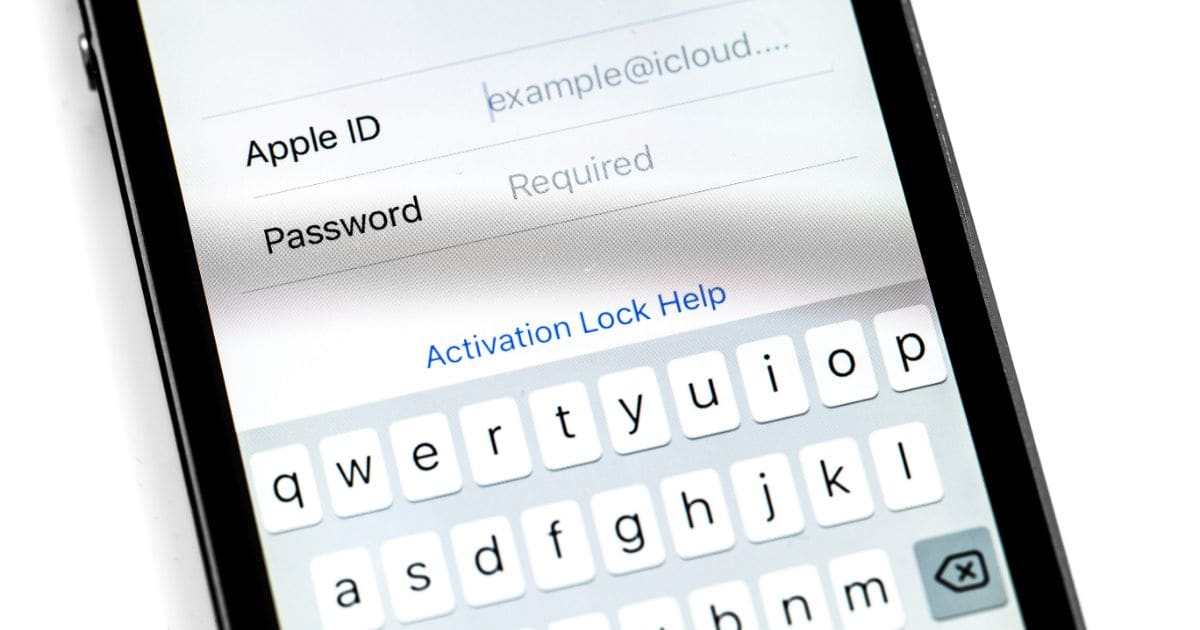
iOS 17: How to use Family Passwords
Learn how to use Family Password Sharing on iOS 17. What are the requirements and the advantages of using it.

How to Create and Use Personalized Contact Posters on iOS 17
Personalized Contact Poster is a new feature on iOS 17 and here’s how to use Contact Posters in iOS 17 on your iPhone.
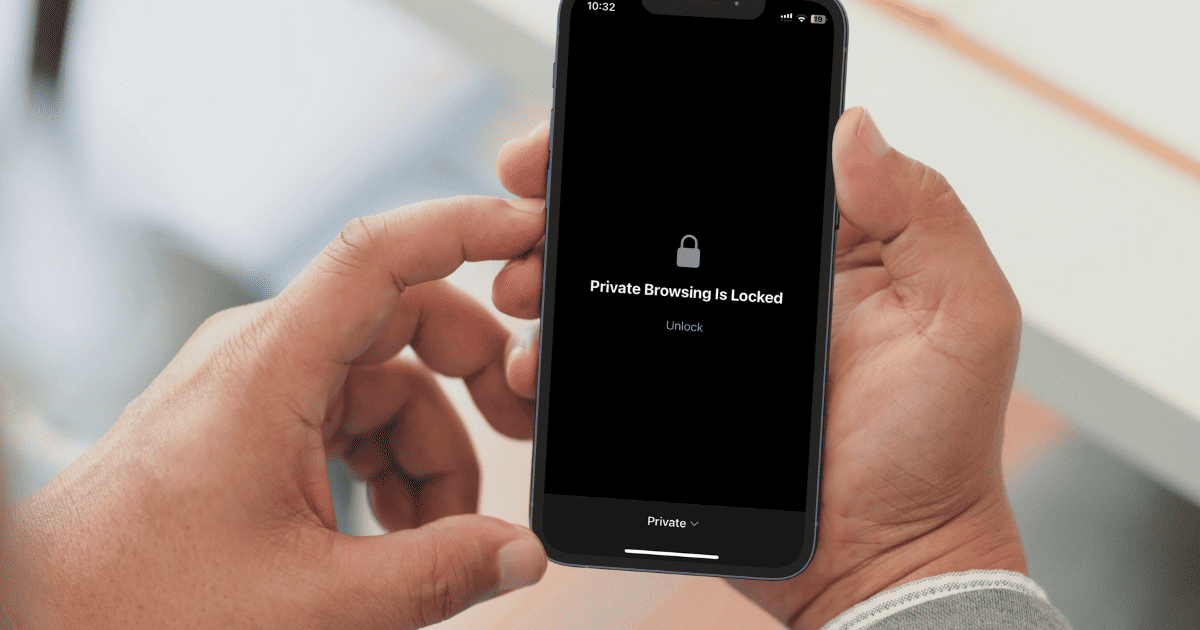
How to Enable Face ID Lock for Safari Private Browsing on iPhone
Apple has released a new Face ID lock feature for Private Browsing on Safari. The new feature is available on iOS 17.

Fix: You Don’t Have Permission to Access .Trash on iPad/iPhone
Getting You don’t have permission to access.Trash on iPad/iPhone. Follow the steps in this article to fix this issue.

Easy Ways to Backup Snapchat Photos on iPhone
In this guide we’ll help you backup Snapchat photos to iPhone and also upload photos to Snapchat Memories that you can retrieve at any time.
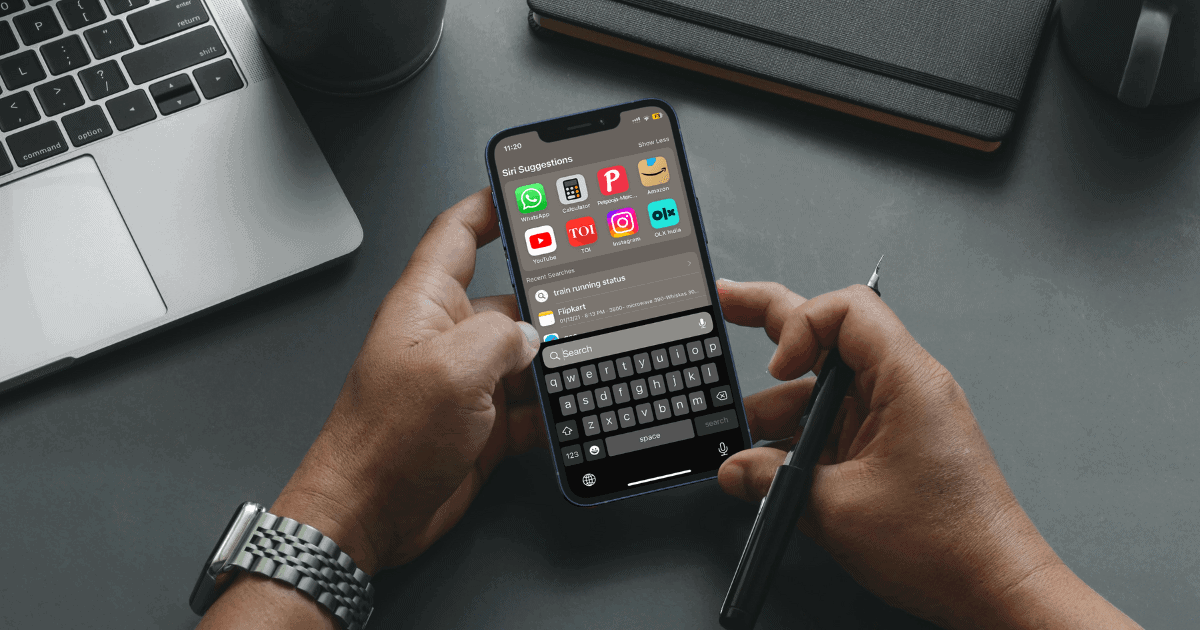
How to Search Anything Using Control F on iPhone
If you’re looking for a feature that can replicate the Control+F or Command+F functionality on iPhone, here’s how to search text on iPhone.
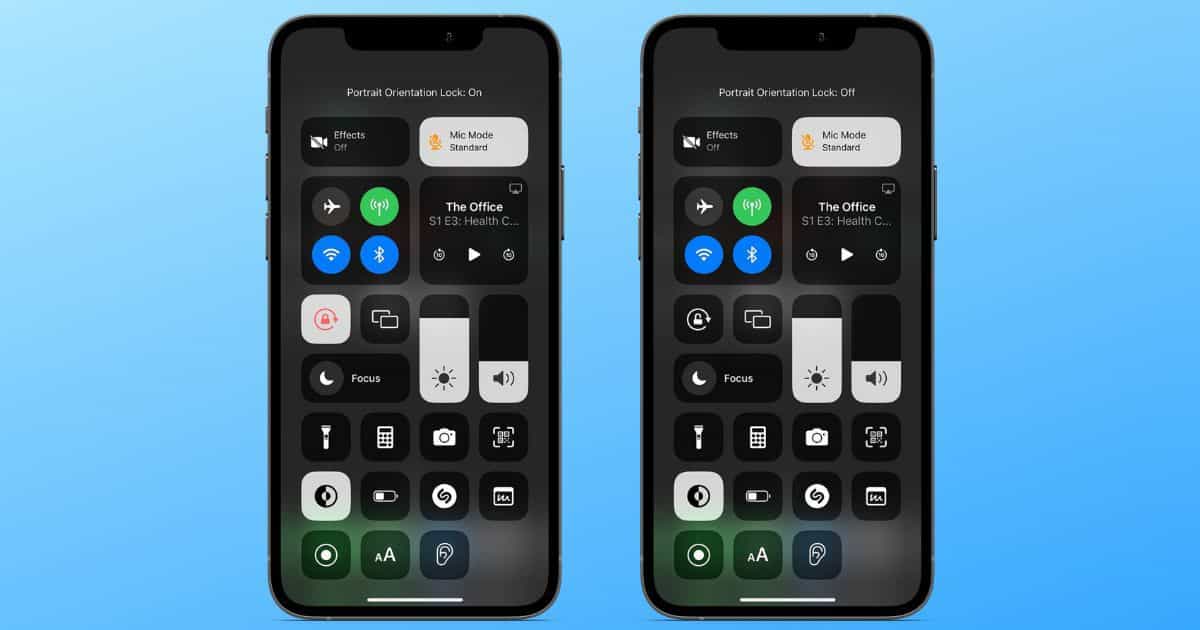
How to Enable iPhone Orientation Lock for Specific Apps
In this article, we’ll help you create an automation that will help you enable iPhone orientation lock for specific apps automatically.