
Twelve South’s new StayGo mini USB-C Hub is a tiny accessory for your iPad and Mac that delivers four extra ports for your device.
iPad Pro

Twelve South’s New ‘Plugbug Slim’ is Ultra-Thin USB-C Charger
On Tuesday, accessory maker Twelve South announced its newest product. Called PlugBug Slim, it’s a thin USB-C wall charger.
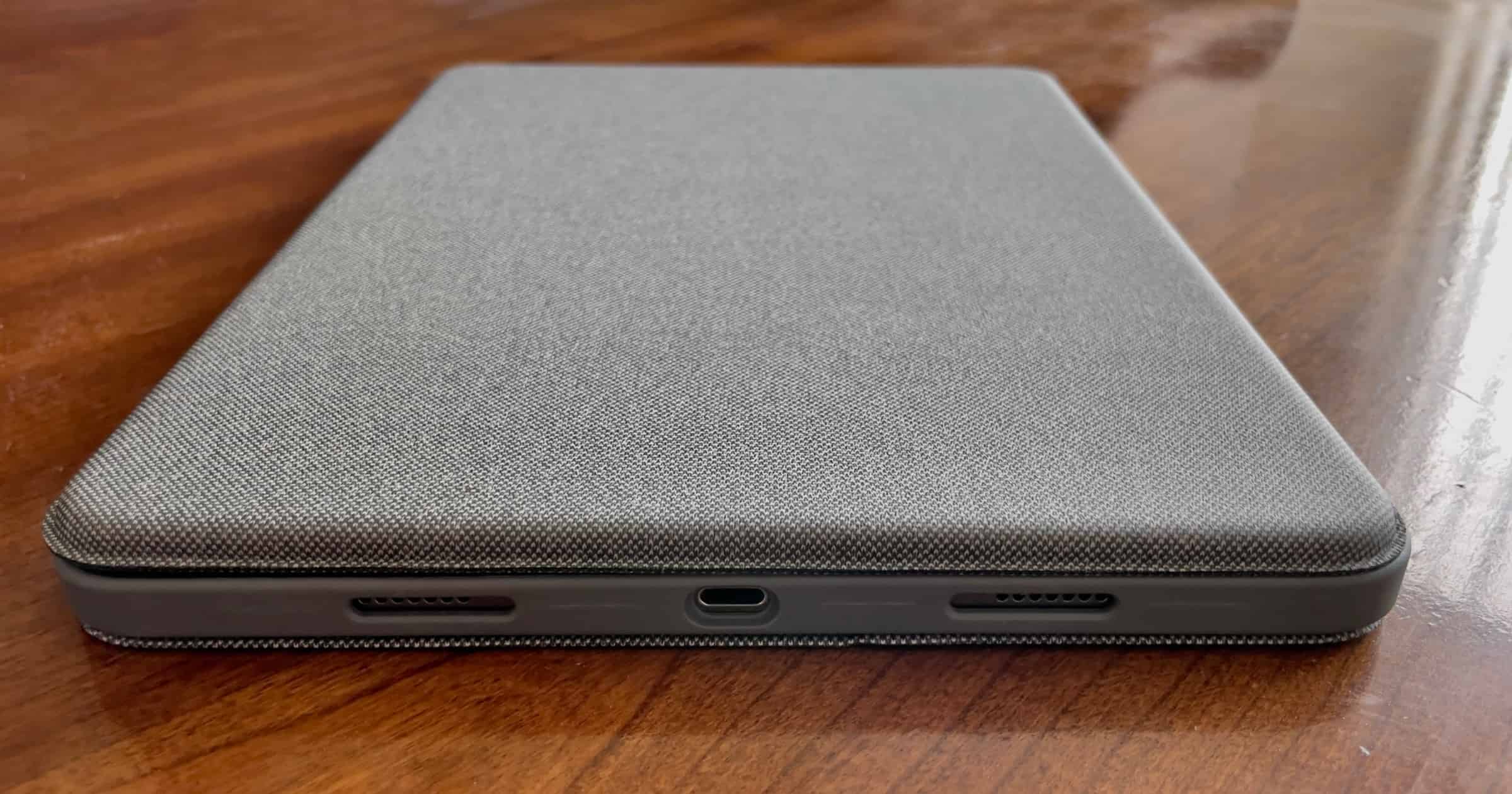
Review: Logitech Combo Touch is a Capable iPad Keyboard
Released in June 2021, Logitech’s Combo Touch an attractive, capable keyboard that includes a trackpad for iPads running iPadOS 13.4 or later.

But do You Really Want a 16-inch iPad?
We’ve had lots of talk recently about the blurring of the lines between tablet and laptop by Apple, and rumors of a 16-inch Pad Pro Max. Over at Wired, Craig Grannell argues that this would confuse the product line and provide little value for users. I’m inclined to agree.
The 16in crowd nonetheless bangs on that bigger is always better and appears to divide into two distinct camps. The first includes designers and artists who – perfectly reasonably – love bigger canvases they can directly interact with. But on talking to such people, you quickly realise their dream isn’t a mere 16in, but something closer to an A3 iPad Pro (as in, a 20in model) – or bigger. They’re driven by the idea of a Wacom Cintiq that would have the elegance and simplicity of, well, an iPad. But expand the iPad’s dimensions by too much and it ceases to be portable, meaning you cannot use it to be creative anywhere you please. It stops being a consumption device, thereby eroding its versatility. And it becomes colossally expensive, making the device far less viable. In short, it would no longer be an iPad in any meaningful sense, being too niche to be broadly useful – to the point hardly anyone would buy one.

iPad Pro and Mini Set For Major Updates
Apple is working on a new iPad Pro with wireless charging and a redesigned Pad mini to be released in 2022 and later in 2021 respectively.

Satechi Launches iPad Pro Stand With Built-In Hub
On Thursday Satechi revealed a new aluminum stand for iPad Pro, and it has built-in ports for accessories like SD cards and others.

Merino Wool Felt and Leather iPad Pro and iPad Air Sleeve: $79.99
We have a deal on the Hampshire iPad Pro (11″) and iPad Air (10.9″) sleeve. This sleeve is made from Merino Wool felt and leather, and it features a pocket and a loop for your Apple Pencil, too. It’s also designed to hold the Magic Keyboard with your iPad, and the front flap closes with a magnetic clasp. It’s $79.99 through our deal.

iPad Through The Ages – TMO Daily Observations 2021-05-25
Bryan Chaffin joins host Kelly Guimont to discuss the history of the iPad, from the early rumors to the newly available M1 version.

New M1 iPad Pro Available to Buy
The new M1 iPad Pro is available to buy in-store and online – the 11-inch model starts at US$799, the 12.9-inch model starts at US$1,099.
Using an M1 iPad Pro for Photography
Photographer Austin Mann recently published a review of the M1 iPad Pro, specifically in how it can be used in photography.
As any photographer knows, one of the most time-consuming parts of the photo creation process is culling through thousands of images, making selects, and editing the images. Thanks to the M1 chip, faster internal storage, and a few other improvements, the new iPad Pro with M1 is the fastest image sorting tool I’ve ever used.
iPad Pro With M1 Chip Available to Order
The latest iPad Pro with an M1 is available to order, with the 11-inch model starting at US$799 and the 12.9-inch model starting at US$1,099.

What New Apple Products Will be Available to Order on April 30, 2021?
The new M1 iMac, M1 iPad Pro, and Apple TV 4K will all become available to order on Friday, April 30, 2021.

The M1 iPad Pro is Not Getting macOS, Says Greg Joswiak
Greg Joswiak and John Ternus spoke to The Independent for a recent interview and they addressed the speculation that the iPad would get macOS.

OWC Has Thunderbolt Products Ready for M1 iPad Pro
Other World Computing has Thunderbolt products ready for the 2021 M1 iPad Pro, which includes a Thunderbolt-capable port as a new feature.

Speck Releases Cases for the 2021 iPad Pro Line
Speck has new cases ready for the 2021 iPad Pro 11-inch | iPad Pro 12.9-inch. These cases are the Balance Folio and Presidio Pro Folio.
There are Three Different Versions of the 2021 5G iPad Pro
If you’re excited to order a new 5G iPad Pro on April 30, you should be aware that there are three different versions.
How the New iPad Pro Really Got an M1 Chip
Apple’s ‘Spring Loaded’ event featured lots of announcements, and lots of videos. The one showing the new iPad Pro got fitted out with a new M1 chip was probably my favourite… wait for the end!

Brydge Introduces MAX+ Keyboard for 12.9-inch iPad Pro
Brydge is releasing a MAX+ wireless keyboard with multi-touch trackpad that works with the 12.9-inch iPad Pro.
Spring Forward Breakdown – TMO Daily Observations 2021-04-20
Bryan Chaffin joins host Kelly Guimont to break down today’s “Spring Forward” announcements including all the new things we did (and didn’t) see.
iPad Pro Gets Liquid Retina XDR Display With M1 Chip
A surprising new update announced at Apple’s spring event involves the iPad Pro with an M1 chip and a Liquid Retina XDR display.

WaterField Releases a 2-in-1 iPad Pro, MacBook Sleeve
WaterField announced on Tuesday a Double-Take Sleeve that can store an iPad Pro with Apple Pencil and a MacBook Pro.
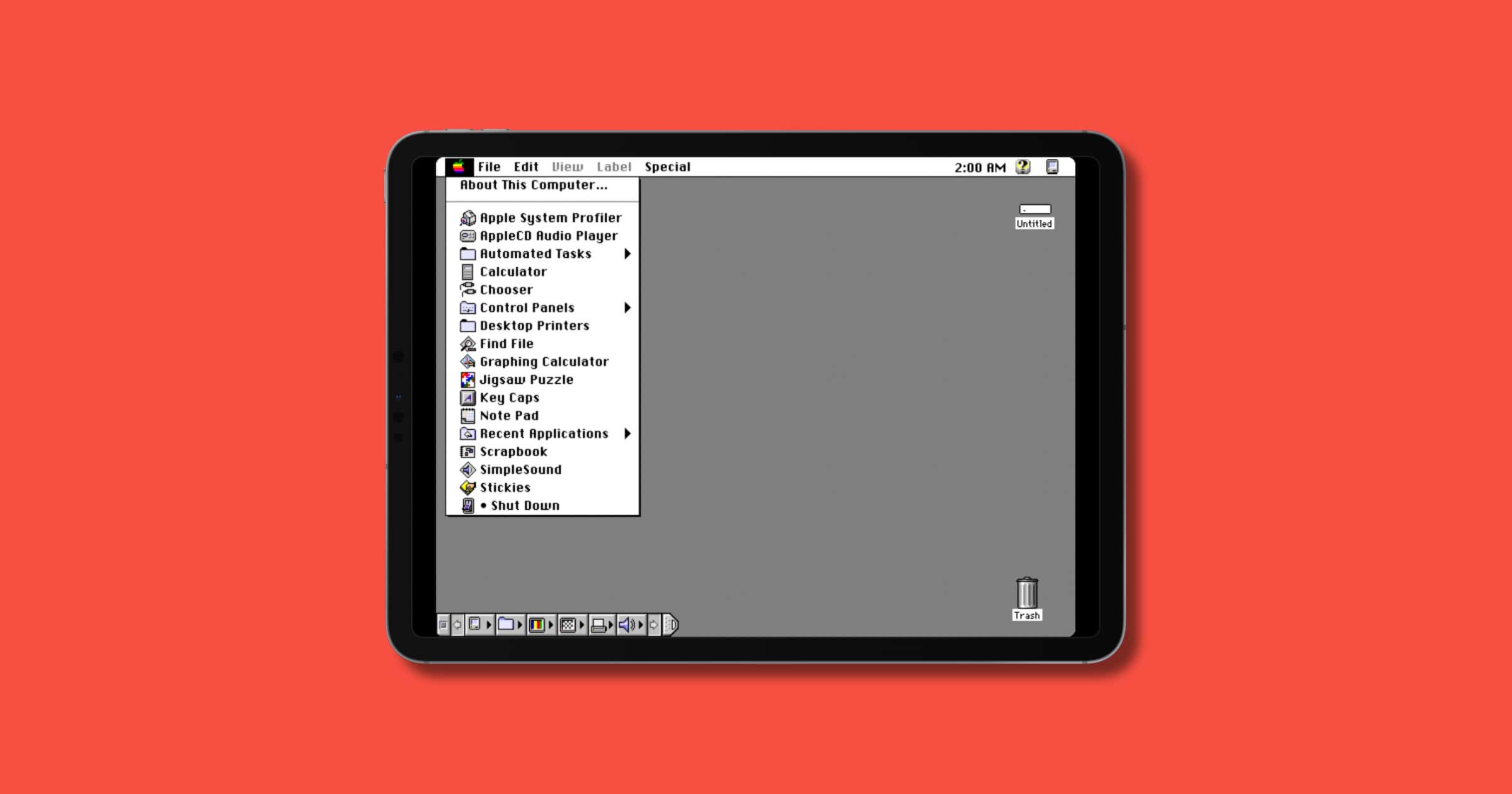
Emulating Mac Plus, Mac II, and Mac 128K on iOS
Ex-Apple Technology Evangelist Matt Sephton tweeted a photo of painting on an iPad Pro in the style of Mac OS 7, otherwise known as System 7. He shared a way to do this via software emulation. A tool on GitHub called Mini vMac lets you emulate Mac Plus, Mac II, and Mac 128K on your iDevice. It requires iOS 9 or later, a ROM image from one of the three systems, and disk images with Mac software.

2021 iPad Pro Could Have an A14X Chip
Code found within the iOS 14.5 beta 5 release hints that the 2021 iPad Pros could have an A14X chip based on the M1 chip for Macs.
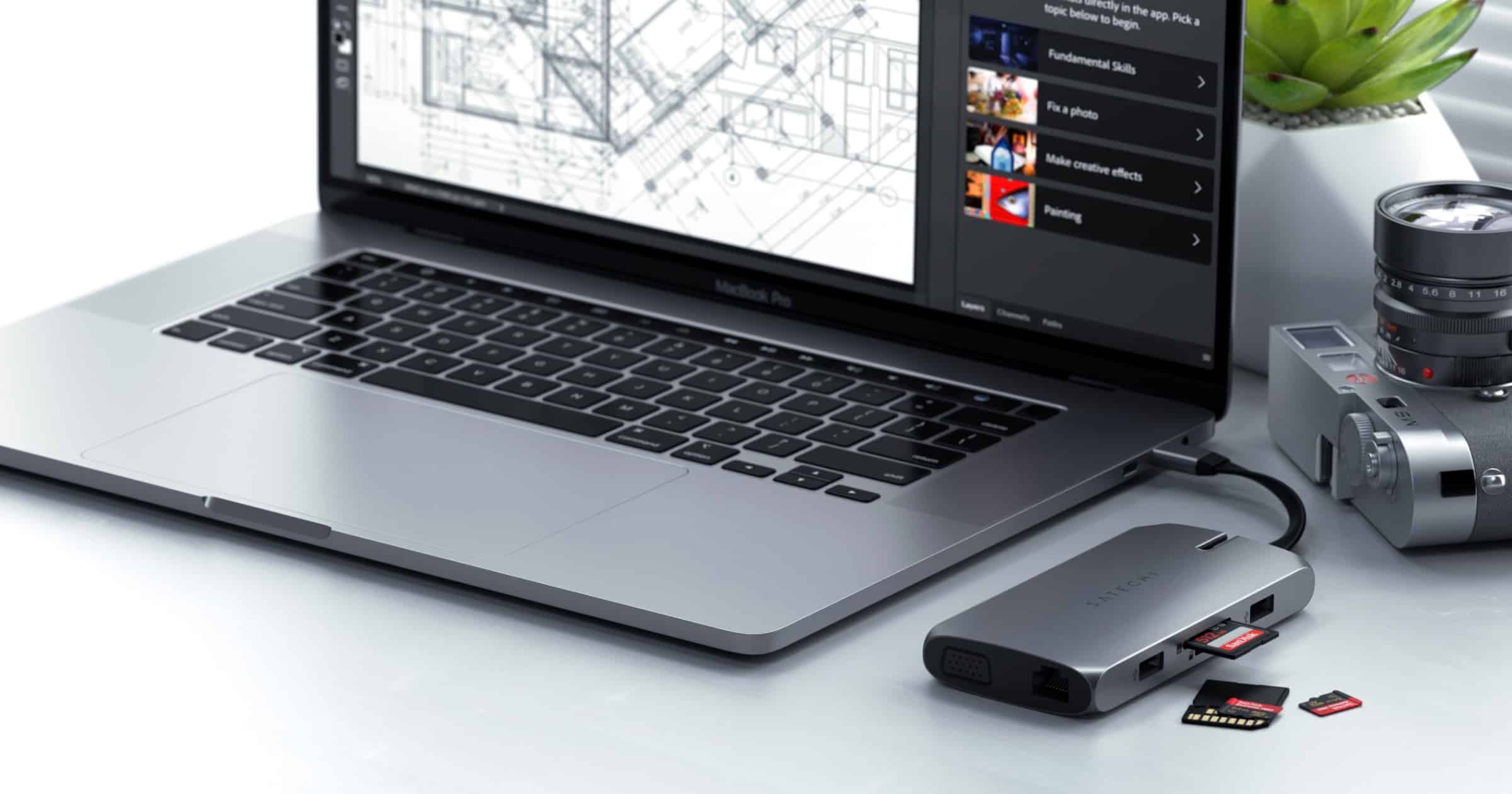
Satechi Releases USB-C Multi-Port Adapter
Satechi announced on Thursday the launch of a USB-C multi-port dock. It has USB-C PD charging, HDMI and VGA display ports, USB-A data ports, SD card slots, and Gigabit Ethernet, with two detachable USB-C cables – perfect for on-the-go or docked at your desk. Compatible devices include: 2020/2019/2018/2017/2016 MacBook Pro, 2020/2018 MacBook Air, 2020/2018 iPad Pro, 2019/2017 iMac, iMac Pro, 2015/2016/2017 MacBook, Microsoft Surface Laptop 3/Surface Pro 7/Go, Google PixelBook Go, ChromeBook, Samsung Galaxy Tab Pro S, HP Spectre Convertible, Razer Blade, Huawei Matebook and more USB-C devices. It costs US$99.99 but with the code MULTIPORT20 you can get 20% off. Valid until March 15.