Apple regularly shares security guides for each of its systems, and today it shared its 2021 Platform Security guide for all of its systems.
iPhone
iPhone-related tips and news for everyone interested in Apple’s iPhone or looking to make your iPhone experience even better.
‘Clean Text’ From ApiMac is the Closest Tool to TextEdit for iOS
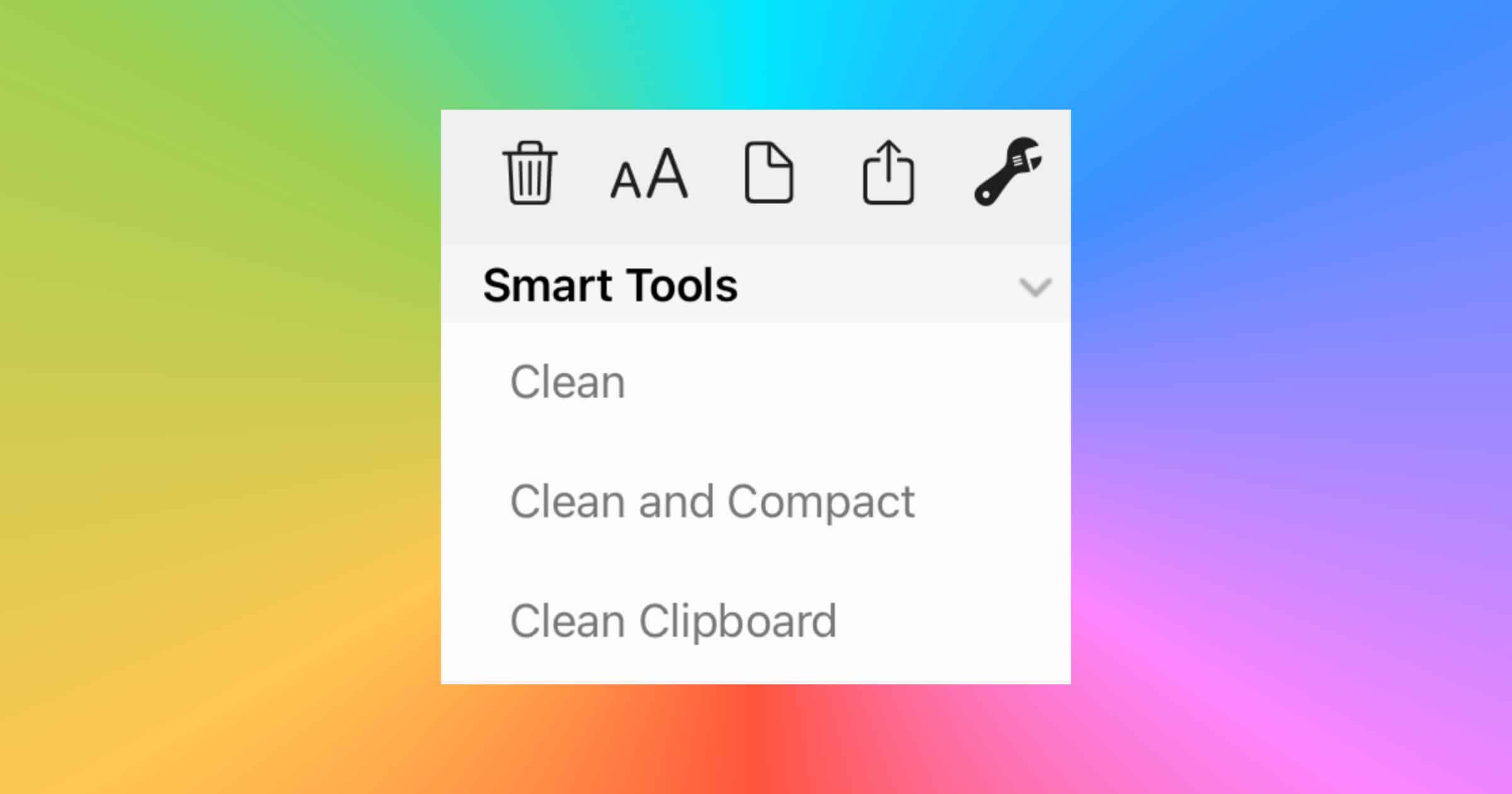
I believe Clean Text is the purest expression of plain text editing for iPhones and iPads, like TextEdit on Mac. I’ve been gradually transitioning my notes into plain text. I still use Apple Notes for its rich text and support for images. But plain text is a great backup solution. Clean Text doesn’t try to force you into its own note-taking paradigm; in fact it’s not a traditional note-taking app at all. Unlike other note-takers I’ve used, Clean Text, as the name suggests, cleans your text. It has tools to fix line breaks, join paragraphs, remove empty lines, replace tabs with spaces, and lots more. When you’re done you can copy the text to another app or export it to Files. One note at a time without a subscription or in-app purchase. One up front purchase of US$0.99. I created a shortcut that copies text from the input (share a plain text file to it) and opens Clean Text where you can paste it. Good for quickly editing a text file from Files.
Bay Area Transit Card Coming Soon to iPhone Wallet
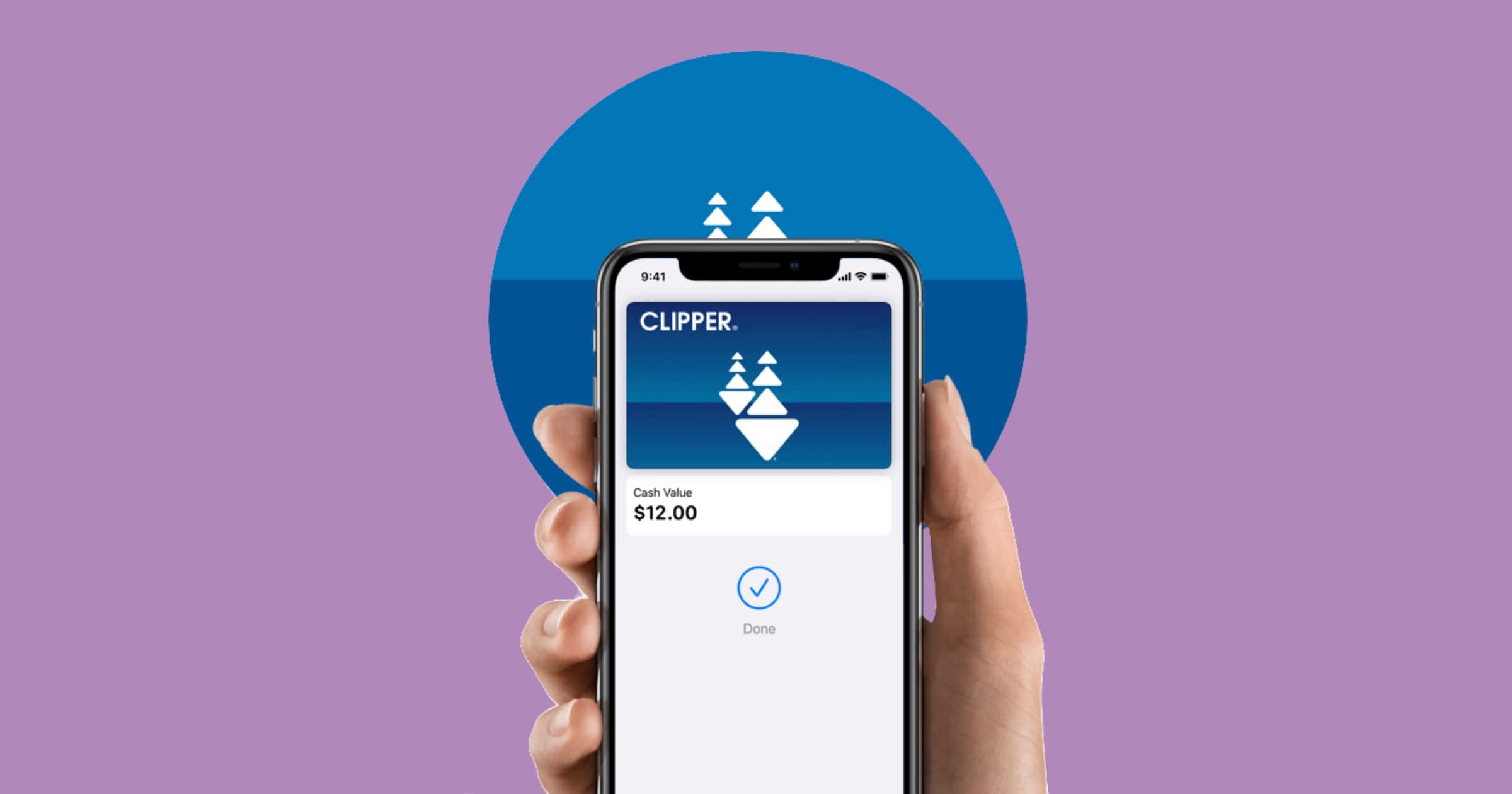
Apple announced on Thursday that the Clipper card used for San Francisco Bay Area transit agencies is coming soon to the Wallet app on iPhone.
iPhone 12 Pro Max Ranks as Most Popular 5G Smartphone
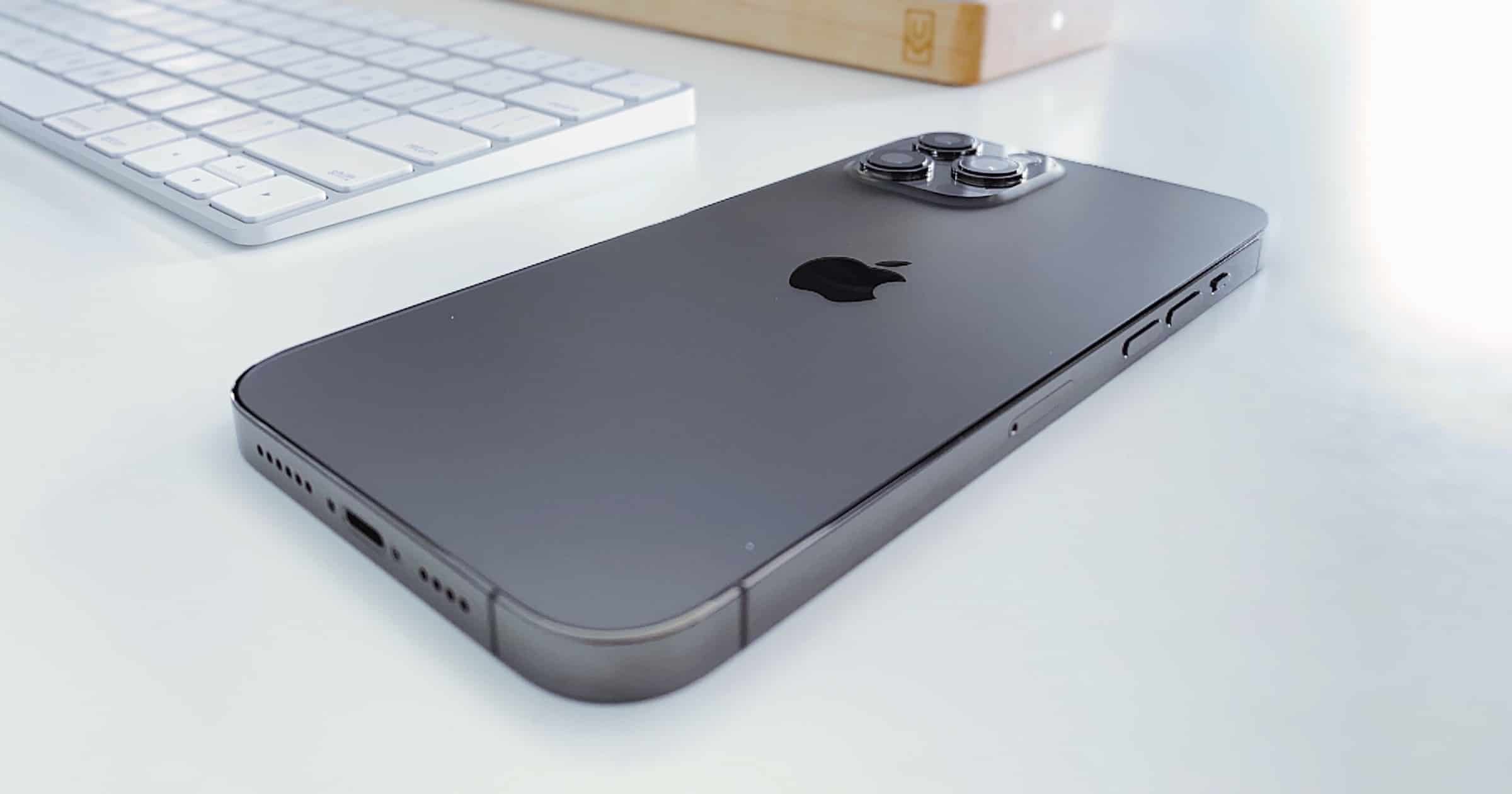
Speedtest by Ookla and research firm M Science found that the iPhone 12 Pro Max ranks as the most popular 5G smartphone in 49 out of 50 U.S. states.
Apple Wins a Patent for Displays with Multiple Refresh Rates
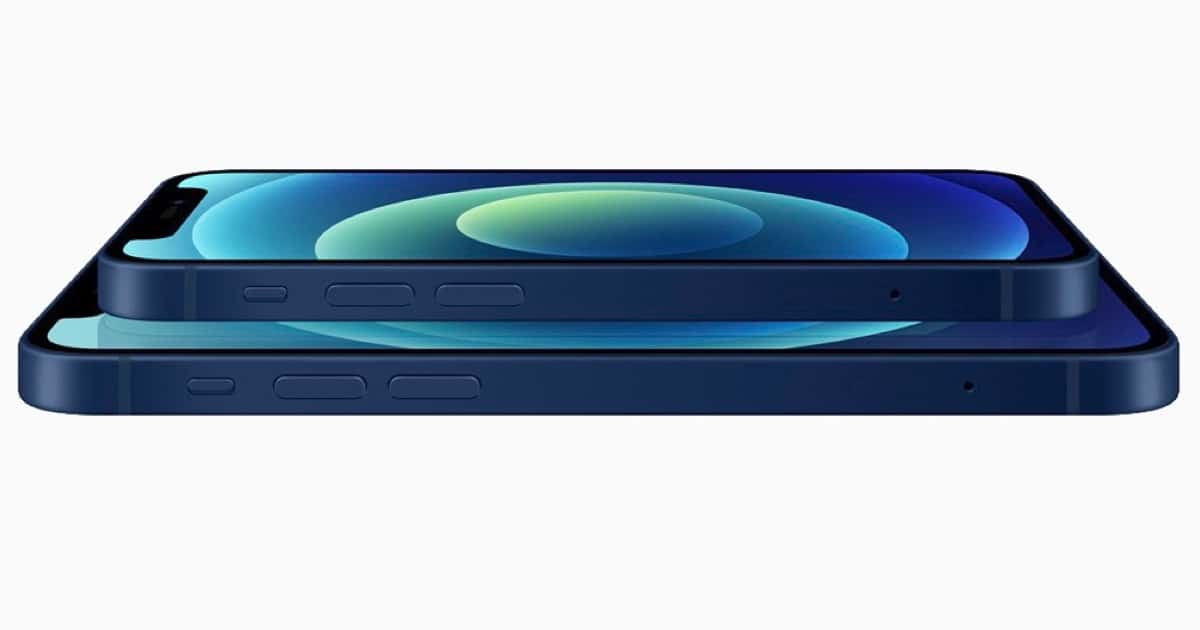
The U.S. Patent and Trademark Office has granted Apple a patent for displays with multiple refresh rate modes. It was spotted by Patently Apple.
Apple notes that displays may be operable at a native refresh rate that is equal to the highest refresh rate at which the display has full resolution. When operating at the native refresh rate, each row of pixels may be scanned sequentially. Displays may also be operable in a high refresh rate mode with a high refresh rate. In the high refresh rate mode, the display may operate at a refresh rate that is twice the native refresh rate, three times the native refresh rate, or four times the native refresh rate (as examples). The native refresh rate may be 120 Hz and the high refresh rate may be 240 Hz, as one example. The native refresh rate may be 60 Hz and the high refresh rate may be 120 Hz, 180 Hz, or 240 Hz, as another example.

Our Favorite Features Coming to iOS 14.5
The Mac Observer has a couple of people running the iOS 14.5 beta, and here are some of our favorite features.

How to Take Great Flower Photos With iPhone 12 Pro
Apple shared an article on how to take great flower photos for people with an iPhone 12 Pro | Pro Max, with Nathan Underwood of Tulipina.

The World of Apple Leaks and Measuring Apple's Success, with Ken Ray - ACM 543
Bryan Chaffin and Mac OS Ken (Ken Ray) discuss the really weird world of Apple leaks and rumors, including how to navigate them and how they try to cover them as journalists. They also talk about how to measure Apple’s success, or more specifically, how a lot of folks outside the Apple world seem to measure Apple’s success.
Mophie Releases Wireless Charging Stand+ With Soft Fabric
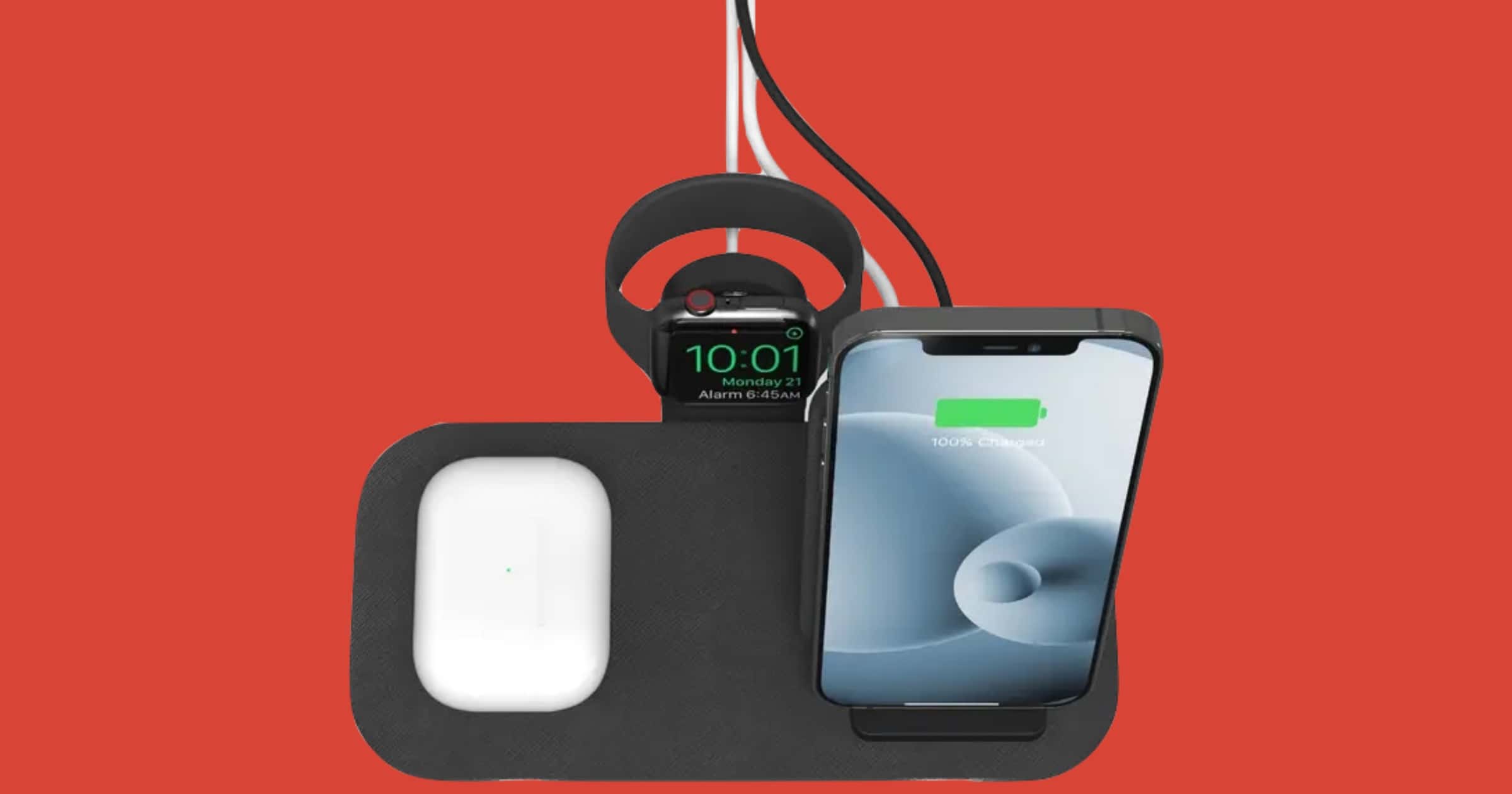
This week mophie released a new product called wireless charging stand+. It lets you charge three device at once.
Google Play Store to Allow Licensed Gambling Apps Providing Android a Competitive Advantage
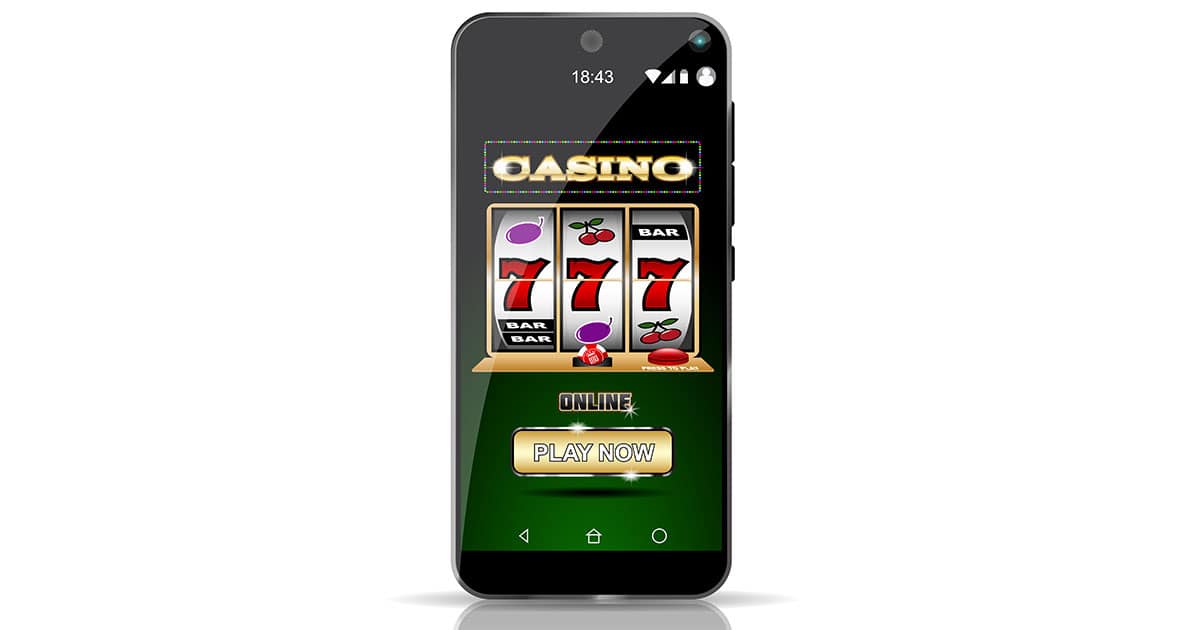
Google announced it will allow Android gambling apps on its Google Play store, and Bryan Chaffin says it might be a differentiating factor from Apple’s iOS and iPadOS platforms.
New Research Underlines iPhone's Strong Market Position
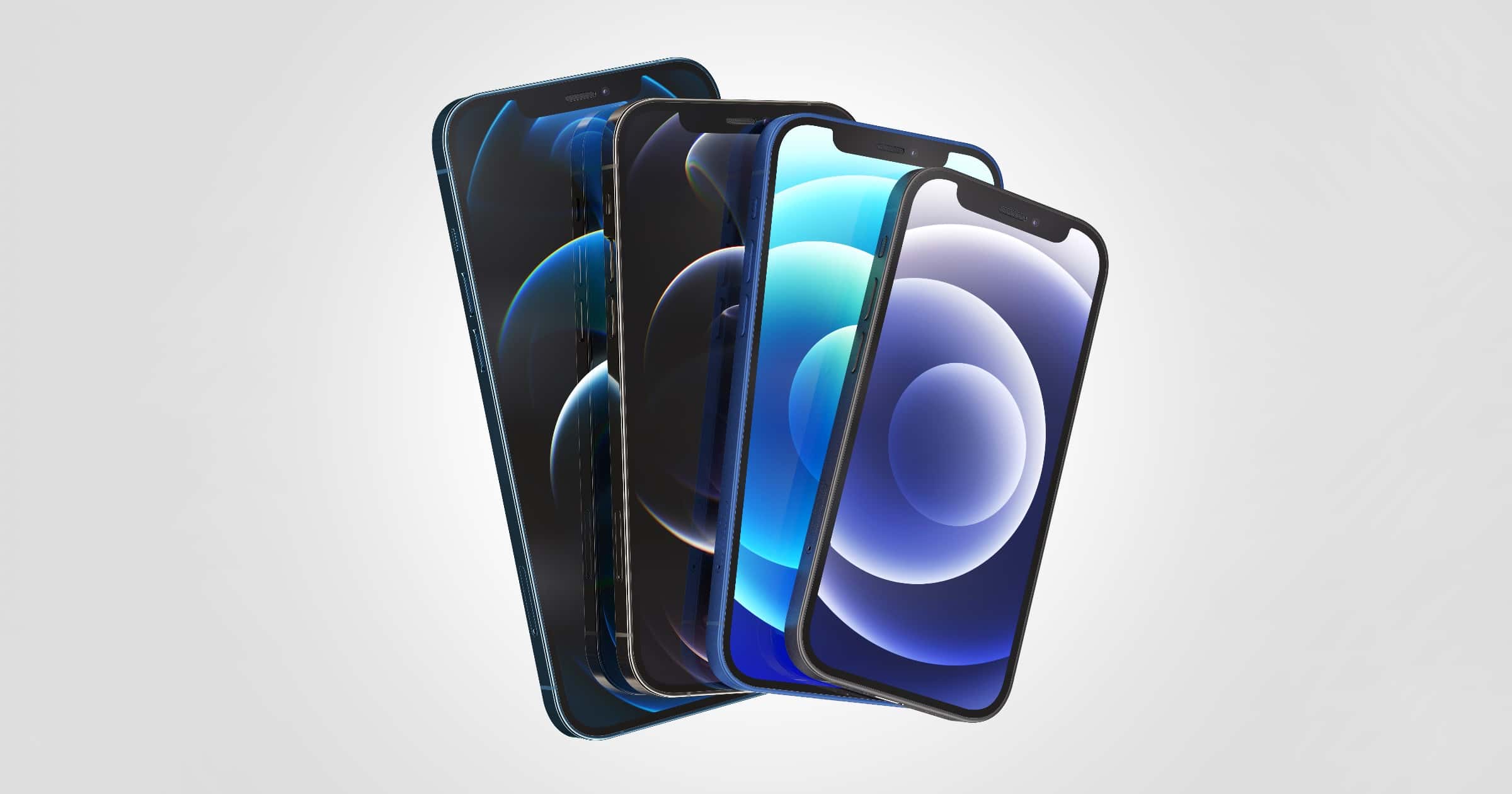
Research released around Apple’s latest results highlighted just how strong a position the firm holds in the smartphone market.

Developers Receive iOS 14.4 Final Beta Candidate
On Thursday Apple has released the final beta of iOS/iPadOS 14.4. It’s likely users will see the officially 14.4 release on Tuesday.
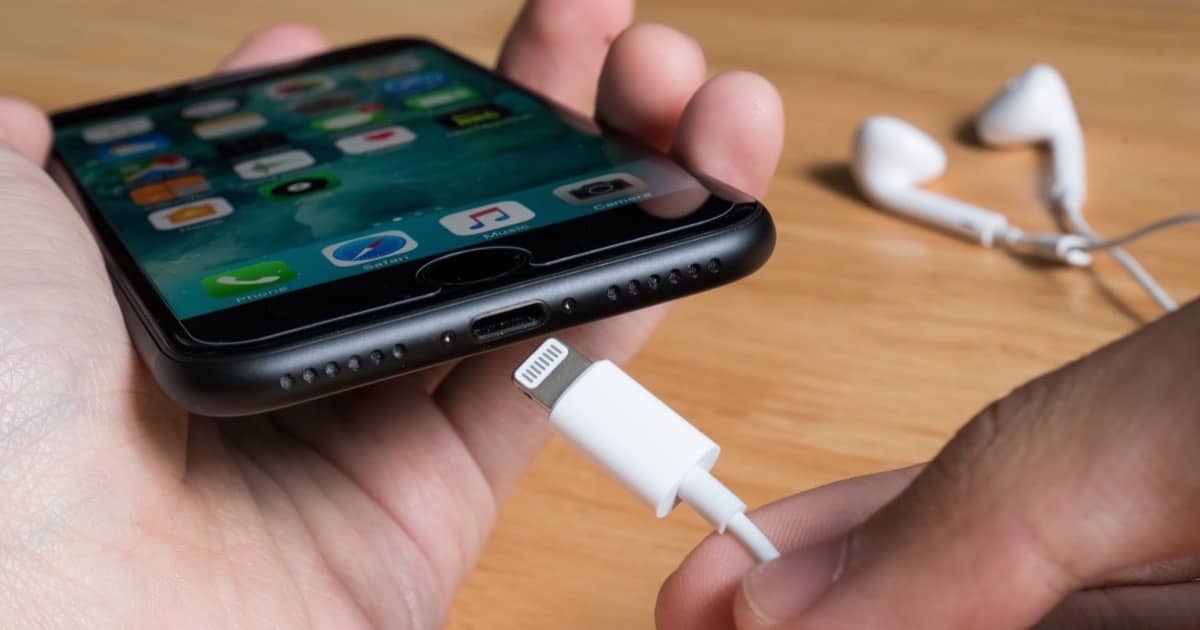
Save us From a Portless iPhone
Rumors are swirling that future iPhones may not have any ports. Ed Hardy at Cult of Mac explains why a portless iPhone would be a horrible idea.
First off, there’s iPhone recovery. If something goes seriously wrong with your iOS handset, the cure is to hook it to a Mac or PC and use recovery mode. The need for this is rare, but occasionally crops up when operating system updates go horribly wrong. Without a Lightning port, this is impossible. The only option would be to send the iPhone to Apple or an authorized repair tech. A minor hassle suddenly becomes a major one. Next, even assuming the future portless iPhone comes with MagSafe, wireless charging will still be slower than wired. And the handset itself will cost more to make because Apple will (probably) put a MagSafe charger in the box. And they’ll cost users extra because most people will want to buy extras to have additional chargers at work, in the car, etc. Plus, you can say goodbye to some great accessories…

Apple Shares Photos From ‘Shot on iPhone 12’ Campaign
Apple has shared photos shot on iPhone 12 from people around the world, showcasing what these powerful cameras can do.
iOS Encryption Isn’t as Secure as it Could be, Researchers Discover
Security researchers at John Hopkins University studied the security measures of Android and iOS, specifically encryption.

Maktar Releases Qubii Pro iPhone Backup and Memory Solution
Qubii Pro is an iPhone or Android device backup and memory solution, with the Pro version adding security features and greater control over your data through the Qubii app.

UV Light Sterilizer with Built-in Portable Battery: $59.99
We have a deal on the KeySmart CleanTray ToGo rechargeable UV light sterilizer. This device will sterilize your iPhone and other small items, and it features built-in wireless charging, too. You charge the sterilizer through USB-C, and it fits smartphones up to 7-inches. It’s $59.99 through our deal.

iOS 14.4, iPadOS 14.4 Developer Beta 2 Ready to Download
Apple has released the second developer betas of iOS 14.4 and iPadOS 14.4. It includes a new interaction with iPhone and HomePod mini.
New Values-Focused Videos Appear on Apple UK YouTube
Three new videos appeared on the Apple UK YouTube channel that all related to the iPhone and highlighted the company’s values.

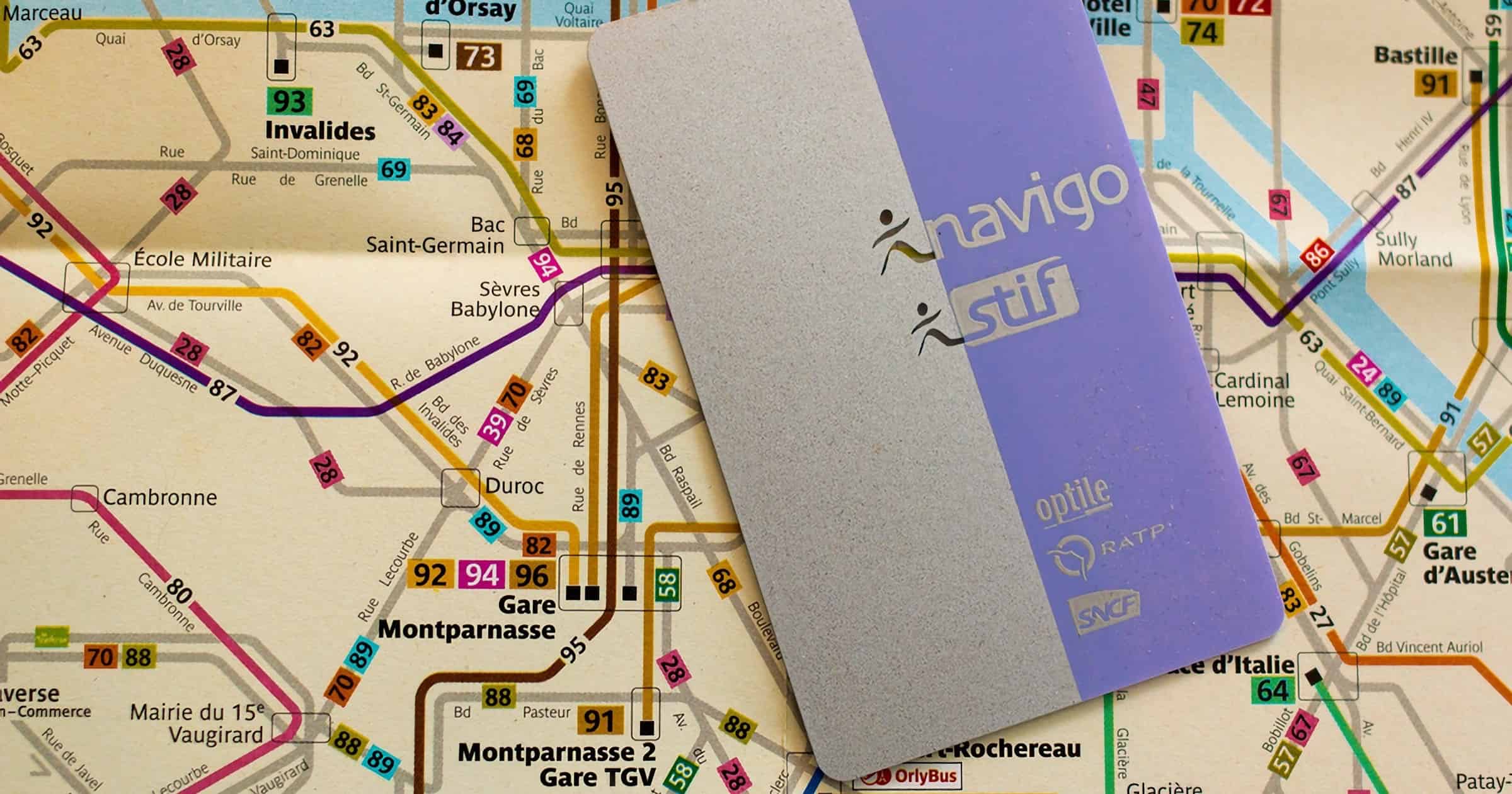
France’s Navigo Card Arrives on iPhone in February
Residents in the Île-de-France region will be able to add their Navigo pass on their iPhone in February and use them at train access terminals.
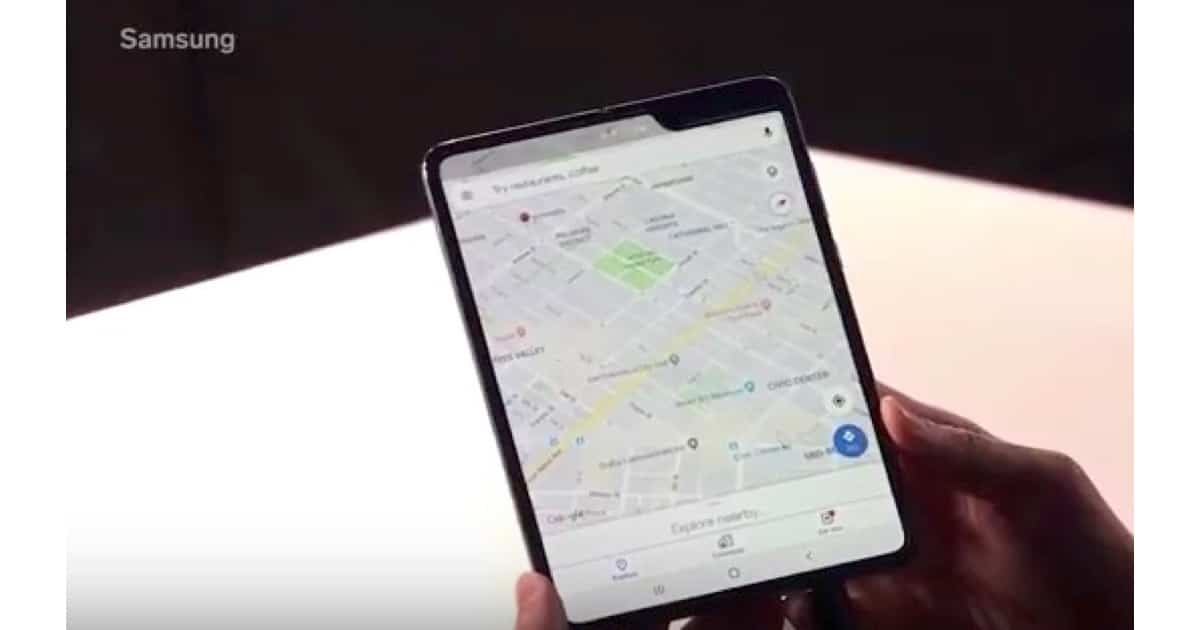
Foldable iPhones Could be on The Way
Designs for two foldable iPhones have passed durability tests, according to reports picked up by TechRadar. Apple has also been granted a patent for hinge-mechanism.
As per United Daily News, these prototypes are just phone shells, which we’re assuming include the casings and the displays but not the various internal components. They’ve reportedly been tested out in China, at a factory run by Apple’s regular supplier Foxconn. One prototype is said to use a clamshell form factor, like the Samsung Galaxy Z Flip or the Motorola Razr. When opened up, the phone has one single and unbroken display, and then the top half folds down over the bottom half. Meanwhile, a new patent filing has been published, showing the hinge mechanism that Apple might be using on one of its foldable iPhone designs. It would actually enable the phone to fold both ways, inwards (like the Galaxy Z Fold 2) and outwards (like the Huawei Mate Xs).
This iOS Shortcut Gives You Permanent Low Power Mode
iOS has a feature called Low Power Mode you can turn on to conserve your battery life. It automatically turns off once your battery capacity reaches 80% but you can keep it on with a shortcut. Or rather, an automation. It’s simple to do because it only uses one action. This is especially helpful for older iPhones whose battery life has shortened.
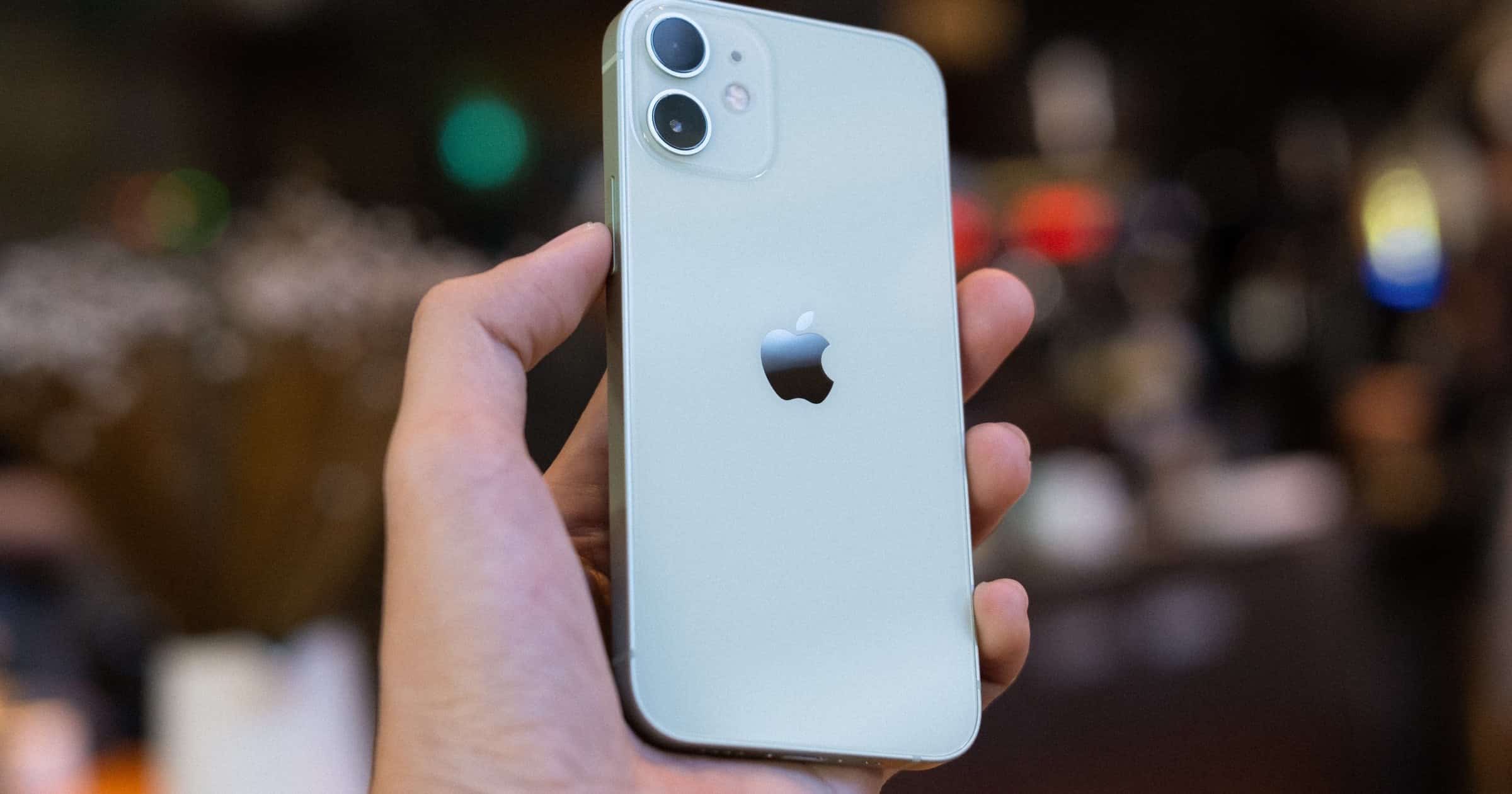
Gazelle’s Smartphone Trade-In Program Shuts Down in 2021
Gazelle emailed its customers on Wednesday saying that it plans to cancel its smartphone trade-in program on February 1, 2021.