
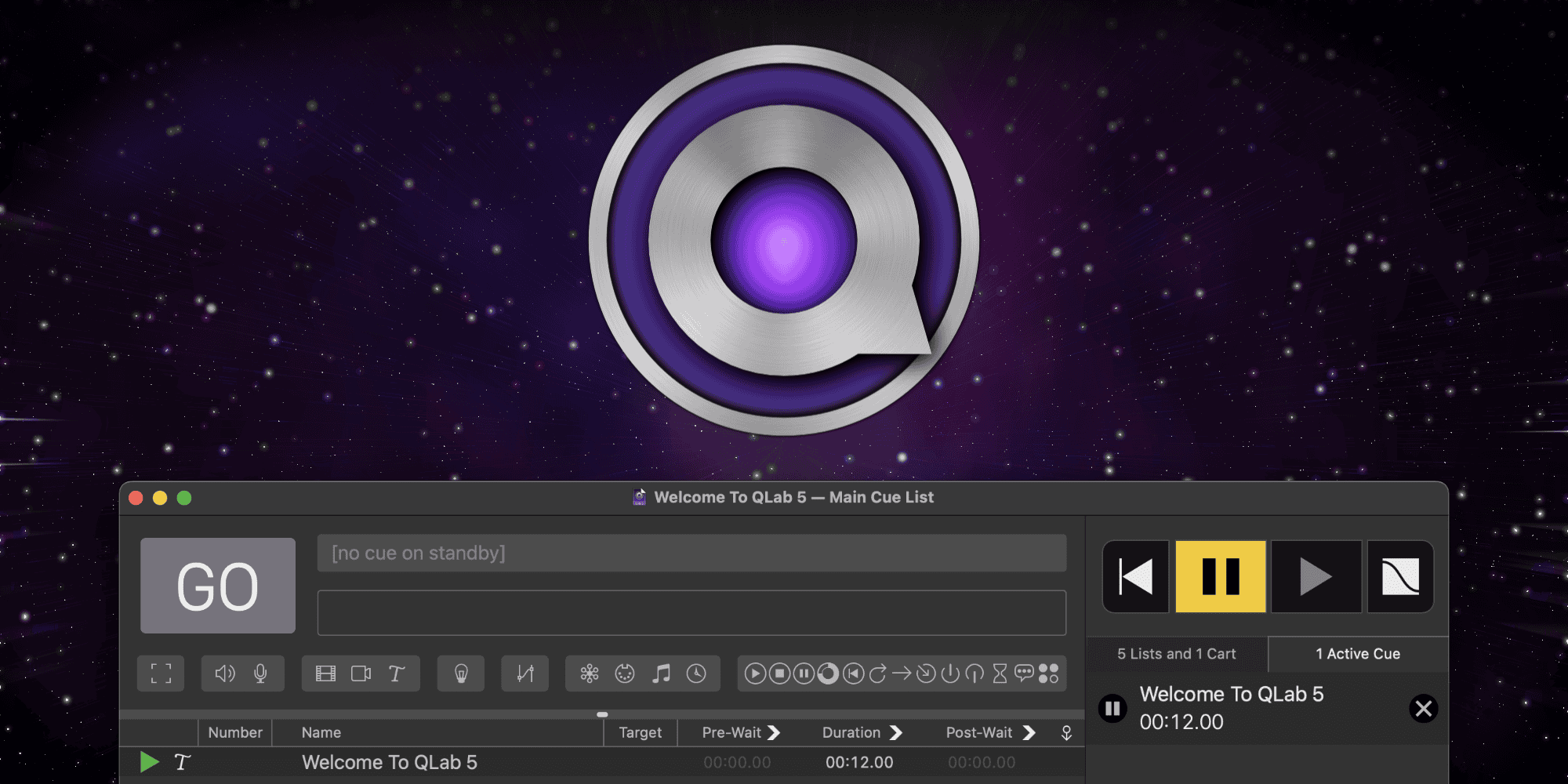
If you’ve ever been to a theater performance, live concert, or art installation that ran like clockwork—perfect lights, sound cues hitting every beat—there’s a good chance QLab was behind it. QLab Pro for Mac isn’t just another piece of audio or video software; it’s the backbone of how professionals automate and execute complex live productions. Built exclusively for macOS, it turns your computer into a reliable show controller that can run sound, video, lighting, and MIDI cues all in perfect sync.
What Makes QLab Pro Special
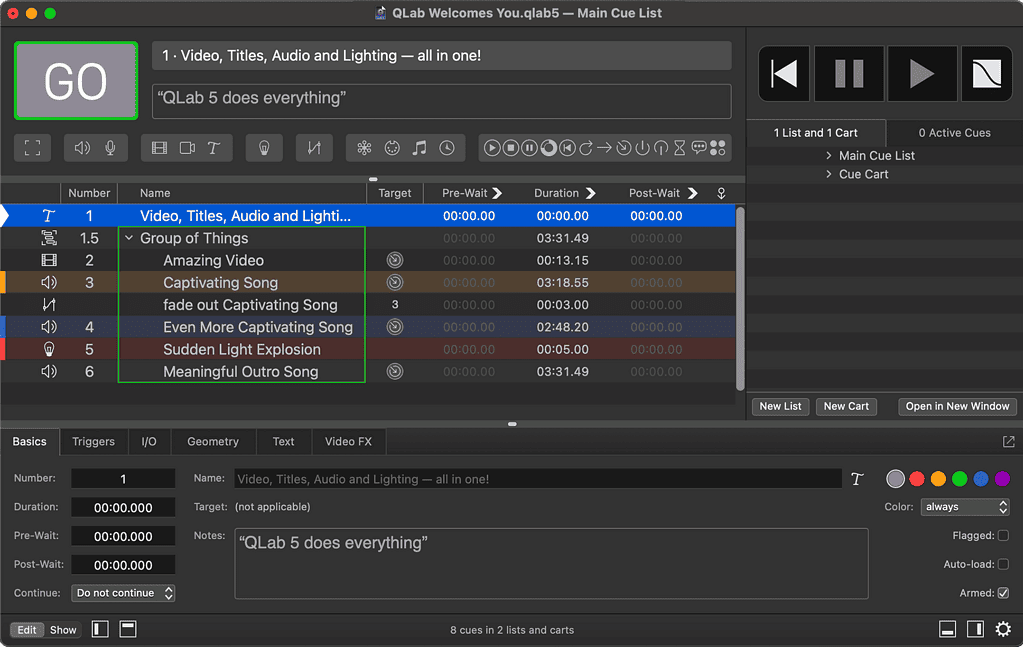
Here’s the thing: QLab doesn’t try to be flashy. It’s designed to do one thing exceptionally well—trigger and manage cues with absolute precision. Each cue can be an audio file, a lighting command, a video playback, or even a script that controls other systems. You can link, loop, fade, or stack cues in any order you want. That flexibility is what makes it a favorite among sound designers, stage managers, and event technicians around the world.
The Pro version unlocks advanced capabilities that go far beyond the free tier. You get multi-screen video outputs for projection mapping, advanced audio routing through multiple output channels, and full control of lighting setups via Art-Net and DMX. Basically, if your show involves multiple moving parts, QLab Pro lets you choreograph them down to the millisecond.
Don’t miss the best of The Mac Observer
Set us as a preferred source and our Apple reporting ranks higher in your Google Search results and Discover feed — one tap, no account changes.
Ease of Use Meets Professional Power
Don’t let its professional pedigree intimidate you. One of the best things about QLab Pro is how logical it feels. The interface is clean, visual, and built for people who need to think in cues rather than code. You can drag and drop files, preview everything instantly, and make live adjustments during tech runs without breaking your workflow.
And because it’s built natively for macOS, it’s incredibly stable. You don’t have to worry about system conflicts or clunky drivers getting in the way. Shows depend on reliability, and QLab has built its reputation on that trust.
Why It’s Worth It
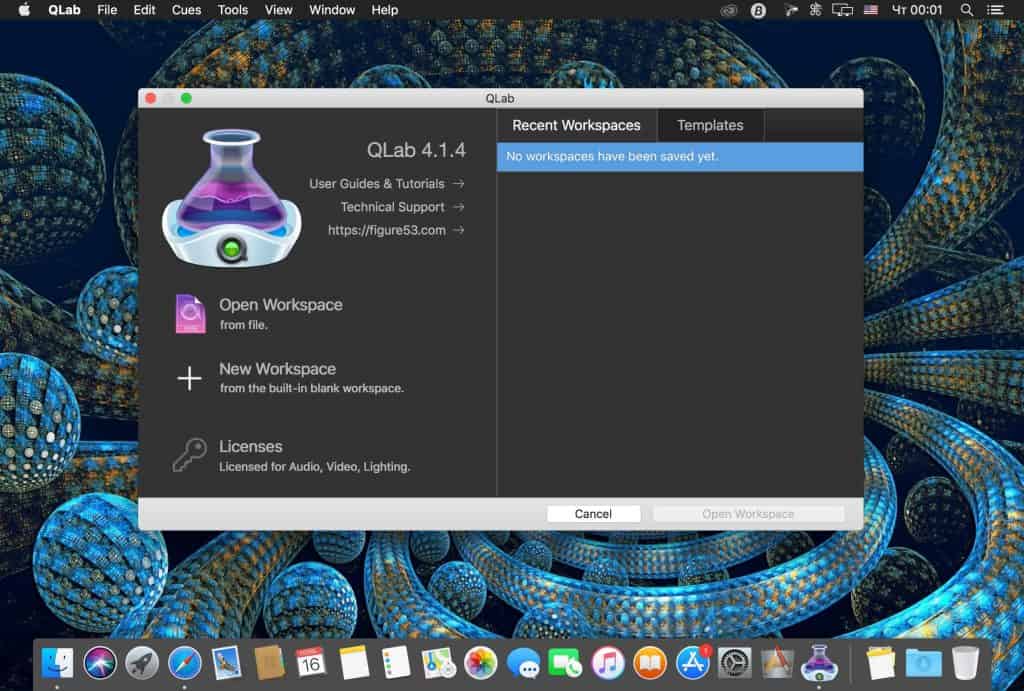
If you work in theater, live performance, broadcast, or any kind of multimedia production, QLab Pro is worth every penny. It scales beautifully—from a single laptop running sound effects to massive productions coordinating hundreds of cues. It’s software that disappears into the background and lets your creativity take the spotlight.




Discussion