
This guide will show you how to connect your Apple Watch to Planet Fitness and other treadmills, as well as other cardio workout equipment.
Tips
Move to iOS Not Working? Diagnostics and Solutions
Move to iOS is a handy app to help users make the switch from Android to iPhone. If you’re having issues, however, here are some solutions.

How to Put AirPods Max in Pairing Mode
Wondering how to put AirPods Max in pairing mode? Here are all the ways you can pair your earbuds to Apple and non-Apple devices.

How to Install and Use Oh My Zsh on Mac
Wondering how to install and use Oh My Zsh on Mac? You’ve come to the right place as we’ll show you everything there is to know.
How to Earn the International Women's Day Activity Challenge Badge
On March 8, Apple will be holding another Activity Challenge. Learn how to earn the International Women’s Day Activity Challenge Badge here.
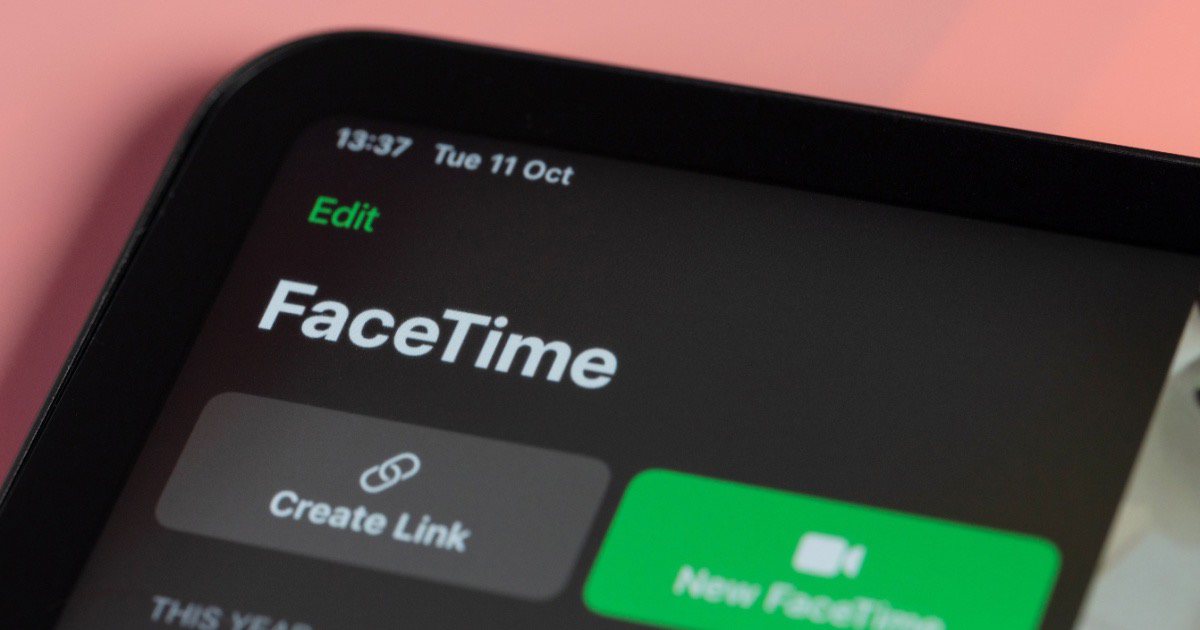
How to Fix FaceTime Video Not Working on iPhone
If you’re having issues with FaceTime video not working on your iPhone, users should know there’s a couple of solutions they can try.
How to Fix Error Occurred Preparing macOS Sierra Installation
Follow these troubleshooting tips to fix the message saying that “an error occurred while preparing the installation macOS” Sierra or later.
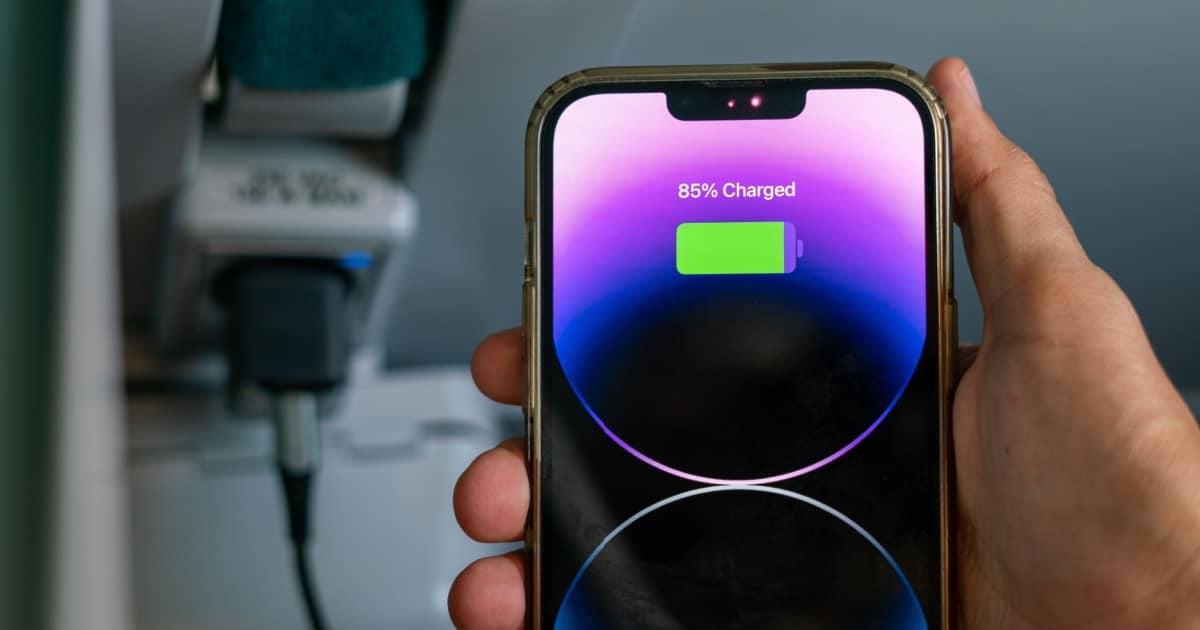
How to Turn Off Clean Energy Charging on an iPhone
I’m taking a look at Clean Energy Charging for your iPhone: what it is, how to turn it on or off and some additional battery tips.
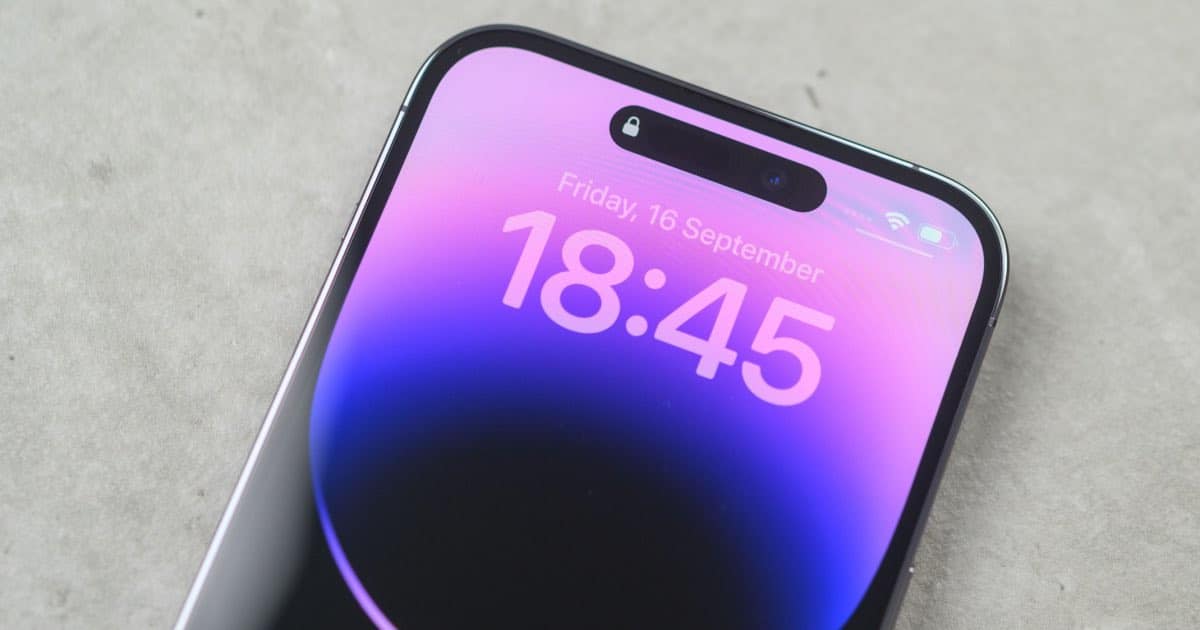
How to Use Live Wallpapers with iOS 16
Users should know that iOS 16 bring some really cool changes to iPhone, including new Live Wallpapers: here’s how to access them.
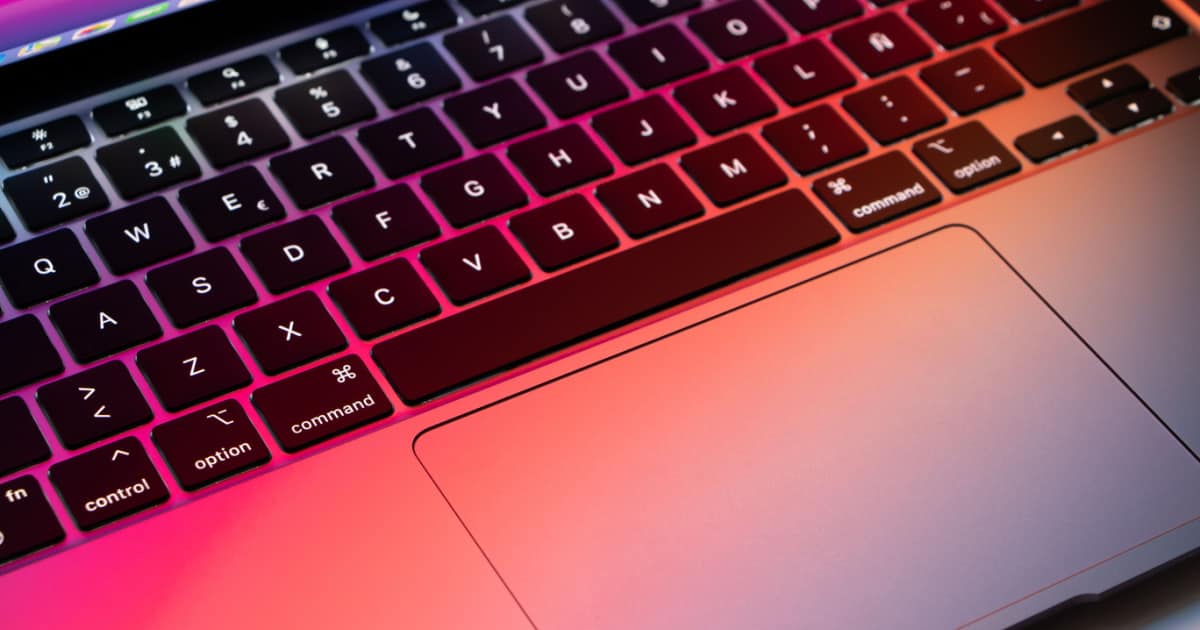
How to Fix Spacebar Not Working on Your Mac
Knowing how to fix issues with the spacebar not working on your Mac are invaluable when it happens to you. Arnold Zafra suggests some fixes.
AirPods Not Showing Up on Bluetooth: Reset & Connect
AirPods not showing up on Bluetooth? Follow these steps to get them working again so you can enjoy your tunes.
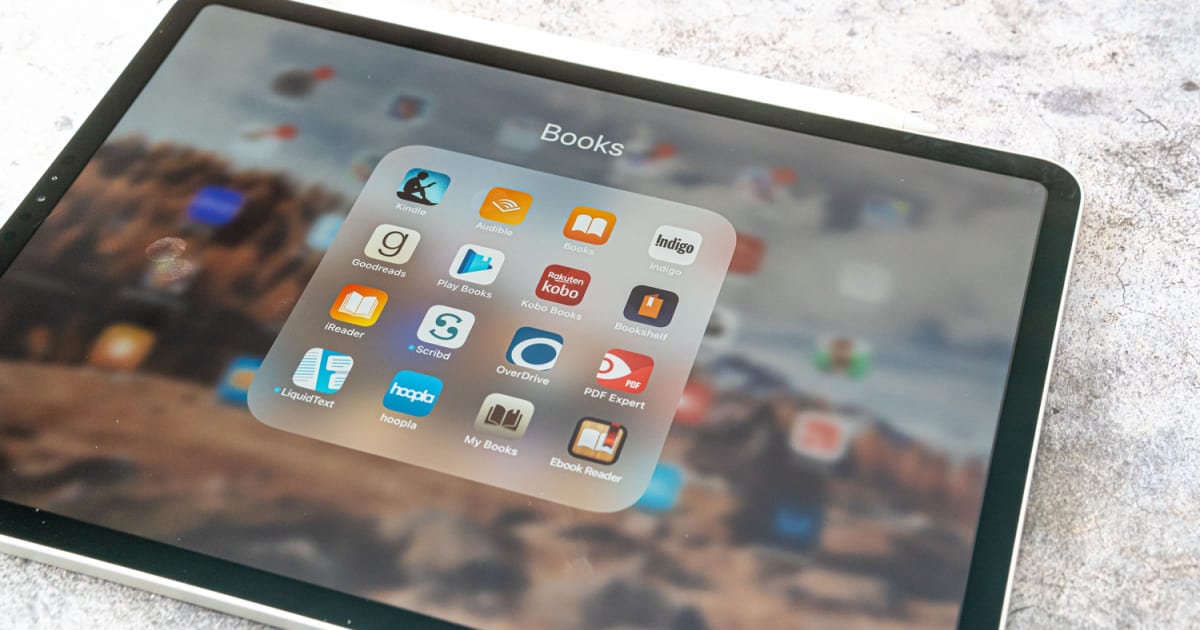
How to Edit PDFs on iPad Using the Files App
When Apple rolled out the Files app, it came with a useful feature for editing PDFs. Learn how to edit PDFs on iPad in this quick guide.
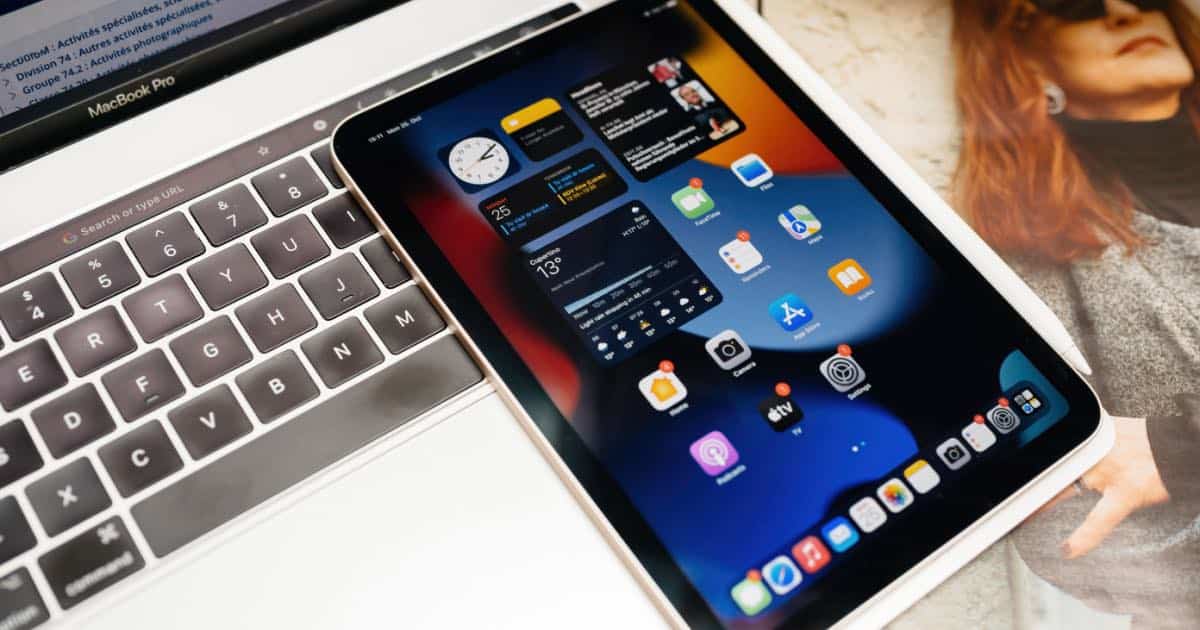
How to Shut Down an iPad When the Screen is Frozen
A frozen iPad is sure to give anyone the chills: here’s how to shut it down and potentially look for a few solutions.

How to Speed Up iPad to Make It Perform as Good as New
If you feel like your iPad is not performing as you expected, try these troubleshooting tips to speed up your iPad.

How to Turn On and Connect AirPods Without the Case
Wondering how to turn on AirPods without the case? You can do this only if you have previously paired them to your Apple or non-Apple device.

How to Trim a Video in iMovie on Mac, iPhone and iPad
Wondering how to trim a video in iMovie? It’s so easy you won’t believe it. All you have to do is play with the clip’s edges.
How to Mirror an iPhone to TV without Apple TV
For those that want to mirror their iPhone to their TV, but don’t want to purchase an Apple TV, I have a couple of methods available.
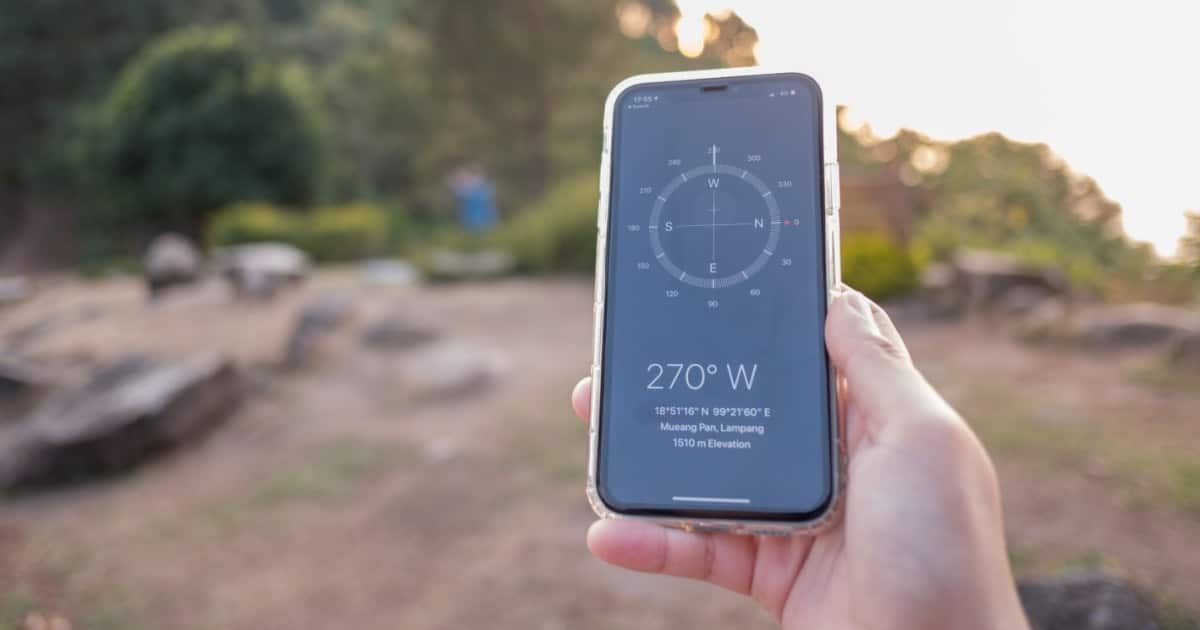
iPhone Compass Not Working? Solutions and Fixes
For those that like to explore, you may want some ideas if your the Compass on your iPhone is not working: here’s some solutions.

How to Unsplit Your Screen on iPad
While many iPad users may enjoy the new Multitasking features introduced in iOS, some also don’t: here’s how to unsplit your screen on iPad.
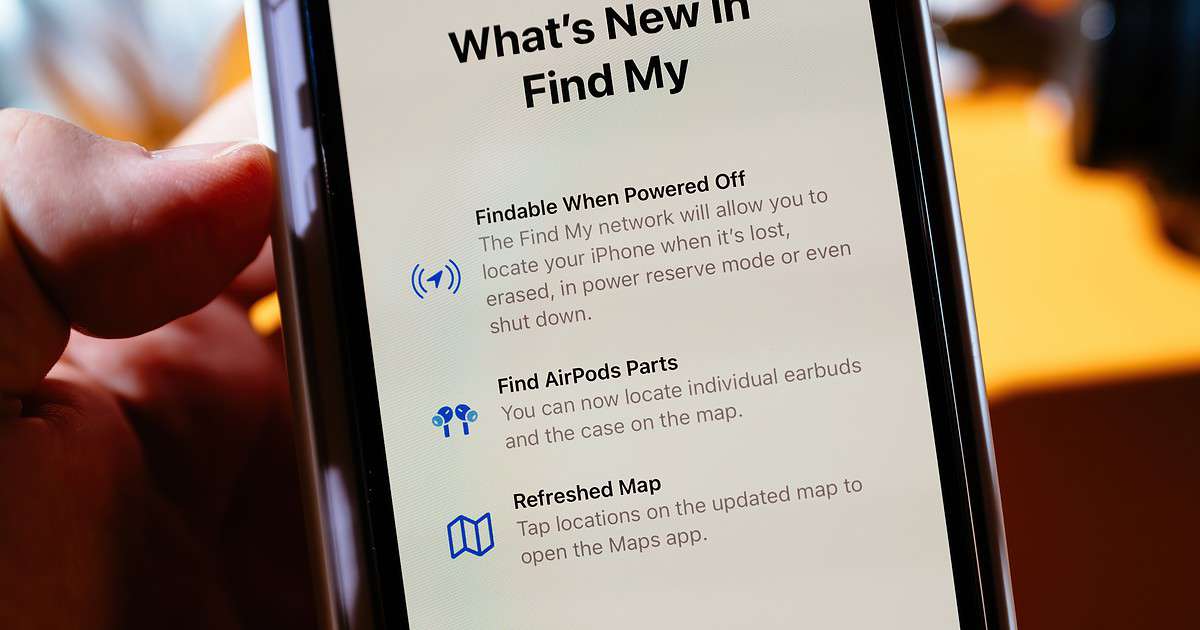
How to Mark AirPods as Lost To Get Notified When Someone Uses Them Again
If you lose your AirPods, it would be useful to know how to mark them as lost so that you will be alerted when somebody uses them.
How to Convert iMovie to MP4 on Mac/iPhone/iPad
Wondering how to convert an iMovie project to MP4? You can do this in iMovie itself, but there are a few tricks to learn to make it happen.

How to Skip Songs on AirPods Pro (1st & 2nd Generation)
Find out how to skip songs on AirPods Pro while listening to music on your iPhone, iPad, or Mac, plus how to use Siri with AirPods.
How to Use Your iPad as a Second Monitor for Mac or Windows
Wondering how to use your iPad as a second monitor? By using Sidecar or a third-party app, you can connect your iPad to your Mac and Windows.

How to Turn On 5G Standalone Mode In iOS 16.4 and Enable Its Advantages
If you’re a T-Mobile subscriber in the U.S., a new option in iOS 16.4 may allow you to turn on the faster 5G Standalone mode.