
For those that like moments of privacy in their lives, I’m going to show you how to turn the ringer off on your iPad.
Tips
How to Change the Aspect Ratio in iMovie, Tailoring Your Video for Social Media
Changing aspect ratios in iMovie can be a little tricky but it can be done. Learn how to accomplish this in iMovie from this guide.
How to Unlock Your iPad Without Its Password
Learn how to unlock iPad without password by using Windows PC and iTunes, the Find My app, and third-party software.
How to Change Your iPad Password
I’m taking a look at the various options users have when it comes to a password on an iPad, including how to change it.
How to Keep an iPad from Sleeping
For those that want to ensure that their iPad is always awake, there is a method for preventing it from sleeping: here’s how.

How to Adjust Siri's Volume on iPhone and iPad
Wondering how to adjust Siri’s volume on iPhone and iPad? Amalia outlines several solutions to the problem.

How to Export Apple Mail Folders to Outlook 2016 and Other Versions
Wondering how to export Apple Mail folders to Outlook 2016 and more? It’s possible, but may require third-party software.

How to Unzoom with an Apple TV
For Apple TV owners, their screen may be zoomed-in when they don’t want it to be: here’s how to unzoom on your Apple TV.

How to Share an iMovie Project on Mac and iOS
For those that have created a project in iMovie, there’s a rather easy way to share it with the world, even from Mac and iOS.

How to Get More Storage on iPad
If you’ve been using your iPad as a workhorse, you might be running out of storage. Find out how to get more storage on iPad in this guide.

How to Make Your iPad Charge Faster
Want to make your iPad charge faster? Arnold Zafra gives a rundown of ways to help speed up charging your iPad.
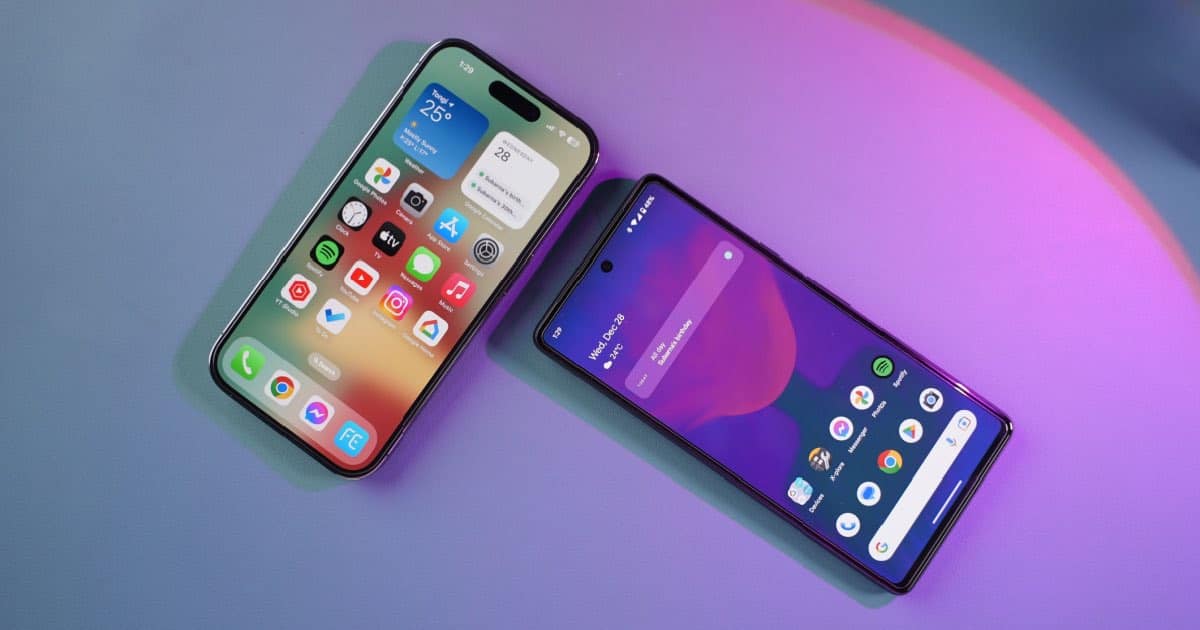
How to Transfer Contacts from Android to iPhone
For those moving from Android to iPhone, you should know that is is really easy to transfer your contacts: I’ll show you how.

How to Redeem 'Pokemon GO' Codes on iPhone
While “Pokémon GO” fans may not know this, there are promotional codes the game offers: here’s how to redeem them on iPhone.

How to Easily Screen Record on Mac Without QuickTime Player
Aside from QuickTime Player and third-party apps, there’s another app built into macOS for screen recording on Mac without QuickTime.

How to Show Heart Rate (Pulse) Directly on Apple Watch Face
If you want to show heart rate (pulse) on your Apple Watch, Arnold Zafra will show you the steps to do so using specific apps and faces.

How To Get the iOS 16.4 Beta After Apple’s Changes
Apple has some some changes regarding how users access developer betas: here’s how to get the iOS 16.4 developer beta after these changes.

How to Clear your DNS Cache in macOS
For security and privacy reasons, it may be a good idea to clear your DNS cache every so often: here’s how in macOS.

How to Set Up an iPad for a Child
After buying an iPad for your child, you should know how to set up the device before giving the tablet to them.
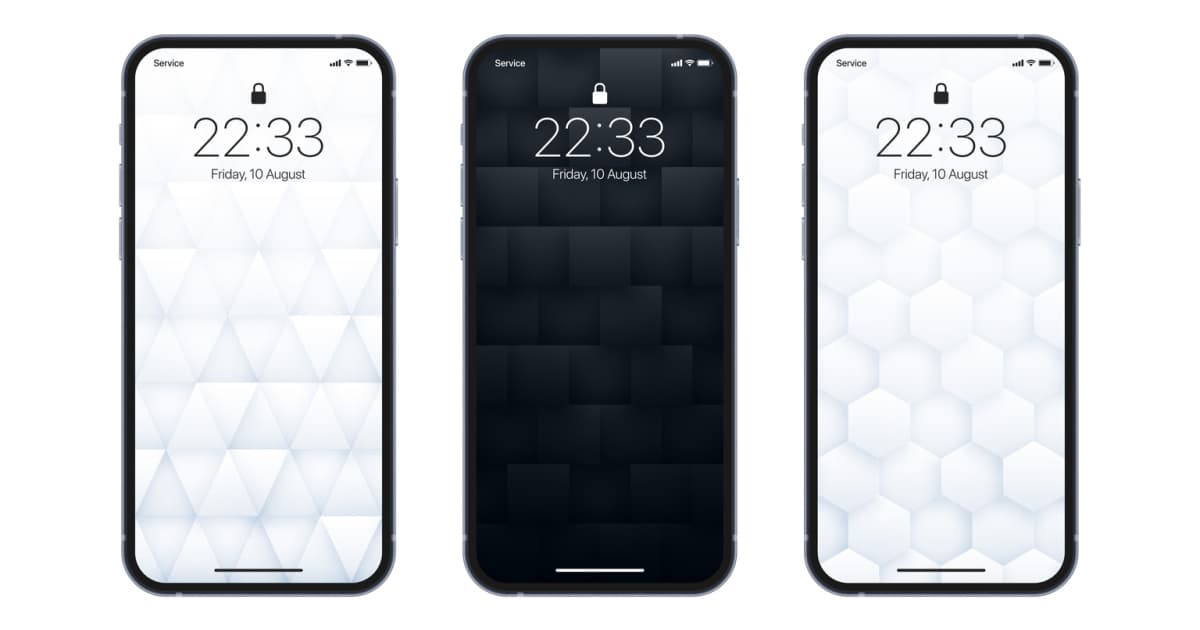
How to Delete a Wallpaper on iPhone Running iOS 16
After you’ve created several custom wallpaper pairs in iOS 16 on your iPhone, you might want to know how to delete them. Let us show you.

Windows Media Player for Mac: Tips and Alternatives
When it comes to Windows Media Player and a Mac device, there’s a lot a user may want to know. I’ll go over details and provide some tips.

How to Stop iMovie From Cropping Video on iPhone
Users who shoot 9:16 vertical video may want to know how to stop iMovie from cropping their video: here’s how on iPhone, iPad and Mac.

5 Solutions to How to Play Windows Games on Mac
Find out how to play Windows games on Mac via GeForce Now, Steam, CrossOver Mac, WineBottler, and Parallels Desktop.
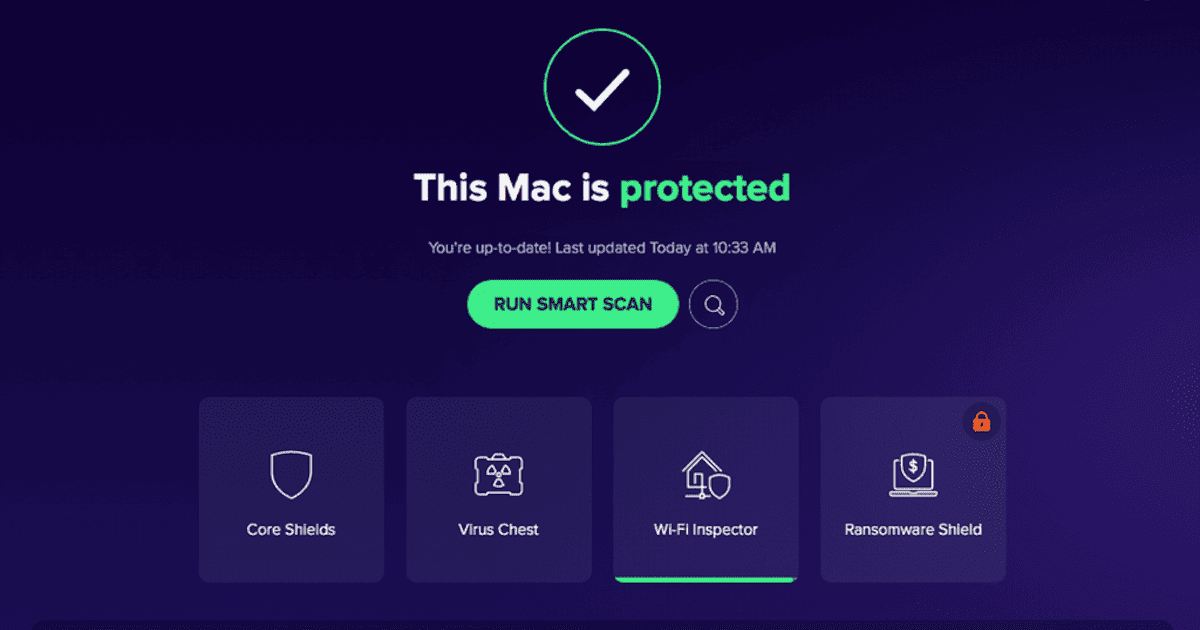
USB Antivirus for Mac: 5 Best Solutions to Keep Your Machine Safe
Protect your Mac from viruses when you connect a USB drive by using the best USB antivirus for Mac listed in this round-up.

What Is the Apple Neural Engine and What Does It Do?
You likely hear about the Neural Engine without really knowing what Apple uses it for. Let’s dig deep into this crucial technology.