For those looking to make a slideshow in iMovie, I’m going to show you how using your Mac, iPhone or iPad.
Tips
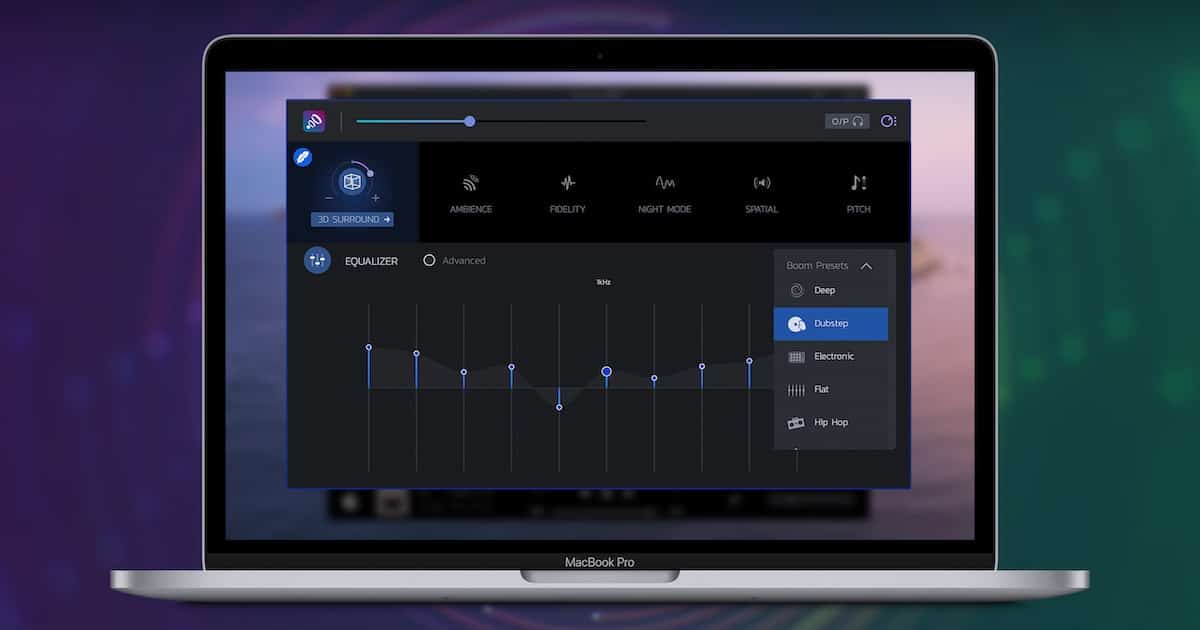
5 Best Mac Equalizer Software Solutions to Keep the Beat Thumping
Looking to enhance the audio quality coming out of your Mac? Arnold Zafra rounds up the best equalizer software that you can use.
Mail on Mac Not Showing All Gmail Emails: Quick Solutions
Try these quick troubleshooting solutions to resolve issues of the Mail app on your Mac not showing all of your Gmail emails.
6 Mac Encryption Software Tools to Protect Your Sensitive Data
Let’s walk through five of the best encryption software options for Mac, helping you protect and secure the sensitive data on your computer.
How to Delete Apps on Mac that Won't Delete
This guide will show users how to delete apps from their Mac that won’t delete, as well as reasons why this may be happening.
6 Best Mac Backup Software Other Than Apple's Time Machine
We’ve run down five of the best Mac backup software tools to help you choose which one to use to create a backup of your Mac’s hard drive.
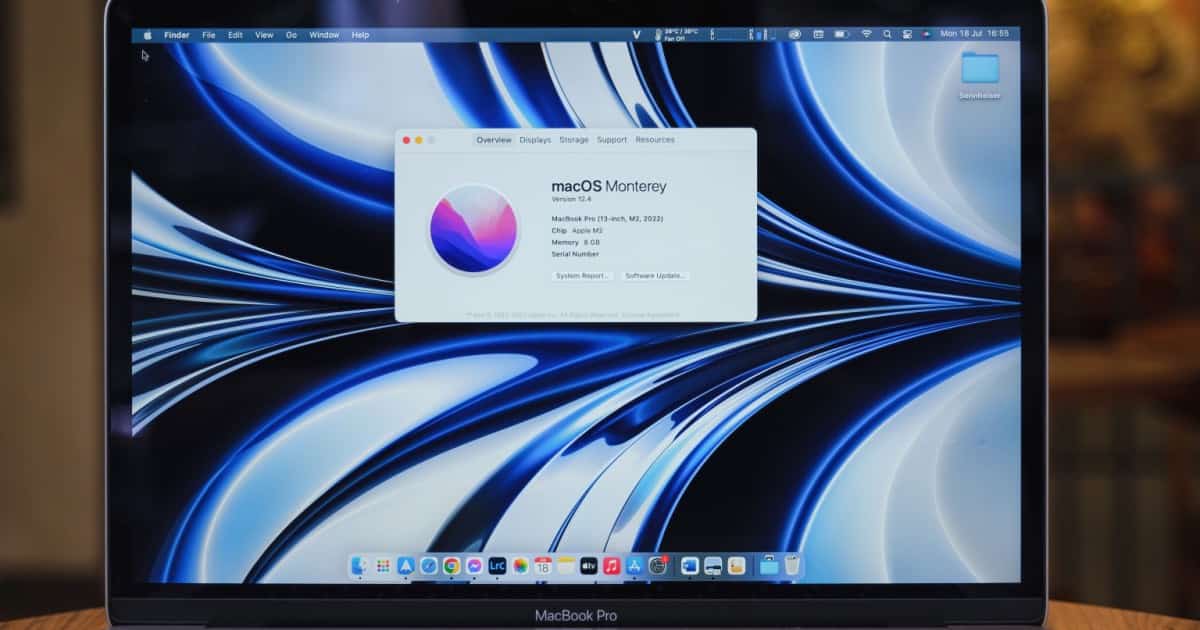
How to Upgrade to macOS Monterey While Avoiding Ventura
Some users may need to upgrade macOS without going to Ventura: here’s how you can do this using macOS Monterey as an example.

Best iPhone and Apple Watch Fitness Apps for Women
When it comes to the best fitness apps for women, there are many on the App Arnold Zafra picks ten apps based on five types of workouts.
The Best Screen Recording Apps for Your Mac
When it comes to screen recording apps for your Mac, there are options for just about all needs and budgets. Jeff Butts highlights the best.

Best iPhone and Apple Watch Fitness Apps for Men
We’ve rounded up the best iPhone and Apple Watch fitness apps for men to help you achieve your fitness goals.

How to Fade Audio in iMovie
Users may not know that they can fade the audio in iMovie, as the controls can be somewhat hidden: I’ll show you how to find and use them.

How to Join Clips in iMovie
Apple’s iMovie is a great app that allows users to create their own projects, and here’s how to join or merge clips on iPhone, iPad and Mac.

Best Mac Photo Editor for Beginners
If you’re starting your foray into the complex world of photo editing, this roundup of the best Mac photo editors for beginner is for you.

How to Use a Green-Screen with iMovie on Mac
For those that love to shoot videos and movies, being able to use a green-screen with iMovie can be super beneficial: here’s how to do it.
Does an M1 Mac Need AntiVirus Software?
When it comes to viruses and malware, there’s a lot of arguments concerning whether a device, like an M1 Mac, needs antivirus software.
How to Share GarageBand Projects the Easy Way
If you like to create music or audio projects in GarageBand, you may also want to know how to share your projects: here’s how on Mac and iOS.
How to Add Music to iMovie and More
Learn how to add music to your iMovie projects using royalty-free tracks you purchased from iTunes Store or elsewhere.

How to Isolate Vocals in GarageBand
When it comes to a user being able to isolate and remove vocals in GarageBand, there’s an easy way, and a really hard way. I’ll show both.
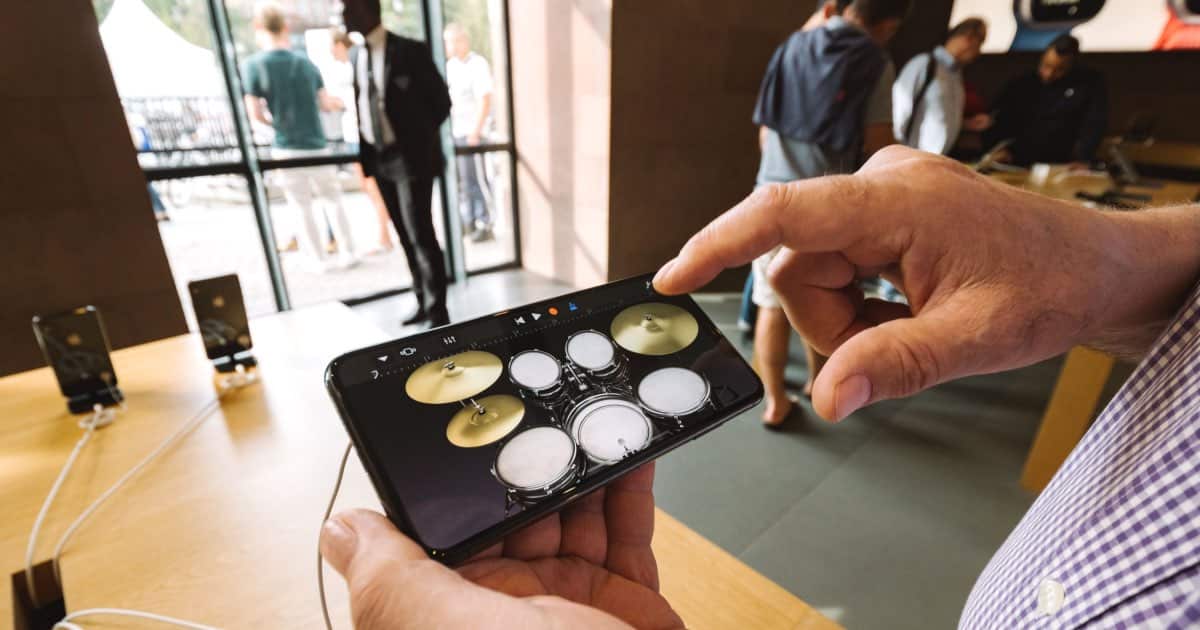
How to Split a Track in GarageBand
For those that need to edit audio, there is a way to split tracks in GarageBand. I’m going to show you how for both Mac and iOS.

How to Install Brew on Mac and More
Read this quick guide if you want to know how to install Homebrew, also known as Brew, and the Xcode Command Line Tools on your Mac.

Mac Terminal Commands You Need to Know to Master the Useful Tool
Learn about the basic and most commonly used Mac Terminal commands to get you started in mastering the powerful macOS tool.

Much Better Dog Tracker Options Than Apple’s AirTag
Folks have been using Apple’s AirTag on their pets. That has several dangers. Check out one of these dog tracker alternatives to the AirTag.
7 Popular Video Editing Apps For Creating Great Content on Your iPhone
We’ve rounded up some of the most-used and widely popular video editing apps for iPhone to help you choose the one that best suits your needs.

How to Turn Up the Volume of Siri on Your Airpods
When you’re busy, Siri can be a big help. However, you may need to adjust the volume of Siri on your AirPods: here’s how to do it.